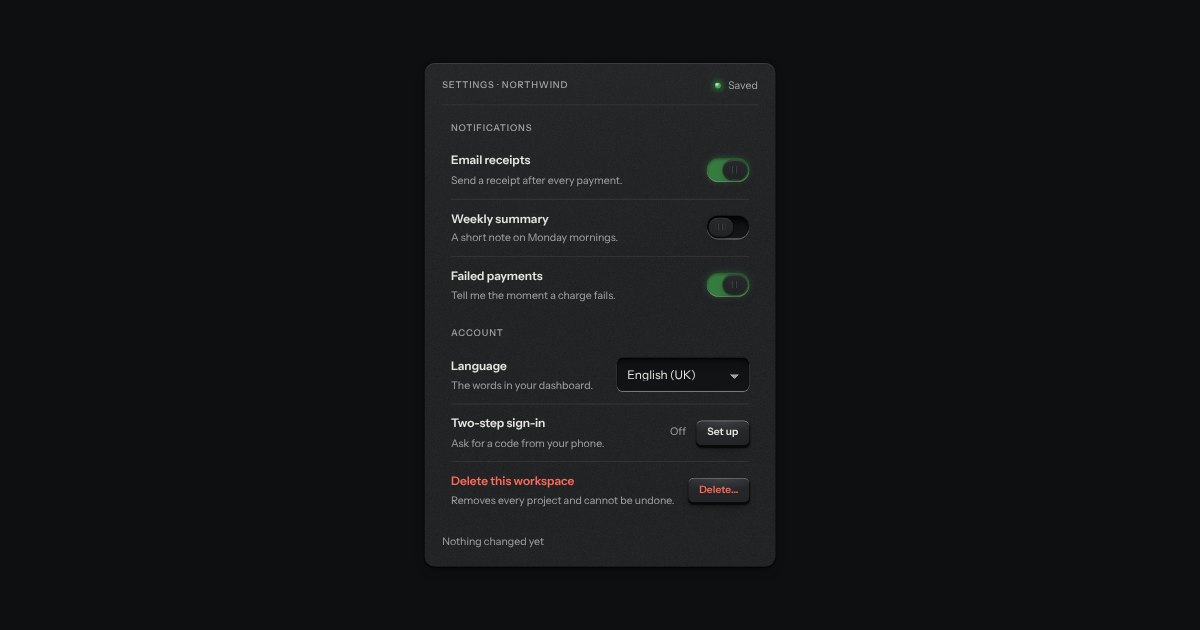
The switch on a settings row whose grip turns to ferrofluid when a hand comes near. At rest it is the kit’s switch. Bring the pointer within a finger’s width or two and the grip becomes a glossy black drop; closer, its spikes snap up and lean toward the pointer. Turn it on and the drop surges across the slot, spikes down while it travels, and stands them taller on the lit side. Move away and they melt and the plain grip comes back. A keyboard focus wakes it too.
The fluid is the Ferrofluid object’s own. One WebGL2 context serves every ferro switch on the page. The fizz is band-passed noise swept up for on and down for off, with a soft thump under the on.
Variants
On
Off
No sentence under the title
Disabled, on
States
Off
On
Disabled off
Disabled on
Props and options
Name
Kind
Description
change
event
The checkbox’s own change event.
data-sound
attribute
Forces the fizz on or off. Without it the switch follows the site’s sound setting, which is off until someone turns it on.
ferroSwitchHTML(options)
function
The switch as markup: id, name, value, checked, disabled, label or labelledby.
ferroSound(on)
function
Plays one drop: a fizz that climbs for on, one that sinks for off.
ferroAllowed(state)
function
Whether a drop may be heard: a trusted change, no reduced motion, not Quiet, and sound on.
ferroStats()
function
What the fluid is doing: WebGL contexts open (0 or 1 for the page), switches drawing, the last frame’s main-thread milliseconds.
Usage notes
Bring the pointer slowly toward a switch and watch the grip; then press the row. Tab to a switch and it wakes as well; Space turns it. On, the slot lights green; off, it goes dark. Turn sound on at the top of the page to hear it.
Accessibility
The state is never the fluid: the slot lights green when on (a lamp in Quiet) and the grip, or the drop standing in for it, sits at that end of the slot.
A disabled switch is dimmed, out of the tab order and never wakes.
With reduced motion, in Quiet, and where there is no WebGL2 it is the plain kit switch: no fluid, no motion and no sound. Sound needs a person’s press and the site’s sound setting on.
What a settings page is made of: a label, one sentence under it and the control at the end, ruled like the list with a hairline between rows and nothing else drawn. A row with a switch or a check is one label, so pressing anywhere on it turns the control; a row with a key, a select or a value is a plain box, so a press means what the key says.
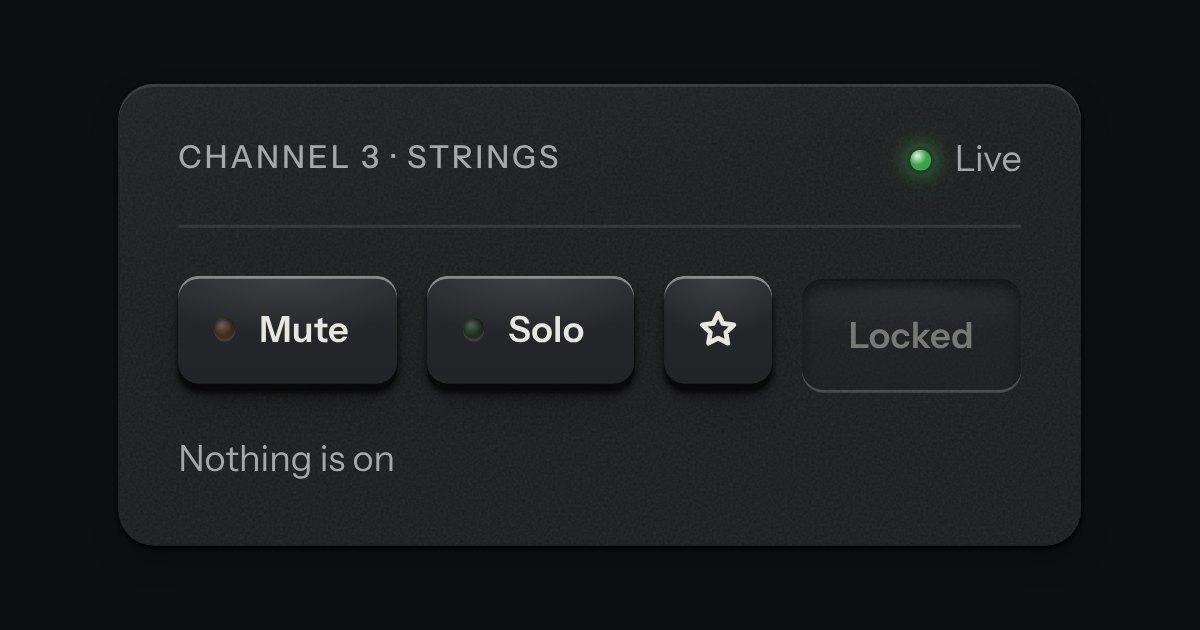
One key that latches below the plate and stays there. It is the kit’s own key with one state to keep, down or up, so it is the way to say mute, pin, bold or armed without the weight of a switch. A lamp in the cap may light while it is down.
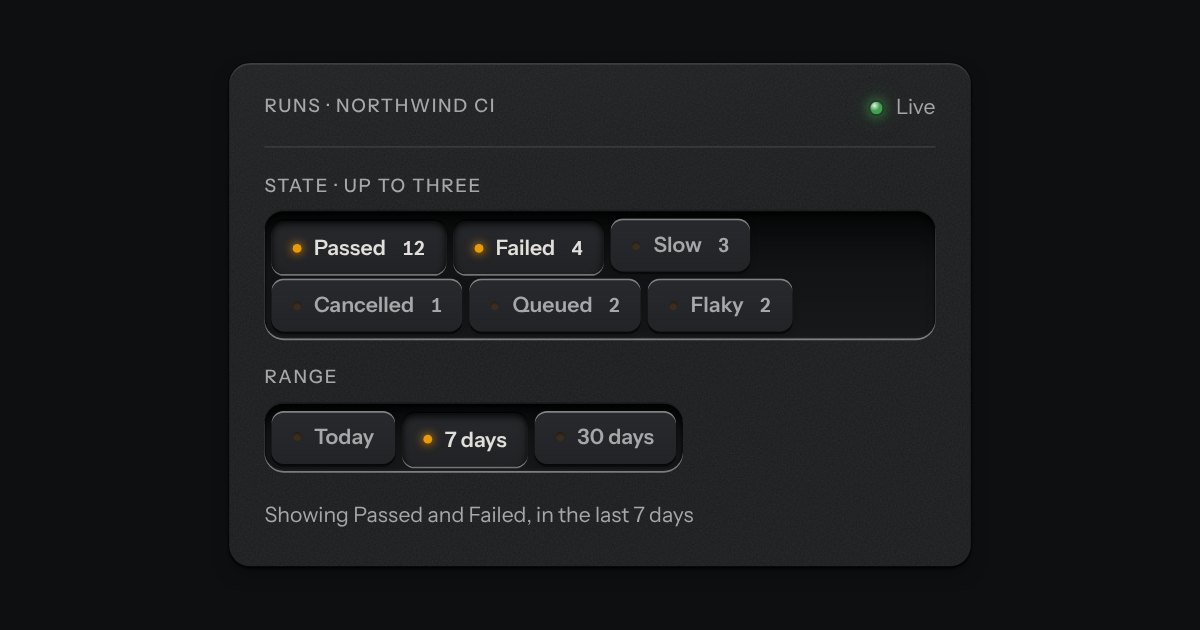
Small plates you press on and off, laid in a tray that wraps: the filters over a table, the topics on a form, the sizes on a product. Each chip is a native checkbox, or a radio when only one may be down, drawn as a small cap that sinks below the tray with its lamp lit. A limit may be set on how many go down at once.