File tree
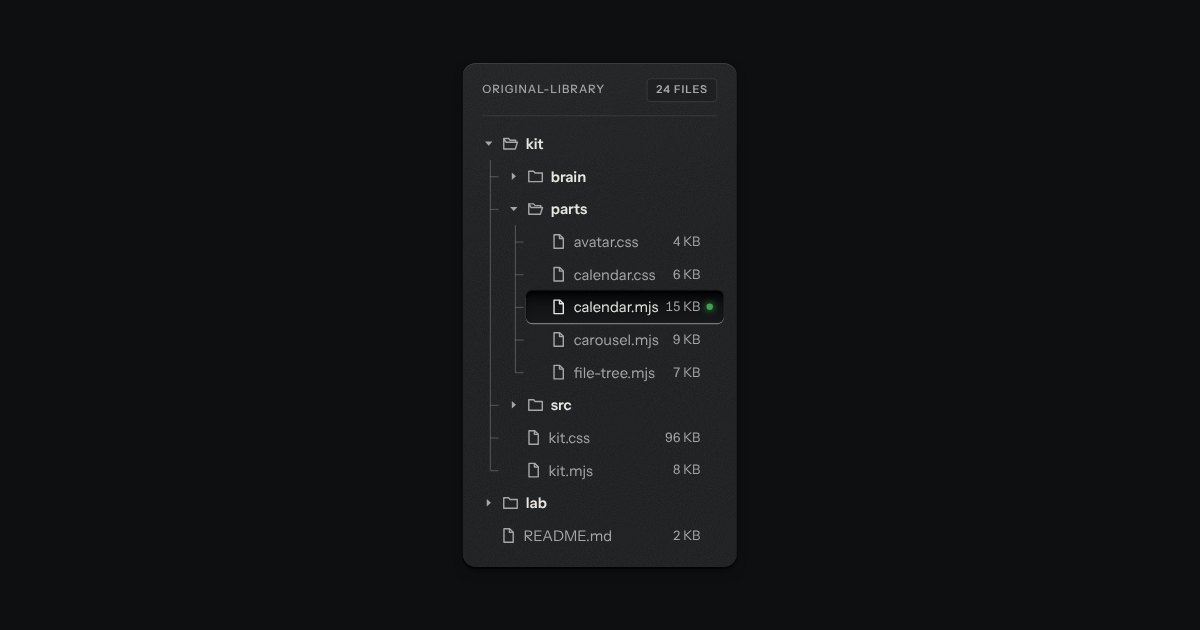
Folders and files as a real tree, printed like a wiring diagram: traces with an elbow into every item, chevrons that turn, and the chosen file set in a recess with its lamp lit. Written as a plain nested list.
Kit parts
A file tree as a card-index cabinet. Folders are drawers, each with a label holder and a cup pull; open one and it slides out with its files standing in it as index cards, each showing its top edge over the card behind. A folder inside a drawer is a divider with a tab. It is a real tree for the keyboard and for a screen reader, drawn from data by one function.
Seats open in 11 days. Want one email that morning?
The cards come forward a few pixels as it opens. Each card is paper with a ruled line, pulled up under the one before it, and throws a short shadow upward onto it; every third card sits a pixel off square. The label holder is a paper card behind a pressed frame drawn with spread shadows, and the pull is a hood with its hollow under it.
| Name | Kind | Description |
|---|---|---|
| drawerIndexHTML(tree, options) | function | The cabinet as markup, from data. tree. |
| options.label · options.chosen | option | The tree’s name, and the path of the card that starts taken out: its drawer and dividers start open and it holds the tab stop. |
| node.meta | option | A few characters at the end of a card, or beside a folder’s name. A folder without one says how many files it holds. |
| Arrows · Home · End · Enter · Space · * · letters | keyboard | The tree pattern’s keys. Right opens a folder, then goes in; Left closes it, then goes out; * opens every folder beside this one; typing jumps to a name. |
| drawerIndexCount · drawerIndexMeta · drawerIndexTab · drawerIndexAncestors · drawerIndexPath | function | The rules, pure: how many files a folder holds, what its label says, where a tab is cut, the folders on the way to a path, and an item’s path. |
Pull a drawer, then take out a card. Or tab in and use the arrow keys: Right opens and goes in, Left closes and comes back out. Home, End, and type a name to jump to it.
Folders and files as a real tree, printed like a wiring diagram: traces with an elbow into every item, chevrons that turn, and the chosen file set in a recess with its lamp lit. Written as a plain nested list.
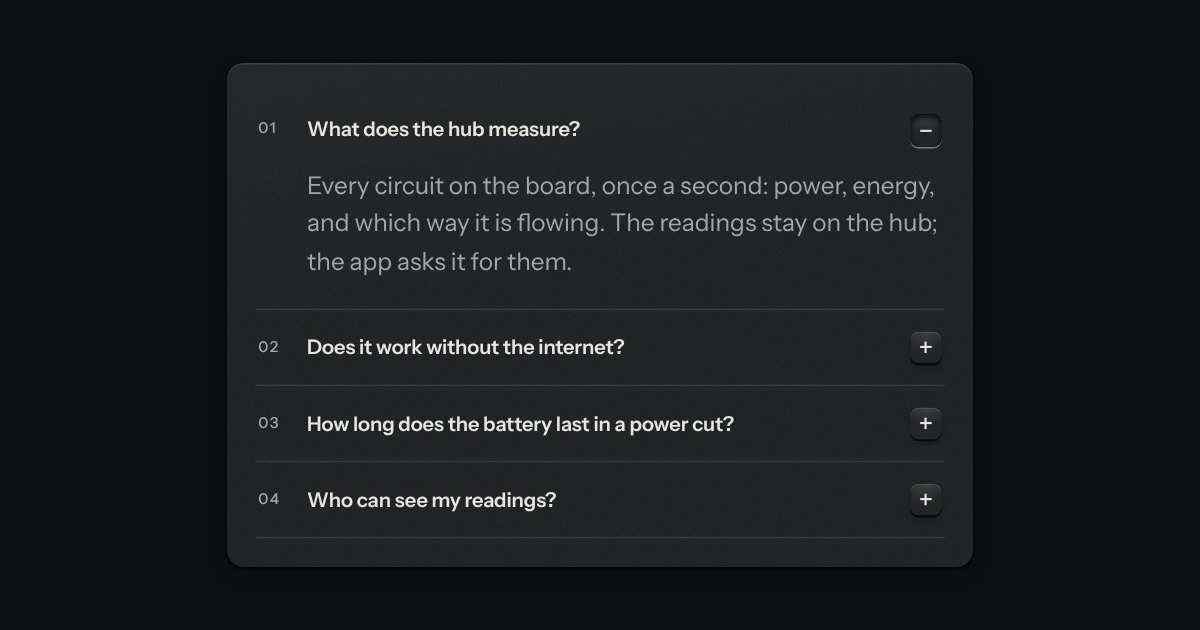
Printed sections that open in place. Each head ends in a small square key printed +; open, the key latches below the plate and reads −.

Rows in a rack: a mark, a title, a second line and a fact or a key at the end. Chosen rows sink into a recess with their check key latched; in a running order, a row lifts out of the rack on its skirt and slides past the others, from the keyboard or by its grip.