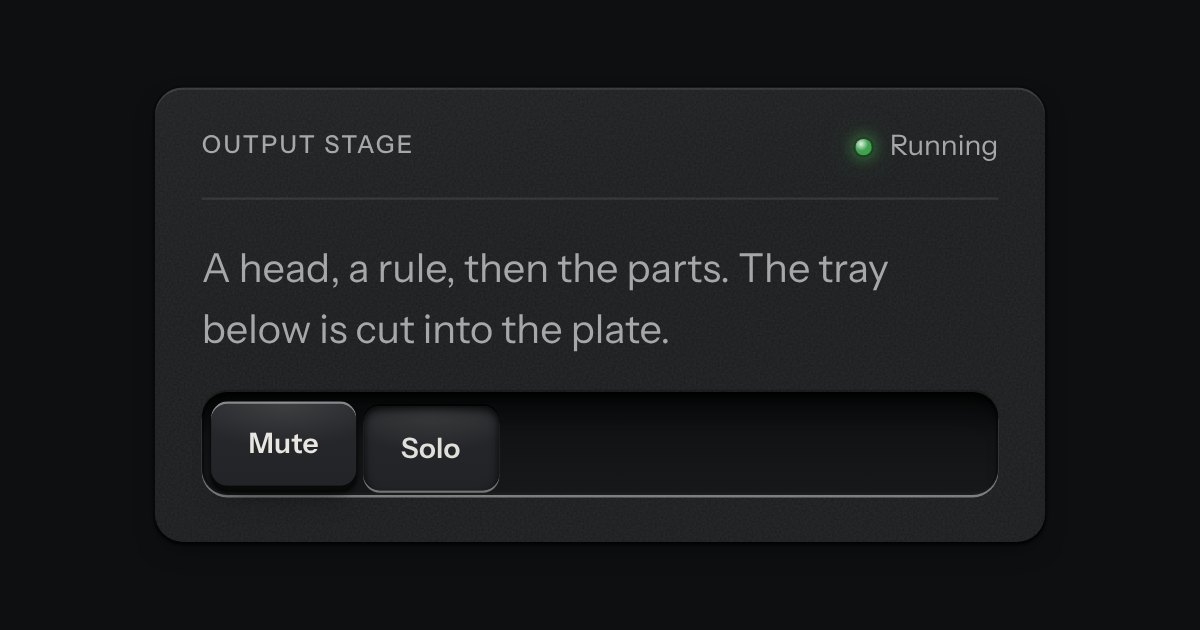
Panel
A face plate that groups what belongs together: a head, a rule, then the parts. Screws only on device-like panels.
Kit parts
One question on a small plate: tick boxes under it, a Submit key and an X to close. Ticking “other” bares a one-line field. Submit stays dark until something is ticked. After Submit the card says thank you in its own place and shuts itself. It is the kit’s own Panel, Check, Field and Key, unchanged.
No new part is drawn here. The plate is Panel, the boxes are Check inside Choice labels, the field is Field with Input, Submit is a primary Key and the X is a flat icon Key; the stylesheet only lays them out in one grid. A single set of listeners on the document, installed once, reads the card each time. Nothing is read from storage or sent anywhere; where the answer goes is the page’s listener.
| Name | Kind | Description |
|---|---|---|
| [data-surveycard-other] | attribute | The key of the answer that bares the one-line field. Leave it out of the options and the field never shows. |
| [data-surveycard-thanks] | attribute | The line said in the card after Submit. |
| closeSurveyCard(root) | function | Shut the card as the X does. |
Tick “other”: a field opens under the list. Submit stays dark until a box is ticked. Press it and the card thanks you and shuts; the X shuts it at once.
A face plate that groups what belongs together: a head, a rule, then the parts. Screws only on device-like panels.
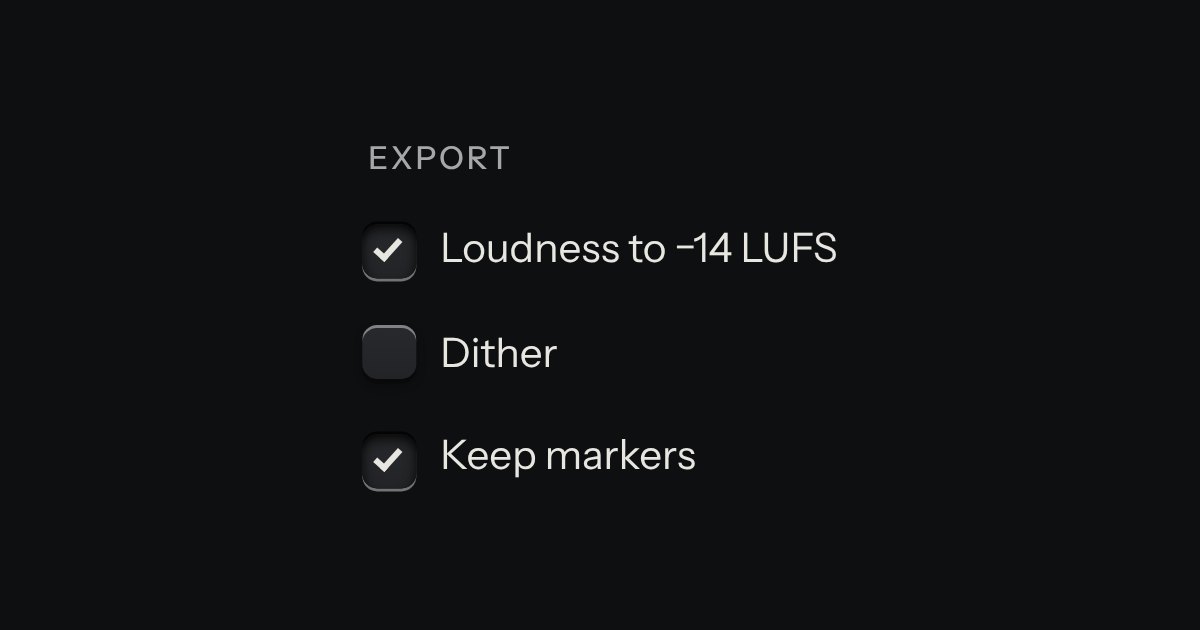
An option in a form: a small square key that presses below the plate when chosen, with a tick printed on it.
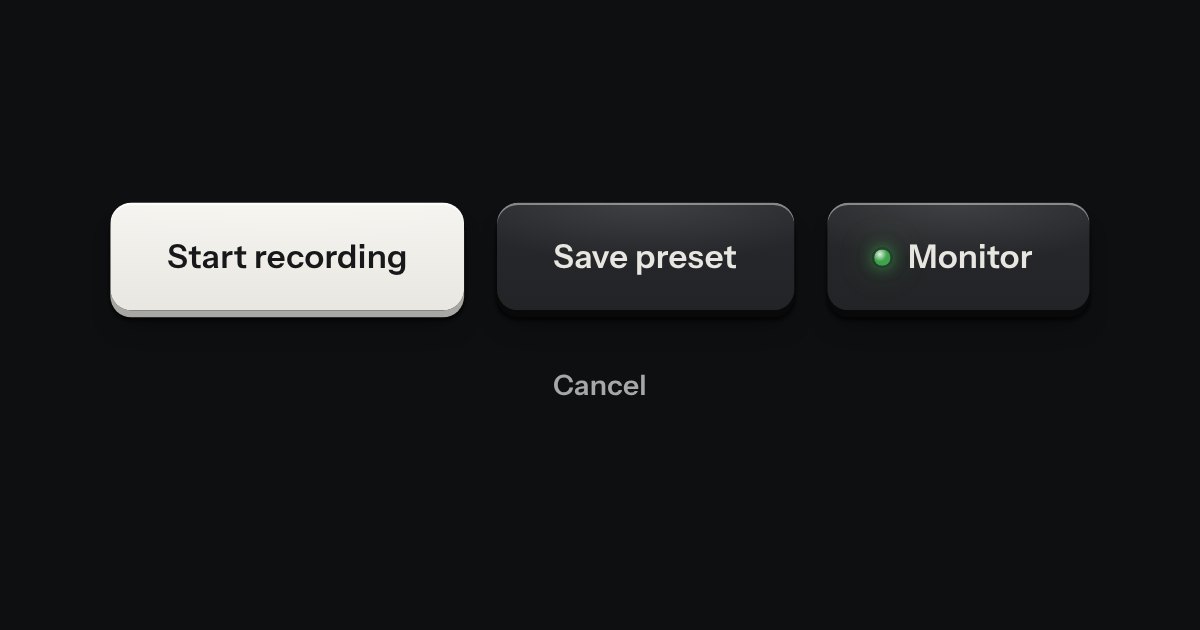
Every button, and every link that acts like one: a cap on a skirt that drops below the plate when pressed.
A plate pinned to the page foot, hinged along its top edge. Closed, it reads as one line with Essential only, Choose and Accept all. Press Choose and the face tilts up while the compartment under it opens, baring three rocker switches, Necessary locked on. Press Save choices and the panel shuts and the face swings back down, latching flat with a small click.
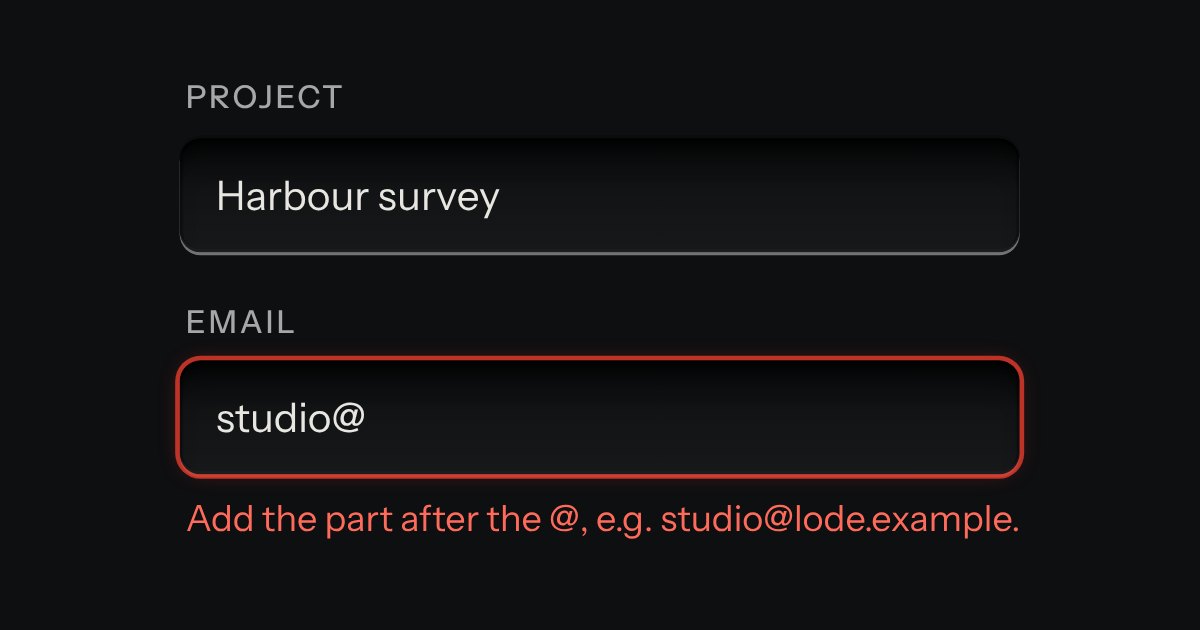
Text entry in a recess, the label printed above it, and a hint that says how to fix an error.