Pagination
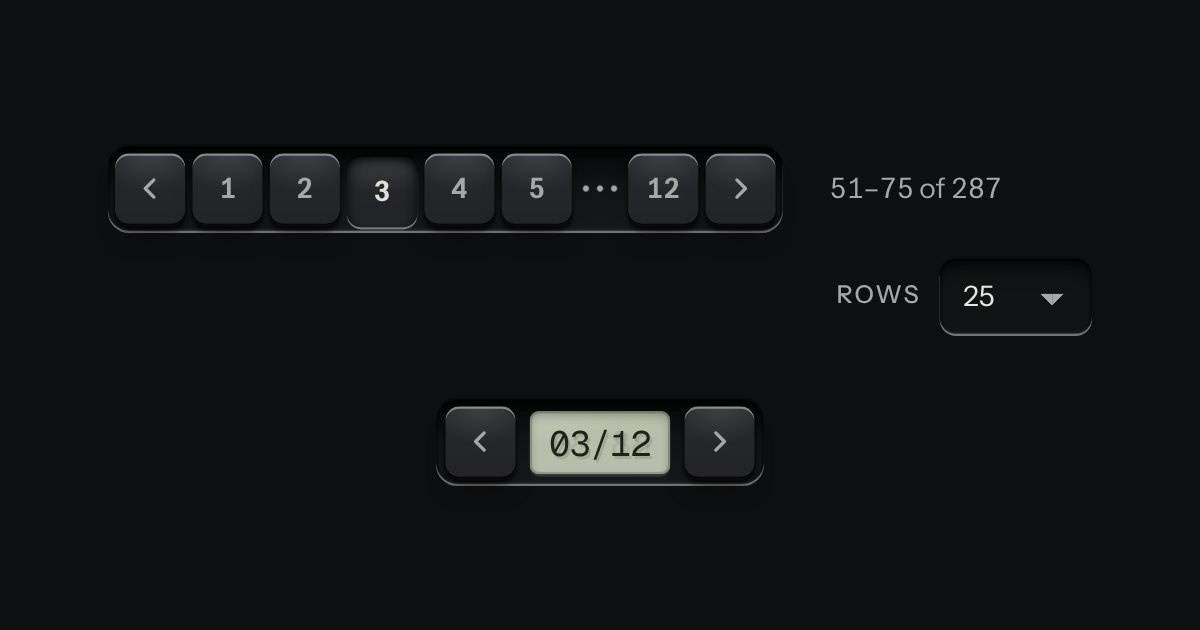
Pages for tables and lists: numbered keys in a tray with the current page latched down, seven slots so the row never changes width. Compact, it is a transport with a track counter.
Kit parts
Pagination as a thumbwheel. A knurled wheel stands in a recess with a window in its face, and the page number rolls past it on a paper tape. A key either side steps by one. The keys are plain links, so it pages without any script; the wheel is what a script adds.
Seats open in 11 days. Want one email that morning?
A wheel is a cylinder seen from the side, so it is three shadings on a face: dark at the top, light through the middle and dark below, with ridges across it that shrink no further than the eye needs. The window is cut into its face with the tape behind it: five numbers, the current one in the middle, each a row tall, shifted by the fraction of a turn so the neighbours slide into view. The element adds the behaviour and nothing else: drag, wheel, keys, the spinbutton semantics, and the two keys’ addresses; the markup underneath is what a server sends.
| Name | Kind | Description |
|---|---|---|
| label | attribute | The name the wheel is announced by. Without it, the nav’s aria-label with “, pages” taken off, then “Page”. |
| href | attribute | With it a turn ends in going to that page, half a second after the last movement or at once on Enter. Without it the page changes in place. |
| page | property | Read or set the page. Setting it turns the wheel. |
| pageWheelHTML · pageWheelClamp · pageWheelHref · pageWheelTurn | function | The markup for a server; the nearest page that exists; a template filled in; and a drag turned into pages. |
| drag · scroll | pointer | At either end the scroll goes on to the page. |
| ↑ → · ↓ ← | keyboard | One page on or back. |
| PageUp · PageDown | keyboard | Ten pages. |
| Home · End · Enter | keyboard | The first page, the last page, and go to the page now. |
Drag the wheel up or right, scroll over it, or Tab to it and use the arrow keys. The keys either side step by one.
Pages for tables and lists: numbered keys in a tray with the current page latched down, seven slots so the row never changes width. Compact, it is a transport with a track counter.

A small integer with − and + keys either side, in one well.
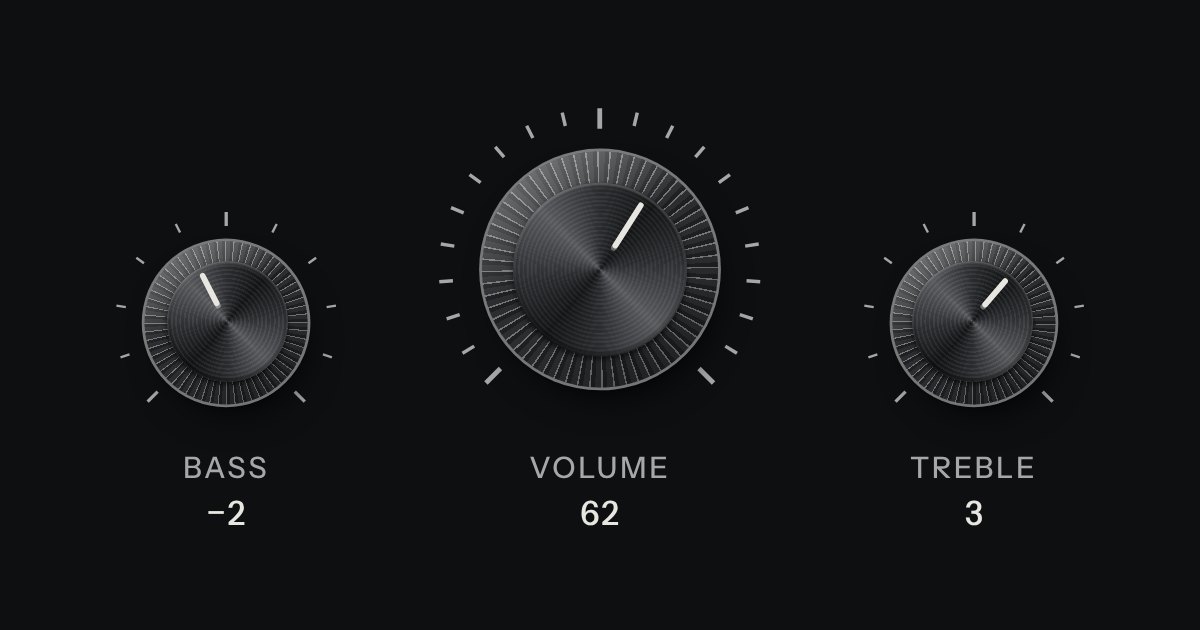
A rotary control for continuous or stepped values where space is square. Its knurl and pointer turn; its light does not.