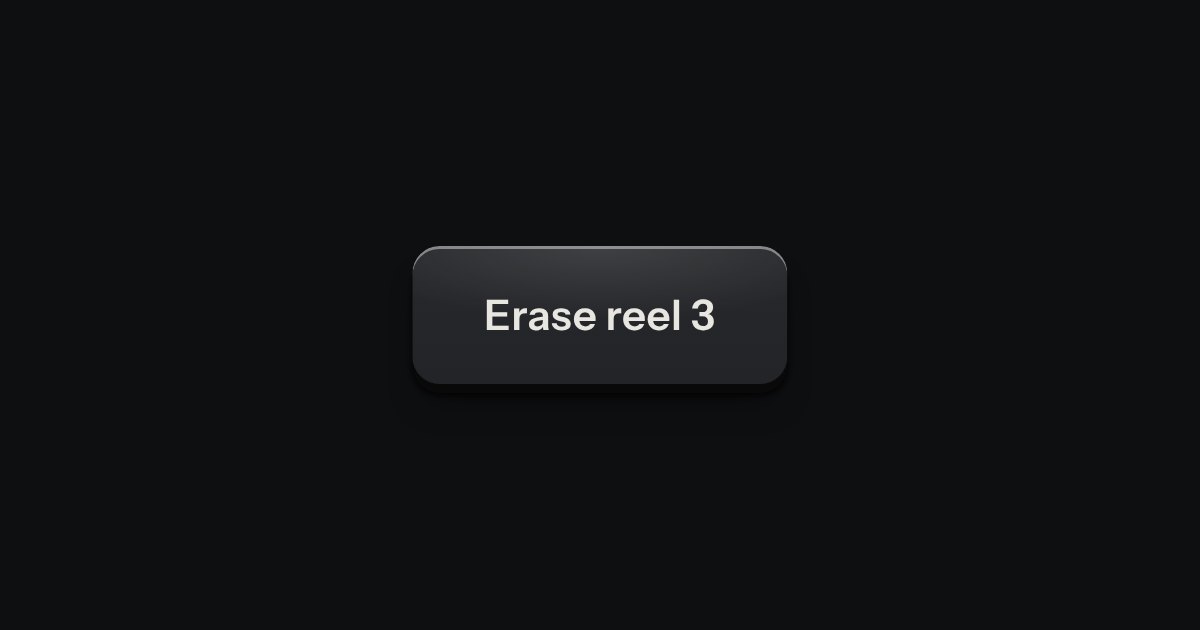
Dialog
A decision that must be made now: a native dialog with a question, one sentence of consequence, a way back and the act.
Kit parts
The dialog plate for a question that must be answered before an act that matters. A caution strip is set across its head with one lamp in it, red when the act cannot be undone and amber when it can. The question is the title, one sentence says what will happen, and a grave act can ask for its name to be typed first.
Seats open in 11 days. Want one email that morning?
It is the kit’s dialog plate with nothing new underneath. The script adds what the platform does not: the act key held until the words match, Enter in the guard that acts only then, Escape read as “cancel” however the last answer went, and invokers for browsers without them. The caution strip is the well recess cut as a pill, lit on its lower lip, with the kit’s own lamp in it. On a phone the two keys share the row.
| Name | Kind | Description |
|---|---|---|
| commandfor | attribute | Opens it as a modal; native where the browser has invokers, done by the part where it does not. |
| autofocus · formnovalidate | attribute | The focus starts on it, and it closes without asking the guard. |
| data-guard · pattern | attribute | The words to type. The act key is held until they match, trimmed and exact; the pattern does it without a script. |
| confirmDialog(options) | function | Builds a dialog, shows it, takes it away, and resolves true or false. |
| openAlertDialog(dialog) | function | Shows it from a fresh start and resolves true if it closed on the act key. |
| alertDialogHTML(options) · guardMatches · guardPattern | function | The markup from data; whether typed words match; the pattern that accepts them. |
| Tab · Escape · Enter | key | Move between the keys and the guard (the modal keeps the focus inside); answer no; press the key in focus, or act from the guard once it matches. |
Revoke the key: the act key stays held until “ci-deploy” is typed, and Enter in the field only acts once it matches. Escape, or Keep it, answers no. Leave asks with an amber lamp, as nothing is lost for good. The third key asks from code and prints the answer.
A decision that must be made now: a native dialog with a question, one sentence of consequence, a way back and the act.
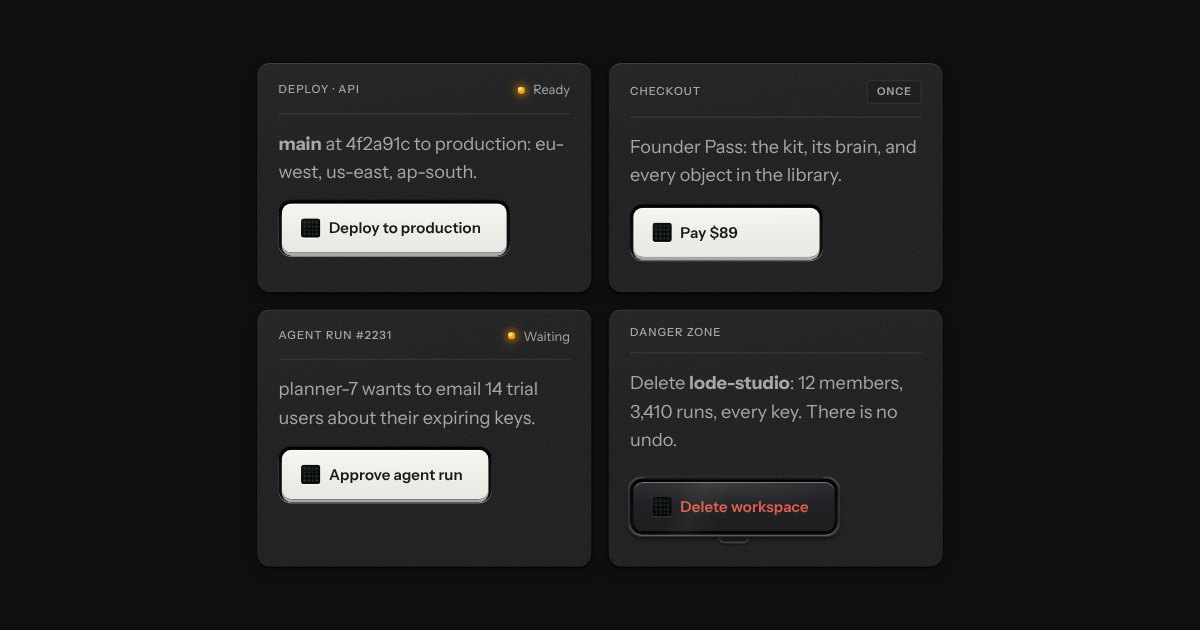
A key for work that takes time and must not run twice. It latches below the plate while the work runs, an LED matrix in its face scanning amber, and says how it ended.
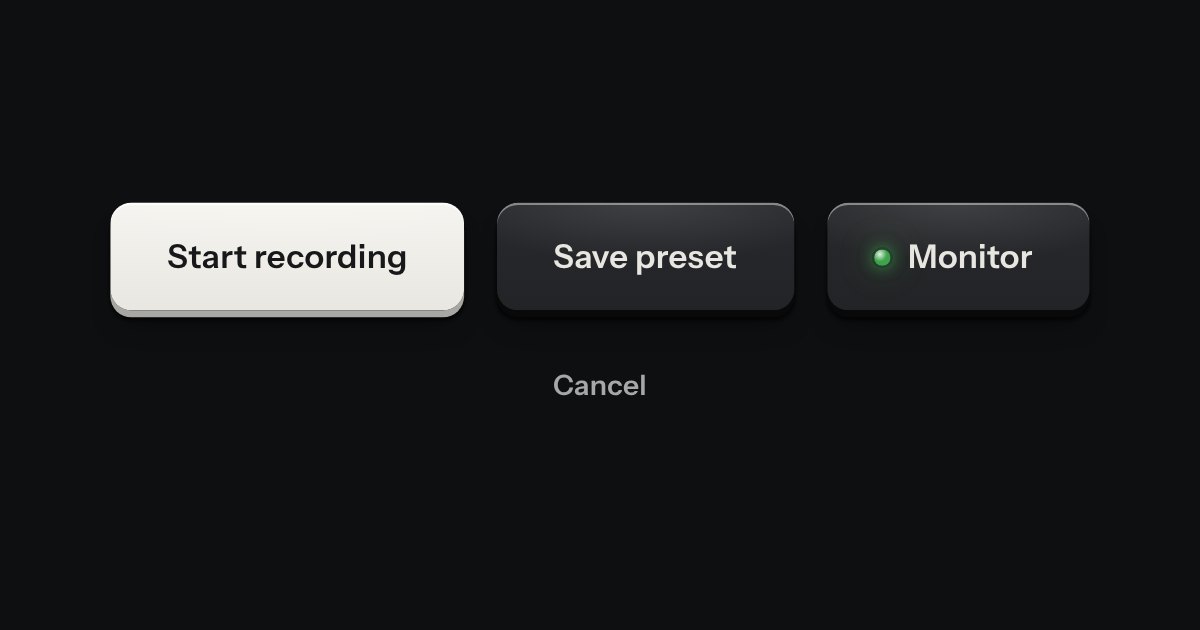
Every button, and every link that acts like one: a cap on a skirt that drops below the plate when pressed.
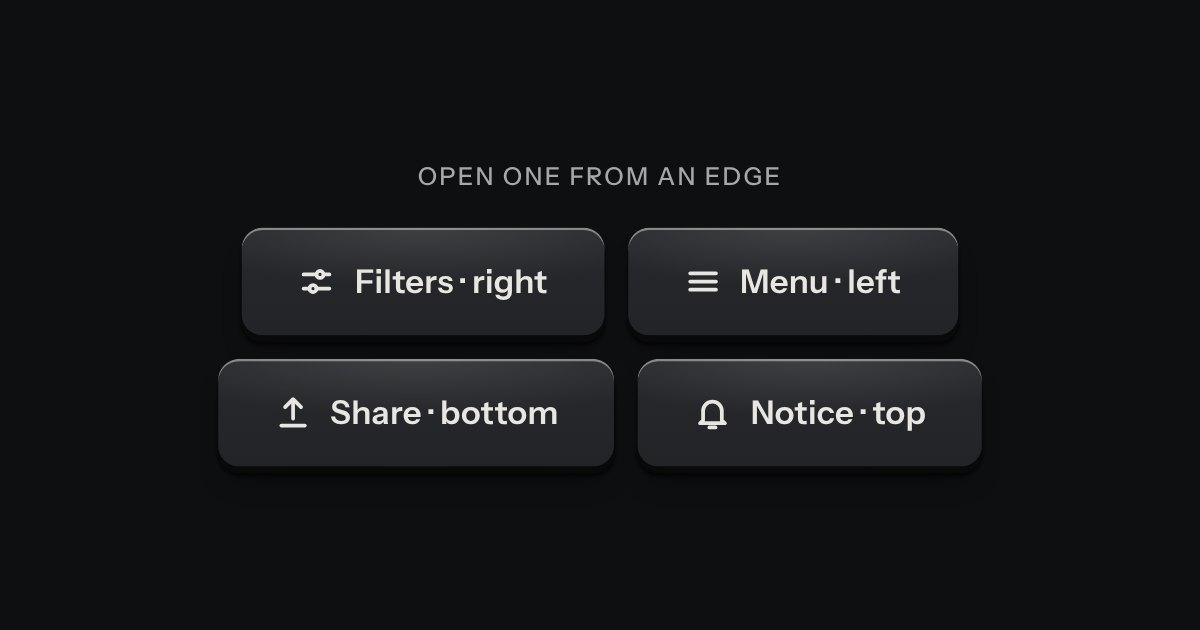
A panel that slides in from any edge of the window, on the native dialog. A face plate bolted to the frame, with a machined grip let into its inner edge to pull it shut by.