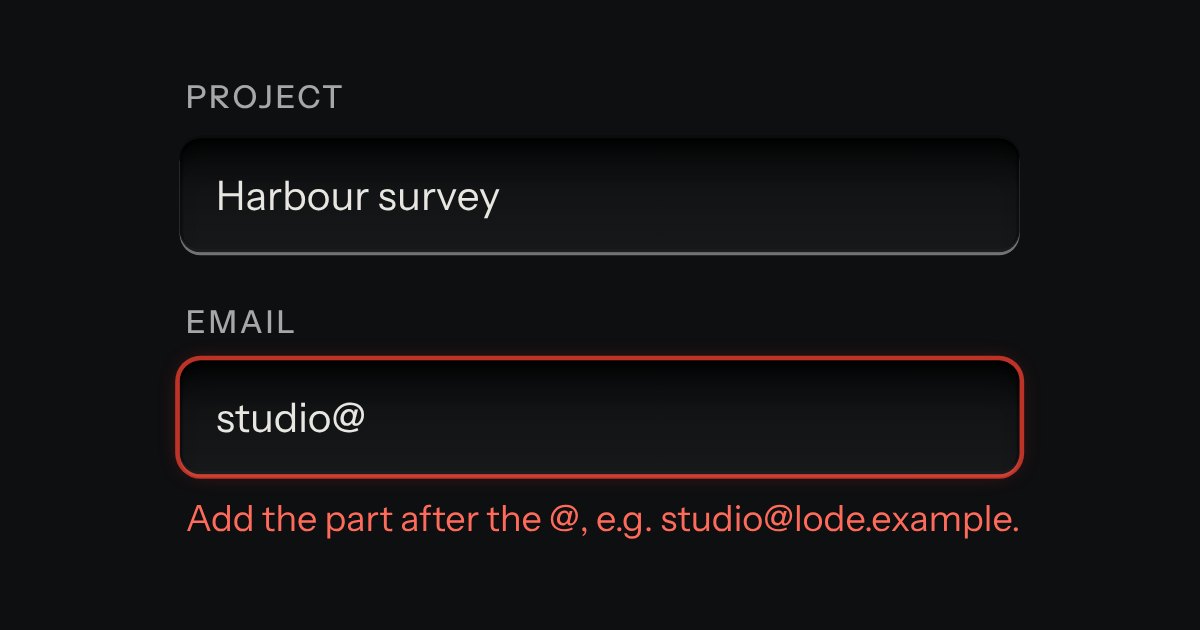
Field
Text entry in a recess, the label printed above it, and a hint that says how to fix an error.
Kit parts
One recess that holds a field and everything that belongs to it. Words that are part of the value but are not typed, such as https:// or a currency, are printed on the floor of the well behind an engraved line; a glyph sits at the start; small keys sit at the end to clear the text, copy it, or show a password.
Seats open in 11 days. Want one email that morning?
One recess, drawn with the field’s own well tokens, holds a borderless input that stretches to fill it. Printed words get an engraved line to their side: a dark hairline with the catch light just past it, on the side away from the lamp. Keys are the combobox’s small cap, sitting on the floor of the well, and they go down when pressed. The element only reads the input’s value and type: Clear sets the value and fires input and change; Show turns a password into text and back; Copy uses the clipboard and falls back to selecting the text.
| Name | Kind | Description |
|---|---|---|
| data-input-action | attribute | |
| data-what | attribute | Names the field in the key’s name: “Copy endpoint”, “Show secret”. |
| input | property | The text field inside. |
| inputActionState(action, state) | function | What a key shows: hidden, its name, whether it is down. |
| Escape | key | Clears it, and goes no further (a dialog behind stays open) while there was something to clear. |
Type in the search and press Escape to clear it. Copy the endpoint: the key says Copied with a green lamp. Show the secret, and its key stays down until you hide it again. Send posts the form; the line under it prints what was sent.
Text entry in a recess, the label printed above it, and a hint that says how to fix an error.
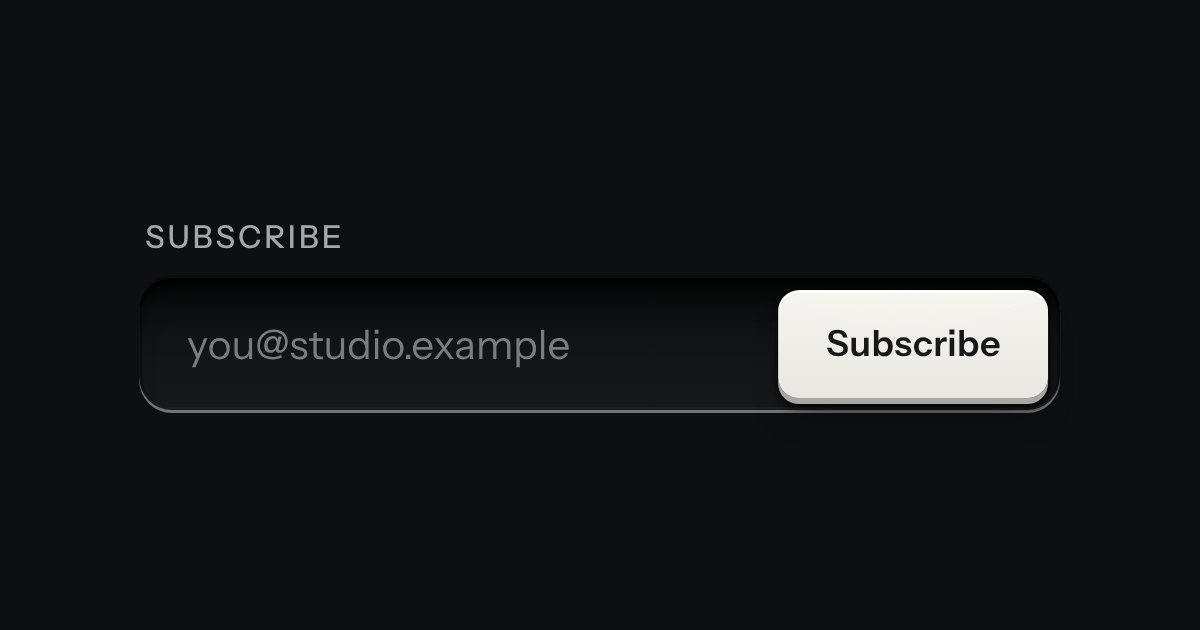
One field with its one action in a shared well: subscribe, search, add.
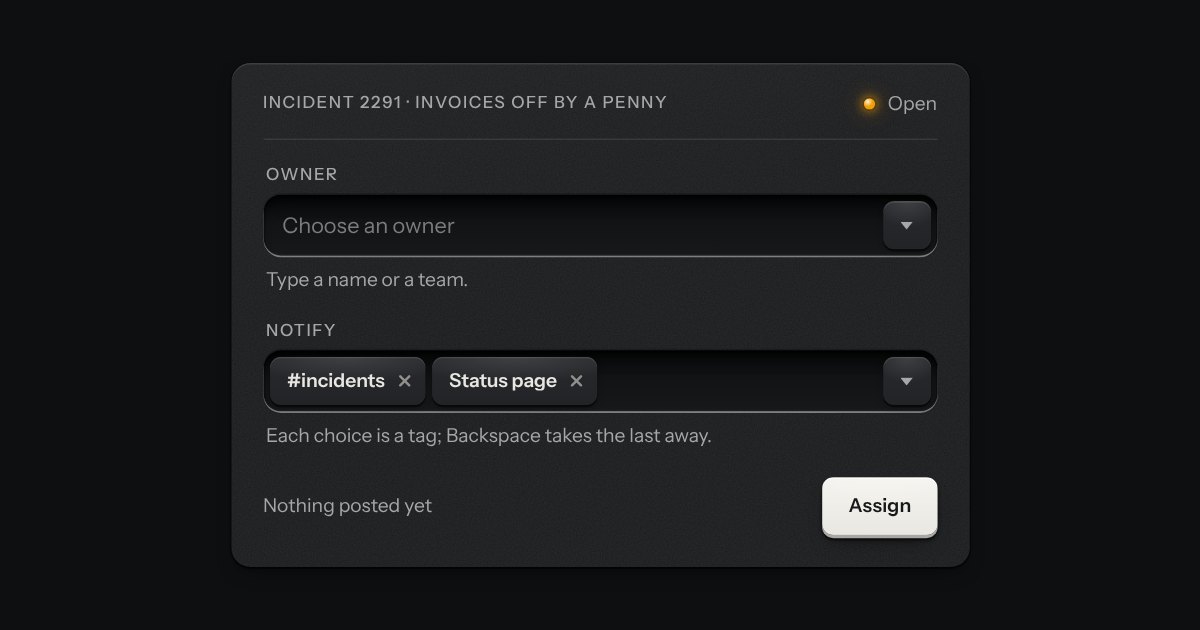
A field that filters a long list as you type. It starts as a plain select, so it posts with the form and works without a script; then the options card slides out of a slot under the well, the letters that match print heavier and the chosen option’s lamp is lit. Several choices sit in the well as tags.
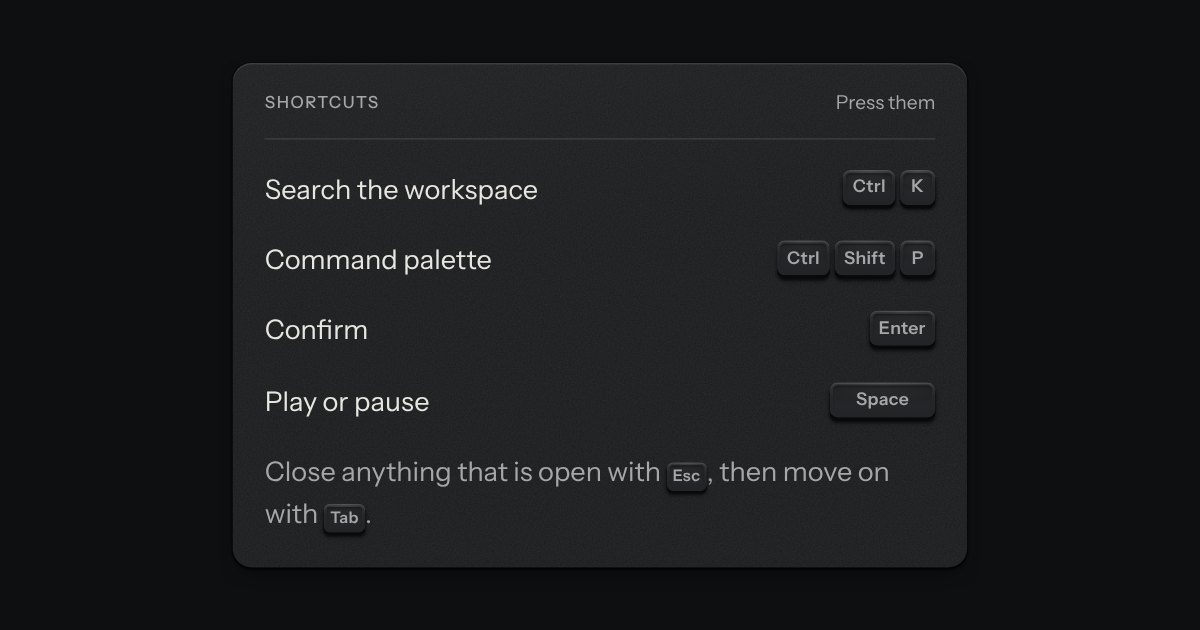
The key to press, drawn as the key: a small cap on a skirt with a dish worked into its top. Shortcuts come as combos and follow the platform, so ⌘ K on a Mac is Ctrl K elsewhere.