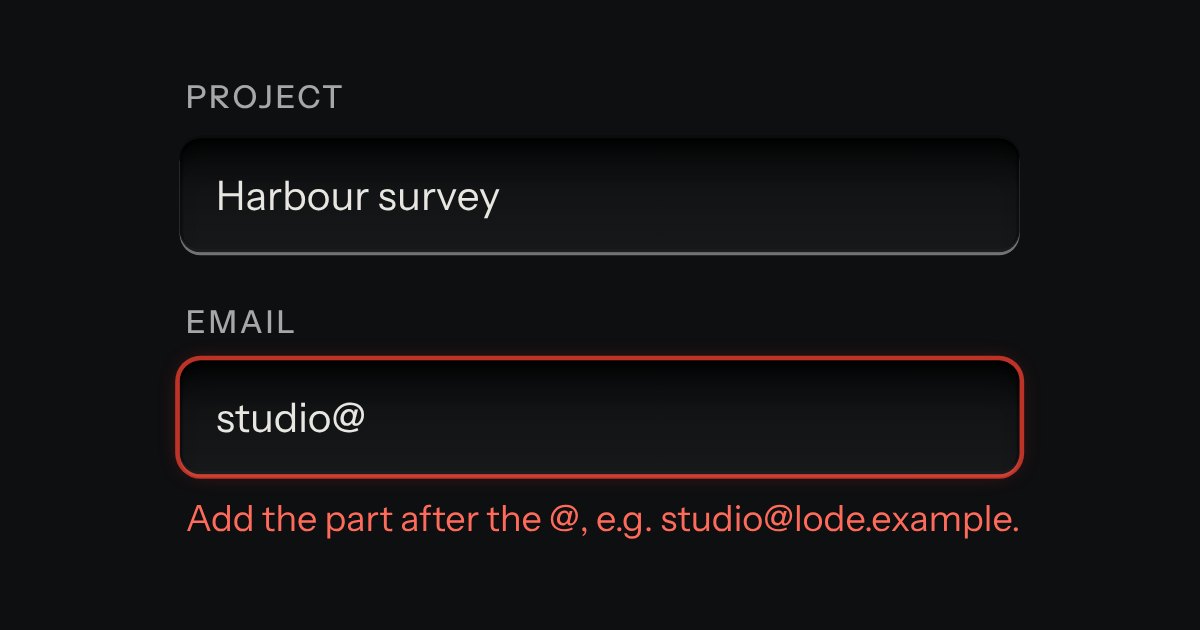
Field
Text entry in a recess, the label printed above it, and a hint that says how to fix an error.
Kit parts
An amount of money in the field’s well, with its currency printed on the floor at the left (the symbol and the code, or a native select when several are offered).
Seats open in 11 days. Want one email that morning?
The field’s well, with the input group’s way of printing a prefix: the currency sits on the floor, parted from the figures by the same engraved line. The figures are a native input set right in tabular numerals, so a column of amounts lines up. Grouping, the caret and the paste rules are small pure functions over strings and BigInt, with Intl supplying only the separators and the decimals. Nothing animates, so reduced motion changes nothing.
| Name | Kind | Description |
|---|---|---|
| value | attribute · property | The amount as an integer. The property is “” when the field is blank. Setting it rewrites the field. |
| currencies | attribute | Offers a native select in the legend. data-fixed keeps the current currency as plain text. |
| currency-name | attribute | Also posts the currency code under this name. Absent by default, so a single-currency form posts one field. |
| data-fixed | attribute | Keeps the currency as plain printed text even when currencies lists several, so there is no select. |
| label | attribute | The amount input’s accessible name when the field draws its own well. Default “Amount”. |
| negative | attribute | Otherwise a minus is ignored. |
| min · max | attribute | The least and most, in minor units of the chosen currency. Outside them the field is invalid and says so. |
| required · disabled · readonly · placeholder | attribute | Disabled also follows a disabled fieldset. The placeholder defaults to zero in the currency’s decimals. |
| error | attribute | Marks the field invalid with the server’s own words and shows them at once. |
| currencyDigits() · currencySymbol() · moneySeparators() | function | The decimals, the symbol and the decimal and group characters Intl gives for a currency and a locale. |
| parseAmount() · normalisePaste() · groupAsYouType() | function | Typed text to minor units as a BigInt with no floating point; a paste into the figures it means; and the grouped text with the caret put back. |
| formatMinor() · formatMoney() · moneySays() · moneyIssue() | function |
Leave the field and the decimals are filled in. In the refund, type a minus first. Press Book berth: the form prints what it posts, in minor units.
Text entry in a recess, the label printed above it, and a hint that says how to fix an error.
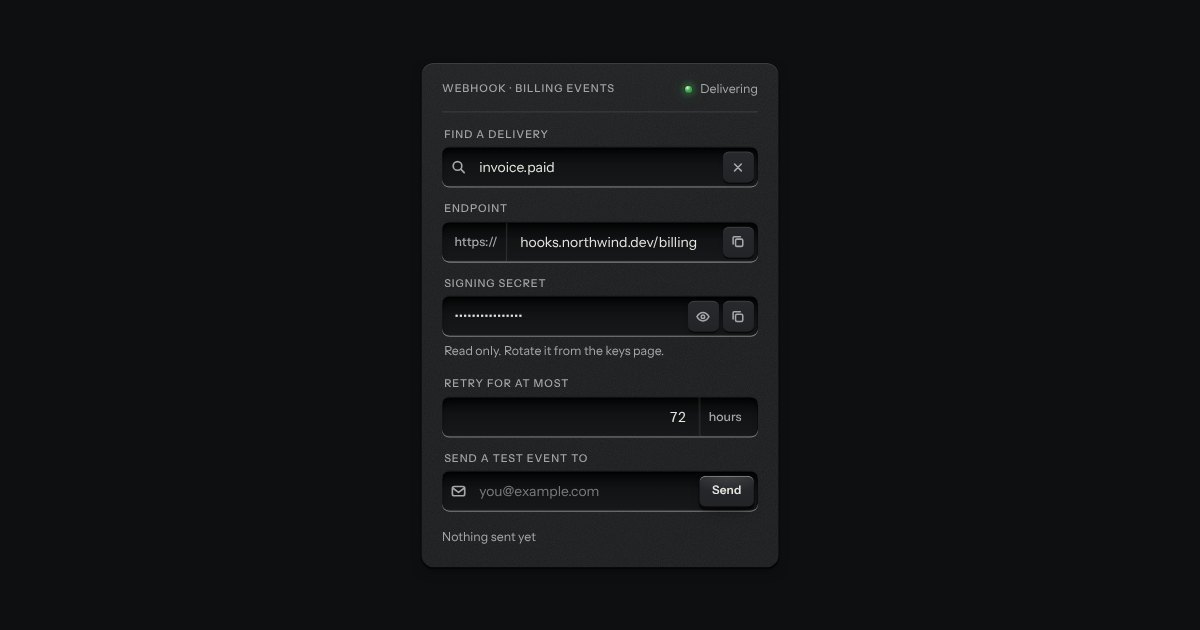
One recess that holds a field and everything that belongs to it. Words that are part of the value but are not typed, such as https:// or a currency, are printed on the floor of the well behind an engraved line; a glyph sits at the start; small keys sit at the end to clear the text, copy it, or show a password.
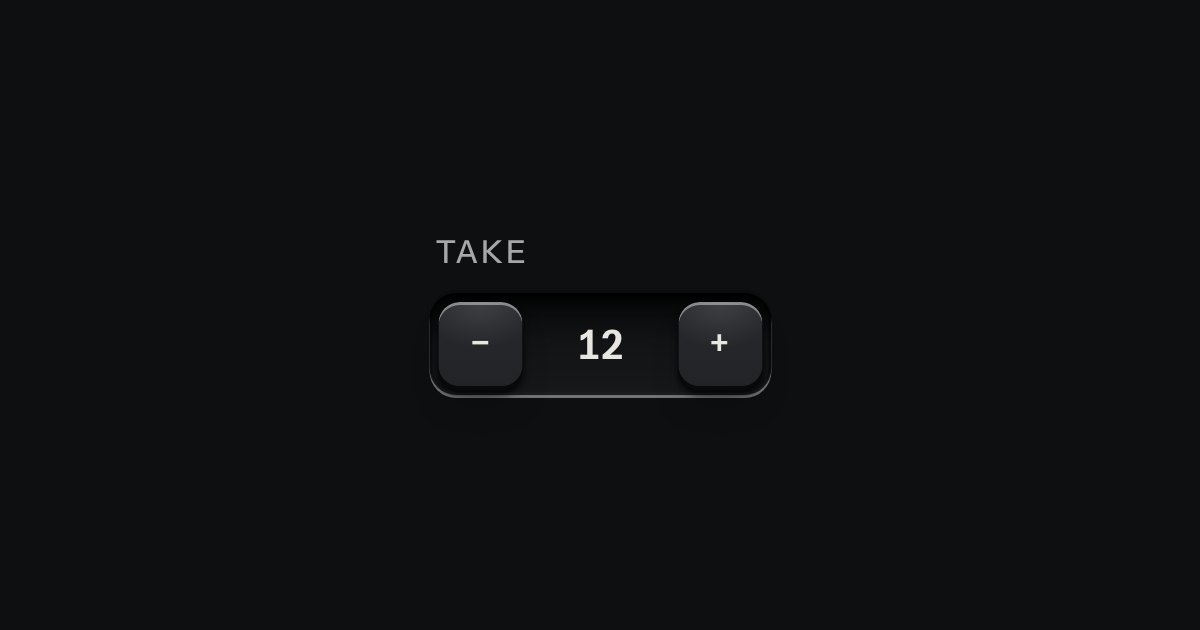
A small integer with − and + keys either side, in one well.
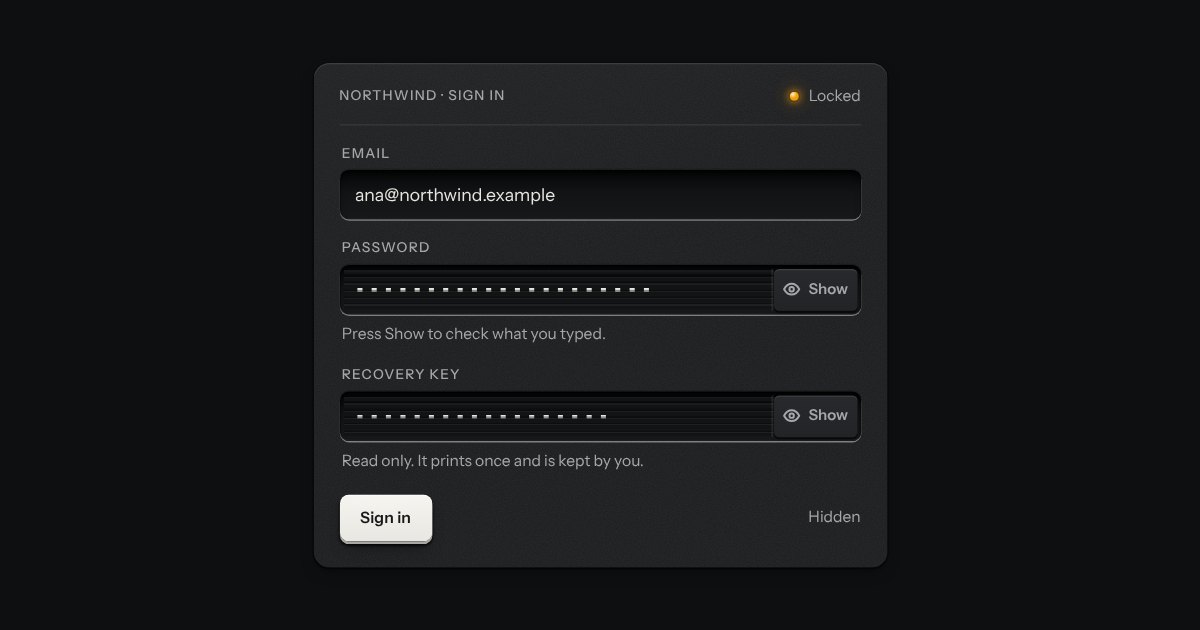
The field’s well with a louvred shutter drawn across its characters and a peek key at the end. Press the key and the shutter slides off to the right, the characters stand open, and the key stays down; press it again and the shutter closes. The key says Show or Hide, and the caret never leaves where it was.