The keys under a reply: Copy, Retry, and a pair to rate it up or down. They are the kit’s own keys in its toolbar, so they are one tab stop with the arrow keys between them. With a mouse they stay out of the way until the reply is hovered or anything in it has the focus; with a finger there is no hover, so they are always there. Copy is the copy key.
Seats open in 11 days. Want one email that morning?
Anatomy
The toolbar, the copy key and the toggle key, with nothing of its own but the rule that hides the rack until it is wanted. The icons are the kit’s line icons.
The rack’s markup, the rating after a press, and what is said after it.
Usage notes
Hover the reply, or Tab into the keys: they appear. Press Copy to copy the reply, Retry to ask for it again, and the thumbs to rate it; press the same thumb again to take the rating back. Each outcome is said once, politely.
Accessibility
The rack is the kit’s toolbar: one tab stop, the arrow keys between Copy, Retry and the two ratings, Home and End to the ends. The keys are real buttons, named for what they do (“Copy the reply”, “Good reply”, “Poor reply”).
With a touch screen it is always shown, since there is no hover to wait for.
The ratings are toggle keys. Pressing the same one again takes the rating back and says so.
Everything that happens is said once, politely: “Copied” by the copy key, “Marked as a good reply”, “Rating taken back”, “Trying the reply again”.
Retry does not start anything by itself: it asks the page, and the page can cancel it and say what it does. The rack never changes the reply it sits under.
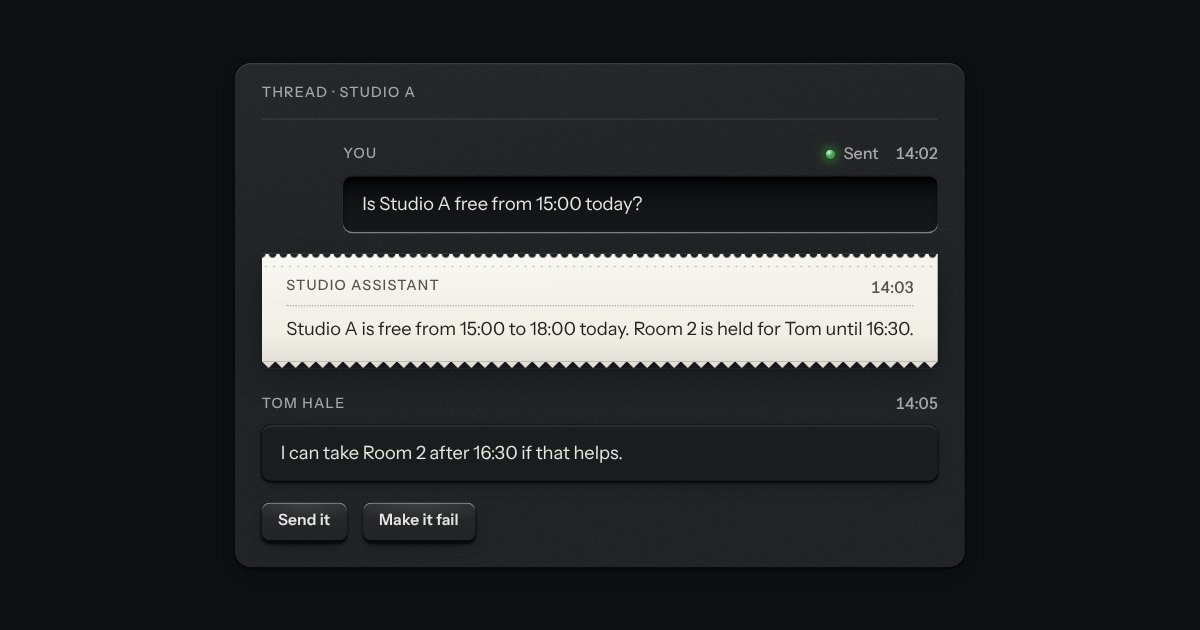
One chat message as a plate, with no chat around it, and made the way the chat is made. What you wrote is typed into a recess and sits to the right; what the assistant said is printed on a slip of paper torn along a perforation; what someone else wrote is a small raised plate. Along the top run the sender, printed as a legend, and the time; a lamp and a word say what has become of your message (sending, sent or not sent). A message that did not go grows a Retry key. Use it in a thread you build yourself, in a notification or in a log of what was said.
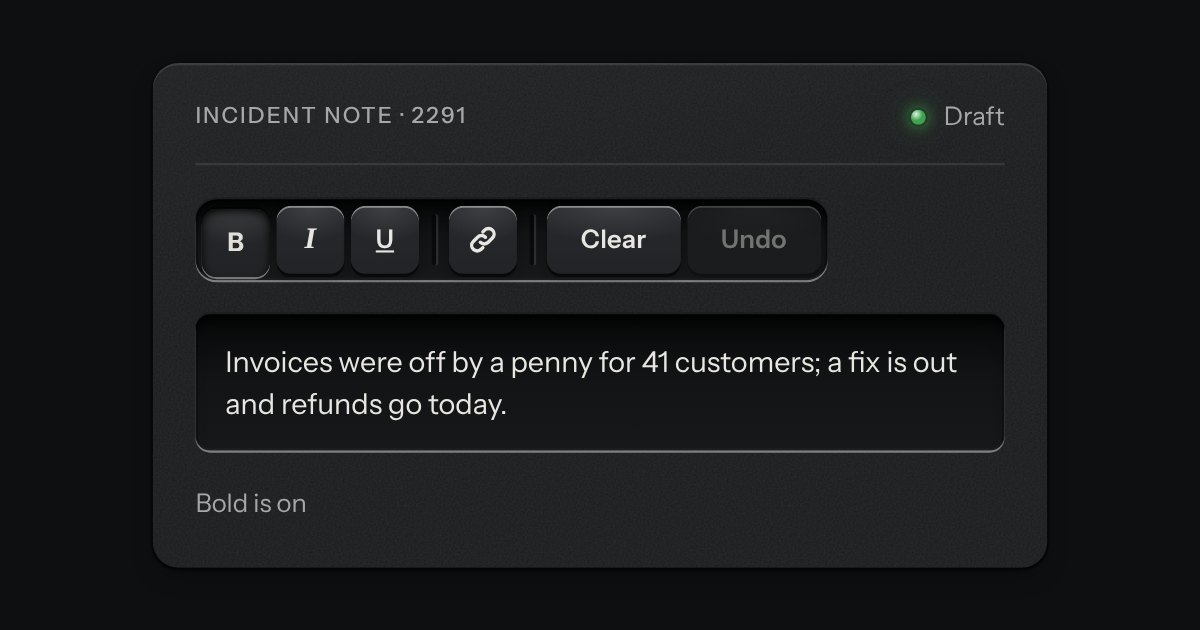
A rack of keys in one slot cut into the plate, under one tab stop. Keys, toggle keys, a copy key and a menu key sit side by side, parted into clusters by engraved lines, and the arrow keys move along it so a keyboard user passes the whole rack with one Tab.
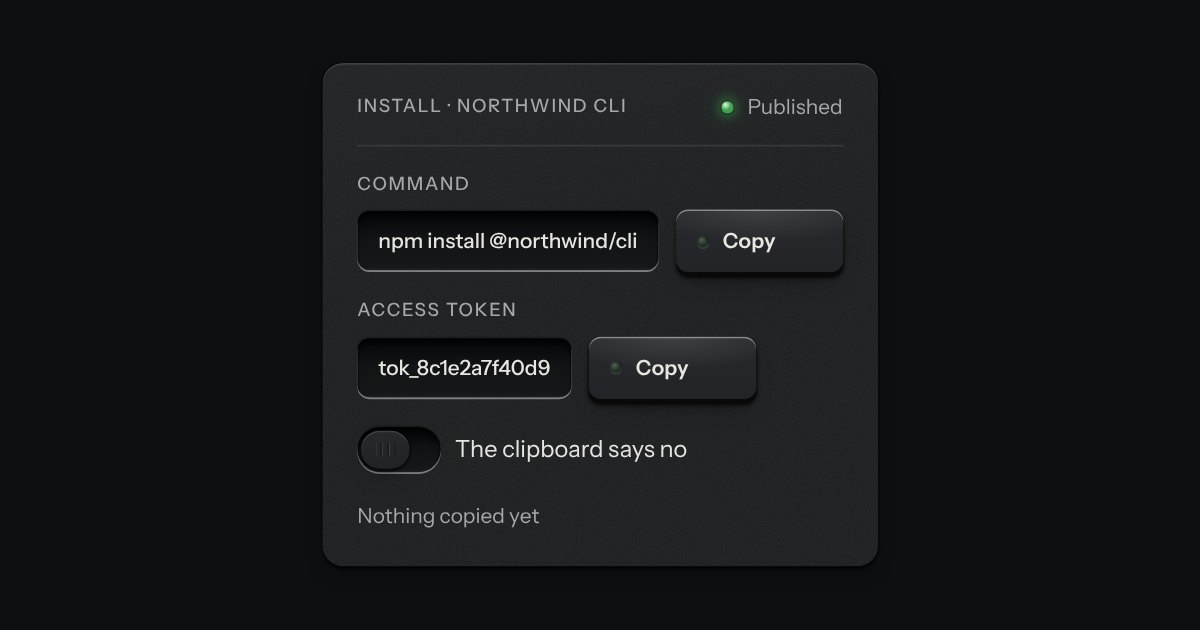
A key that copies a value and says so. Its lamp sits dark in the cap; when the text is on the clipboard the lamp lights, winks once, and the legend says Copied before it goes back to Copy. If the browser refuses the clipboard, the text is selected for the keyboard and the lamp lights amber.
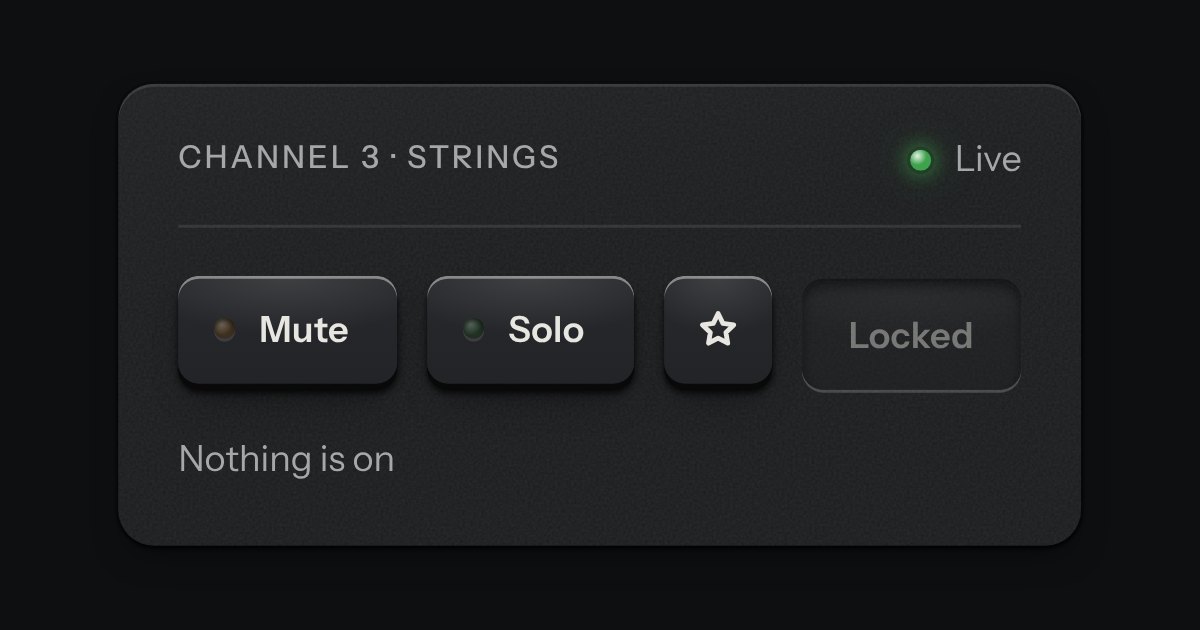
One key that latches below the plate and stays there. It is the kit’s own key with one state to keep, down or up, so it is the way to say mute, pin, bold or armed without the weight of a switch. A lamp in the cap may light while it is down.