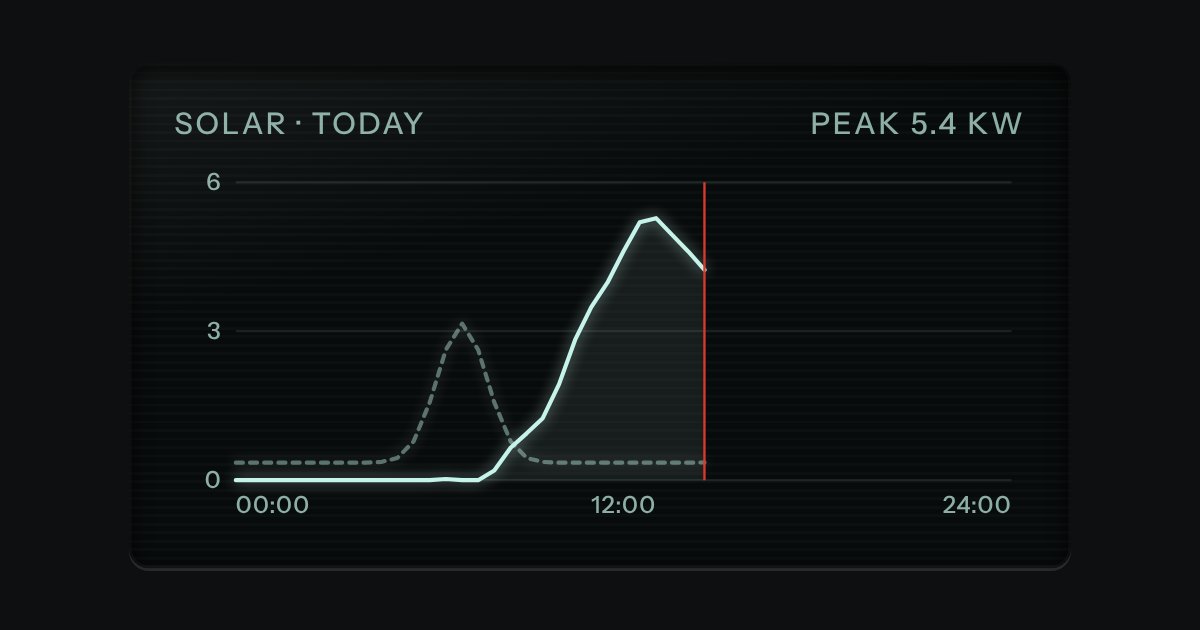
Glass
Dark display glass for plots and live readouts, whatever the finish around it. Everything printed inside it is lit.
Kit parts
A tree of keys and values on display glass. A bar along the top names it, prints the path of the row you are on ($.lines[0].sku) and carries the copy key, so the path to any value is one press from the clipboard. Under it the tree folds and unfolds, one tab stop with the arrow keys inside it. Every value is the display’s one light: what kind of value it is (a string, a number, true or false, null, an object or an array) is printed as a small legend at the end of the row and said in words to a screen reader, never left to a colour.
Seats open in 11 days. Want one email that morning?
Display glass, the kit’s copy key and the file tree’s way of walking a tree, with the type legend as the one new thing: a small outlined plate at the end of the row. The indent is a number on each row, the guides are one line down each open folder, and the chevron is the file tree’s. It is about two hundred lines, most of them the keys.
| Name | Kind | Description |
|---|---|---|
| data, path | property | The value shown, and the path of the selected row. |
| expandAll() · collapseAll() | method | Open every folder, or fold all but the root. |
| jsonType() · jsonPath() · jsonValueText() · jsonPreview() · jsonTreeHTML() | function | The type a value is, a path from the root (a key with a space becomes $["delivery note"]), the way a value is printed, what a folder says about itself, and the whole tree as markup. |
Press a row to fold it and select it: the path in the bar changes with the row, and the copy key takes it. Tab into the tree, then use Up and Down, Right to open and go in, Left to close and go out, and a letter to jump to the next key that starts with it. Press Open all and Fold all to move the whole tree.
Dark display glass for plots and live readouts, whatever the finish around it. Everything printed inside it is lit.
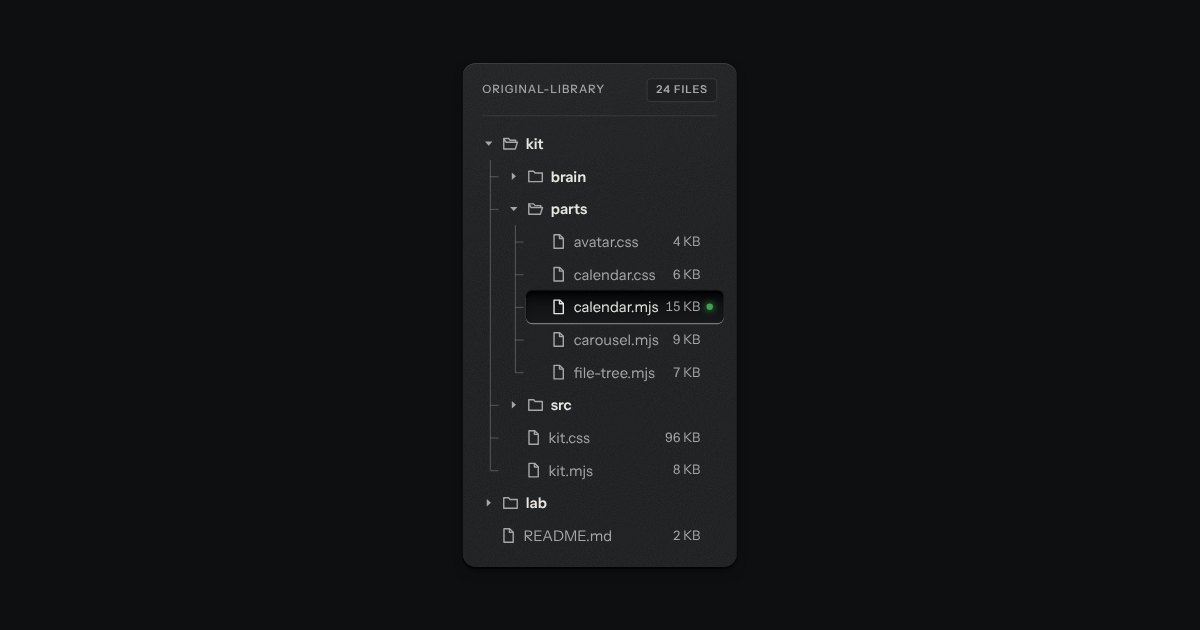
Folders and files as a real tree, printed like a wiring diagram: traces with an elbow into every item, chevrons that turn, and the chosen file set in a recess with its lamp lit. Written as a plain nested list.
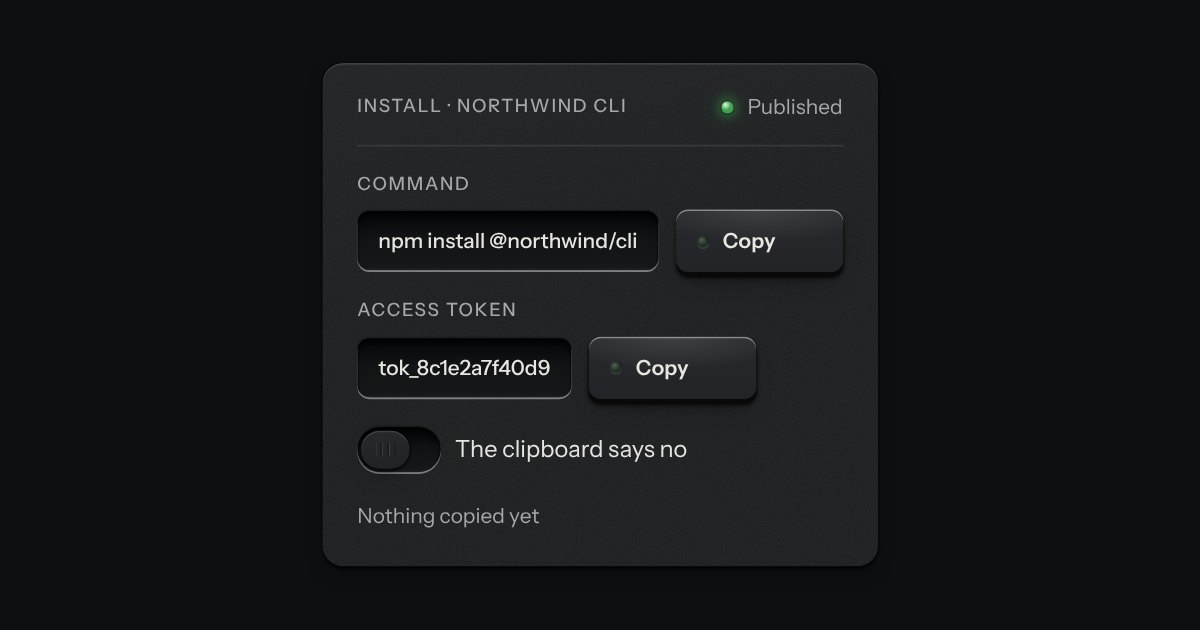
A key that copies a value and says so. Its lamp sits dark in the cap; when the text is on the clipboard the lamp lights, winks once, and the legend says Copied before it goes back to Copy. If the browser refuses the clipboard, the text is selected for the keyboard and the lamp lights amber.
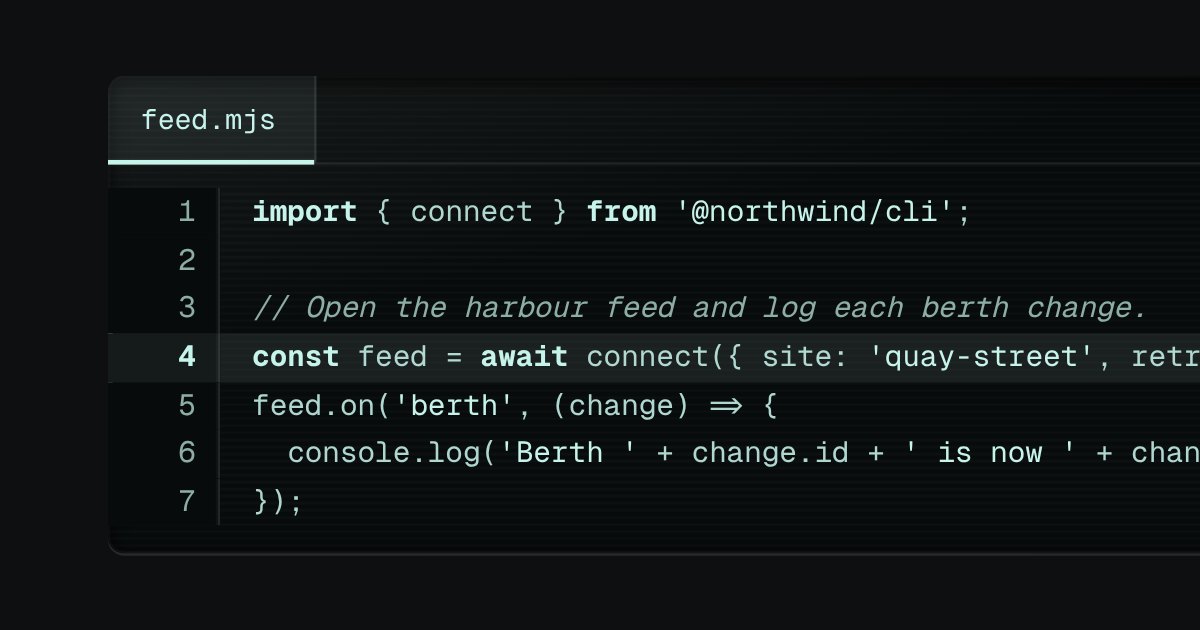
Code on display glass. A bar along the top holds the file name on a tab, with a lit edge under it, and the copy key at the far end. Under it the lines run, each with its number engraved in a gutter that stays where it is when a long line scrolls sideways. The numbers are drawn by the stylesheet, so they are never selected, never copied and never read aloud. Highlighting is optional and small: a few strengths of the display’s own light, told apart by weight and italic, never a colour of its own.