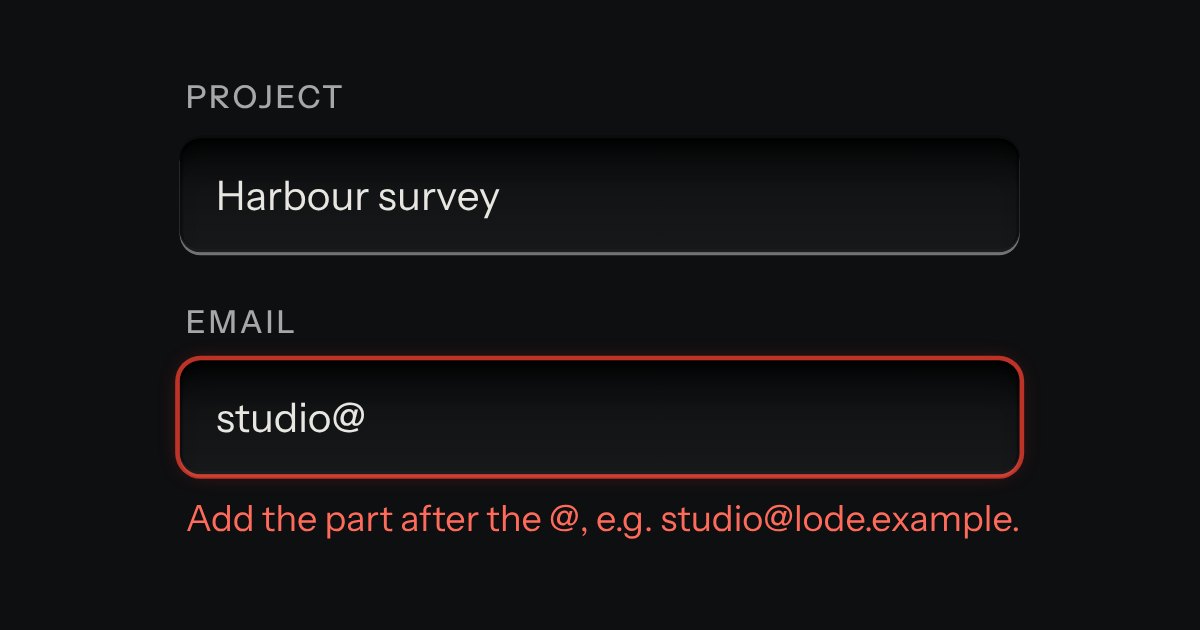
Field
Text entry in a recess, the label printed above it, and a hint that says how to fix an error.
Kit parts
Rows of a name and a value, each its own recess, with a remove key at the end of the row and an add key under the last: for environment variables, request headers, tags and the like. It is the kit’s field, key and icon key set in a grid, so it posts with a form like any other fields. A new row takes the caret in its name, a removed row says what went, and a name used twice is marked on its recess and said in words under the row. Narrow, the name sits over the value and each says which it is.
Seats open in 11 days. Want one email that morning?
The kit’s input in a grid of three columns (two on a phone) and the kit’s small key and icon key. The add and remove keys are hidden until the script has run, so a page without it is a plain form. The script is delegated from the document, so an editor added later works, and it keeps three things true after every change: the rows are numbered, the clashes are flagged and the count is right.
| Name | Kind | Description |
|---|---|---|
| [data-max] · [data-ignore-case] | attribute | The most rows (Add waits and says so), and whether API_URL and api_url are one name. Headers want it; environment variables do not. |
| kvDuplicates() · kvDuplicateText() · kvNoun() · kvPairs() · kvRowHTML() · kvEditorHTML() | function | Which names clash, what is said about them, “3 variables”, the pairs a list of rows holds, and the markup of a row and of the whole editor. |
Press Add variable: a row appears and the caret is in its name. Type API_URL there: both rows are marked and say which other row has the name. Press a remove key and the caret moves to the row that took its place. The pairs the form would post are printed under it.
Text entry in a recess, the label printed above it, and a hint that says how to fix an error.
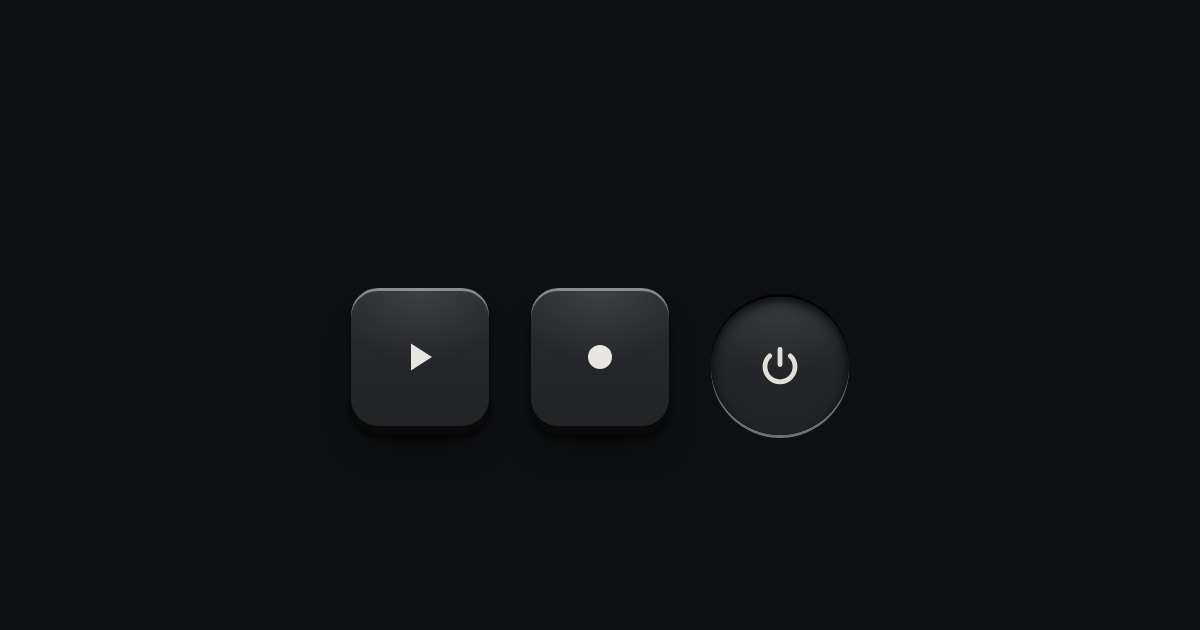
A key with an icon and no words, square or round: transport, power, the small tools. Its aria-label names it; a tip shows the name.
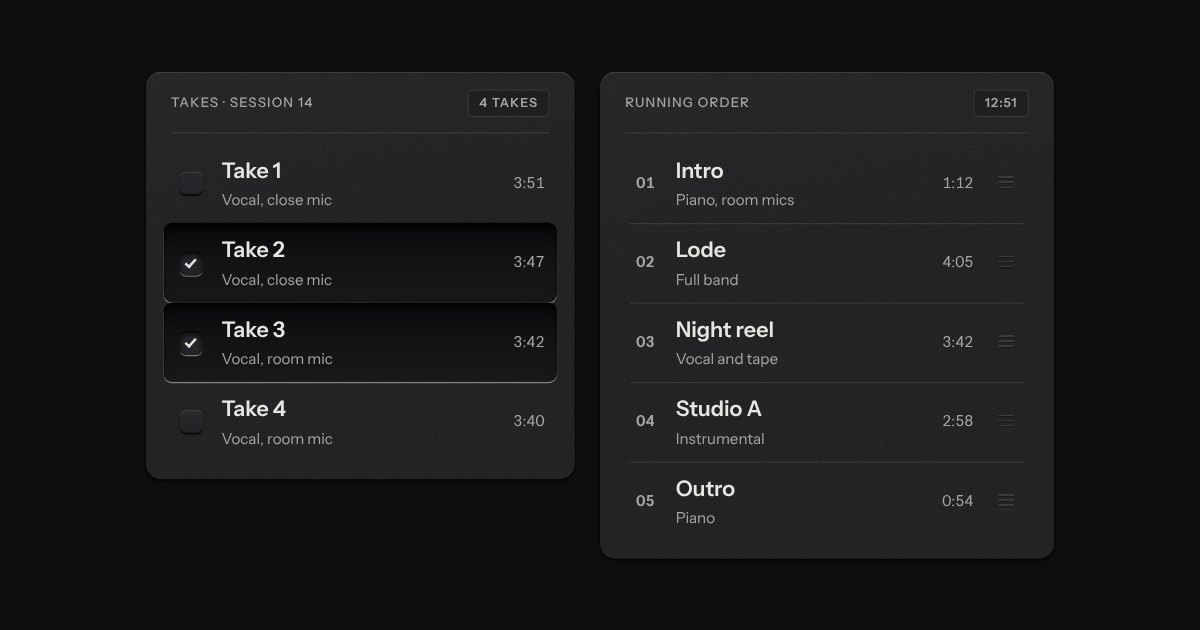
Rows in a rack: a mark, a title, a second line and a fact or a key at the end. Chosen rows sink into a recess with their check key latched; in a running order, a row lifts out of the rack on its skirt and slides past the others, from the keyboard or by its grip.
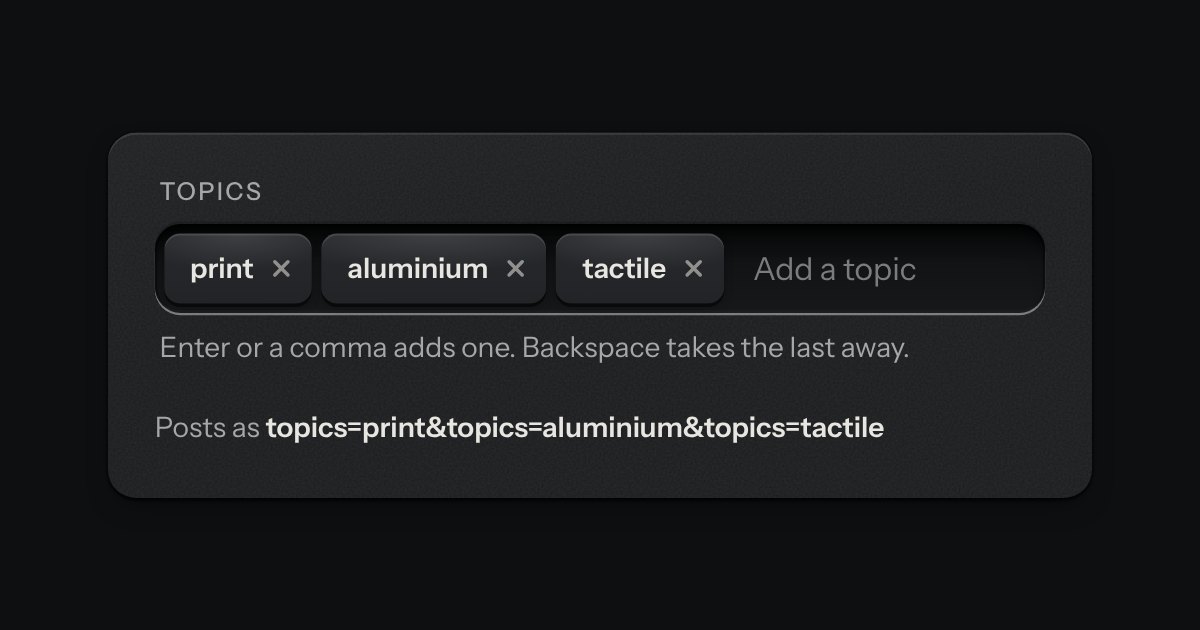
A text input that turns what you type into printed tags. Enter or a comma sets one down in the well; each tag is a key that takes itself away, and every change is spoken.