Key
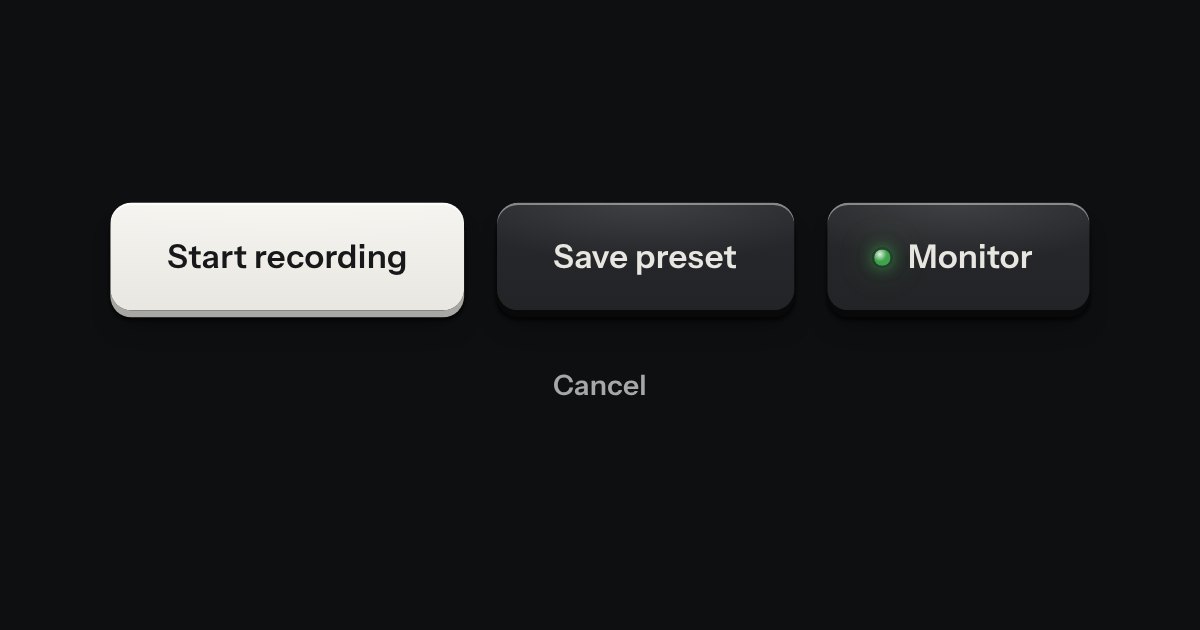
Every button, and every link that acts like one: a cap on a skirt that drops below the plate when pressed.
Kit parts
Press feedback you can feel, in place of the plain press on a key, a list row or a card link. The click is untouched: it fires exactly when it would without it. Put data-tap on a screen and the kit’s keys, rows, menu items and linked panels inside it carry it, tuned for each size. Space and Enter dent the centre and ring on key-up; Quiet runs at half strength; reduced motion shows the dent only.
The surface is a height field round the press point: a dimple while held, then a crest with its trough behind, and a rebound. The bend is one SVG displacement filter on the surface while the ring crosses it: a map made once a page (direction and distance from a centre), with the ring’s profile written into its lookup table each frame and kept off a band round the edge, so the outline never moves. No WebGL; one requestAnimationFrame loop runs only while something is pressed or a ring is running.
| Name | Kind | Description |
|---|---|---|
| data-tap | attribute | Turns it on for the pressable kit parts inside, or for the element itself. |
| tapWaves(plan, ms) | function | The ring and its rebound, ms after release: radius and strength. |
| tapReach(x, y, w, h) | function | The distance to the farthest corner. |
| tapSurface(el) | function | The surface a press lands on, or null. |
| wireTap(document) | function | The passive listeners on the document: pointer down, up and cancel; key down and up. |
Hold Save changes near its left edge: it dents under the pointer. Let go: the ring runs out from there and the label bends as it passes. Press a row and the Billing panel: each size has its own ring. Tab to a key and hold Space: the dent is at its centre, and the ring starts when you let go. Publish is disabled and does nothing.
Every button, and every link that acts like one: a cap on a skirt that drops below the plate when pressed.
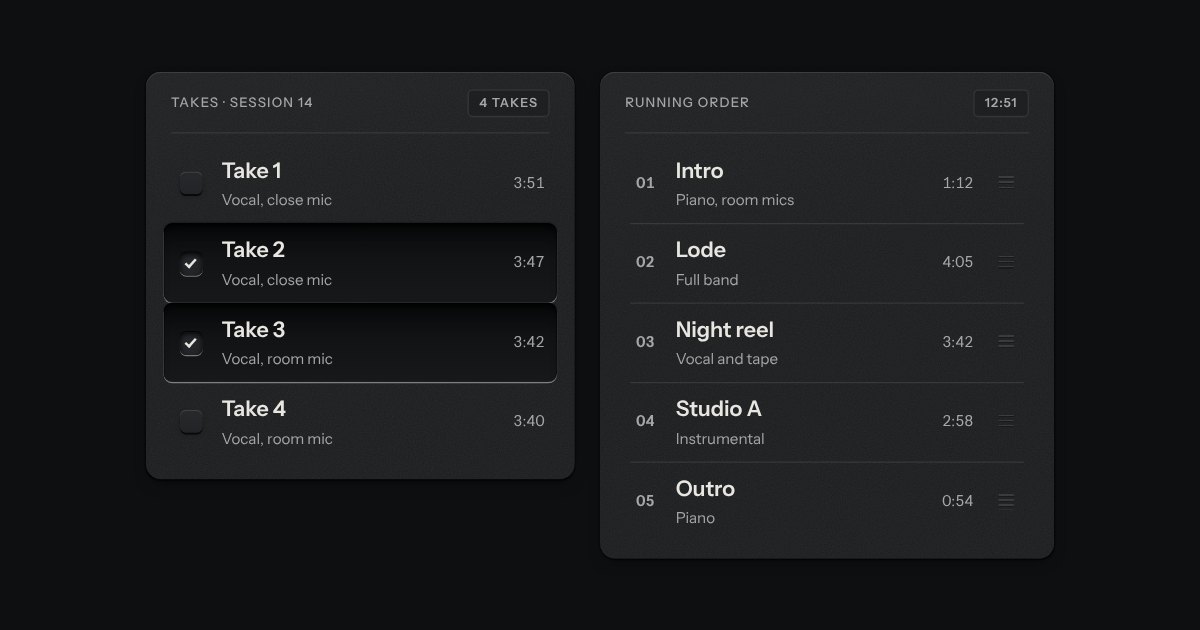
Rows in a rack: a mark, a title, a second line and a fact or a key at the end. Chosen rows sink into a recess with their check key latched; in a running order, a row lifts out of the rack on its skirt and slides past the others, from the keyboard or by its grip.
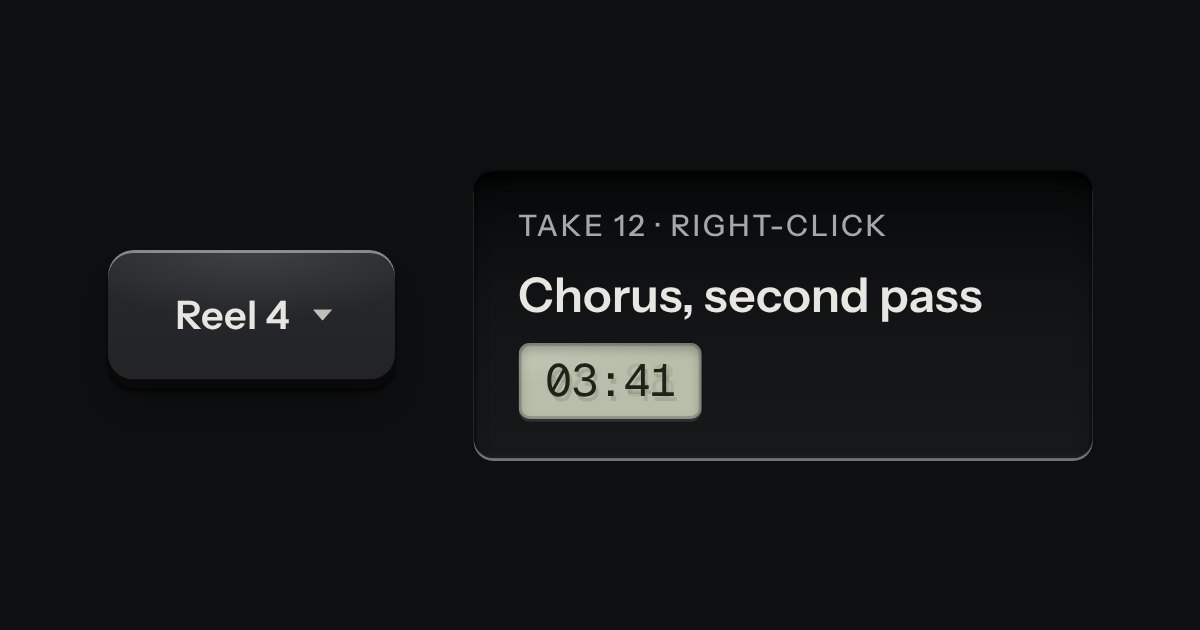
A card of actions and options that slides out from under its key. The key stays down while the card is out; an option that is on lights its lamp.