A picture framer’s mount cutter: a sheet of cream mat board over a picture, a window cut through it with a white-core bevel, slid and sized until it frames the crop. Two engraved scales along the top and left read where the window’s near corner sits, and a plate under the picture prints the crop in full. Drag the window, or focus it and use the arrow keys; Alt+arrow (or the corner grip) resizes it.
One button over a plain stage. The picture fills the whole stage and never moves: a golden-hour landscape (sky, low sun, clouds, two mountain ranges in haze, a forested shore, a lake that mirrors them, pines in the foreground) traced in code at the stage’s own pixel size, each shape an empty element clipped to a path() and painted with gradients of the lamp hues and paper tokens mixed in oklab, so the picture is the same on every finish. While a pointer moves or sizes the window, a steel straight edge stands on the mat along the cut (left while moving, right while sizing) with the cutting head and its blade on the line. A pointer drag sets the crop directly, with no animation; an arrow key goes through the same setCrop() with a short transition, dropped under prefers-reduced-motion. No image files: every pixel is CSS and inline SVG from tokens.
Variants
Centred window
Window at the edge (clamped)
Compact, no readout plate
Disabled
States
At rest
Hover
Focus
Dragging
Disabled
Props and options
Name
Kind
Description
label
attribute
Names the window for a screen reader (e.g. "Crop the photo"); it stays fixed, since aria-valuetext carries the changing crop.
stage-width / stage-height
attribute
The picture’s own size: how far the window can slide or grow.
x / y / window-width / window-height
attribute
The crop: the window’s position and size. Clamped to the stage on every change (mountCutterClamp()).
step
attribute
How far one arrow-key press moves the window; Shift multiplies it by 4.
disabled
attribute
The window stops taking pointer or keyboard input.
crop
property
input / change
event
Fire on every move or resize, pointer or keyboard alike.
Arrow keys, Alt+arrow
key
Slide the window, or resize it; Shift makes either a bigger step.
mountCutterHTML(options)
function
Usage notes
Drag the window, or Tab to it and press an arrow key to slide it (Shift for a bigger step); hold Alt and press an arrow key to resize it, or drag its corner grip.
Accessibility
The steel straight edge and cutting head that appear during a pointer drag are decoration only (inside the aria-hidden board): they show where the cut runs, and the same crop is always in aria-valuetext and on the plate.
The window is a native button.
The picture, the mat and the two scales are aria-hidden: they are the state drawn, not a second copy of it; the button’s own aria-label names the action and never changes.
The crop is never colour alone: the window’s own position and size are the state, read out in words by aria-valuetext and printed again on the plate under the picture.
A polite status region echoes the same words on every change, for a screen reader that announces status regions rather than aria-valuetext changes.
Reduced motion drops the transition on the mat, the scale index and the window: each lands in its new place at once, nothing lost.
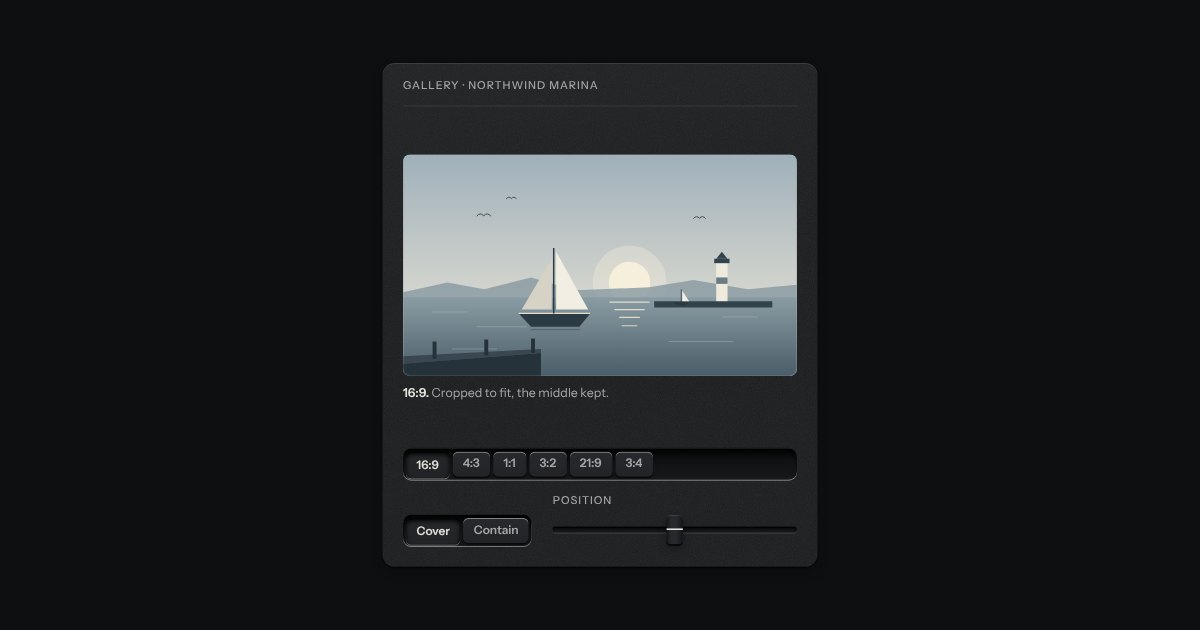
A frame that holds one shape, whatever is put in it. Say the shape (16:9, 4:3, 1:1, 3:2, 21:9, 3:4) and the frame takes its height from its width; a picture, a video or a map inside it is cropped to fit, keeping the middle unless you say which part to keep. Until a picture arrives the frame is a recess, so the page does not jump. An optional hairline round the edge keeps a pale picture from dissolving into a pale page. Plain CSS, with no script.
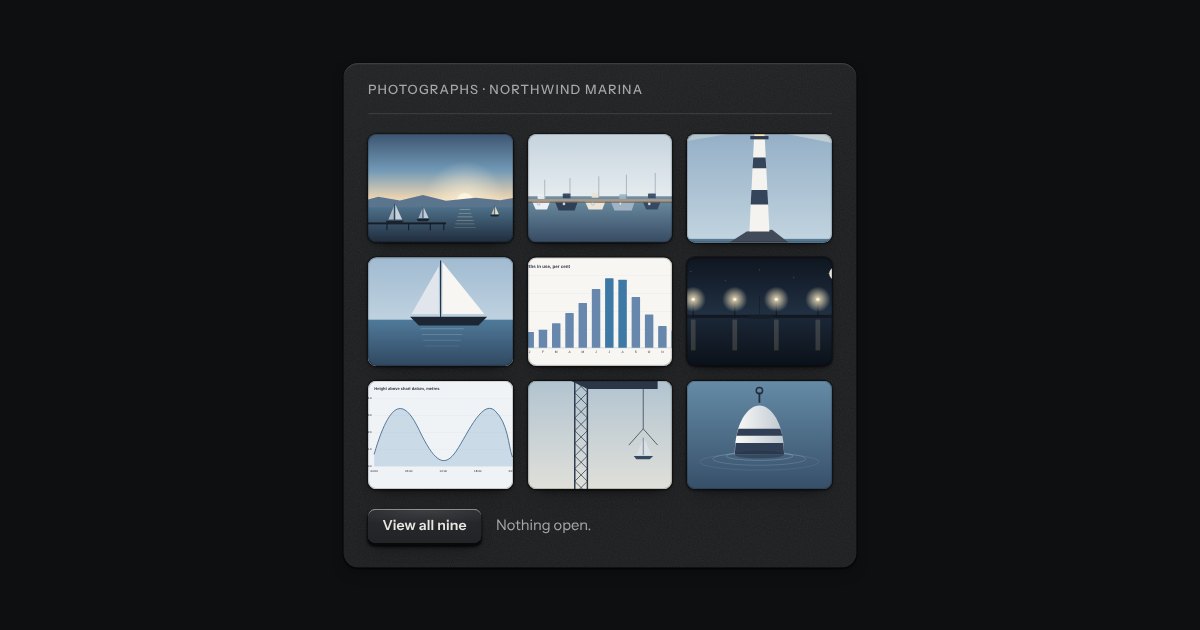
A grid of thumbnails that opens one picture large. Each thumbnail is a plate with the picture set in it, and a real link to the full picture, so the grid works without any script. Press one and the page goes behind a near-black scrim. Left and Right turn the page, Home and End go to the first and the last, Escape puts it away, and on a touch screen a swipe does the same. It is dark in every finish, because a picture is looked at best in a dark room.
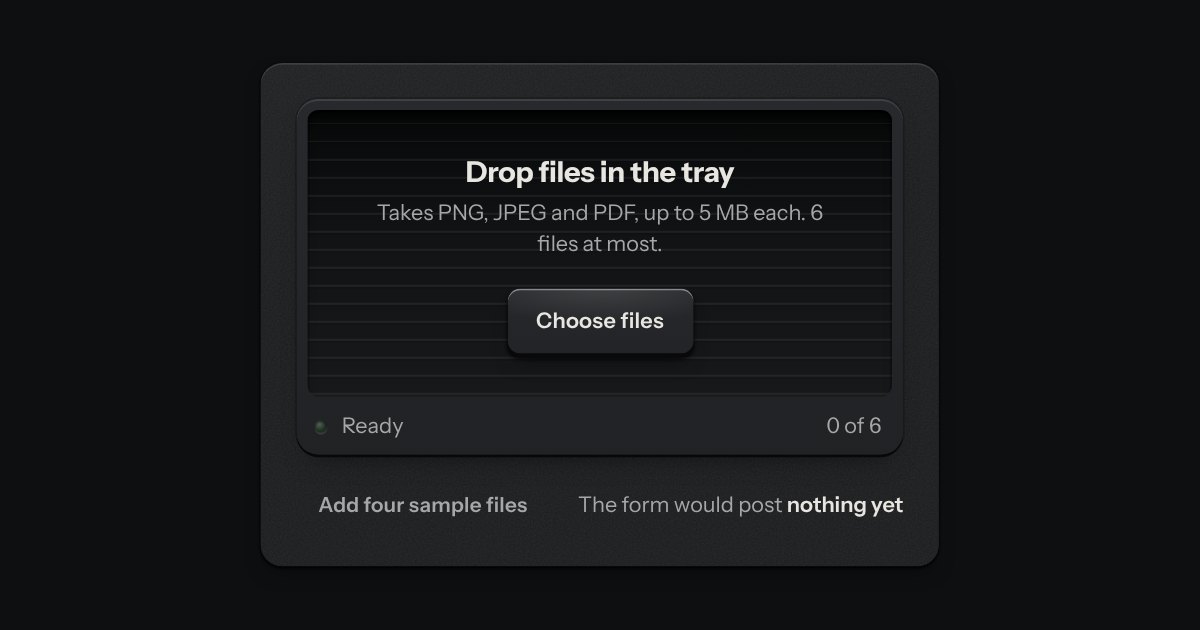
An in-tray for files. A machined lip stands round a ribbed floor; the floor rises a little when a file is dragged over it, and a lamp on the lip lights. What goes in lands in the tray as a sheet of paper and is listed as printed rows, a refusal says why, and the key inside the tray is a real file input.