Field
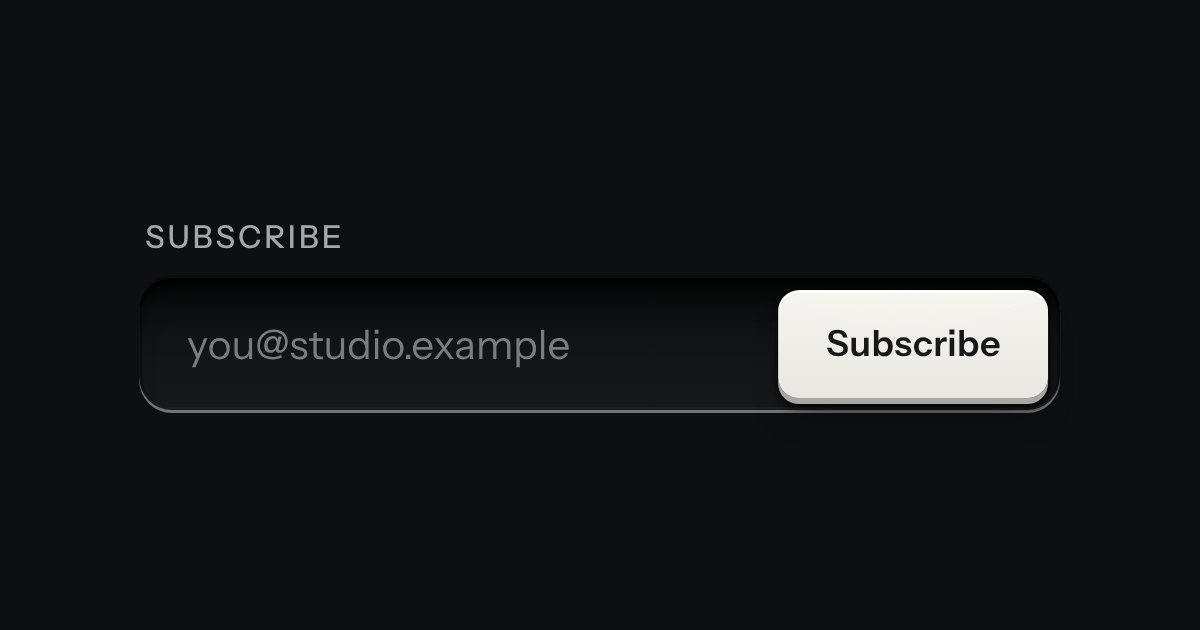
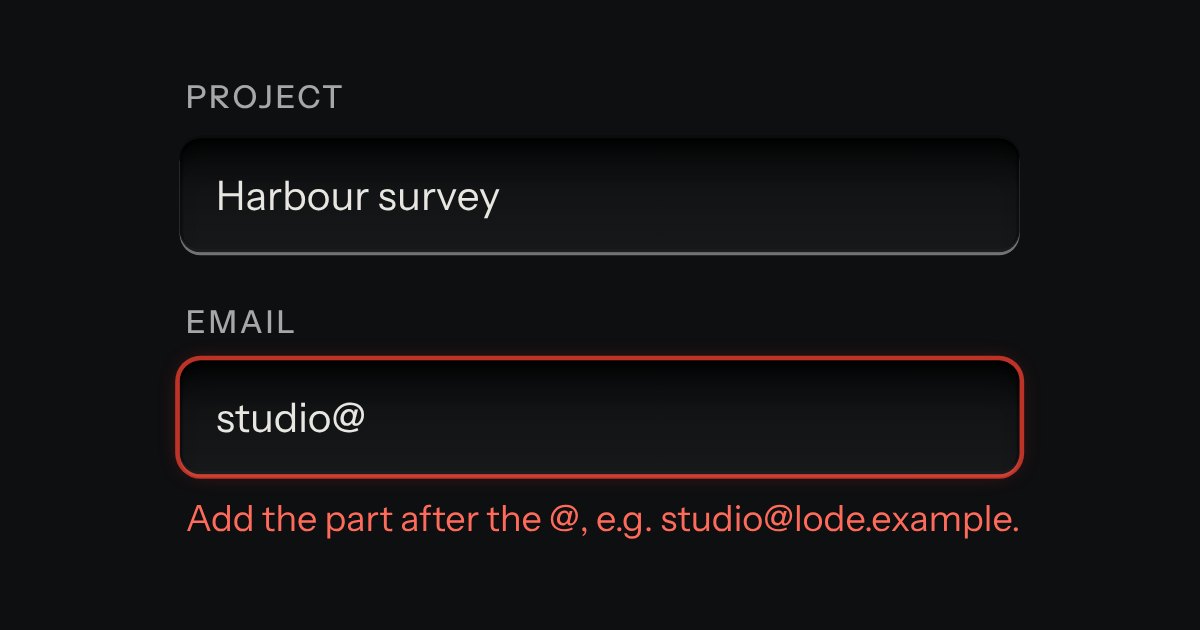
Text entry in a recess, the label printed above it, and a hint that says how to fix an error.
Kit parts
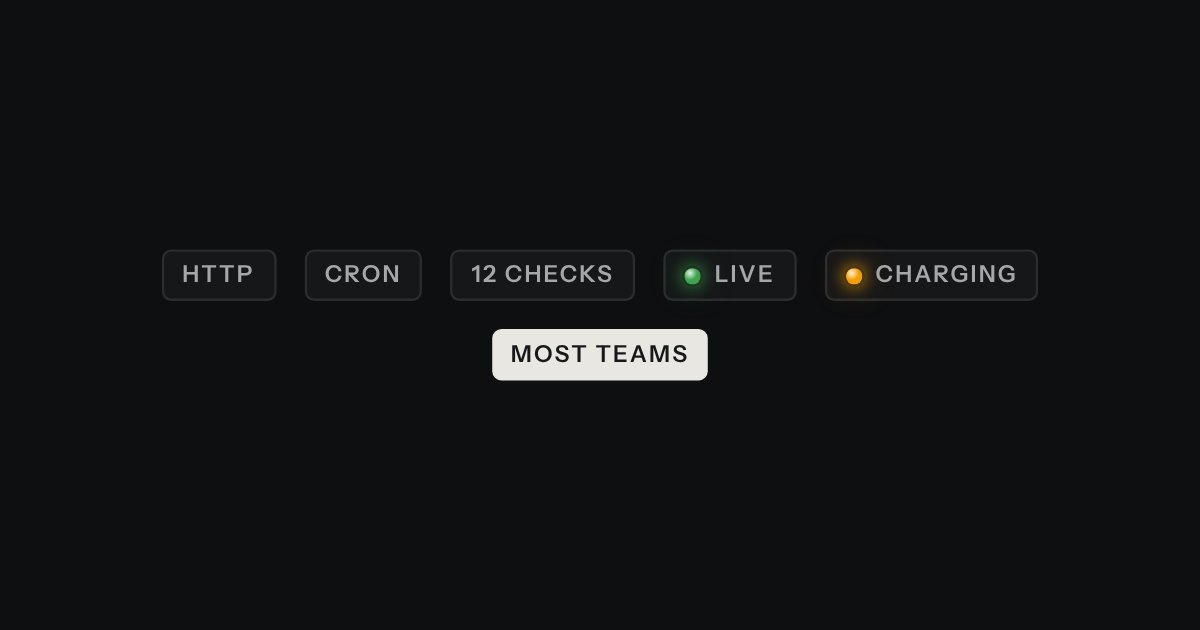
A text input that turns what you type into printed tags. Enter or a comma sets one down in the well; each tag is a key that takes itself away, and every change is spoken.
Seats open in 11 days. Want one email that morning?
A well like the combo’s, whose tags are the kit’s keys scaled to fit it. The element builds its tags from a list, and a list is all it holds. A pasted list is split on commas, semicolons and line breaks. Leaving the field commits what is typed, so nothing is lost silently.
| Name | Kind | Description |
|---|---|---|
| disabled | attribute | Stops typing and removing. |
| values | property | Read or set the list. |
| change | event | After tags are added or removed. Bubbles. The inner input’s own change is not passed on. |
| tagSplit(text) · tagSays(…) | function | The rules, pure: split a pasted list, refuse duplicates (case aside) and overflow, and say what happened. |
| Enter · , | keyboard | Add the tag. Enter with nothing typed submits the form as usual. |
| Backspace · ← | keyboard | Backspace on an empty input removes the last tag; ← at the start moves to the last tag. |
| ← → · Home · End · Backspace · Delete | keyboard | Move between tags and back to the input; remove the one you are on. |
Type a word and press Enter or a comma. Backspace on an empty input removes the last; ← reaches the tags; a click takes one away. Paste a list.