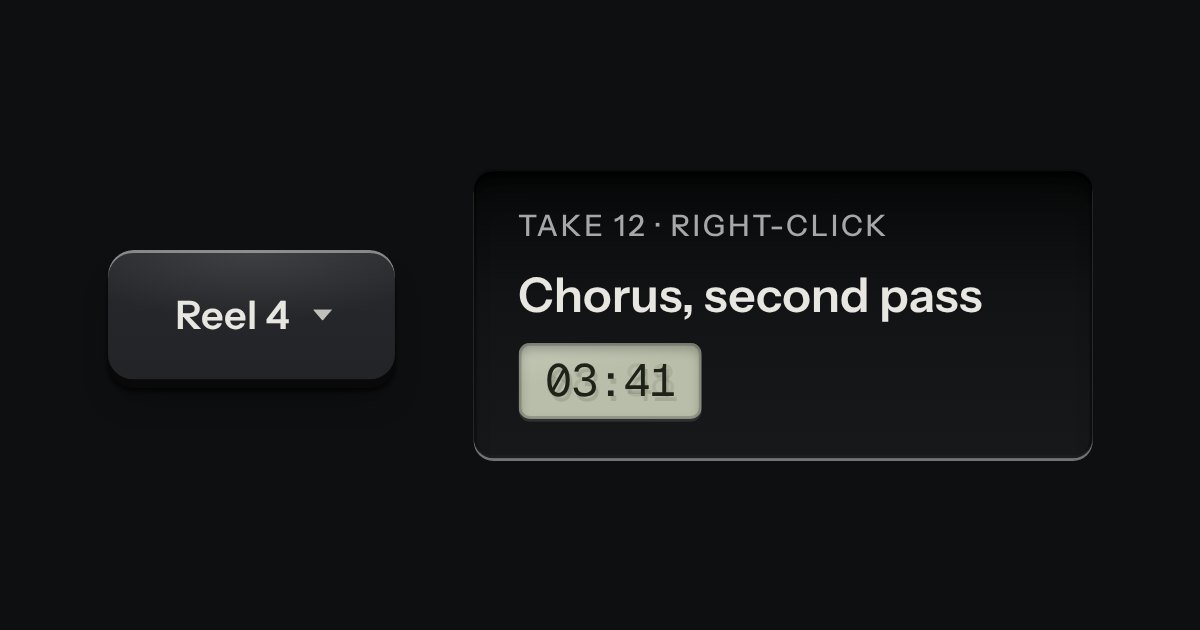
Menu
A card of actions and options that slides out from under its key. The key stays down while the card is out; an option that is on lights its lamp.
Kit parts
The row of menu names along the top of a window: File, Edit, View, Help. The names are plain printing on the page, with no caps; under the pointer one is tinted, and while its card is out it is pressed into the surface. The cards are the menu part’s own, with their lamps, shortcuts and submenus. Once one is out, Left and Right (or resting the pointer on the next name) hand over to the neighbouring card, as a desktop app does.
Seats open in 11 days. Want one email that morning?
The bar is nothing but buttons in a flex row: no cap, no skirt, so it sits quietly on whatever it is set on. A name is tinted under the pointer with a seven per cent wash of the ink, and pressed into the surface (the well fill and the inset shadow the menu’s own lines use) while its card is out. The cards, their lamps and their submenus are not drawn again: the script imports the menu part and only passes the focus and the open card from one name to the next.
| Name | Kind | Description |
|---|---|---|
| "-1" | attribute | One name has 0 and the rest -1. The part moves it as the focus moves. |
| menubarTarget(index, enabled, key) | function | Where an arrow, Home or End moves the focus along the bar, passing over names that are off; -1 for any other key. |
| ← → · Home · End | keyboard | Move to the next or previous name, wrapping; to the first or last. |
| ↓ · Enter · Space · ↑ | keyboard | Open its card on the first line; ↑ opens on the last. |
| ← → | keyboard | Close this card and open the neighbouring one. → opens a submenu on a line that has one, and ← closes a submenu. |
| Escape · Tab | keyboard | Escape closes one card and returns to its name. Tab closes them all and leaves the bar. |
Click a name, or Tab to the bar and press Down. Once a card is out, Left and Right (or the pointer) move to the next one. Right opens Open recent, Left closes it. Escape returns to the name. Try View: the lamps are real options.
A card of actions and options that slides out from under its key. The key stays down while the card is out; an option that is on lights its lamp.
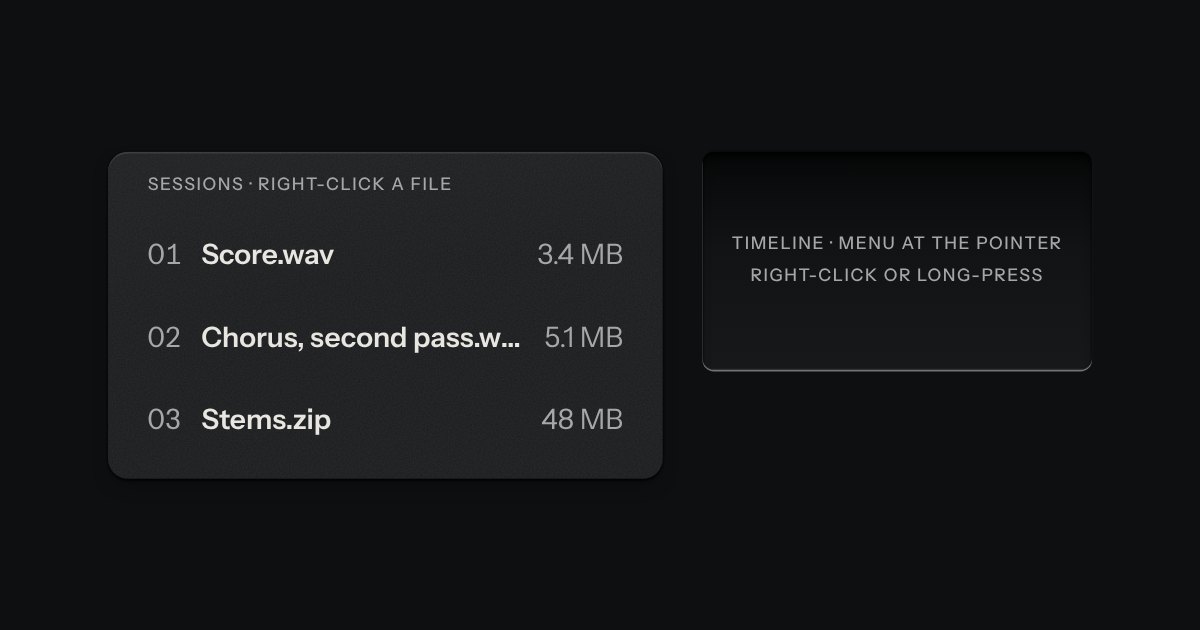
The menu’s own card, opened where you pointed: by right-click, by a long press on a touch screen, or from the keyboard with Shift F10 or the Menu key. The thing it opened on stays sunk while it is out.
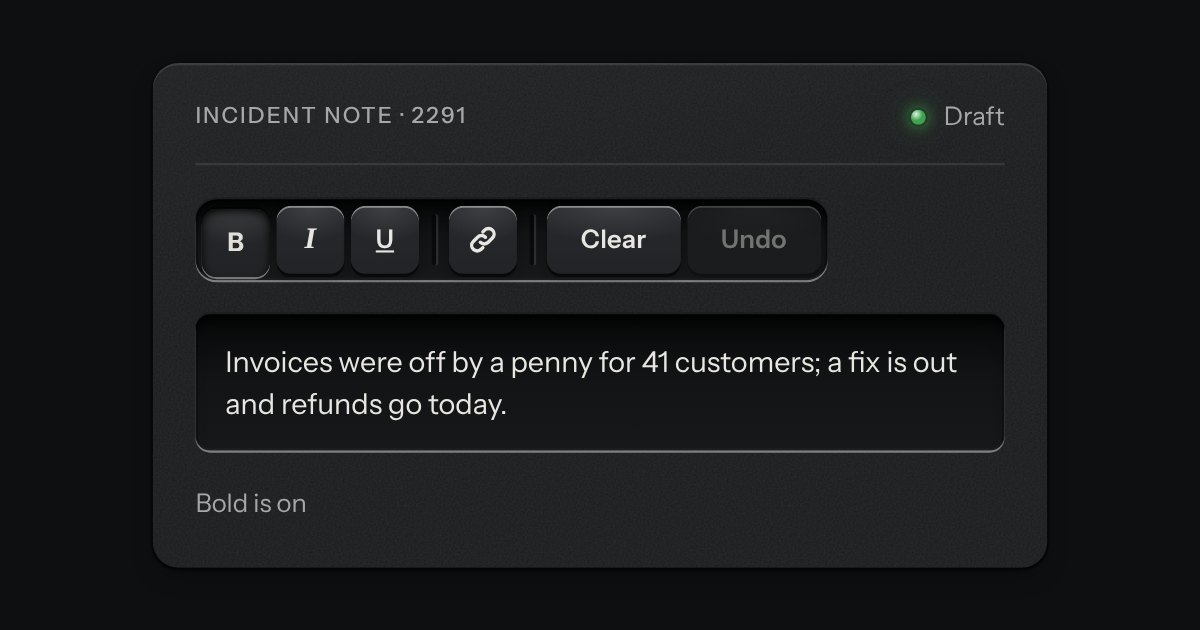
A rack of keys in one slot cut into the plate, under one tab stop. Keys, toggle keys, a copy key and a menu key sit side by side, parted into clusters by engraved lines, and the arrow keys move along it so a keyboard user passes the whole rack with one Tab.
Every action and page behind one key: a modal plate whose entry line is a lit display, with the results printed below and the chosen one pressed in.