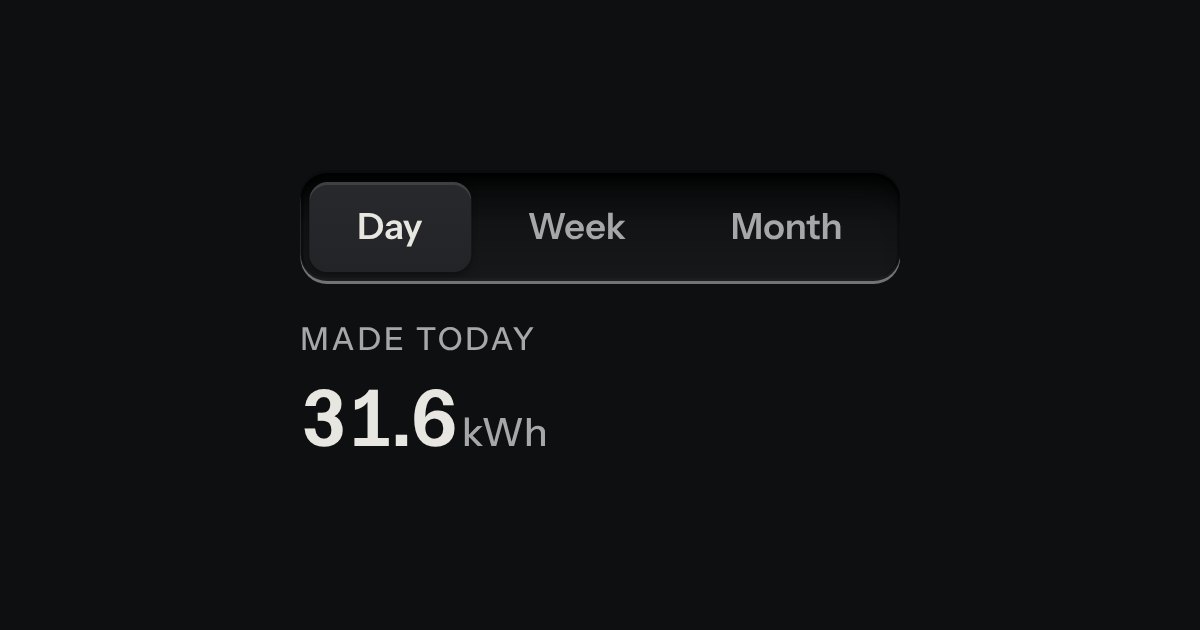
Tabs
Views of the same thing, switched in place: keys in a tray, the chosen view a raised cap.
Kit parts
A tab set for three to five views, worked as a microscope turret: the chosen lens swings into line above the panel, and the panel changes once it has clicked home.
The authored tablist and panels are gathered by the script. Each tab becomes a tapered barrel hung from a zero size point at the disc centre, with its own length a little different from its neighbours; its round label collar is turned back by the same angle as the barrel, so the words stay level while the metal goes round. A drag reads the pointer angle around the disc and snaps to the nearest detent.
| Name | Kind | Description |
|---|---|---|
| data-value | attribute | The value the change event reports. Falls back to the button value, then its id. |
| change | event | Fires on the set after the chosen panel is shown. Bubbles. |
| nosepieceTurn(from, to, count, step) | function | Pure: the shortest signed angle from one detent to another. A half turn is a tie and is taken clockwise. |
| NOSEPIECE_LENGTHS | constant | The five barrel lengths as fractions of the disc, in tab order, so no two objectives are quite the same length. |
| disabled | attribute | The lens is drawn with a dust cap and no key or press reaches it. |
| Left · Right · Home · End | keyboard | Move the focus and choose, skipping a capped lens. |
| pointer drag | pointer | The turret follows the pointer and settles into the nearest detent on release. |
Press a lens or its label, use the arrow keys, or drag the turret round. It clicks into the nearest lens, and the panel changes when it lands.
Views of the same thing, switched in place: keys in a tray, the chosen view a raised cap.
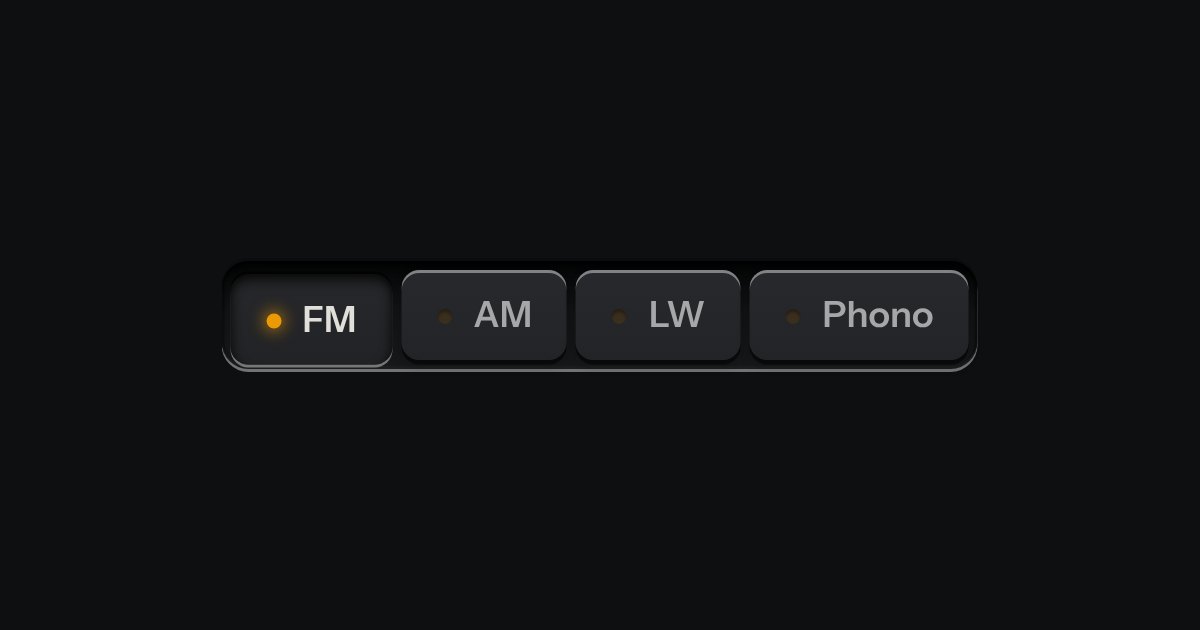
One mode of two to five: latching keys in a tray, one down at a time, each with a lamp that lights when chosen.
A dropdown drawn as a paint swatch fan pinned on a rivet. The one blade it shows closed is the current choice, its tone and its printed name set once, nowhere else; a press swings the rest of the blades open from that same rivet, each stopped at its own angle, and picking one furls the fan again on the new choice. A real select carries the value and is the whole control with no script at all.