Onboarding
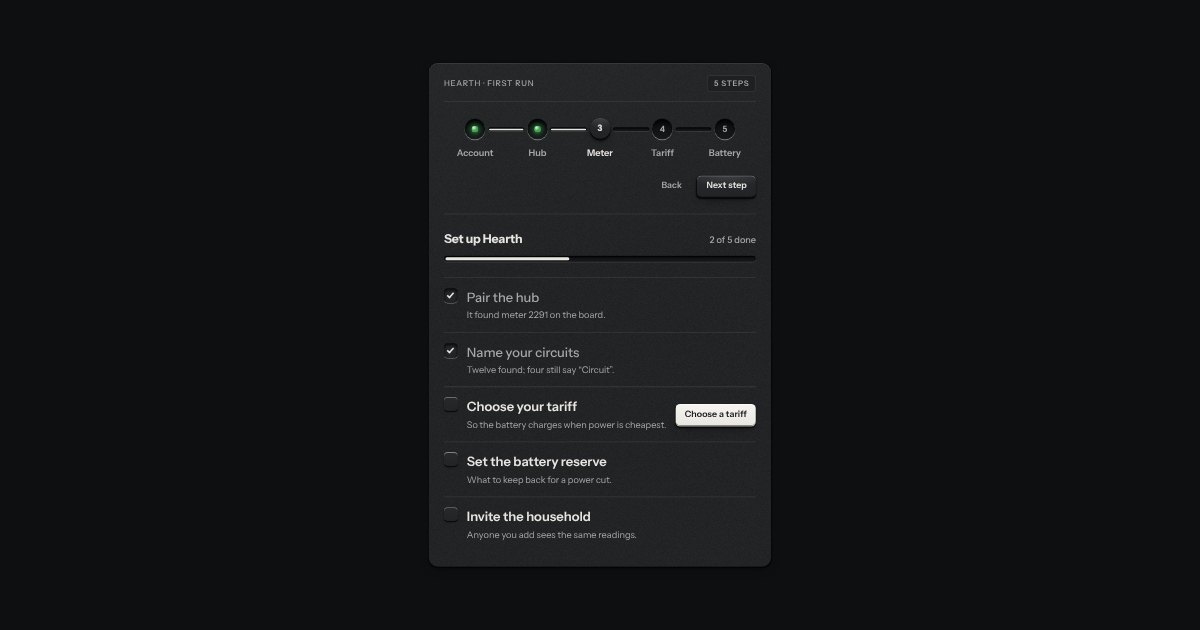
Setting something up: stations along a groove (done ones with their lamp lit, the current one a raised cap) and a checklist of check keys with a progress slot.
Kit parts
A product tour. The page is dimmed, one element is left as bright as it was, and a small card sits beside it with a title, a few words, “2 of 4”, Back, Next and Skip. Next becomes Done on the last step. It is one native modal dialog, so the page behind is inert, Tab stays in the card and Escape ends the tour. The lit area follows its target as the page scrolls or resizes, a step whose target is not on the screen is skipped and the card says so, and on a phone the card docks along the bottom edge.
Seats open in 11 days. Want one email that morning?
One modal dialog laid over the window with no fill. The cut-out is a single box with a very wide shadow spread, padded and rounded to match the target’s own corners, so the dim is painted everywhere but inside it. It is set with left, top, width and height again whenever the page scrolls, resizes or turns. The card is a plate like the popover’s, placed by the same arithmetic and kept clear of the cut-out.
| Name | Kind | Description |
|---|---|---|
| steps[] | option | target is a selector, an element or a function that returns one; leave it out for a card in the middle. side is where the card prefers to sit (bottom, top, right, left). |
| tourClamp() · tourCountText() · tourSays() · tourLabels() · tourFind() · tourSpot() · tourPlacement() · tourScrollBy() · tourCardHTML() | function | The arithmetic and the words under the script: the step held to the steps there are, “2 of 4”, the sentence read out, the keys at each step, the next usable step, the cut-out, the card’s place, how far to scroll, and the card’s markup. |
Press “Take the tour”. Next or the Right arrow moves on, Back or the Left arrow goes back, Escape or Skip ends it, and focus returns to the key you began from. Press “Hide the search field” first and take the tour again: the fourth step is left out and the card says so.
Setting something up: stations along a groove (done ones with their lamp lit, the current one a raised cap) and a checklist of check keys with a progress slot.
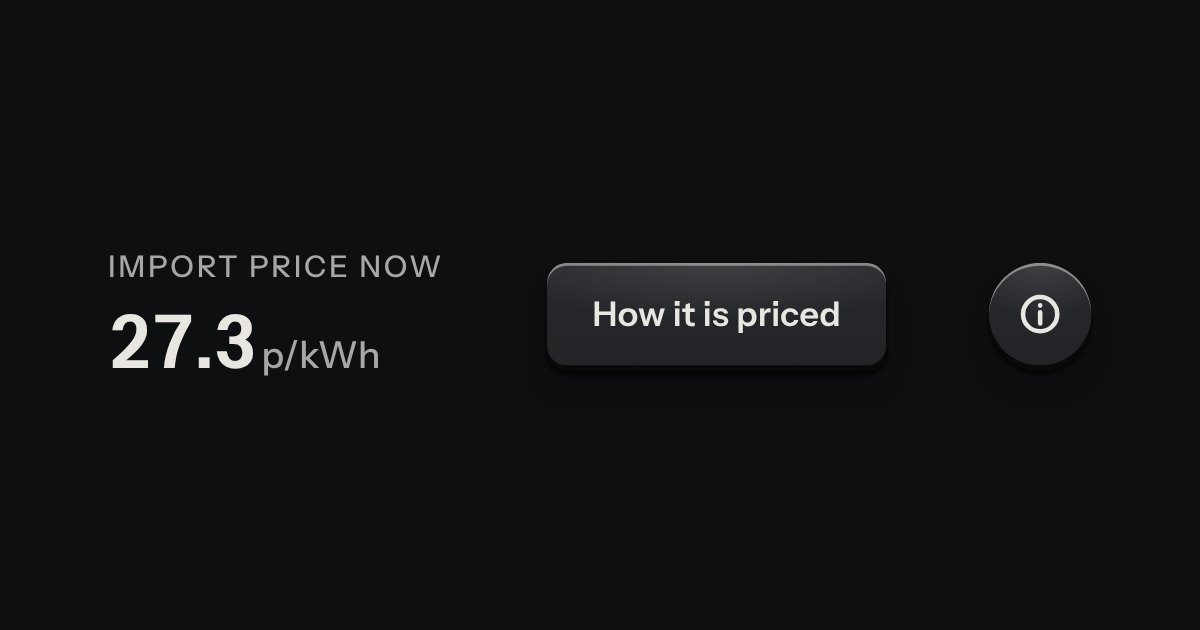
A card hung from the key that opened it, with a printed leader running back to the key. Not modal: the page stays live around it.
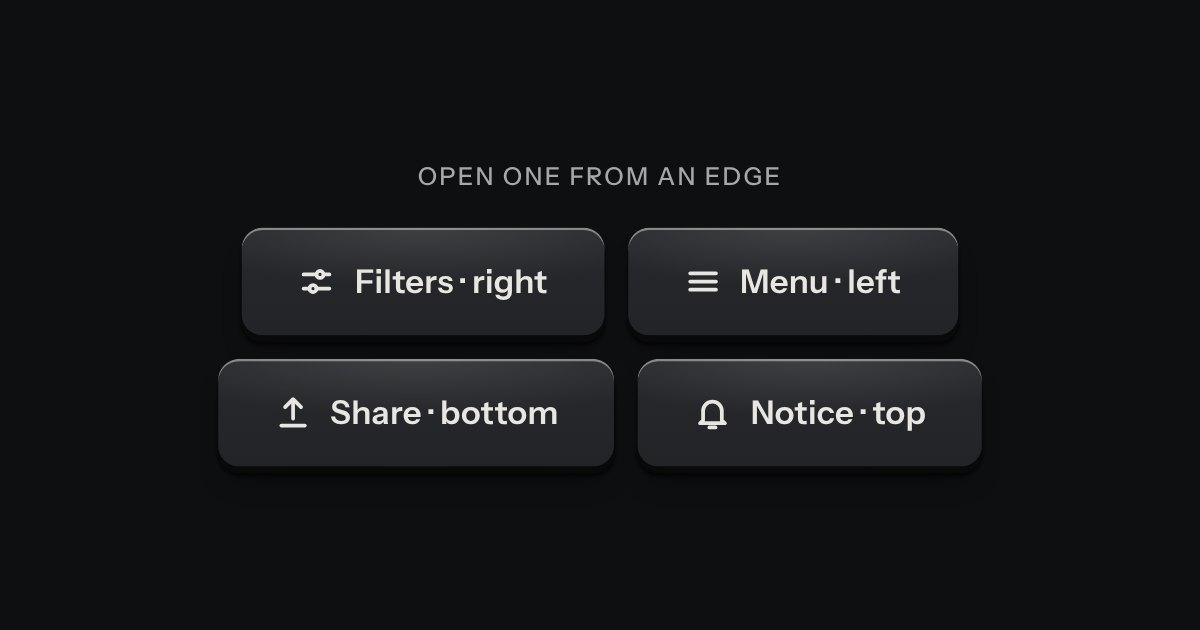
A panel that slides in from any edge of the window, on the native dialog. A face plate bolted to the frame, with a machined grip let into its inner edge to pull it shut by.
A few words on a small label plate, the kind riveted beside a control on a rack: printed in the contrast colours with a rule just inside its edge and a short tab aimed at its key. It comes up when a pointer rests on the key or the keyboard reaches it, is read by a screen reader, and goes on Escape.