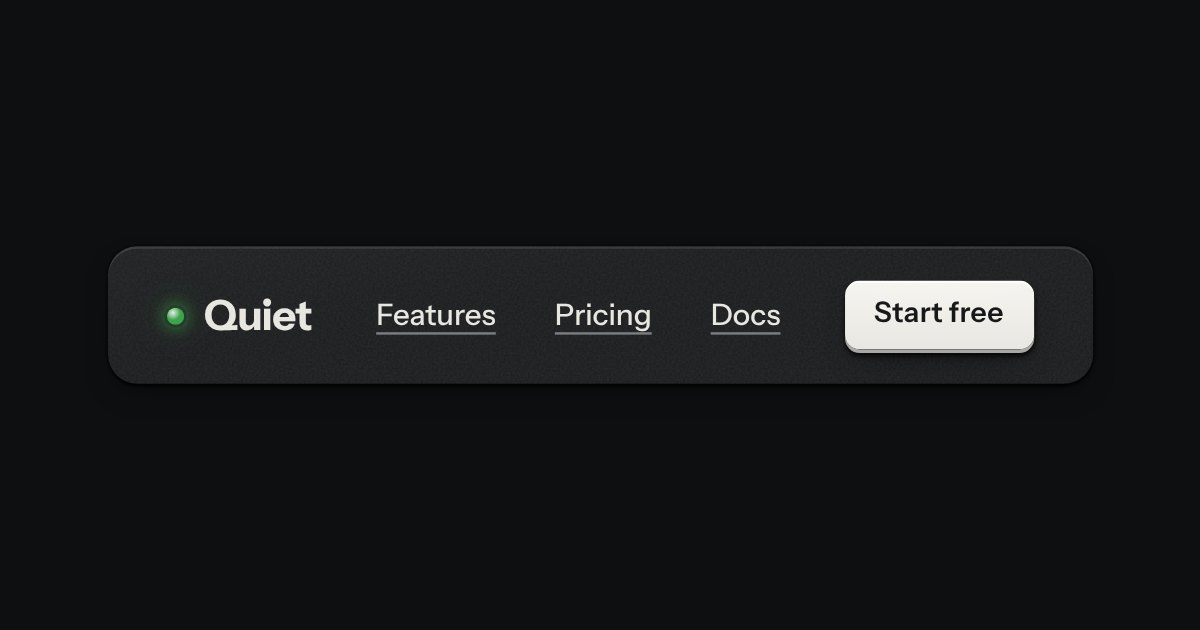
Bar
The top of a page: a wordmark with a lamp, printed links, and one contrast key at most.
Templates
Documentation as a printed service manual, for a feature-flag service: a numbered contents with a search that filters it, a display chapter numeral, code on dark plates with copy keys, printed warnings, and an instrument on the bench that runs what the page describes. Loading, no-chapter, error and instrument-off states included.
The top of a page: a wordmark with a lamp, printed links, and one contrast key at most.
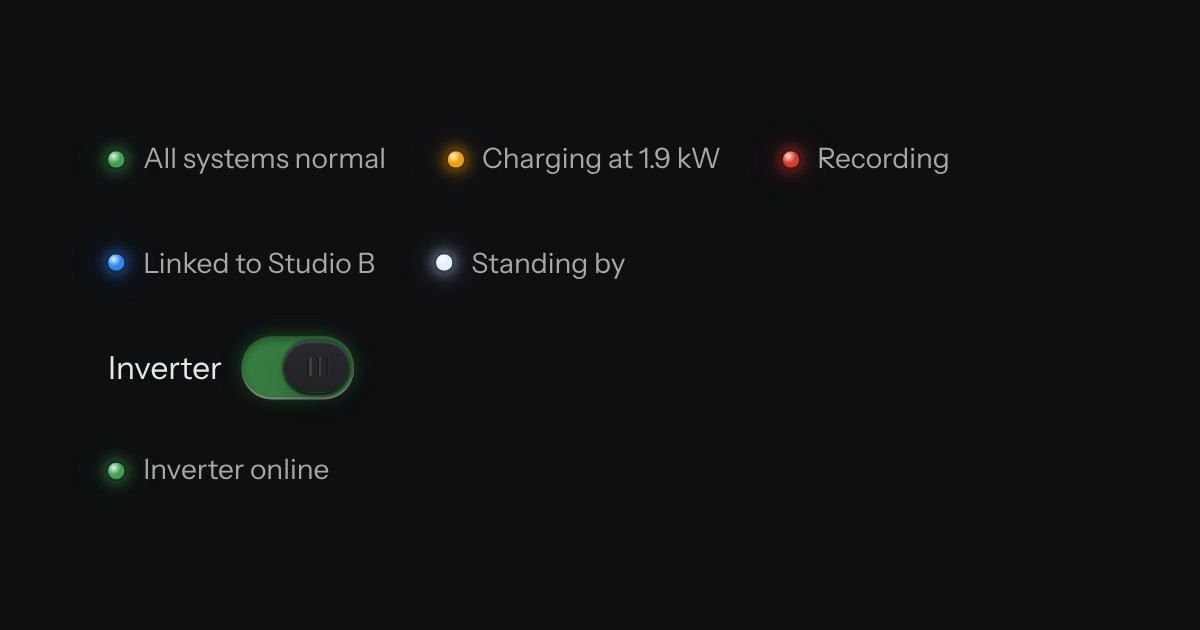
The only colour in the kit: a lamp that is on. Green is on, amber is waiting, red is recording or failing, blue is linked, white is standing by. Always next to words.
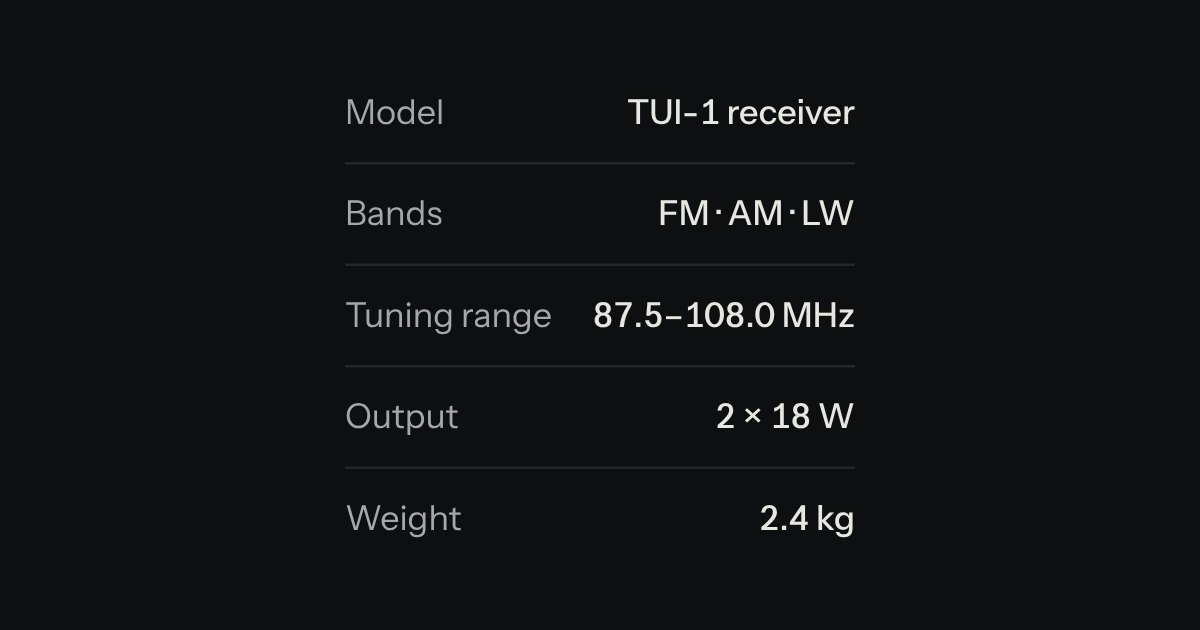
Key and value facts, printed like the plate on the back of a device.
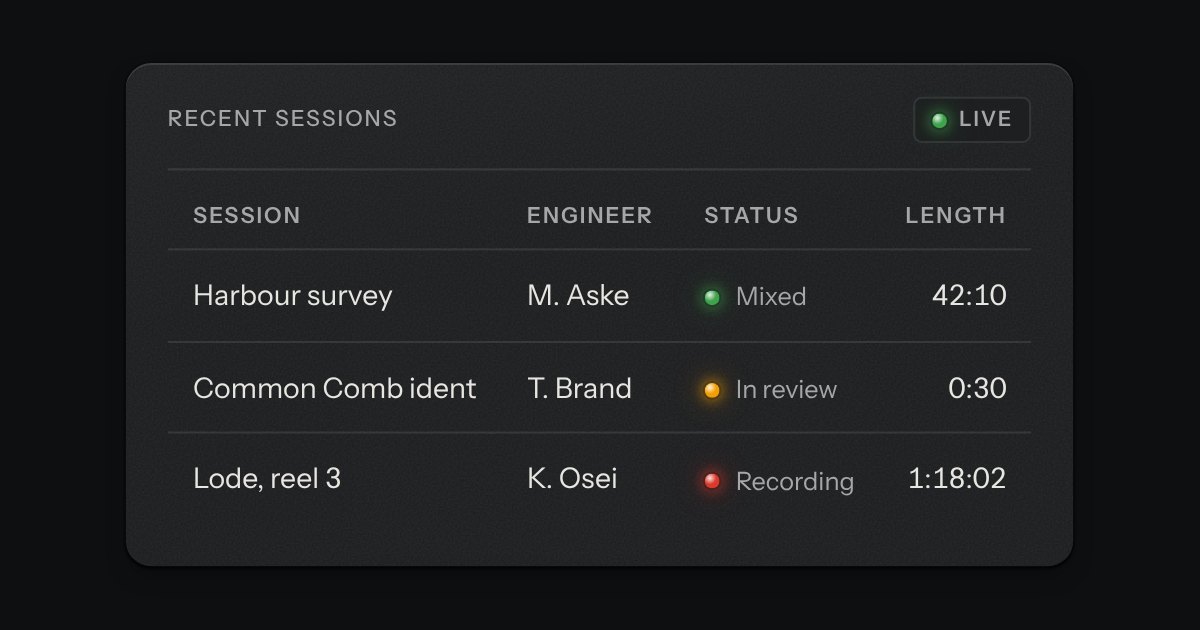
Rows of data with printed column labels, figures right-aligned in columns, and status in lamps with words.
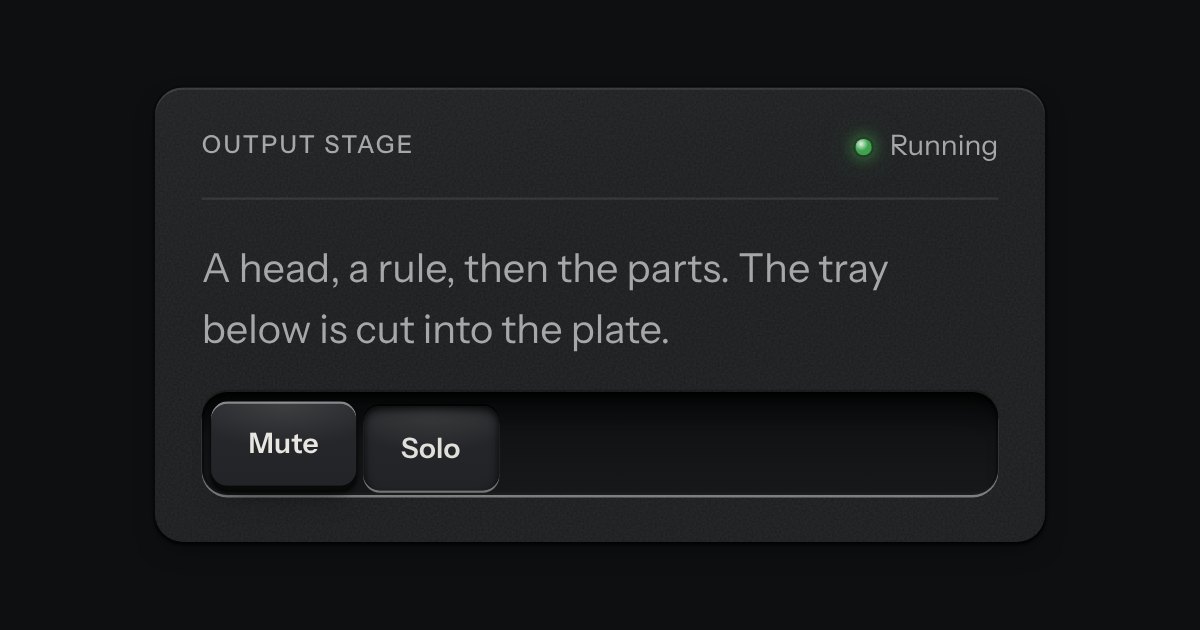
A face plate that groups what belongs together: a head, a rule, then the parts. Screws only on device-like panels.
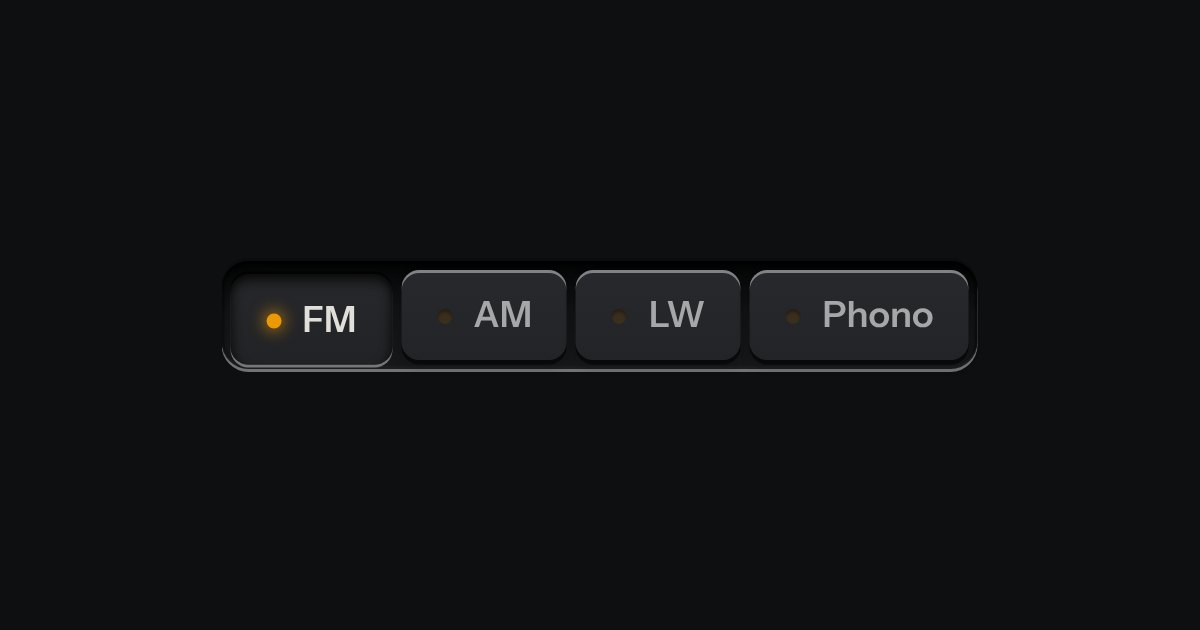
One mode of two to five: latching keys in a tray, one down at a time, each with a lamp that lights when chosen.
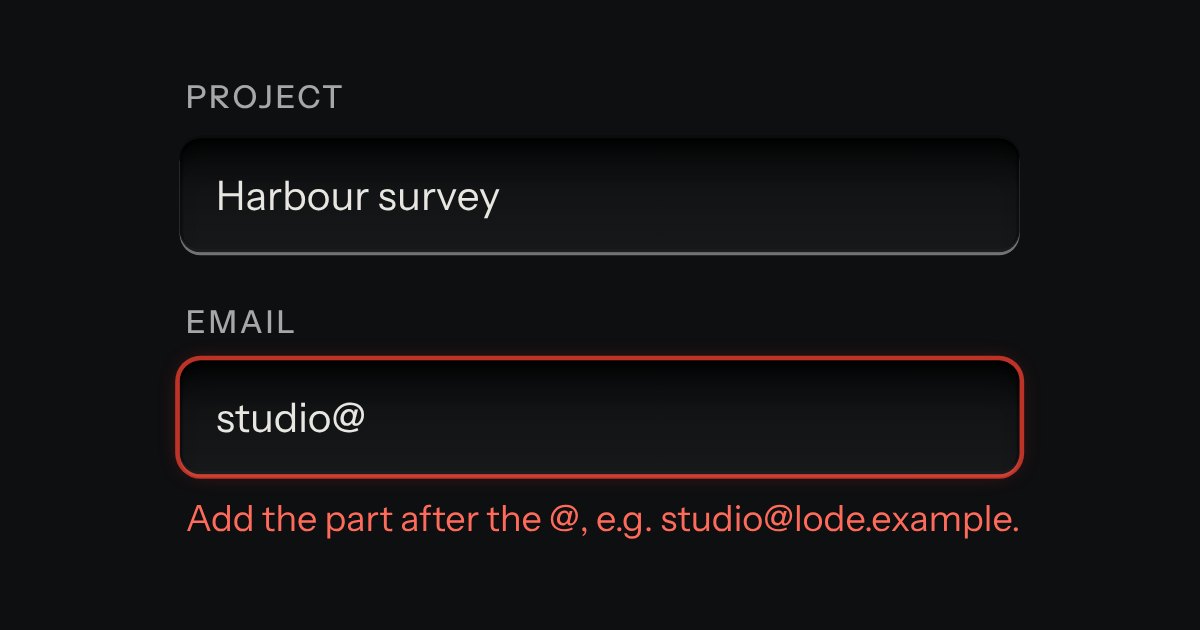
Text entry in a recess, the label printed above it, and a hint that says how to fix an error.
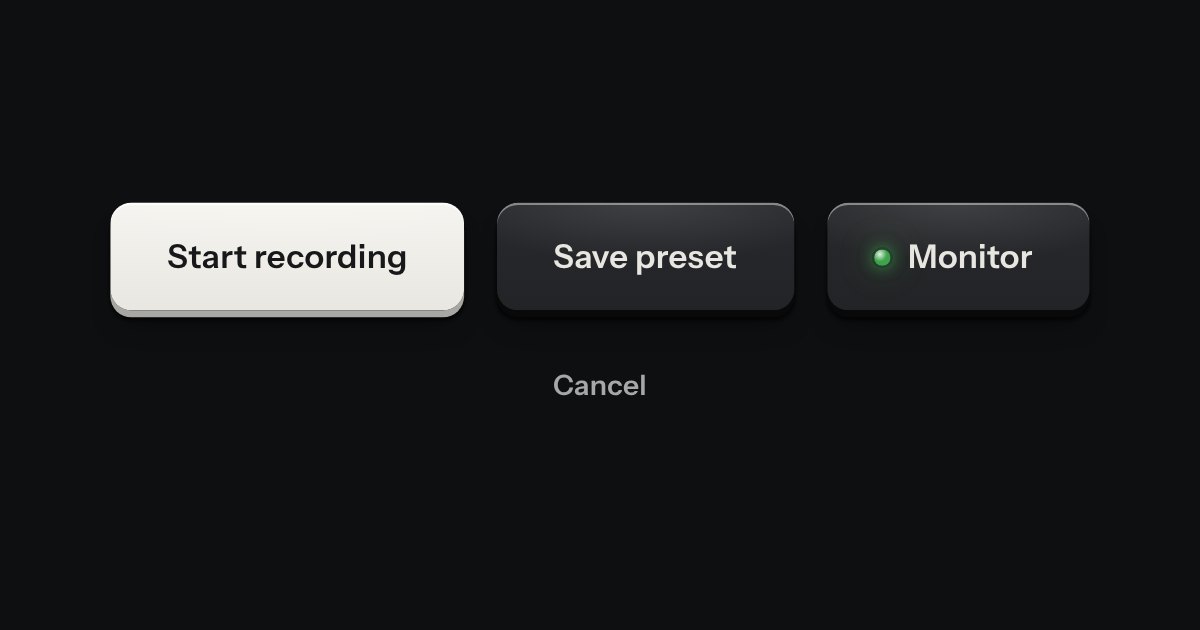
Every button, and every link that acts like one: a cap on a skirt that drops below the plate when pressed.
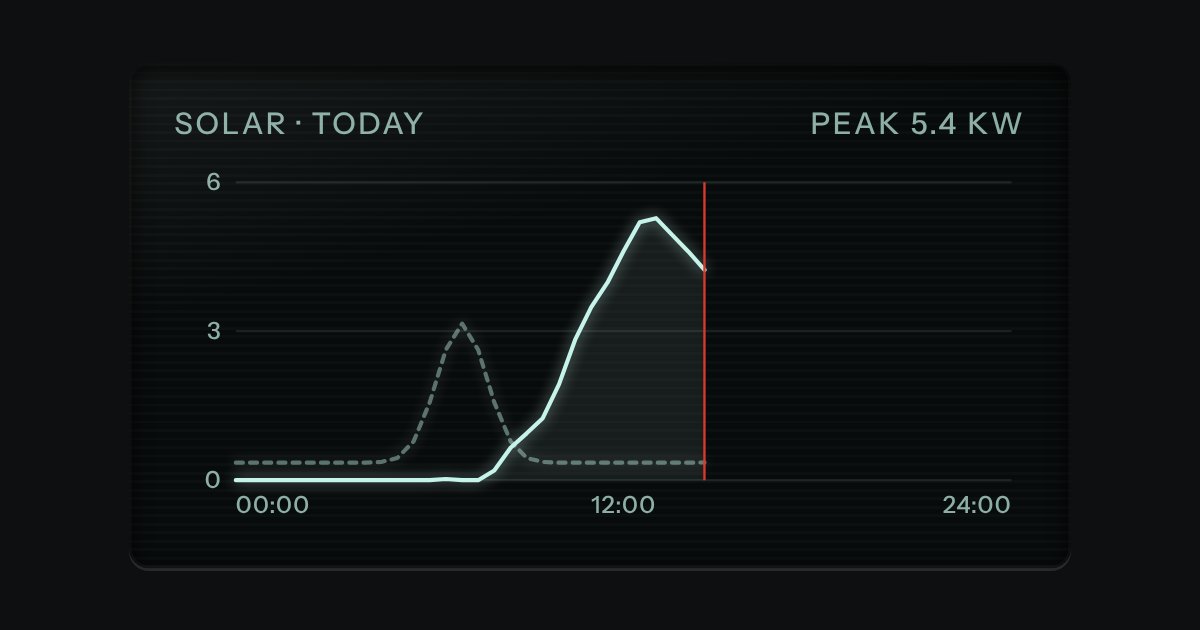
Dark display glass for plots and live readouts, whatever the finish around it. Everything printed inside it is lit.
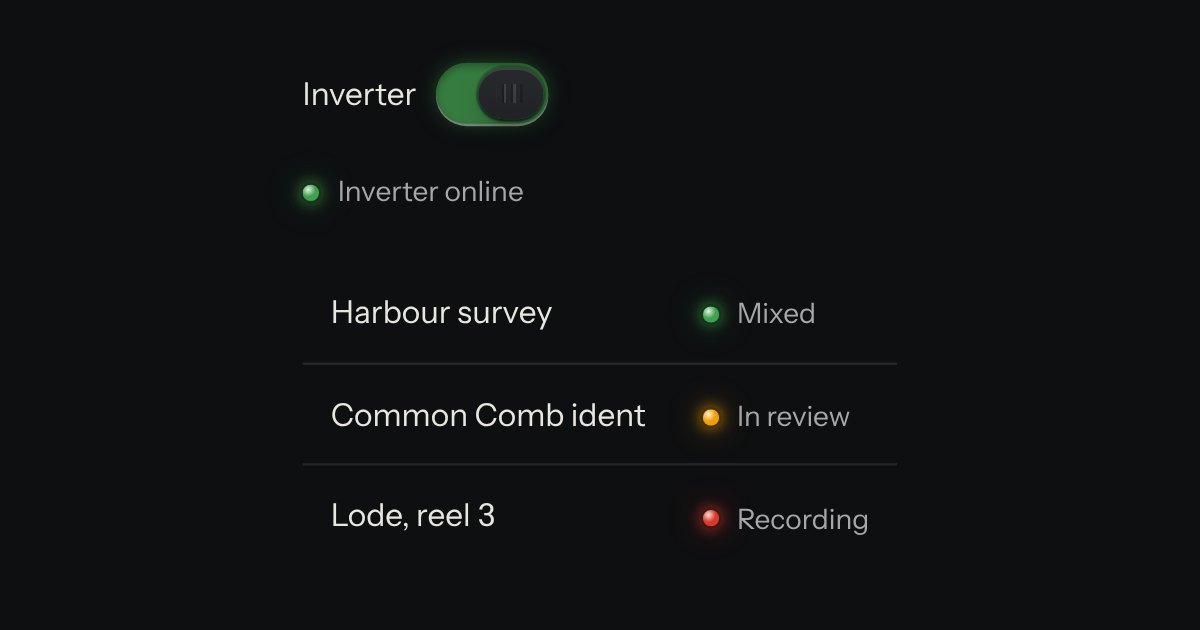
A lamp with words: the state line in tables, panel heads and lists. The words carry the meaning; the lamp is the glance.
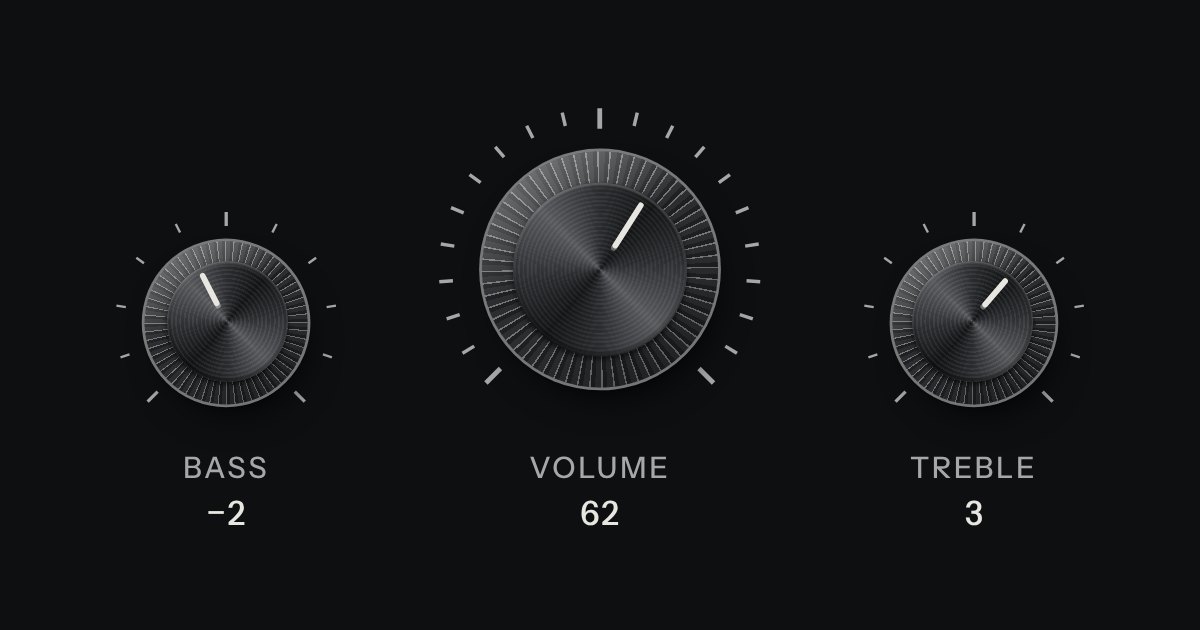
A rotary control for continuous or stepped values where space is square. Its knurl and pointer turn; its light does not.
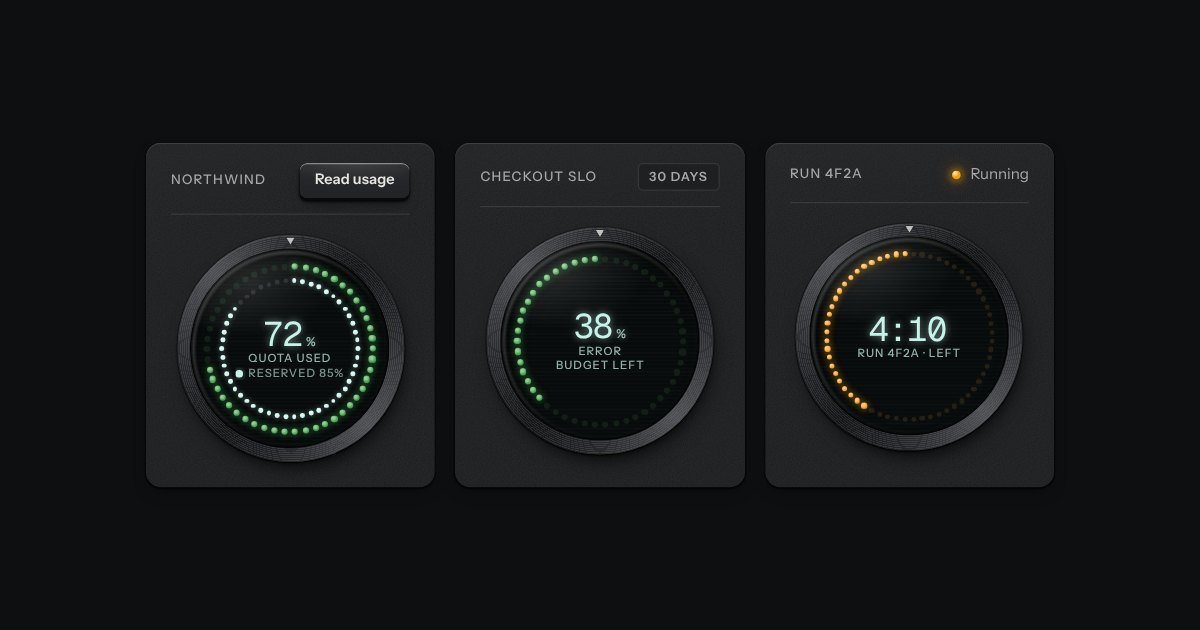
The kit’s donut chart as an instrument: a ring of lamps behind dark glass in a spun bezel, lit clockwise from twelve like a studio clock’s seconds, with the value in lit digits in the middle.
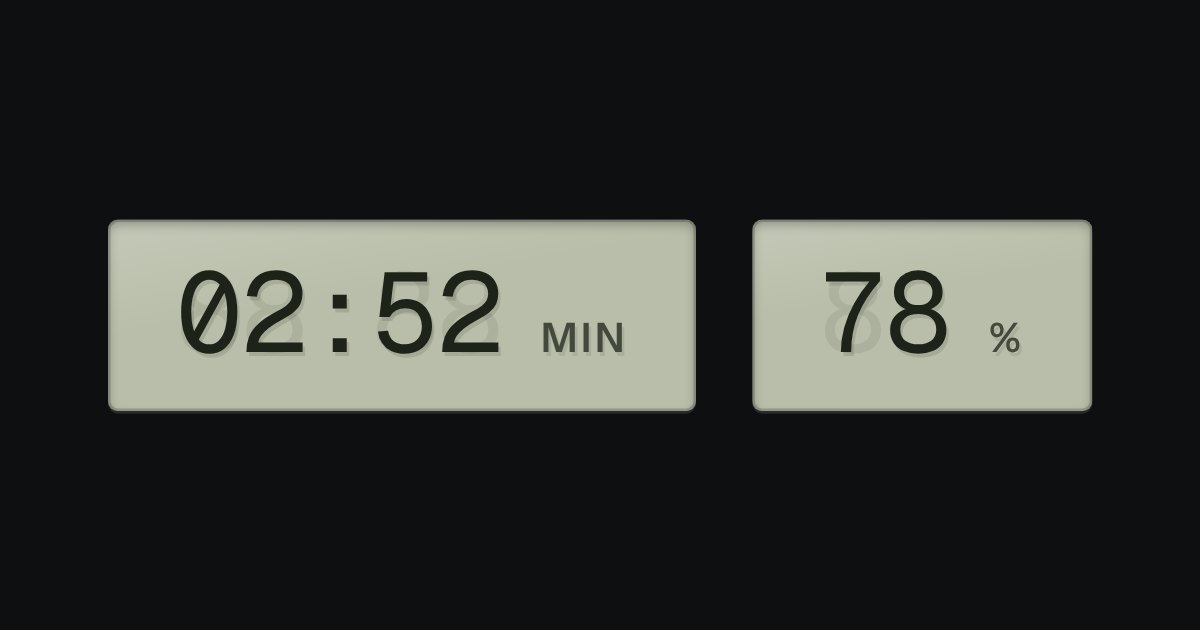
A value that changes, on grey-green liquid crystal, with a ghost of the unlit segments behind it: clocks, battery, counters.

Views of the same thing, switched in place: keys in a tray, the chosen view a raised cap.
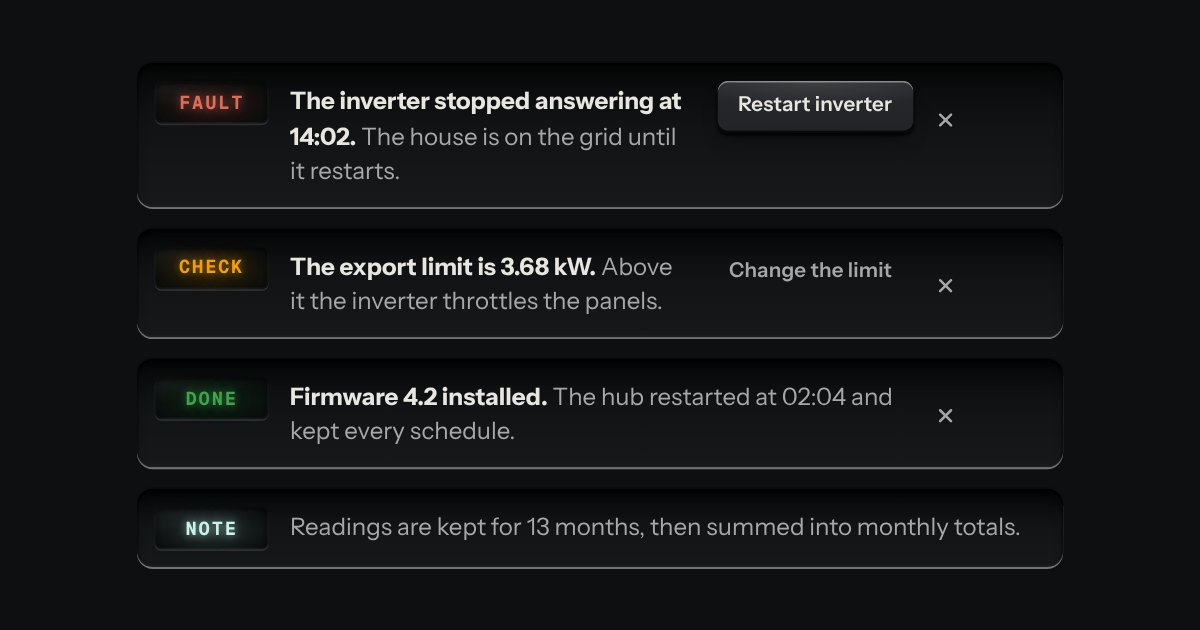
A message let into the surface, with an annunciator: a small lit legend (Note, Done, Check, Fault) beside the words that say what happened.
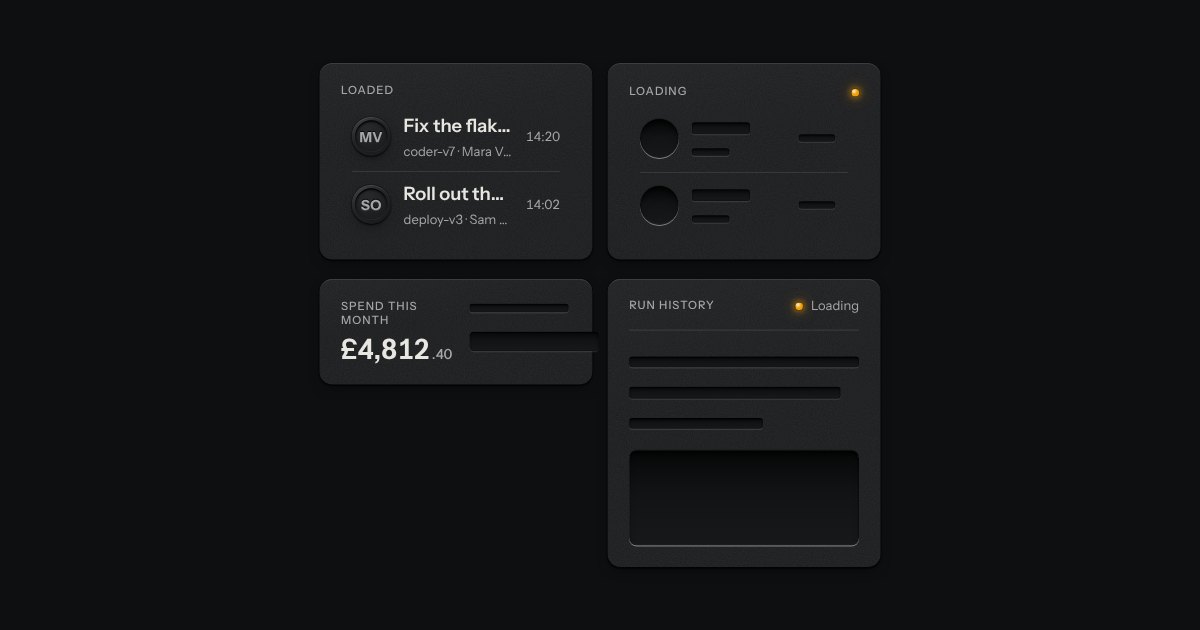
The shape of a page before its data arrives, drawn as the unprinted plate: blank engraved bars where the words will print. Nothing on it moves. One amber lamp beside “Loading” is the only sign of work.
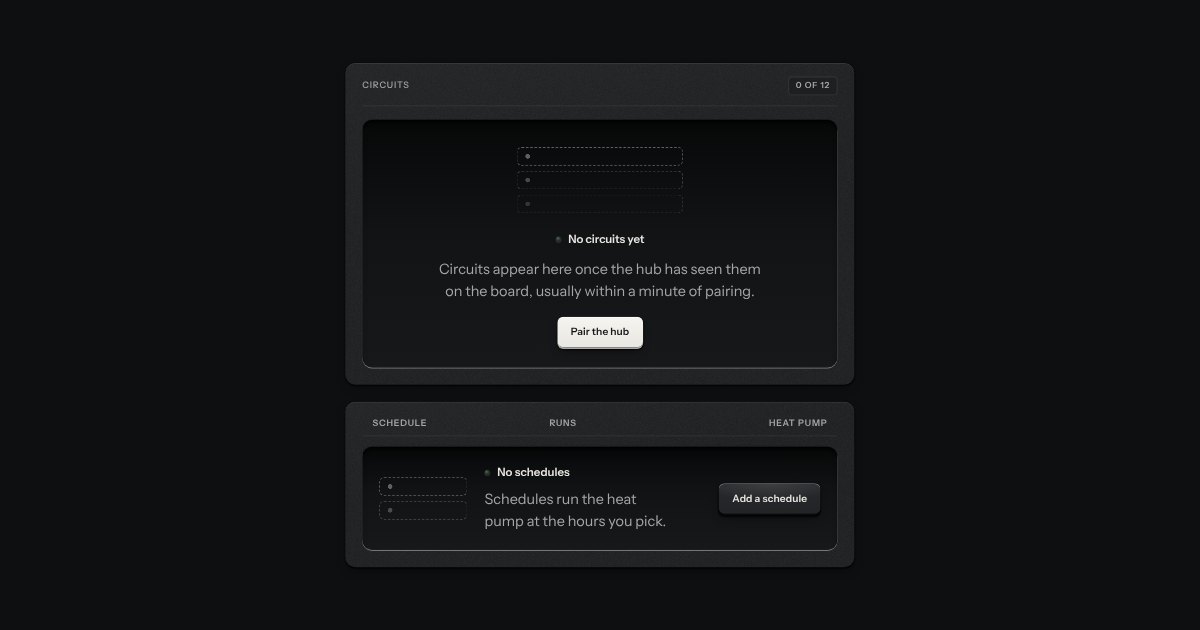
What a view shows before it has anything: an empty tray with the outline of what goes in it printed on its floor, one sentence and one key.
Bar · a sticky numbered contents with a search field · a chapter opener with a display numeral · numbered sections in a reading measure: code on dark plates with copy keys, language tabs, a fields table, printed warnings, a limits list · a screwed instrument on the bench (knob, ring, field and key, LCD, request and response in glass) · the manual’s page foot · a key at the foot that shows the other states (?state=).