A filterable list drawn as a deck of edge-notched index cards. Press a hole above the deck and a steel needle goes down that column through every card: the cards that state that fact fall off it and settle forward, the rest stay hanging on the needle, lifted and dimmed. Press the same hole again and it is drawn back out.
The row is a grid, so three holes or five share the card’s width and stay level with the buttons above them. The needle is a thin steel rod parked in the gutter beside the deck; its shaft runs under the cards and is seen only inside the chosen hole of each card, where a short steel segment is drawn, and in the gaps the deck opens, while the knurled grip stays above the paper. The cards that do not match stay lifted and dim, with a line a screen reader reads.
Variants
Four holes, invoices
Five holes, a support desk
States
At rest
Needle in
The notch
The whole hole
Props and options
Name
Kind
Description
data-notches
attribute
The facts a card states, as hole ids separated by spaces: "open urgent" means both of those holes are cut open on that card.
data-hole
attribute
The fact a hole stands for. The button’s own words are its printed label above the card.
aria-pressed
attribute
Which hole the needle is through. One at a time: pressing another draws the needle out and pushes it through the new hole in turn.
notchMatches(cards, hole)
function
Pure: the indices of the cards whose facts include the hole, or every card when the hole is empty.
notchCount(matches, total, label)
function
Pure: the printed count, the words a status region adds after it, and the sentence whole.
data-static
attribute
The script leaves the deck alone: for a still, a thumbnail or a state on this page.
Usage notes
Press a hole above the deck: the needle goes down it and the invoices that state that fact fall off. Press it again to draw the needle out, or press another hole to draw it out and push it in again in turn.
Accessibility
Each hole is a toggle.
One tab stop for the row: Left and Right, Home and End move between holes, and Space or Enter presses the hole in focus.
A card that does not answer stays in the list, dimmed and lifted, and carries a line for a screen reader: “Does not match Open.” Nothing is removed or hidden silently.
The count is a status region, and a press reads it: “4 of 7 cards match Open”, or “7 of 7 cards” once the needle is out.
Reduced motion changes the state at once: no travel, no stagger, and the cards have already fallen when the needle appears.
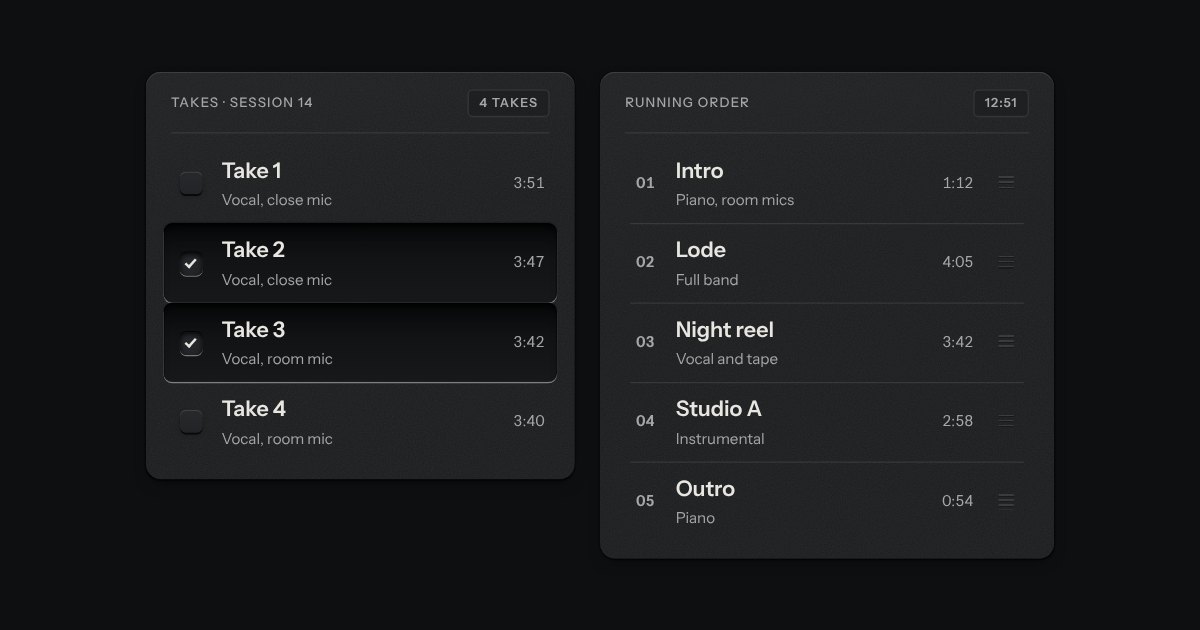
Rows in a rack: a mark, a title, a second line and a fact or a key at the end. Chosen rows sink into a recess with their check key latched; in a running order, a row lifts out of the rack on its skirt and slides past the others, from the keyboard or by its grip.
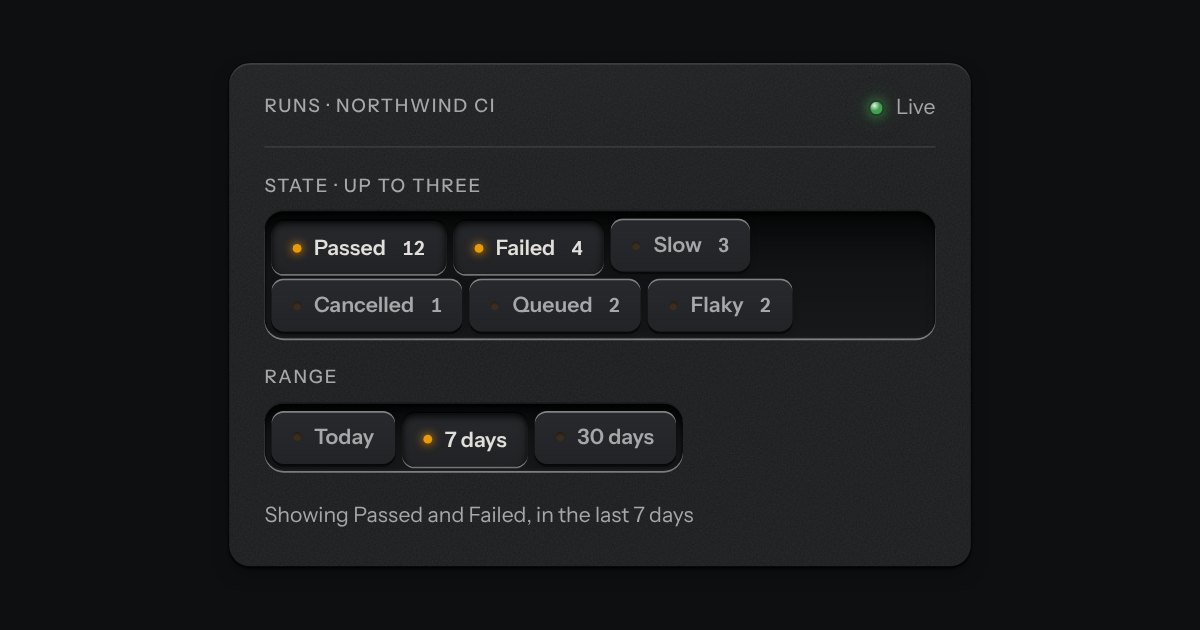
Small plates you press on and off, laid in a tray that wraps: the filters over a table, the topics on a form, the sizes on a product. Each chip is a native checkbox, or a radio when only one may be down, drawn as a small cap that sinks below the tray with its lamp lit. A limit may be set on how many go down at once.
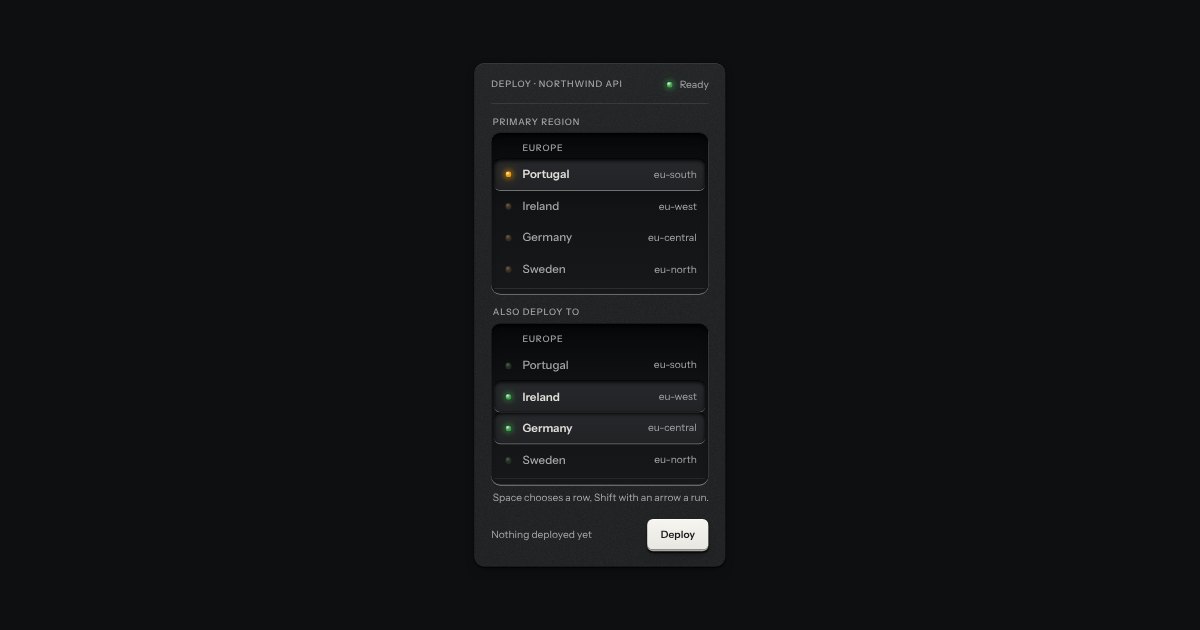
An always-open list let into the plate as a recess. The rows are printed on its floor and a chosen row is a cap let down into it with its lamp lit. One row may be chosen, or several; typing a few letters finds the next row that starts with them. It starts as a native select with a size, so it posts with the form and works without a script.