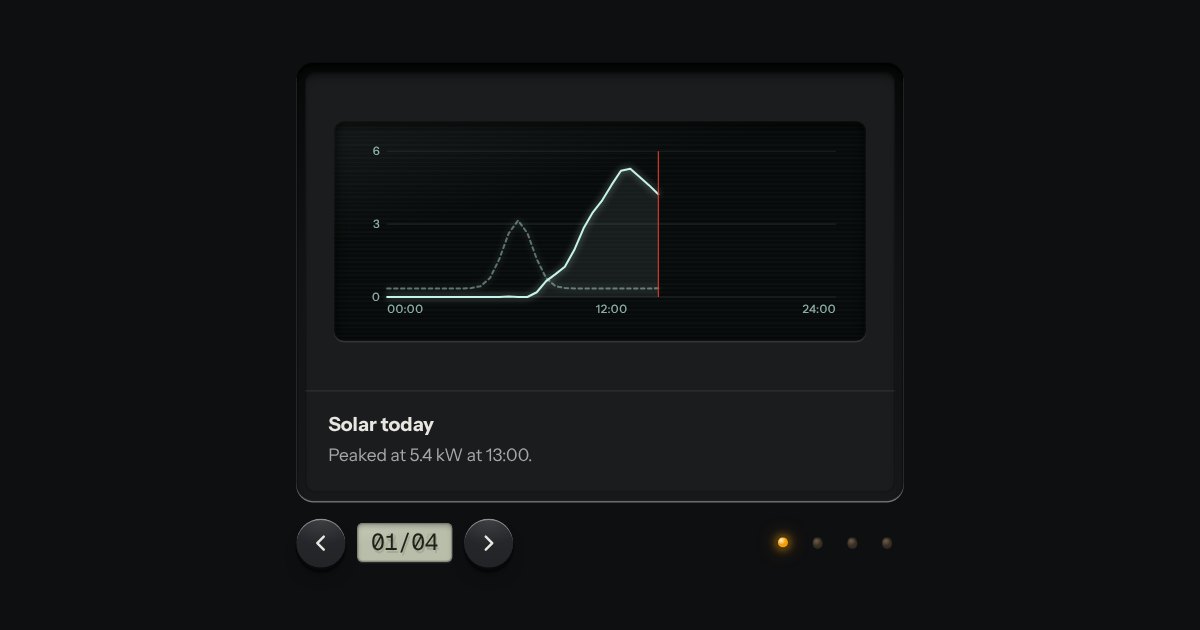
Carousel
Slides seen one at a time through a viewer’s gate: transport keys either side of a frame counter on an LCD, lamp keys to jump, swipe on touch. Nothing moves on its own unless you ask it to.
Kit parts
A carousel as a strip of film in a machined viewer. The frames run behind a gate lit from behind, with sprocket holes along both edges, and the frames either side wait under a smoked cover. It moves a frame at a time and settles as each one registers. Turn the thumbwheel, press the keys or swipe the film itself: underneath it is a native scroller with a snap point at every frame.
Seats open in 11 days. Want one email that morning?
The film inside it is as long as its frames, padded so the first and the last can reach the gate, and carries the sprocket holes as two repeating backgrounds, so they travel with it. Frames are sized in container units. The gate is a pseudo-element over the middle of the viewer whose shadow, spread a long way, is the smoked cover. The settle is a Web Animations nudge on the film, four pixels past and back, as a frame arrives.
| Name | Kind | Description |
|---|---|---|
| index · go(i) | property · method | The frame at rest in the gate, and a way to bring another there. The film has ends and does not wrap. |
| Left · Right · Home · End | keyboard | A frame at a time, and the ends. The film is one tab stop and the thumbwheel another. |
| Arrows · Page Up · Page Down · Home · End | keyboard | Left and Down go back a frame, Right and Up go on; Page Down and Page Up do the same; Home and End go to the ends. |
| filmStripHTML · filmStripCount · filmStripLabel · filmStripIndex · filmStripTurn · filmStripNotch | function | The markup, and the rules under it, pure: the counter, a frame’s name, the frame at a scroll position, how far the wheel turns, and wheel notches. |
Turn the thumbwheel, scroll on it, press the keys or swipe the film. Tab to the film and use the arrow keys, Home and End. Click a dim frame to bring it into the gate.
Slides seen one at a time through a viewer’s gate: transport keys either side of a frame counter on an LCD, lamp keys to jump, swipe on touch. Nothing moves on its own unless you ask it to.
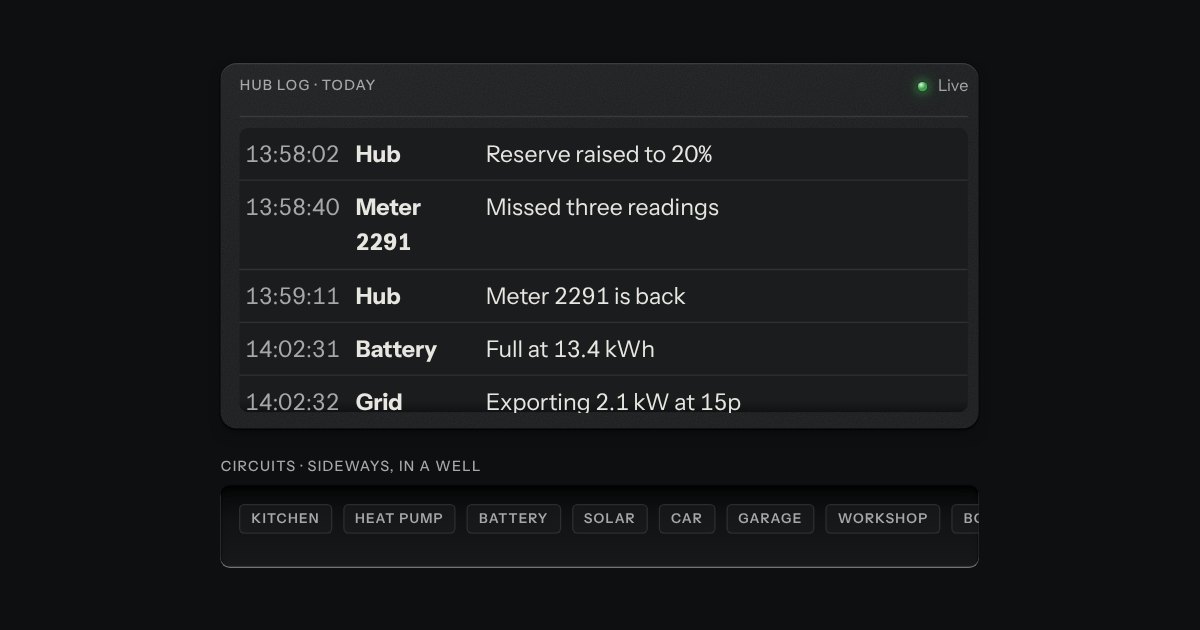
A region that scrolls, with its scrollbar made as a machined rail: a groove cut into the plate and a thumb like a fader cap riding in it. Scrolling itself is the browser’s own.
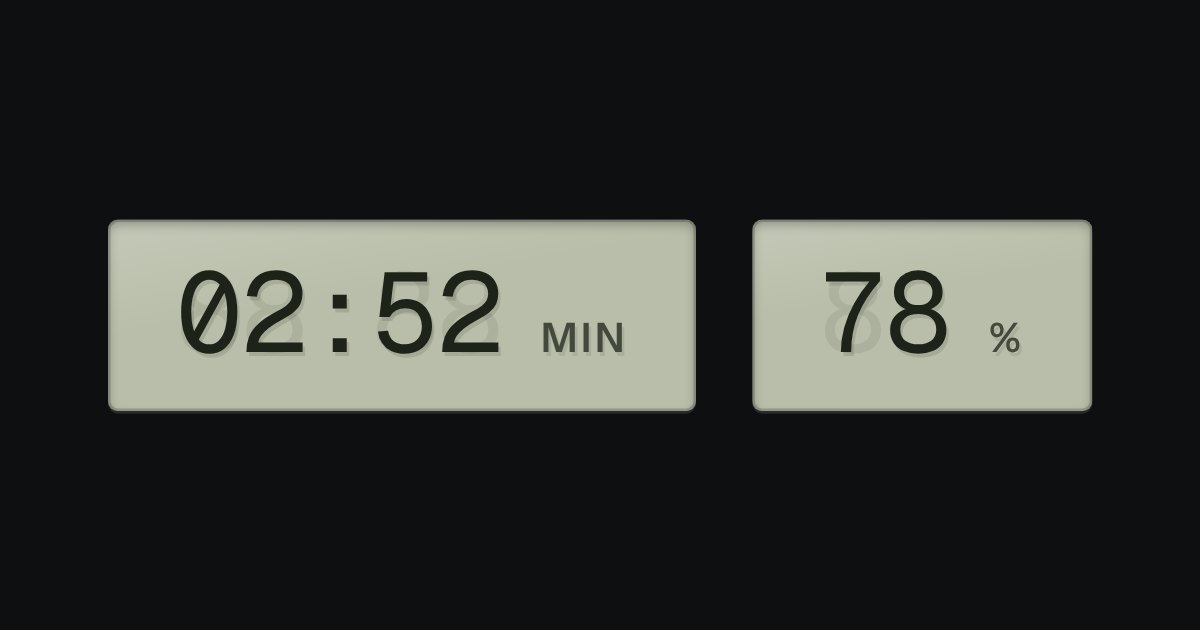
A value that changes, on grey-green liquid crystal, with a ghost of the unlit segments behind it: clocks, battery, counters.