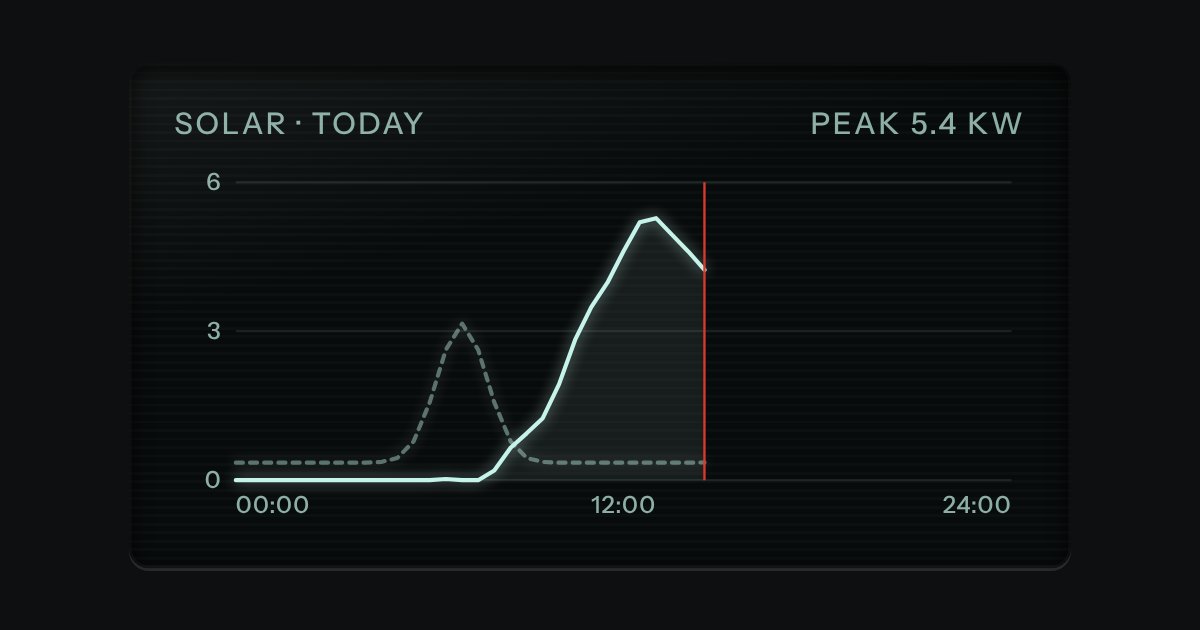
Glass
Dark display glass for plots and live readouts, whatever the finish around it. Everything printed inside it is lit.
Kit part · Code & devtools
Code on display glass. A bar along the top holds the file name on a tab, with a lit edge under it, and the copy key at the far end. Under it the lines run, each with its number engraved in a gutter that stays where it is when a long line scrolls sideways. The numbers are drawn by the stylesheet, so they are never selected, never copied and never read aloud. Highlighting is optional and small: a few strengths of the display’s own light, told apart by weight and italic, never a colour of its own.
Seats open in 11 days. Want one email that morning?
import { connect } from '@northwind/cli';

// Open the harbour feed and log each berth change.
const feed = await connect({ site: 'quay-street', retries: 3 });
feed.on('berth', (change) => {
  console.log('Berth ' + change.id + ' is now ' + change.state);
});
$ npm install @northwind/cli
$ northwind init quay-street
$ northwind deploy --dry-run # nothing is changed
{
"site": "quay-street",
"retries": 3,
"berths": ["A1", "A2", "B1"],
"dryRun": true
}
const schedule = 'https://harbour.northwind.example/api/v2/berths/quay-street/schedules?from=2026-10-07&to=2026-10-14&include=tides,pilots,tugs,fuel';
const rows = await fetch(schedule).then((r) => r.json());
import { connect } from '@northwind/cli';

// Open the harbour feed and log each berth change.
const feed = await connect({ site: 'quay-street', retries: 3 });
feed.on('berth', (change) => {
  console.log('Berth ' + change.id + ' is now ' + change.state);
});
$ npm install @northwind/cli
$ northwind init quay-street
$ northwind deploy --dry-run   # nothing is changed
import { connect } from '@northwind/cli';

// Open the harbour feed and log each berth change.
const feed = await connect({ site: 'quay-street', retries: 3 });
feed.on('berth', (change) => {
  console.log('Berth ' + change.id + ' is now ' + change.state);
});
Both finishes, side by side. Hover, pressed and focus are forced with .is-hover, .is-down and .is-focus; checked and disabled are real.
Aluminium
| Part | Rest | Copy key focused | Lines focused | A marked line |
|---|---|---|---|---|
| Block | | | | |
Graphite
| Part | Rest | Copy key focused | Lines focused | A marked line |
|---|---|---|---|---|
| Block | | | | |
| Name | Kind | Values | What it does |
|---|---|---|---|
| figure.tui-glass.tui-code-block | element | both classes | The block: display glass with no padding of its own, so the bar and the lines reach its edges. |
| .tui-code-block__bar | element | the top row | Holds the tab at the start and the copy key at the end, with a rule under it. |
| figcaption.tui-code-block__tab > span | element | the file name | The tab. A lit edge under it says it is the file that is open. Use a figcaption.tui-label.tui-code-block__lang instead when there is only a language to say. |
| button.tui-copy-key[data-copy-from] | element | points at the <code>’s id | The kit’s copy key, flat and small. It copies the text of the code, which has no numbers in it. Give it an aria-label that names the file. |
| .tui-code-block__scroll[tabindex="0"][role="region"] | element | named | The scrolling region, a stop of its own so the keyboard can scroll long lines. Its aria-label says what the code is. |
| code.tui-code-block__code[data-lang] | element | js · ts · json · sh · css · yaml | The code. With data-lang the script lights a few tokens; with none it only splits the lines. data-mark="3,4" lights those lines. |
| --cb-start · --cb-max | custom property | a number · a length | The number the first line has, and a height after which the block scrolls up and down. |
| --bare | modifier | tui-code-block--bare | Takes the gutter away, for a snippet that is not a listing. |
| codeBlockHTML() · codeLinesHTML() · wireCodeBlocks() | function | needs kit.mjs | Write the whole block, write only the lines, or dress every plain code element in a page. |
| codeLines() · codeHighlight() · codeTokens() · codeLang() | function | pure | The text as lines, as lit lines, as tokens, and the language a name means. |
<!-- A figure, so the file name is its caption. The lines scroll, so they are a labelled region the keyboard can reach. -->
<figure class="tui-glass tui-code-block">
  <div class="tui-code-block__bar">
    <figcaption class="tui-code-block__tab"><span>feed.mjs</span></figcaption>
    <button class="tui-key tui-key--flat tui-key--sm tui-copy-key" type="button" data-copy-from="#cb-1" aria-label="Copy feed.mjs"></button>
  </div>
  <div class="tui-code-block__scroll" tabindex="0" role="region" aria-label="feed.mjs, code">
    <pre class="tui-code-block__pre"><code class="tui-code-block__code" id="cb-1" data-lang="js">import { connect } from '@northwind/cli';
const feed = await connect({ site: 'quay-street' });</code></pre>
  </div>
</figure>

<!-- No file name: a language legend in its place, <figcaption class="tui-label tui-code-block__lang">Shell</figcaption>.
     Start the count elsewhere with style="--cb-start:24"; mark a line with data-mark="24,25" on the <code>. -->
import { codeBlockHTML } from '/kit/kit.mjs';
// Write the whole block from a string:
host.innerHTML = codeBlockHTML({ code, file: 'feed.mjs', lang: 'js', mark: [4] });
// Or write plain text in <code data-lang="js"> and kit.mjs splits it into lines and lights it.Needs kit.css and kit.mjs. How to install the kit.
<code> element, so nothing is lost to find in the page.It is .tui-glass, so the glass, its scan lines, its ink and its focus light are the kit’s in every finish and volume. The gutter is a CSS counter on each line, drawn as a sticky plate over the lines that pass under it, with an engraved edge. The highlighter is a single pattern in code-block.mjs: it is not a parser, and a line it misreads is still the right text.
Show code the way a lit display shows it: a file name tab, numbered lines in a gutter that holds still, a copy key, and long lines that scroll instead of wrapping.
6 rules in this file, with the foundations they rest on and the anti-patterns that break them. Full rules ship in the brain with the Pass.
Dark display glass for plots and live readouts, whatever the finish around it. Everything printed inside it is lit.
A key that copies a value and says so. Its lamp sits dark in the cap; when the text is on the clipboard the lamp lights, winks once, and the legend says Copied before it goes back to Copy. If the browser refuses the clipboard, the text is selected for the keyboard and the lamp lights amber.
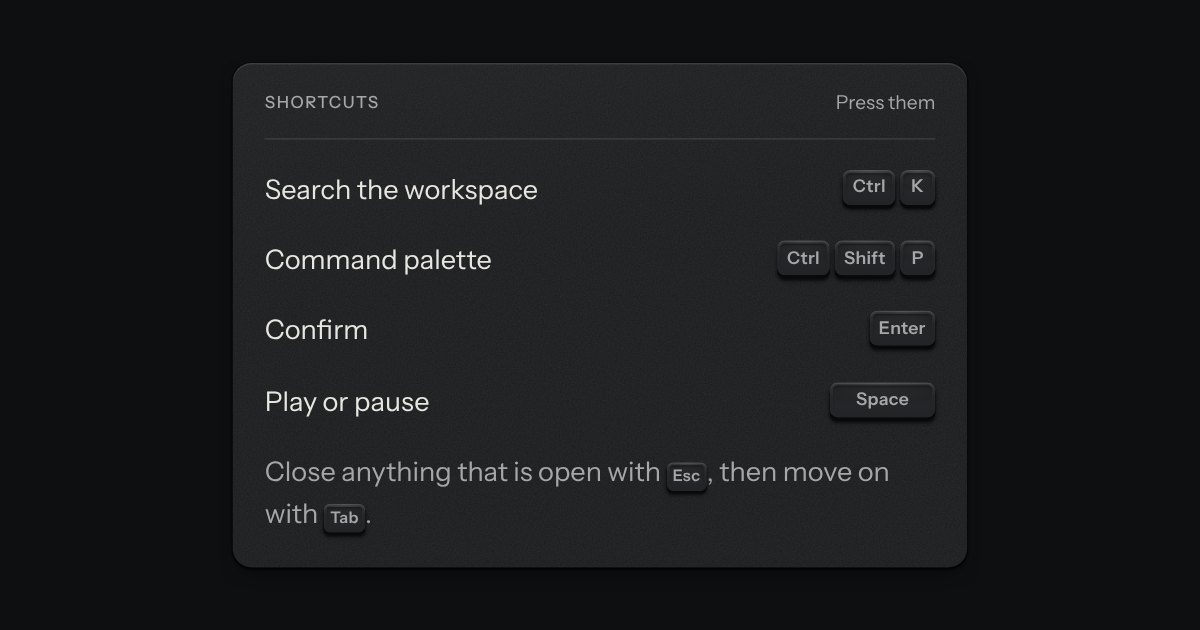
The key to press, drawn as the key: a small cap on a skirt with a dish worked into its top. Shortcuts come as combos and follow the platform, so ⌘ K on a Mac is Ctrl K elsewhere.