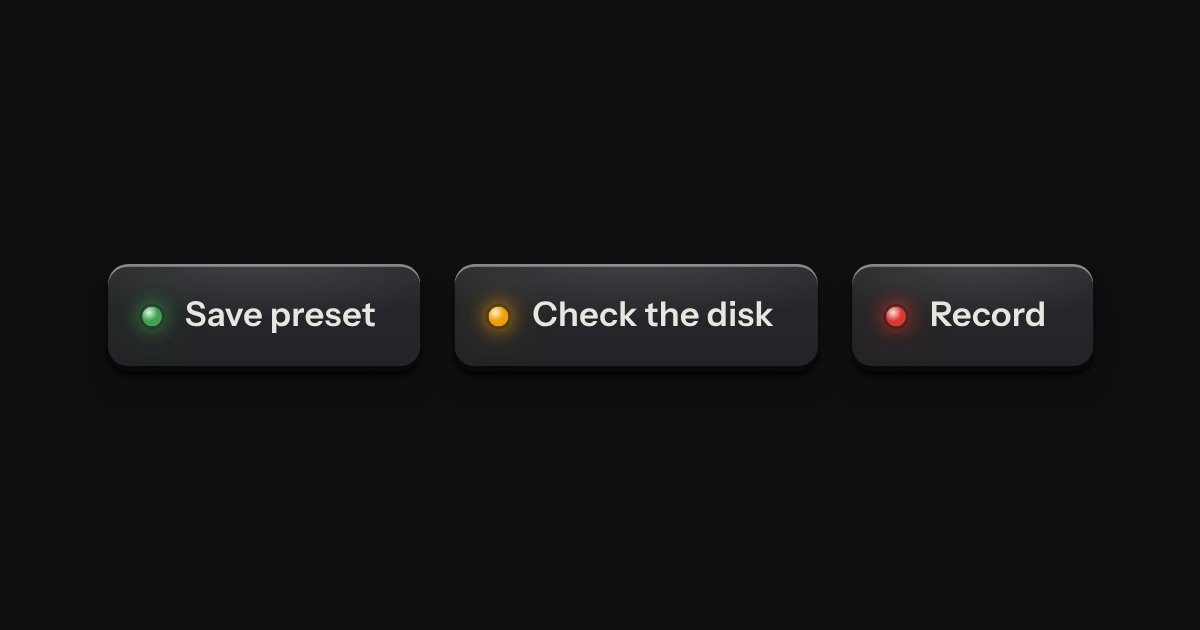
Toast
A confirmation after an action.
Kit parts
A toast issued like a numbered ticket from a dispenser. A short slip of thermal paper with a number, a line of words and, if it needs one, an action key slides out of a slot at the edge of the screen. Several fan a little. Tear one off with a swipe or its close key, or leave it and it retracts by itself, on a timer that stops while you are reading it.
Seats open in 11 days. Want one email that morning?
The slot is drawn in two halves with the tickets between them. The paper is the kit’s paper tokens, the same in every finish. The stub is set off by a dashed perforation.
| Name | Kind | Description |
|---|---|---|
| ticketToast(options) | function | The first call sets the dispenser up. |
| options.text | option | The words: one sentence. Written as text, never as markup. |
| options.tone | option | The lamp on the stub. Green by default. |
| options.action | option | One action key. Pressing it calls onClick(handle) and then tears the ticket off, unless onClick returns false. |
| options.timeout | option | |
| options.into | option | Dispense into a box of your own instead of the bottom right of the screen. The box needs position: relative and overflow: hidden. |
| handle.dismiss() | method | Pulls the ticket back into the slot now. |
| swipe | pointer | Drag it sideways and it follows and leans. Past a third of its width, or fast, it tears off; short of that it settles back. Works with a finger. |
| Escape | keyboard | Tears the ticket off. |
| ticketNumber · ticketTone · ticketTimeout · ticketVerdict · ticketClock · ticketHTML | function | The rules, pure: the number, what a tone means, how long a ticket stays, whether a swipe tears, a clock that can be held, and the markup for a page that renders one on a server. |
Press a key: a ticket comes out of the slot at the foot of the panel. Hover it and the timer stops. Swipe it away, or press its cross.
A confirmation after an action.
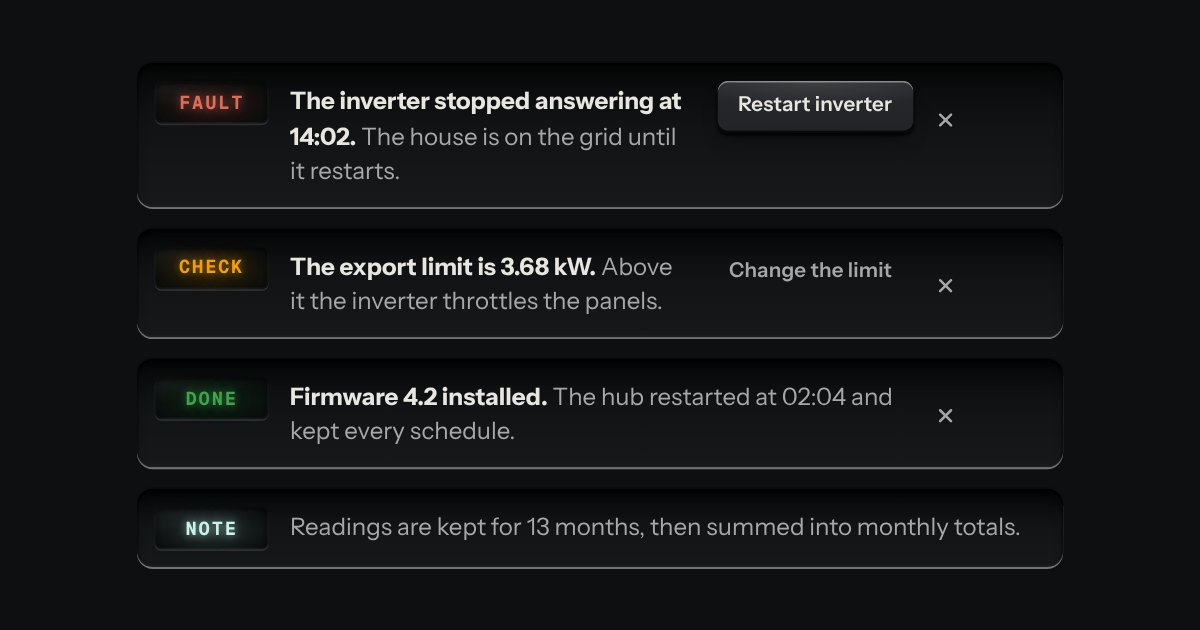
A message let into the surface, with an annunciator: a small lit legend (Note, Done, Check, Fault) beside the words that say what happened.
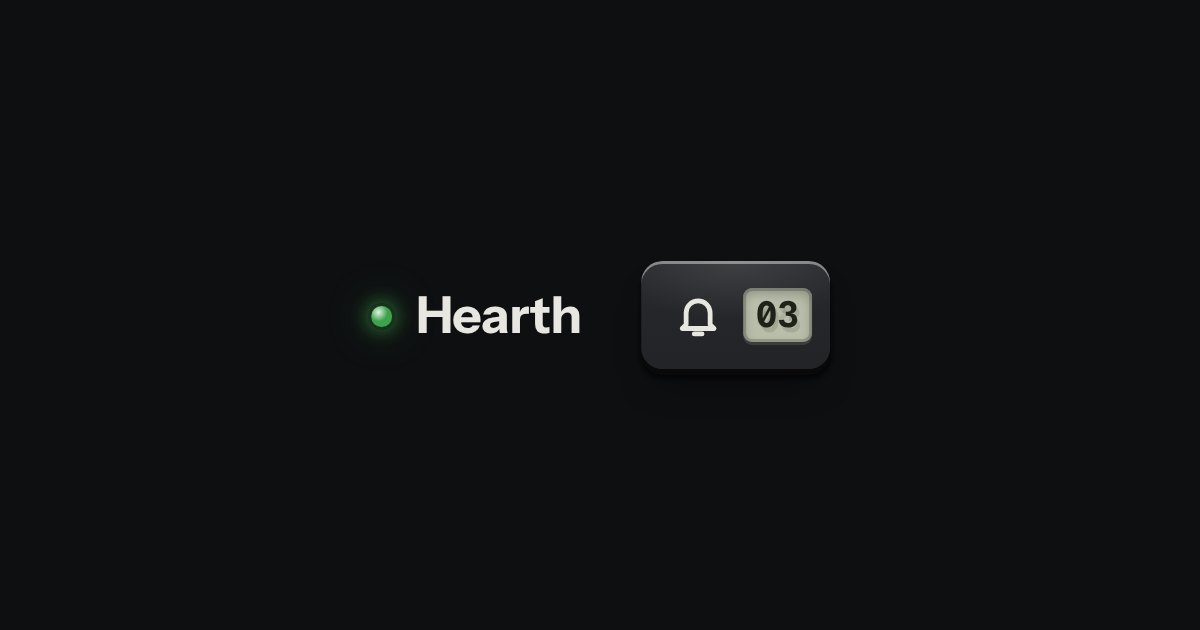
A key with a counter window in its cap, and a card of messages hung from it. Each unread message has its lamp lit; reading it puts the lamp out and the counter steps down.