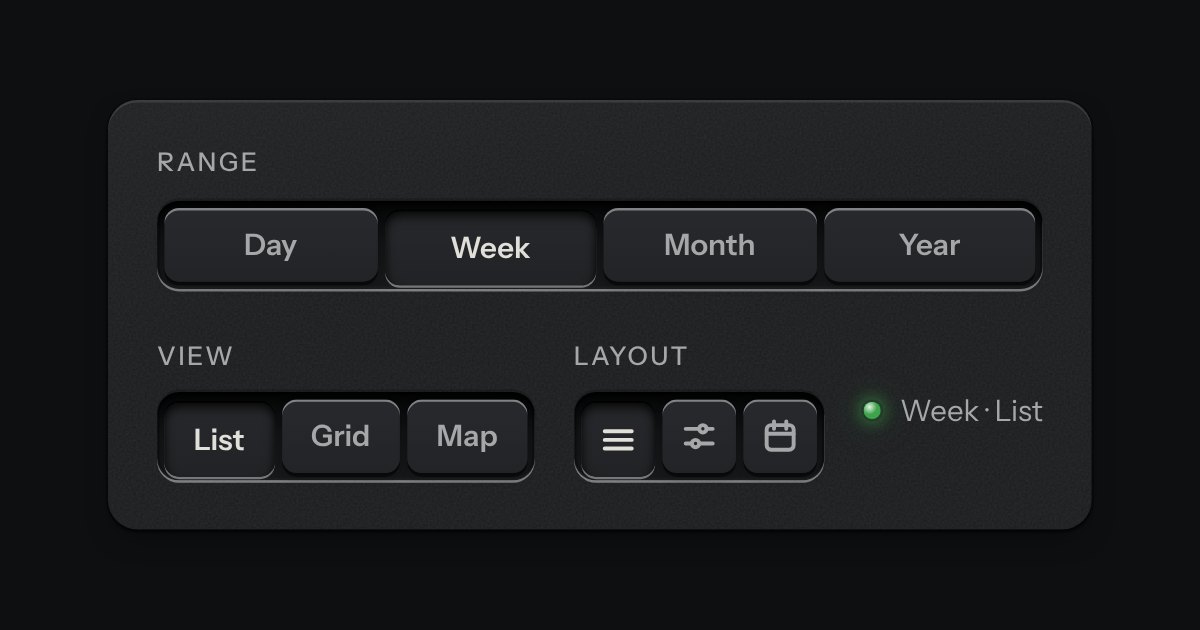
Segmented control
A row of keys in a tray with one pressed down: pick a view, a range or a mode and it applies at once. It is the kit’s selector without the lamps, with sizes, a full-width row and icon segments.
Kit parts
A row of key switches on a console plate: each workspace is a lock cylinder with its own steel key standing in the plug. Choose one and its key turns a quarter-turn from the off mark to the on mark and the lamp above it lights; the key that had been on turns back. The engraved plate under the cylinders prints the name of whichever desk is now turned in, so turning a key swaps the whole desk, not a tab. A native radio group underneath, so it works with no script.
Native radios, each visually hidden under opacity. A hand over a key that is off turns it a few degrees, ready to turn. The desk plate below matches the turned key with. The lamp is never the only sign: the turn and the plate's text carry the state too.
| Name | Kind | Description |
|---|---|---|
| legend | element | Names the switcher for a screen reader ("Workspace, radio button, Design, 1 of 3"); printed off-screen. |
| checked | attribute | The key turned on: a quarter-turn to the on mark, the lamp above its cylinder lit amber. |
| change | event | Native, on the radio that became checked. |
| Arrows | keyboard | Native radio behaviour: arrows move the choice and turn it in the same motion. |
| workspaceSwitcherHTML() | function |
Press a key, or Tab to the switcher and use the arrow keys. The chosen key turns and lights; the desk plate below names it.
A row of keys in a tray with one pressed down: pick a view, a range or a mode and it applies at once. It is the kit’s selector without the lamps, with sizes, a full-width row and icon segments.
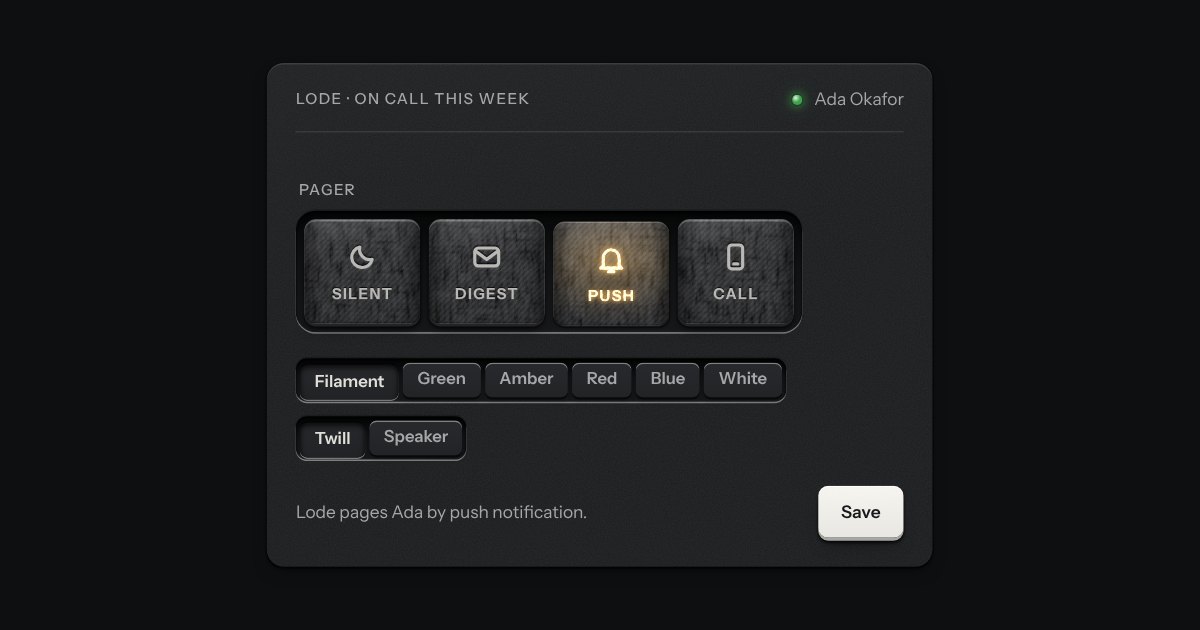
A mode switch made of cloth. A row of tiles covered in stretched fabric stands in a machined tray, each with an icon and a word pressed into it. The chosen tile sits a touch lower and a lamp behind it lights its icon and word through the weave. Choose another and the first lamp fades down as the next comes up. Underneath it is a group of native radios, so it posts one value without any script.
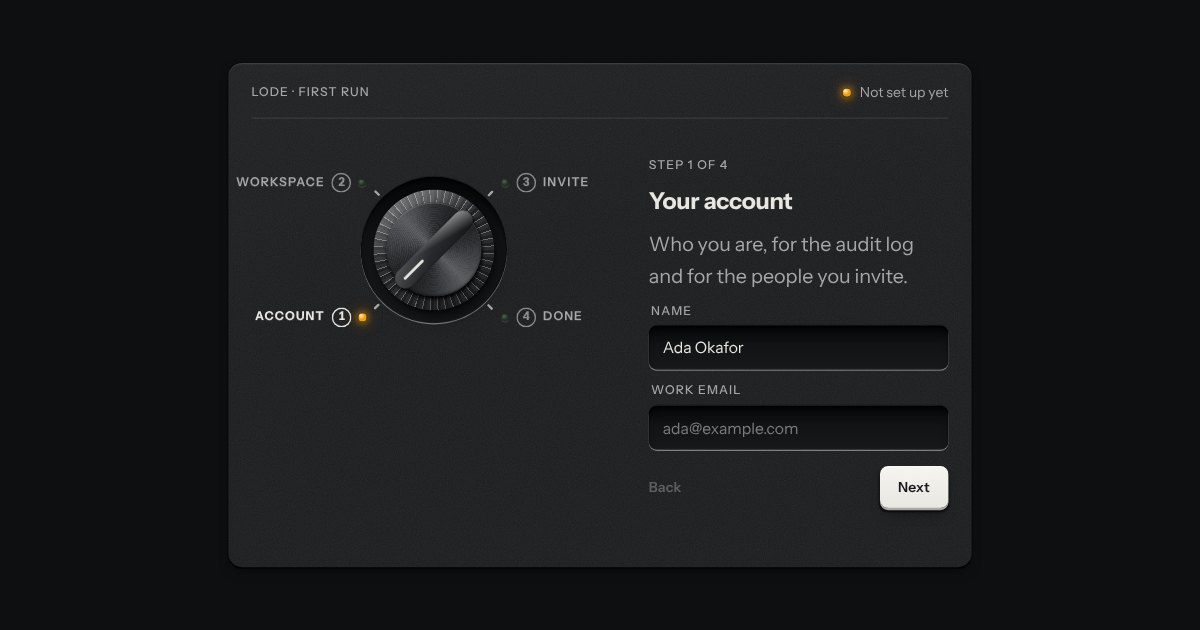
Onboarding as the program dial of an appliance on its first run. Each step is a detent on a rotary dial, its number and name engraved round it, and the panel beside it shows that step’s few fields. A step that is done lights a green lamp by its mark, and the one you are on an amber one. The dial turns back freely, and forward only as far as the first step not yet done.