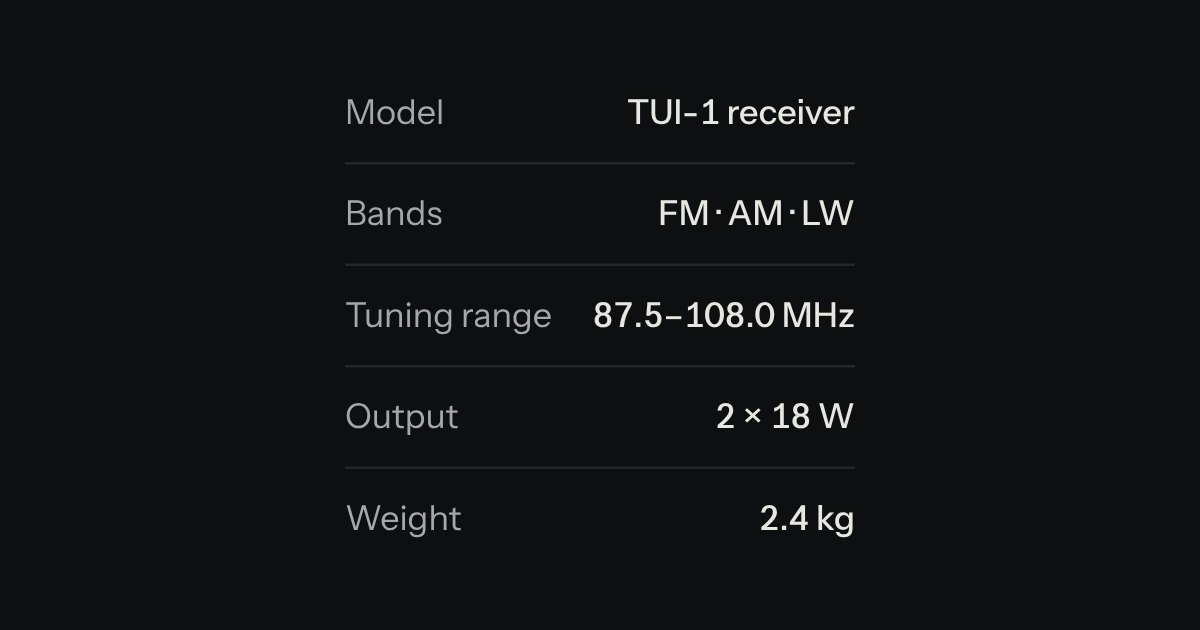
Spec list
Key and value facts, printed like the plate on the back of a device.
Kit parts
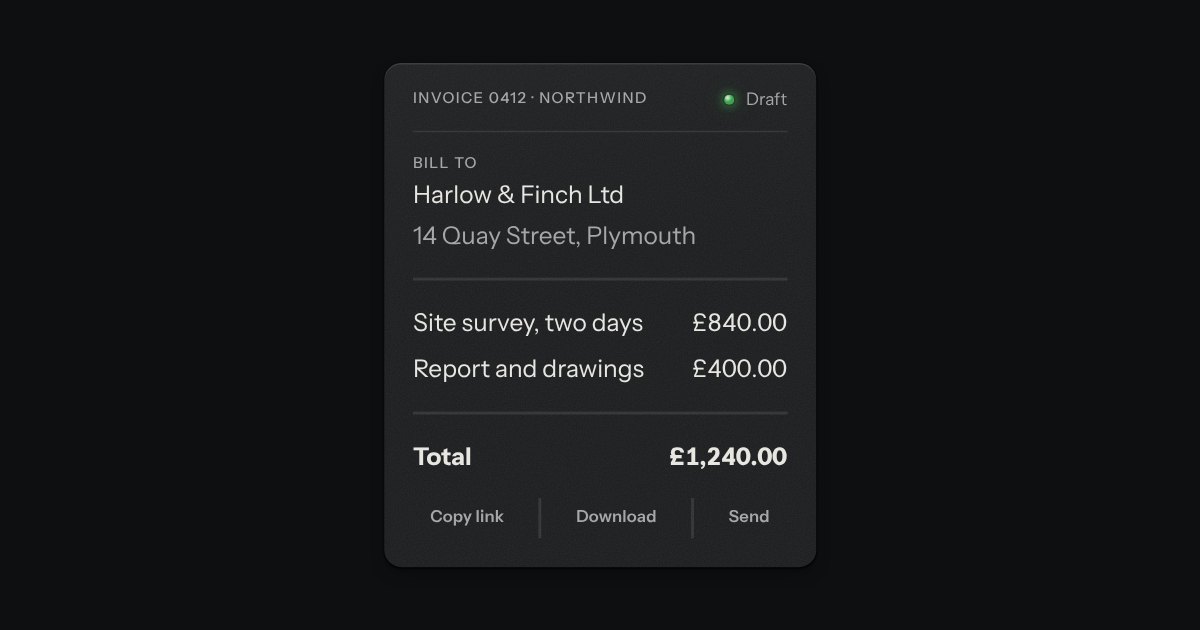
The priced lines of an order, printed like a till slip: a name, a unit price, a quantity and a line total on each, then a ruled block of totals in the spec list’s hand with the subtotal, any discounts as cuts, shipping, tax and a total set heavier under a double rule. Where the lines are editable each carries a quantity stepper and a Remove key, and every figure below is worked out again as one changes. Money is whole minor units and BigInt, never a float, and is shown by the money field’s own formatter, so pounds have two decimals, yen none and dinars three.
Seats open in 11 days. Want one email that morning?
The totals are the spec list, reused whole: its two columns, its rules between rows, its tabular figures. The stepper is the kit’s own, with a spin button for the field. Every figure comes from the money field’s formatter and every sum from BigInt, with each rounding half up, so the slip cannot drift by a penny. Nothing animates, so reduced motion changes nothing.
| Name | Kind | Description |
|---|---|---|
| editable | attribute | Puts a quantity stepper and a Remove key on each line. Without it the quantity is printed as × 3. |
| label | attribute | The accessible name of the slip. |
| tax-rate · tax-label | attribute | |
| tax-included | attribute | The prices already hold the tax. |
| shipping · free-shipping-over | attribute | Shipping is a flat amount. An empty order ships for nothing. |
| data-id · data-price · data-qty | item attribute | A line’s key, its unit price in minor units and its quantity. |
| data-min · data-max | item attribute | The least and most the stepper allows. At either end the key reads as off and ignores a press. |
| data-discount · data-percent · data-amount | item attribute | A discount line. A percent is of the subtotal. Several apply in order and none takes more than what is left to pay. |
| lines · discounts · totals | property | The lines and discounts now (setting either redraws the slip), and the sums as strings of minor units. |
| setQty(id, n) · remove(id) | method | The same as the keys. A quantity is kept between data-min and data-max. |
| orderTotals() · moneyText() | function | |
| orderSummaryBody() · orderSummaryHTML() | function | The slip as markup, for a server or a specimen. static leaves the script out of it. |
Press + on the Copper kettle. Type 5 in the mug’s quantity and press Enter. Press Remove on a line and the focus moves to the next one. Use Reset to put the order back.
Key and value facts, printed like the plate on the back of a device.
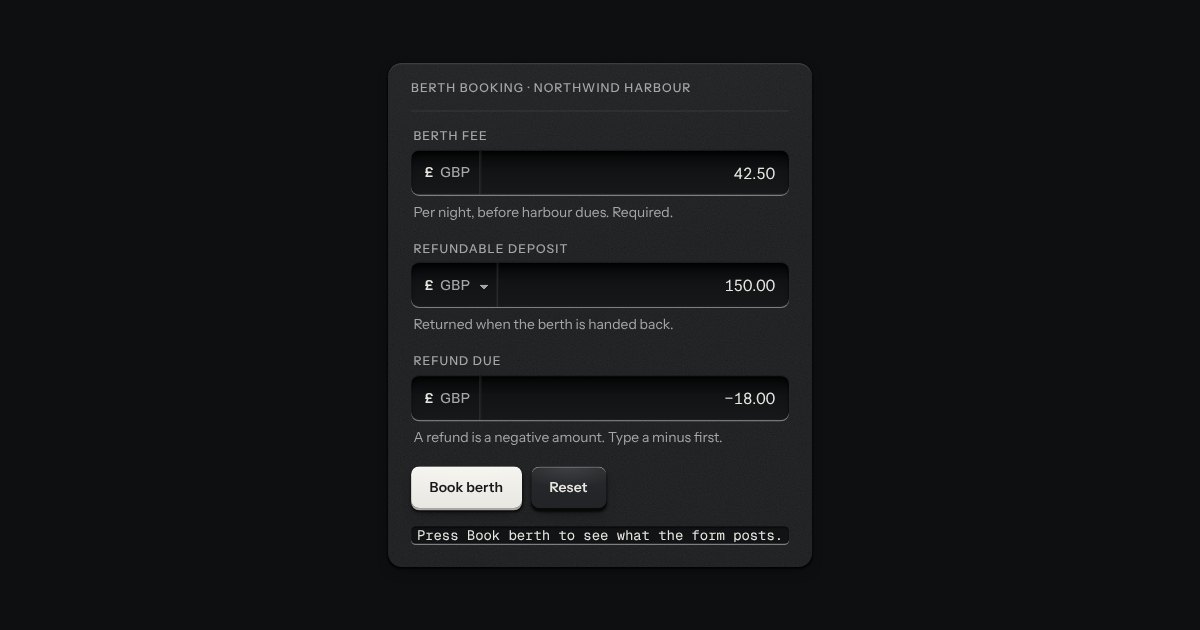
An amount of money in the field’s well, with its currency printed on the floor at the left (the symbol and the code, or a native select when several are offered).
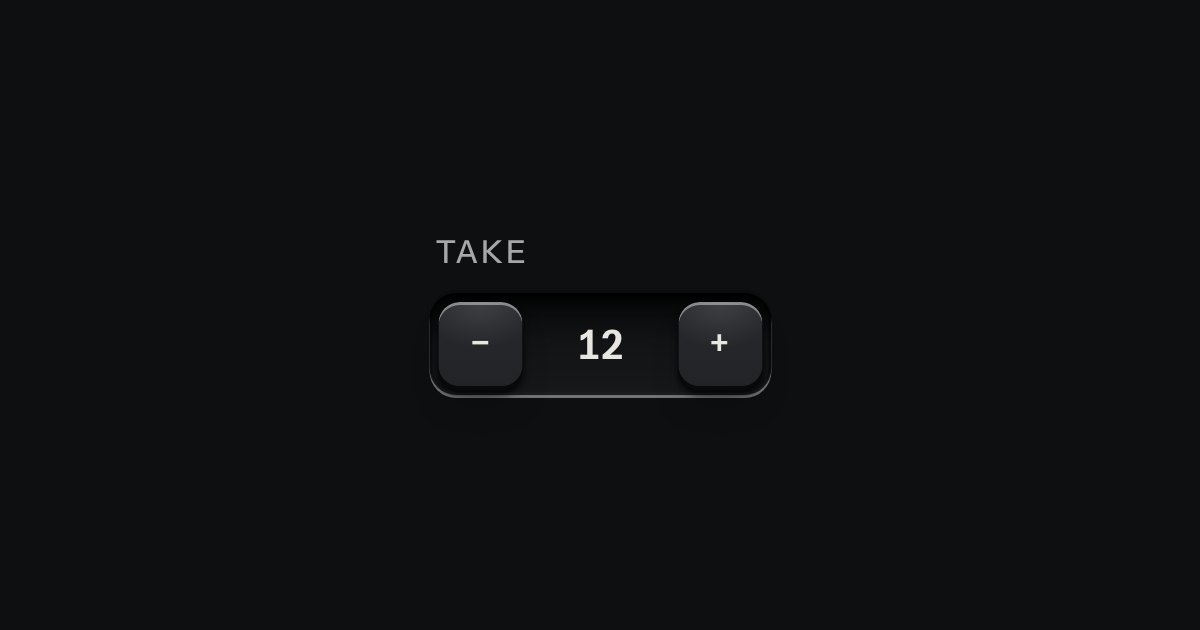
A small integer with − and + keys either side, in one well.
An engraved rule: a fine groove cut into the plate, a hairline with a catch of light on its lower wall, or on its right wall when it stands upright. It divides without shouting, with no colour, no weight and nothing to read. Quiet keeps only the hairline. A real hr is a separator to a screen reader; one that only spaces things out says nothing.