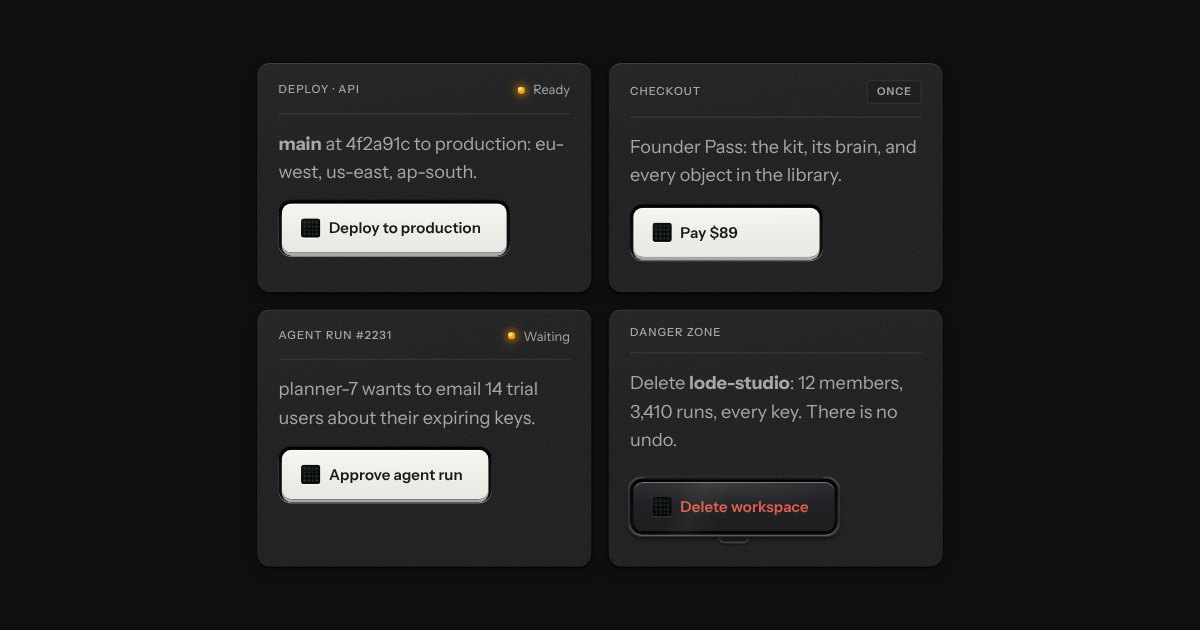
Commit key
A key for work that takes time and must not run twice. It latches below the plate while the work runs, an LED matrix in its face scanning amber, and says how it ended.
Kit parts
A job ticket for each tool an agent runs: the tool’s name printed as a legend, a lamp on the stub, the state in words and the time on a small LCD. Its input and output sit on display glass behind a hinge, and when the tool needs your say, Deny and Approve stand at its foot.
Seats open in 11 days. Want one email that morning?
The ticket is a face plate with the raised light. Glass is the kit’s display glass. In a pad, the tickets lose their own plates and share one, with a dashed rule where each tears off.
| Name | Kind | Description |
|---|---|---|
| name | attribute | The tool, printed as it is spelled. Becomes the legend and the ticket’s name. |
| state | attribute | Where the call is. Lamp white, amber, amber blinking, green, red, or unlit; the words beside it. |
| guard | attribute | Approve lifts a hinged cover on the first press and runs on the second. For anything that spends, sends or deletes. |
| question | attribute | The line above Deny and Approve. Default: “Run issue_refund with these inputs?”. |
| duration · started | attribute | For a run rendered later: how long it took, or when a running call began. |
| ask-reason | attribute | Deny asks why first. The words travel in the deny event and are printed on the ticket. |
| retry | attribute | A failed call gets a Retry key at its foot. No other state has one. |
| reason | attribute | |
| demo | attribute | For static pages. |
| input · output · error | property | Printed on glass. An error shows its message in words, then the raw value. |
| Escape | keyboard | Closes the line and puts focus back on Deny. |
| toolCallHTML(options) | function | The ticket as markup, every value escaped. |
| toolStateText(state, seconds) · stackSummary(states) | function | “Running · 00:04”, “Done · 2 done · 1 running”. |
Open a ticket with its square key to read the input and output. Approve the refund: the cover lifts on the first press, the second runs it. Or Deny it. Reset puts the run back.
A key for work that takes time and must not run twice. It latches below the plate while the work runs, an LED matrix in its face scanning amber, and says how it ended.
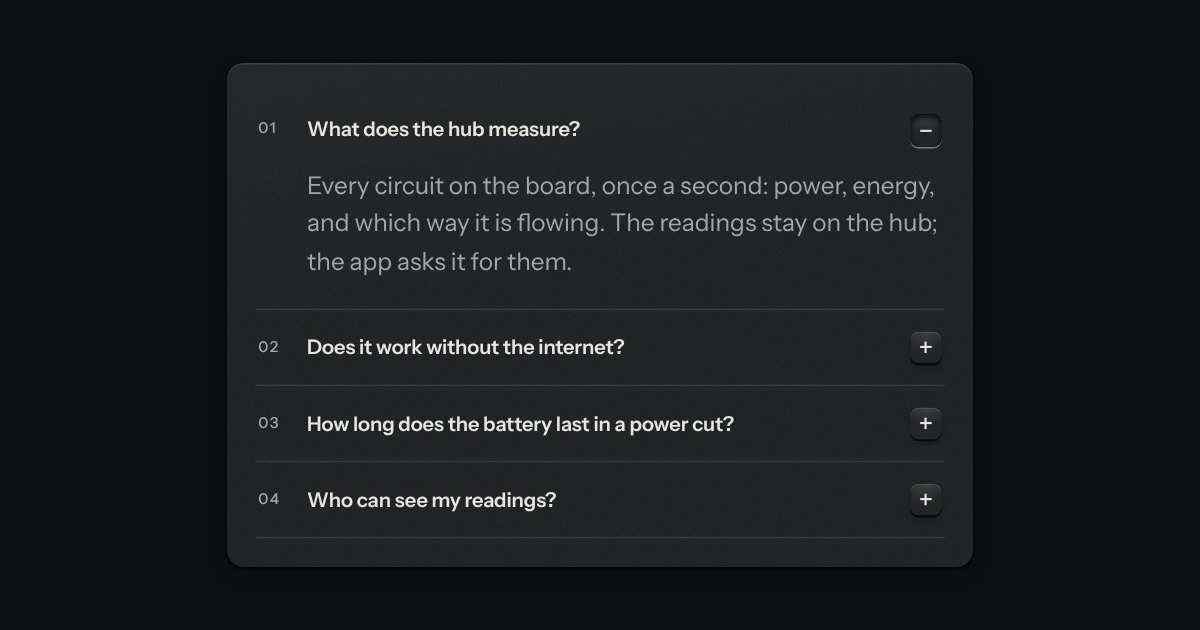
Printed sections that open in place. Each head ends in a small square key printed +; open, the key latches below the plate and reads −.
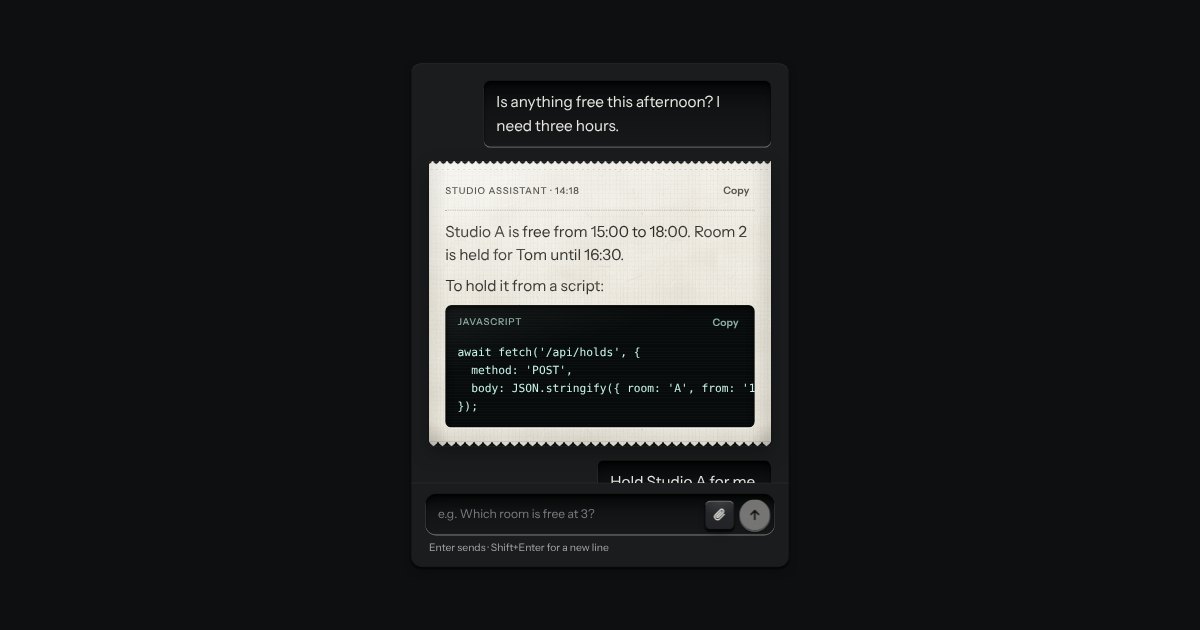
An AI chat as a teleprinter, with restraint: what you type sits in a recess; the answer prints on a perforated slip with an amber lamp at the print head; code comes up on display glass. Composer with attachments and a send key that becomes Stop.