The reactions under a message, drawn as the kit’s chips with their counts, and a small key that opens the kit’s popover card of six. The card’s choices are toggle buttons with aria-pressed, so your own is latched; pressing it again takes it back. A real multiple select underneath holds the value and is the whole control with no script at all.
The select is the single source of truth and the no-script path: reaction-picker.mjs reads its options once (emoji from the value, name from the text, count from data-count, yours from selected), hides it, and draws the small round key, the native popover card and the chip group. The key is the kit’s own small icon key, the card is the popover part whole with its leader and placement, and the chips are the chip group with the counts its own small is for. No colour is added: the key, the chips, the pressed cap, the lamp and the focus ring are the kit’s.
Variants
At rest
One of yours
The card, open
Without the script · the select
States
At rest
Yours
The card
A key down
Props and options
Name
Kind
Description
data-count
attribute
How many people have the reaction, yours included. The chip adds or takes one as your own changes; 0 is none.
label
attribute
Names the card and the chip group, for example “Reactions to this reply”.
reaction
event
Fired after a press changes one, with the emoji and whether it is yours now. The page keeps the count from here.
reactionCount() · reactionLabel()
function
The count after a press, and the words a chip says aloud: its name and how many reacted.
Usage notes
Press the plus key, then a face: its chip appears under the message with a count and sinks because yours is counted. Press the same face in the card, or its chip, to take it back. The arrow keys move in the card, Enter or Space picks, Escape closes it.
Accessibility
Keyboard: Tab reaches the add key; Enter or Space opens the card; the arrow keys move between the six (up and down by a row of three), Home and End go to the first and last; Enter or Space picks; Escape closes the card and puts the focus back on the add key.
Each choice is a real button with aria-pressed, so a screen reader says “Thumbs up, pressed” or “not pressed”. The emoji is aria-hidden and the name is always in words.
The chips are the kit’s chip group: real checkboxes, so whether yours is down is the checked state, and the name carries the count (“Thumbs up, 5 reactions”). A chip with no count and no reaction of yours is hidden.
A polite line says the new count after a press, so the change is heard without looking at the chips: “Thumbs up, 5 reactions. Yours.”
The card is the kit popover on the native popover, in the top layer with light dismiss, and the key’s aria-expanded follows it. The leader and placement are the popover part’s.
Without the script the same element is a plain multiple select in the field’s well; it is named, posts with the form, and keeps its choices on a reset.
The keys under a reply: Copy, Retry, and a pair to rate it up or down. They are the kit’s own keys in its toolbar, so they are one tab stop with the arrow keys between them. With a mouse they stay out of the way until the reply is hovered or anything in it has the focus; with a finger there is no hover, so they are always there. Copy is the copy key.
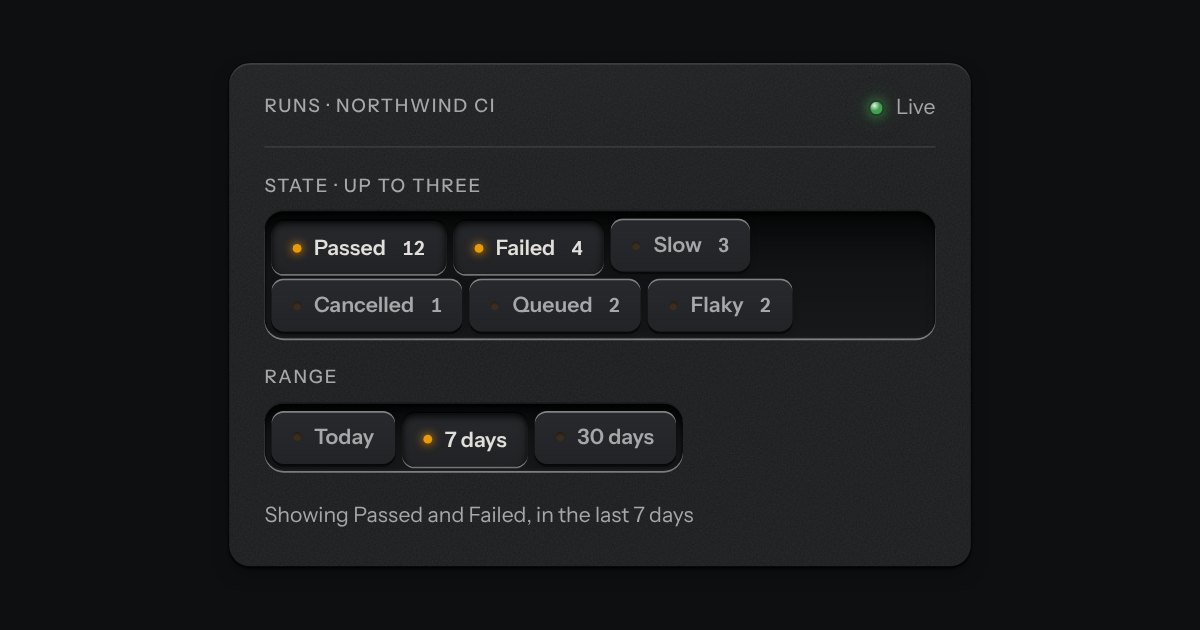
Small plates you press on and off, laid in a tray that wraps: the filters over a table, the topics on a form, the sizes on a product. Each chip is a native checkbox, or a radio when only one may be down, drawn as a small cap that sinks below the tray with its lamp lit. A limit may be set on how many go down at once.
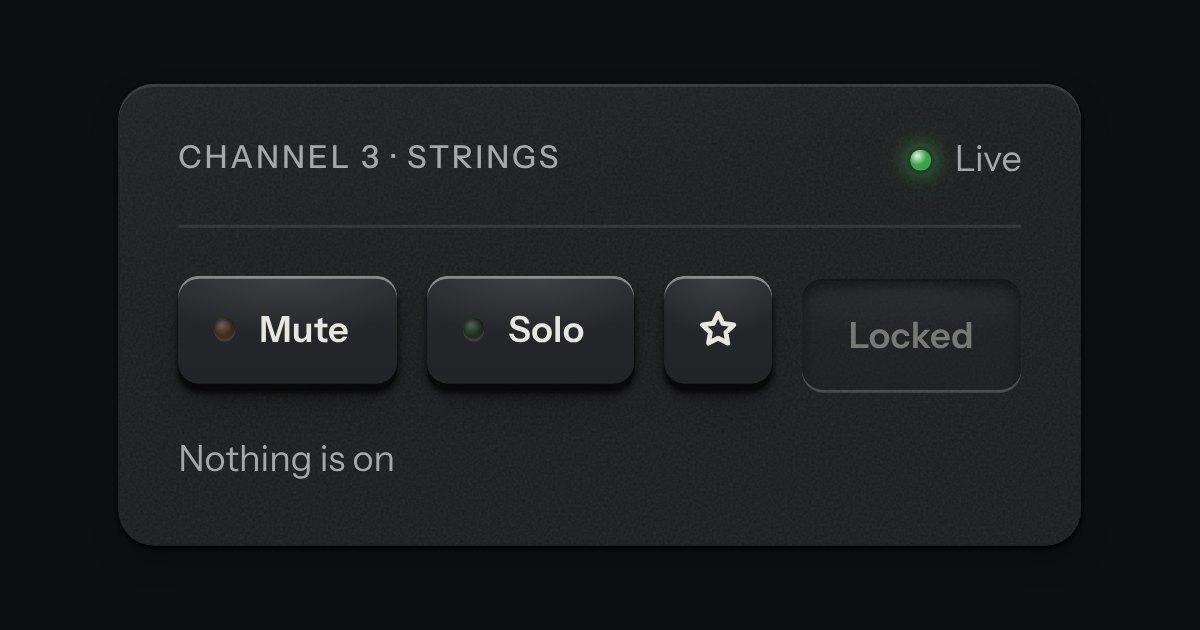
One key that latches below the plate and stays there. It is the kit’s own key with one state to keep, down or up, so it is the way to say mute, pin, bold or armed without the weight of a switch. A lamp in the cap may light while it is down.