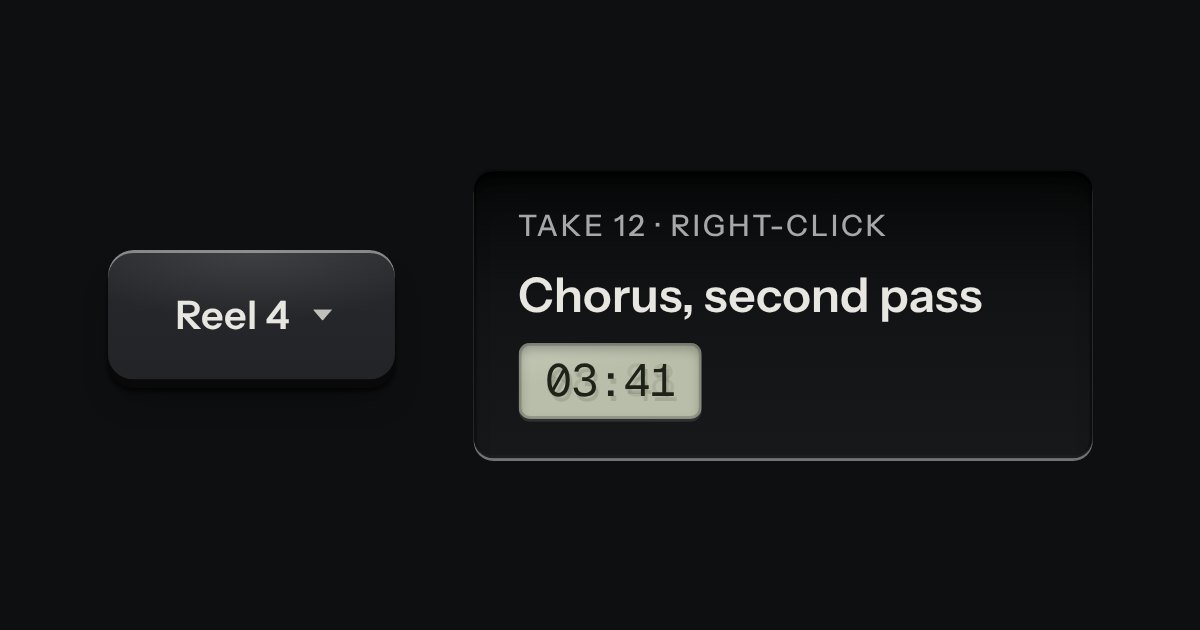
Menu
A card of actions and options that slides out from under its key. The key stays down while the card is out; an option that is on lights its lamp.
Kit parts
The menu’s own card, opened where you pointed: by right-click, by a long press on a touch screen, or from the keyboard with Shift F10 or the Menu key. The thing it opened on stays sunk while it is out.
Seats open in 11 days. Want one email that morning?
The card and the whole keyboard are the menu’s. A pointer that is not a mouse starts a half-second timer on the target, which sinks into its recess as time passes.
| Name | Kind | Description |
|---|---|---|
| data-menu-context | attribute | On the target. Several targets can share one menu. |
| aria-label | attribute | So the keyboard reaches it. Say “Context menu: Shift F10” in the label. |
| aria-keyshortcuts | attribute | Tells assistive technology a menu is available, and how to reach it. |
| data-context-open | attribute | Present while the target’s card is out. The target stays down. |
| data-pressing | attribute | Present on a touch held towards the long press: the target sinks over the half second. |
| LONG_PRESS_MS · LONG_PRESS_SLOP | constant | How long a touch is held, and how far it may drift, to be a long press. |
| pressDrifted(from, to, slop) | function | Whether a touch has moved too far to still be a press. Pure. |
| Right-click · long press | pointer | Opens at the pointer with focus on the card; a scroll or a lift before half a second cancels the press. |
| Shift F10 · Menu key | keyboard | Opens at the target with the first line focused. Escape or a choice returns focus to the target. |
Right-click a file, or Tab to it and press Shift F10 (or the Menu key). On a touch screen, press and hold. Right-click the tray for a menu at the pointer.
A card of actions and options that slides out from under its key. The key stays down while the card is out; an option that is on lights its lamp.
A card hung from the key that opened it, with a printed leader running back to the key. Not modal: the page stays live around it.
Every action and page behind one key: a modal plate whose entry line is a lit display, with the results printed below and the chosen one pressed in.