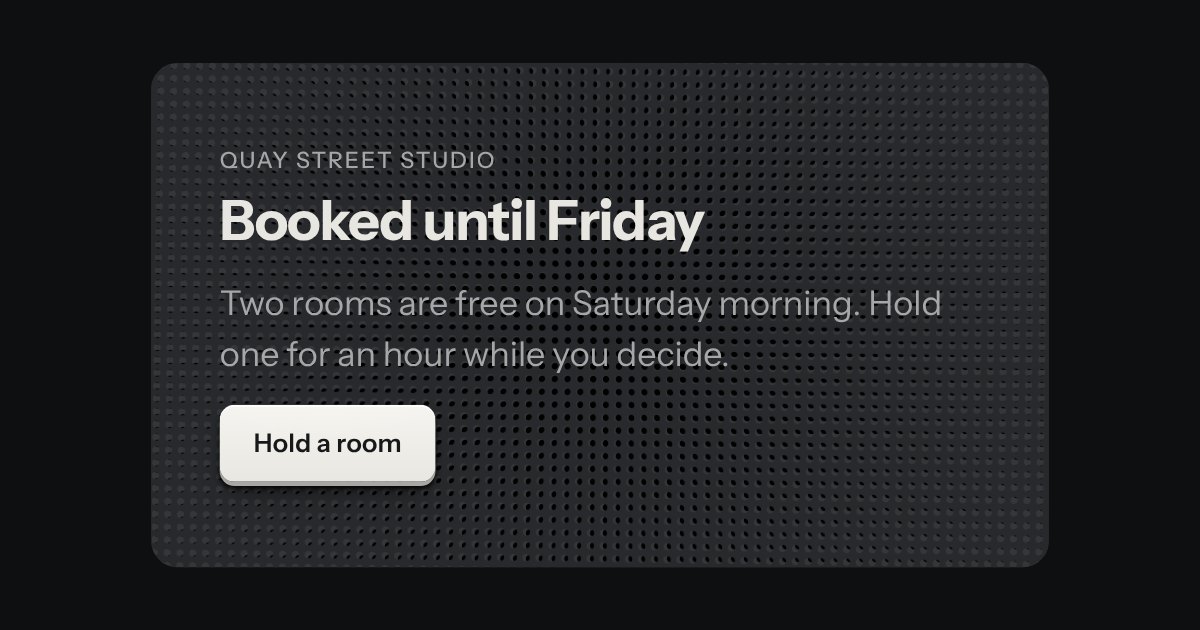
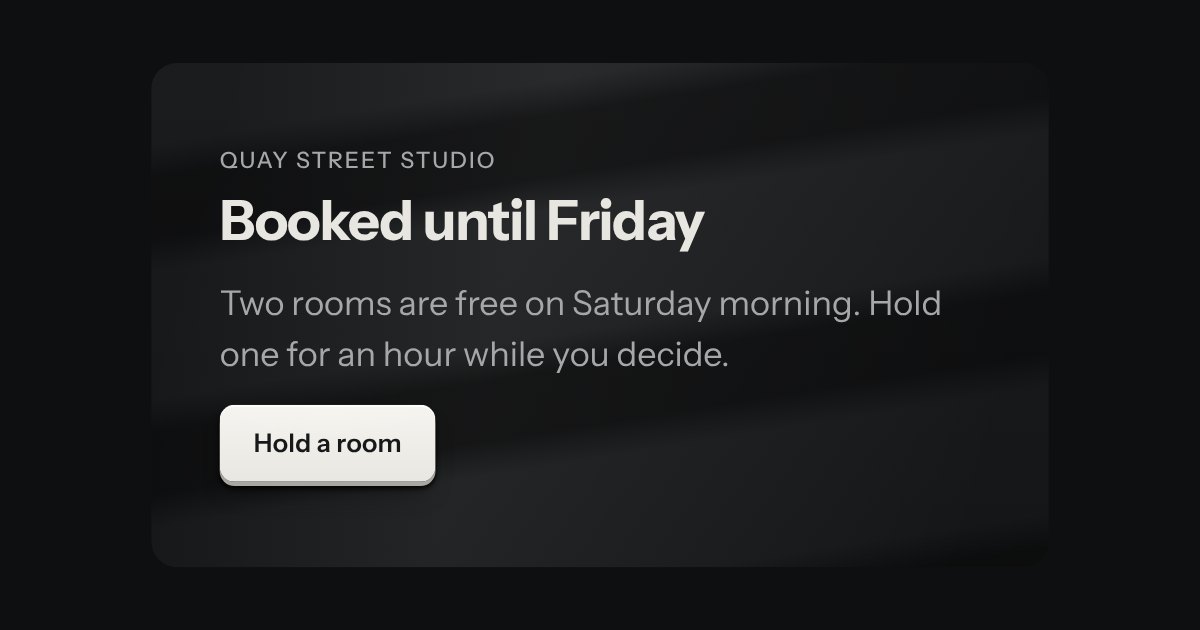
A brushed metal surface under a raking light. The grain runs one way, as if drawn with a wire brush, and a soft sheen crosses it in bands. On a fine pointer the light turns slowly toward the pointer as it crosses the section and settles where you leave off; on touch it rests. Otherwise it is still, so it costs nothing at rest.
Seats open in 11 days. Want one email that morning?
Variants
Quay Street studio
Booked until Friday
Two rooms are free on Saturday morning. Hold one for an hour while you decide.
Behind a section · the default
Berth B1Free
Free from Saturday morning.
A panel standing on it
Quay Street studio
Open late
The studio keeps its lamps on until ten.
Square corners: the backdrop follows the host
Quay Street studio
Open late
The studio keeps its lamps on until ten.
The light fixed · data-still
Every state, at once
Both finishes, side by side. Hover, pressed and focus are forced with .is-hover, .is-down and .is-focus; checked and disabled are real.
Aluminium
Part
At rest
Light turned left
Light turned right
Surface
Quay Street
Booked
Quay Street
Booked
Quay Street
Booked
Graphite
Part
At rest
Light turned left
Light turned right
Surface
Quay Street
Booked
Quay Street
Booked
Quay Street
Booked
API
Name
Kind
Values
What it does
.tui-backdrop-host
class
on the section
A box that is positioned and makes its own stacking context, so the backdrop stays behind the section’s own content. Any element will do.
div.tui-backdrop[aria-hidden="true"]
element
the first child of the host
The surface. It fills the host, follows its rounded corners, and takes no pointer events and no focus.
.tui-backdrop--brushed-metal
modifier
the surface
Grain drawn once and a conic sheen over it. Nothing else is painted, and nothing is drawn again unless the light is leaning.
--bd-turn
custom property
an angle
How far the light has turned. The script sets it as the pointer moves; set it yourself for a fixed angle.
[data-still]
attribute
on the backdrop
Keeps the light where it is, whatever the pointer does.
wireBackdrops(root)
function
needs kit.mjs
Wire the backdrops in root, or in the page. kit.mjs already does this for the page and for what is added to it.
backdropTarget() · backdropStep()
function
pure
Where the light should lean for a pointer position, and one frame of easing toward it.
Markup
<!-- The host makes the stacking context; the backdrop is its first child and is hidden from a screen reader. -->
<section class="tui-backdrop-host">
  <div class="tui-backdrop tui-backdrop--brushed-metal" aria-hidden="true"></div>
  <div class="tui-heading">
    <span class="tui-label">Quay Street studio</span>
    <h2 class="tui-h2">Booked until Friday</h2>
  </div>
  <p class="tui-lead">Two rooms are free on Saturday morning.</p>
  <button class="tui-key tui-key--primary" type="button">Hold a room</button>
</section>

<!-- data-still keeps the light where it is. A fixed angle: style="--bd-turn: 12deg". -->
import { wireBackdrops } from '/kit/kit.mjs';

// kit.mjs wires every backdrop on the page, and any added later.
// To wire one inside a container you built yourself:
wireBackdrops(container);
It is decoration: the element is hidden from a screen reader, never takes focus and never takes the pointer, so the section reads as it would without it.
The surface is made from the finish’s own tokens and kept to a narrow range of light, so a heading, a line and a key on top clear 4.5:1 on its lightest and its darkest pixel, in all twelve finishes and both volumes.
The light leans only on a fine pointer, and only while motion is allowed. On touch and under reduced motion it stays where it is. It never moves on its own, and nothing flashes.
It stops easing the moment it has arrived, and does not run at all while the section is off screen or the tab is hidden.
On a phone nothing scrolls sideways: the surface is clipped to its host.
How it’s built
Put class="tui-backdrop-host" on the section and the backdrop first inside it. The backdrop sits behind everything else in the host, so the heading, the line and the key need nothing of their own. The grain is noise stretched along the brushing, drawn once as a tiled background. The sheen is a conic gradient centred far below the plate, so its bands run nearly straight and fan a little, and it is one layer that turns by rotate. The script eases it a few percent a frame, only while the pointer is moving it.
Rules
brushed-metal.rules.mdIn the brain
Lay brushed metal behind a section: a fine grain, a raking light that turns a little as the pointer crosses, and nothing running when it is not.
6 rules in this file, with the foundations they rest on and the anti-patterns that break them. Full rules ship in the brain with the Pass.
A warm pool of lamplight on a desk. The desk is the finish’s own, with a fine grain, and a lamp over one corner throws an oval of light that fades to the dim of the room. On a fine pointer the lamp drifts a little toward the pointer, eased. The warmth is the filament lamp’s colour and nothing else: it is not a new colour in the kit.
Two speaker grilles laid one over the other. Each is a plate drilled with a lattice of round holes; one turns a few degrees and back, and where its holes meet the other’s the dark behind shows through. Those dark spots gather and thin and drift across the surface, the way two real grilles beat against each other. Slow, and held still off screen.
A wall lit from the side, with the shadows of slats across it, as when the sun comes through blinds. The wall and its light are fixed; the slat shadows drift sideways across it very slowly and come back. Their edges are soft, drawn into the gradient rather than blurred, and the whole thing holds still when it is off screen.