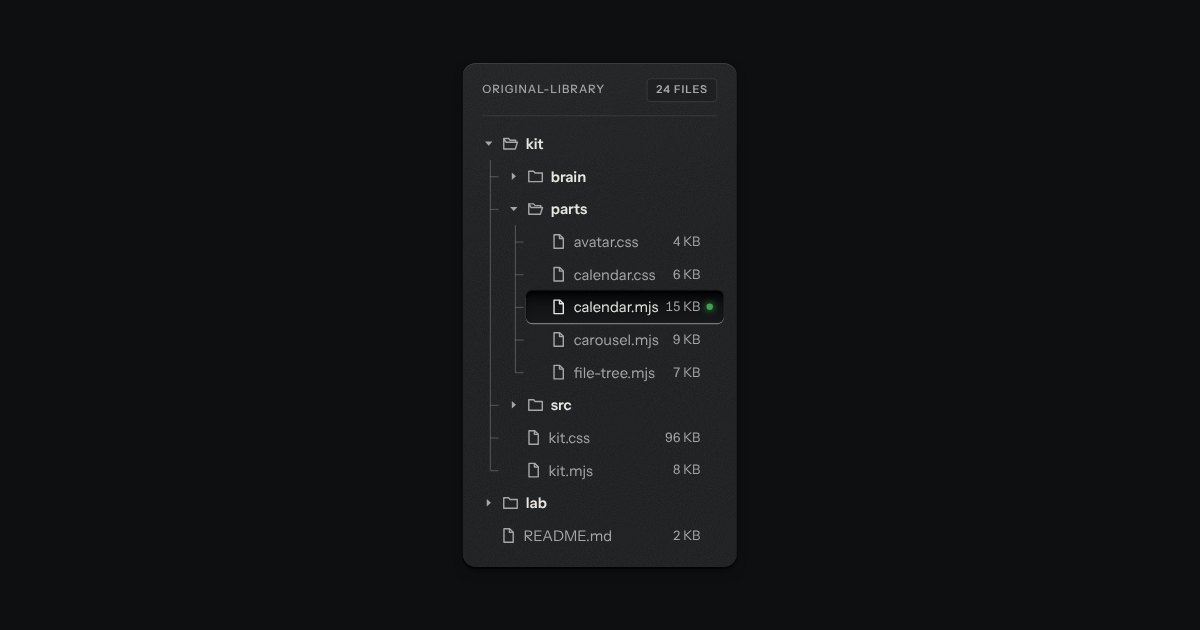
File tree
Folders and files as a real tree, printed like a wiring diagram: traces with an elbow into every item, chevrons that turn, and the chosen file set in a recess with its lamp lit. Written as a plain nested list.
Kit parts
Folders as columns, side by side, the way a file manager’s column view browses them. Choose a folder and its contents open in the next column; choose a file and its details stand in the last one, with an Open key. A path along the top says where you are and takes you back a level at a time. Long lists scroll in their own column, a folder can be loaded only when it is opened, and on a narrow box it shows one column at a time with a Back key, the way a phone browses folders. It is the file tree’s other half: the tree shows a hierarchy at once, the columns walk it.
Seats open in 11 days. Want one email that morning?
The rows are the file tree’s: the icon set’s folder and page, the name, a count or a size, a chevron, and the side rail’s recess and lamp for the chosen row. The columns stand in one recessed well, divided by engraved rules, and scroll in it, never the page. A file’s details stand on a small raised plate. The path is printed flat keys with the icon set’s chevrons. Type-ahead is the file tree’s own. No colour is added.
| Name | Kind | Description |
|---|---|---|
| li | markup | A file, or a folder holding a list. The text before the inner list is the name; names are joined by / into a path. |
| li[data-folder] · li[data-lazy] | markup | An empty folder; a folder whose contents are asked for from load() when it is opened. |
| li[data-kind][data-size][data-modified] | markup | A file’s details, printed in its row (the size) and in the preview. |
| label · value · preview | attribute | The name of the top level, the path of the chosen row, and whether a chosen file shows its details in the last column. |
| value · items | property | |
| load | property | Asked for a lazy folder’s contents. While it works the column says Loading with an amber lamp; if it fails the column says so and has Retry. |
| reveal(path) | method | Choose that row and show the columns down to it. |
| change | event | The choice moved; a file was opened (Enter, a double click, or Open). Both bubble. |
| columnTree() · columnFind() · columnColumns() · columnMove() · columnSummary() · columnBrowserHTML() | function | The tree from plain items, the rows down a path, the columns to draw, where a key moves, a row in words, and the element as markup. |
Click a folder, or use the arrow keys: Up and Down choose in a column and the next column follows, Right goes into a folder, Left comes back out, Enter on a file opens it, and typing a name jumps to it. Archive is loaded only when you open it, with an amber lamp while it comes; Shared with me fails the first time, so press Retry. Narrow the window and it shows one column at a time, with Back.
Folders and files as a real tree, printed like a wiring diagram: traces with an elbow into every item, chevrons that turn, and the chosen file set in a recess with its lamp lit. Written as a plain nested list.
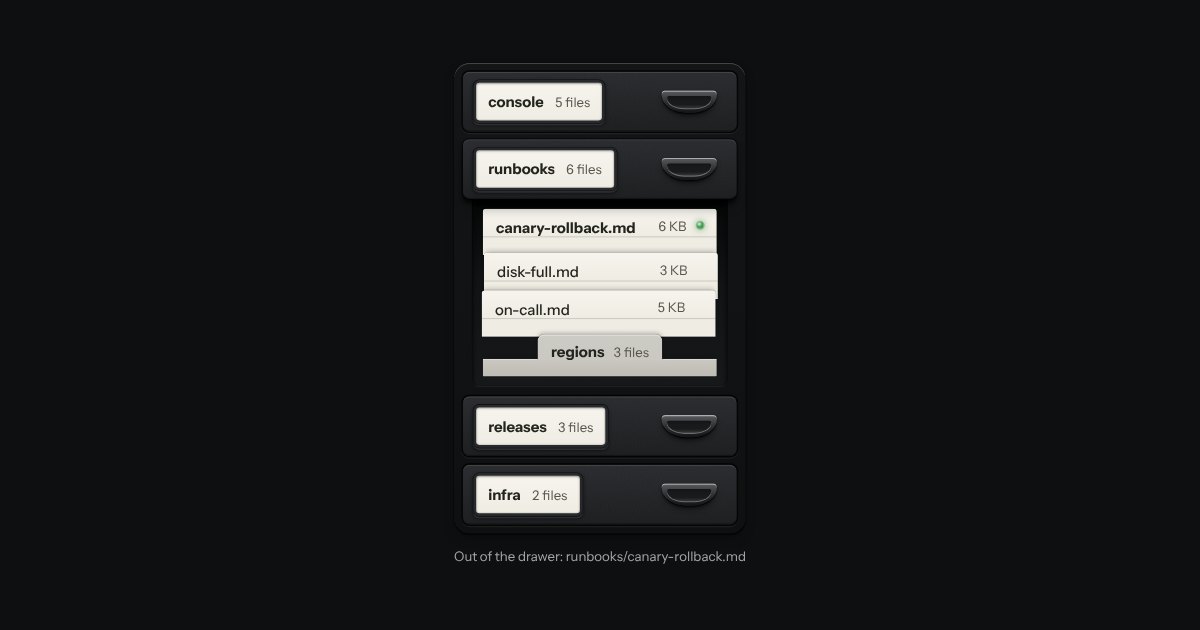
A file tree as a card-index cabinet. Folders are drawers, each with a label holder and a cup pull; open one and it slides out with its files standing in it as index cards, each showing its top edge over the card behind. A folder inside a drawer is a divider with a tab. It is a real tree for the keyboard and for a screen reader, drawn from data by one function.
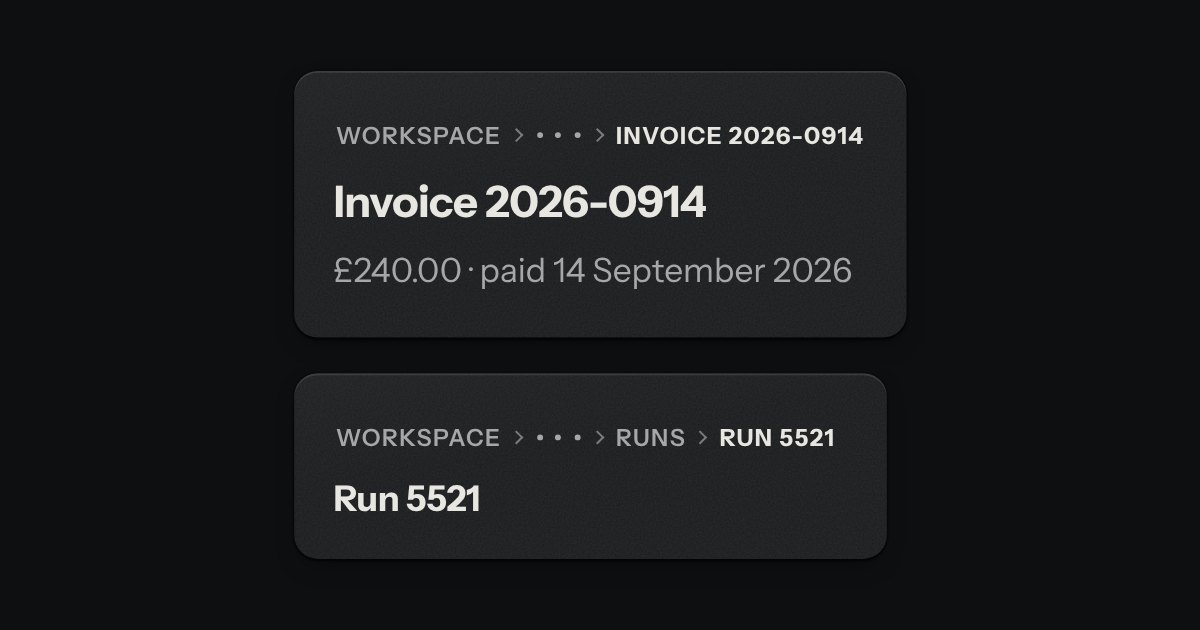
The trail of levels above this page, printed across the top like the path an instrument shows over its menu screen: SETTINGS › BILLING › INVOICES. The levels above are in the second ink, the one you are on in full ink, with small engraved chevrons between. When the line is too short, the middle folds into a … key that opens a menu.
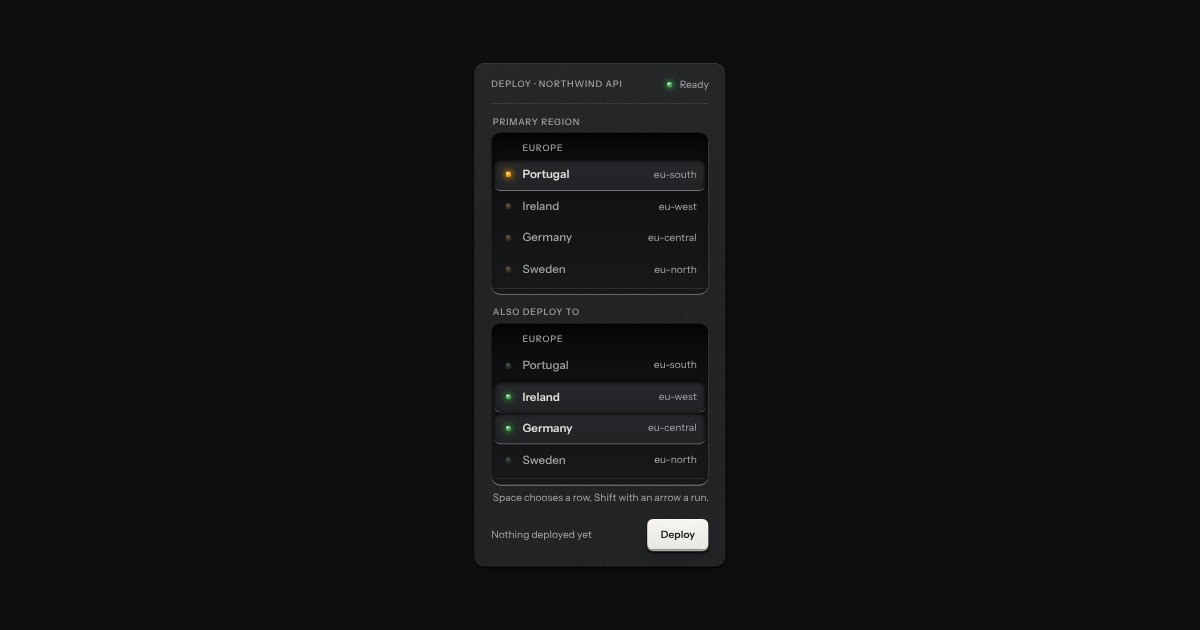
An always-open list let into the plate as a recess. The rows are printed on its floor and a chosen row is a cap let down into it with its lamp lit. One row may be chosen, or several; typing a few letters finds the next row that starts with them. It starts as a native select with a size, so it posts with the form and works without a script.
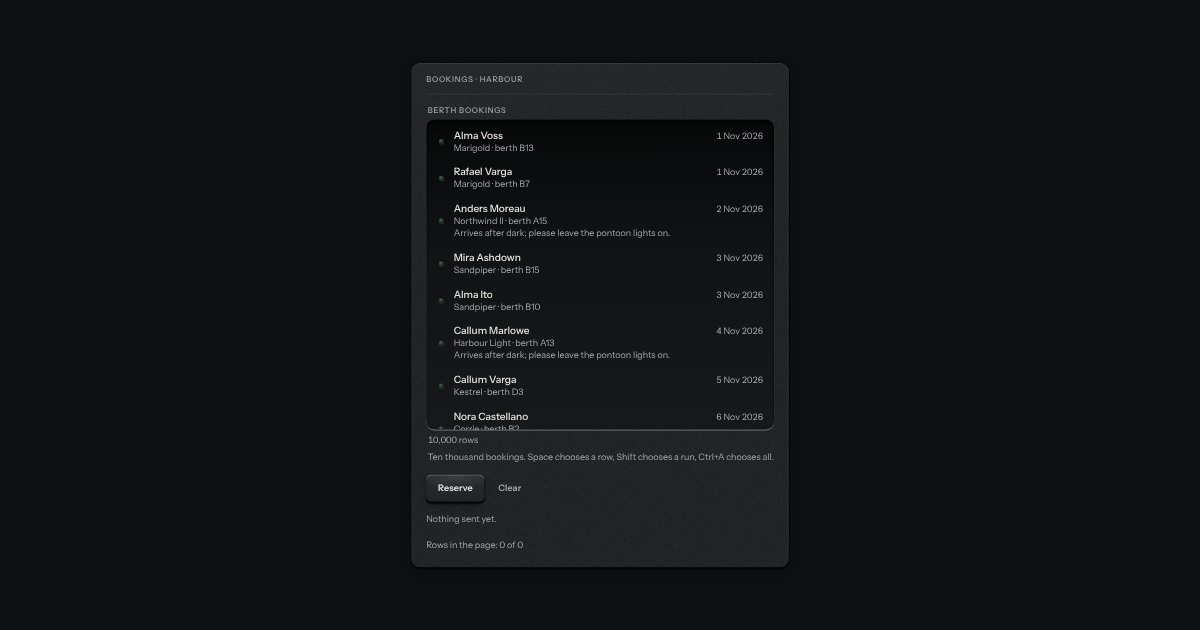
A list for thousands of rows that stays quick because it only ever draws the ones you can see, and a few either side. It sits in the listbox’s recess with the same lamps and the same sunk row for what is chosen, scrolls with the browser’s own scrollbar, and holds ten thousand rows in about twenty elements. Rows may all be one height, or differ: each is measured once it is drawn, and the scroll position is corrected so nothing on screen jumps when a row above it turns out taller than guessed. It is a listbox: Up, Down, PageUp, PageDown, Home, End, type-ahead, Space and Shift to choose, Ctrl+A for all. Choose a name and the chosen ids are submitted with the form.