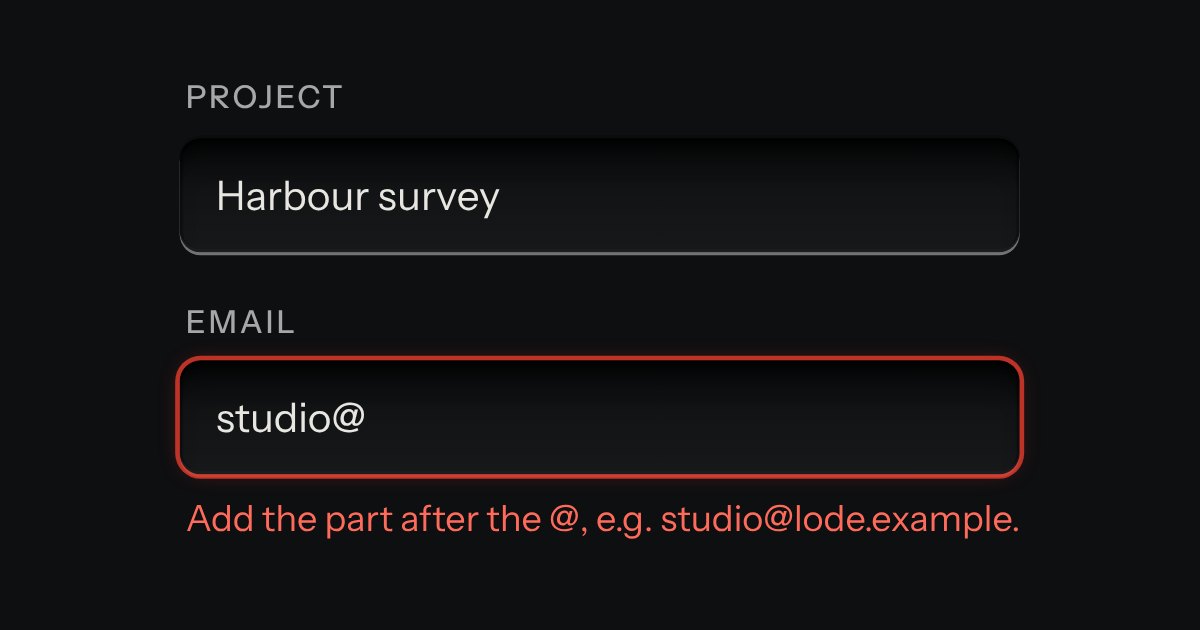
Field
Text entry in a recess, the label printed above it, and a hint that says how to fix an error.
Kit parts
One strip of embossing tape, run between two spools, that IS the text field: there is no separate well above it and nothing is shown twice. The tape is a cut length of black, red or blue plastic, not a recess: it lies proud of the plate on its own small shadow, a gloss band and a fine lengthwise grain run along it, and its right end is cut on the slant. It is only as long as the label plus a margin, up to the plate width, so a short label is a short strip. A real, native text input fills the strip (type, click or tap anywhere on the tape and you reach it), its own glyphs made transparent so only its caret and selection draw; over the same spot, a layer of raised white letters mirrors its value, upper-cased, lit top-left and shaded lower-right as embossed plastic, no tile, no keycap, each letter up to half a pixel off the line as a type wheel leaves it. A freshly typed run stamps into the tape with a short, raised press while the tape advances a little under it before settling flat; a letter deleted, or an edit in the middle, just repaints, no stamp, no advance.
The strip is a cut length of plastic, not a well.
| Name | Kind | Description |
|---|---|---|
| input | event | Fired by the field on every edit, as any text input does; the glyph layer repaints from it. |
| labelMakerHTML() | function |
Type straight onto the tape. Each letter you add embosses in, raised and white, with a short press and a little feed; delete one and the tape just shortens.
Text entry in a recess, the label printed above it, and a hint that says how to fix an error.
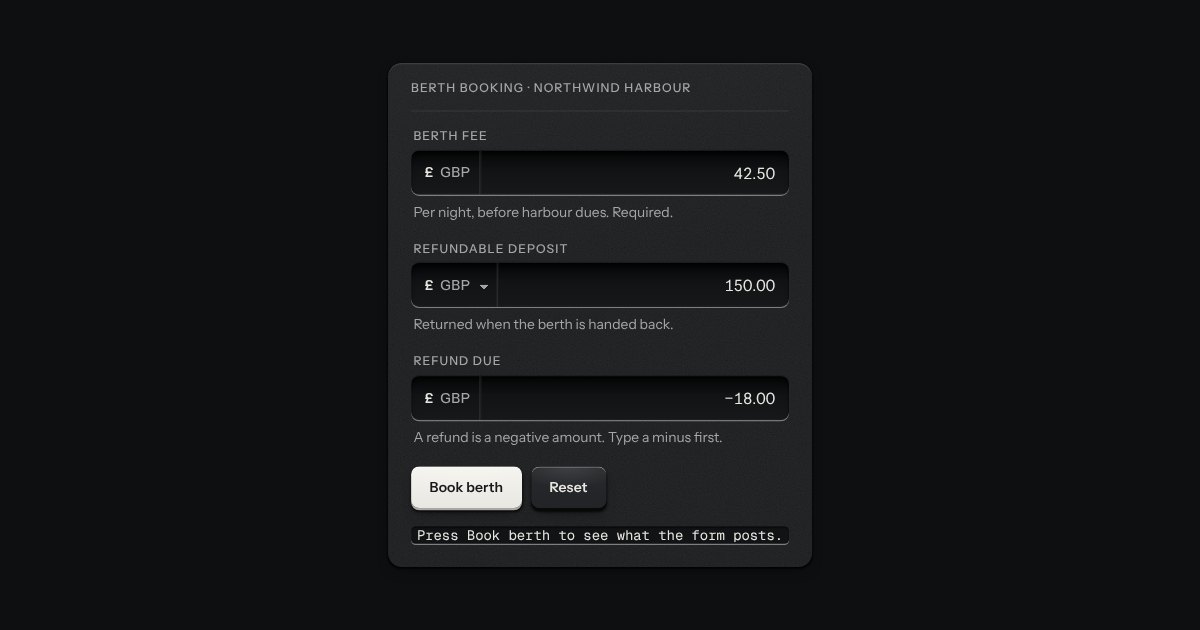
An amount of money in the field’s well, with its currency printed on the floor at the left (the symbol and the code, or a native select when several are offered).
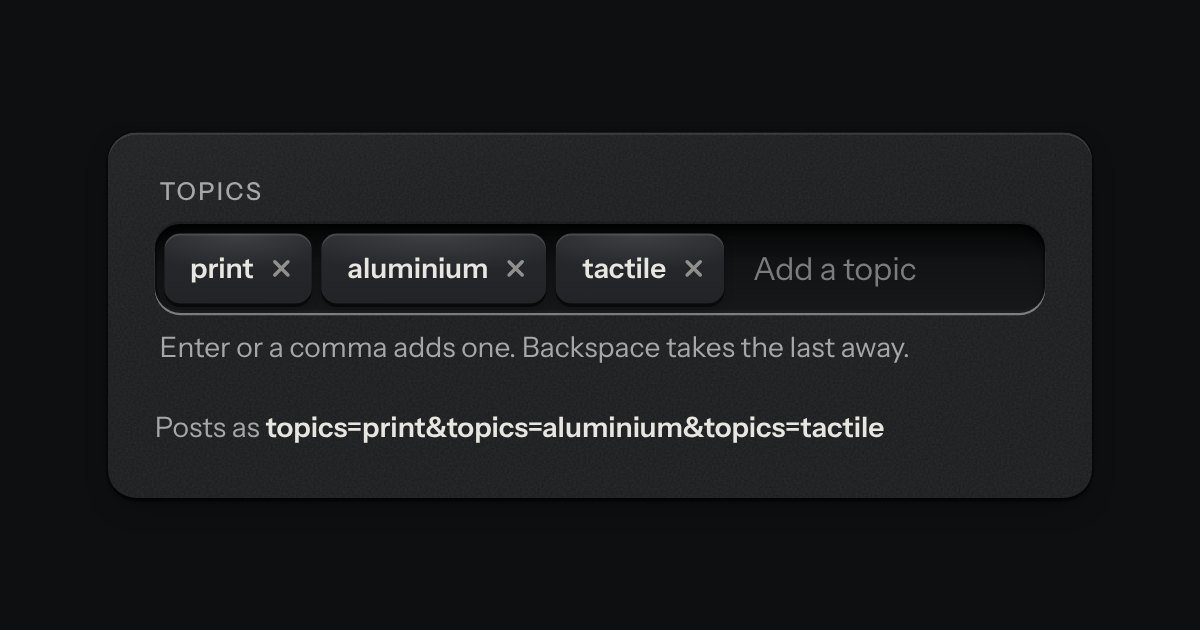
A text input that turns what you type into printed tags. Enter or a comma sets one down in the well; each tag is a key that takes itself away, and every change is spoken.
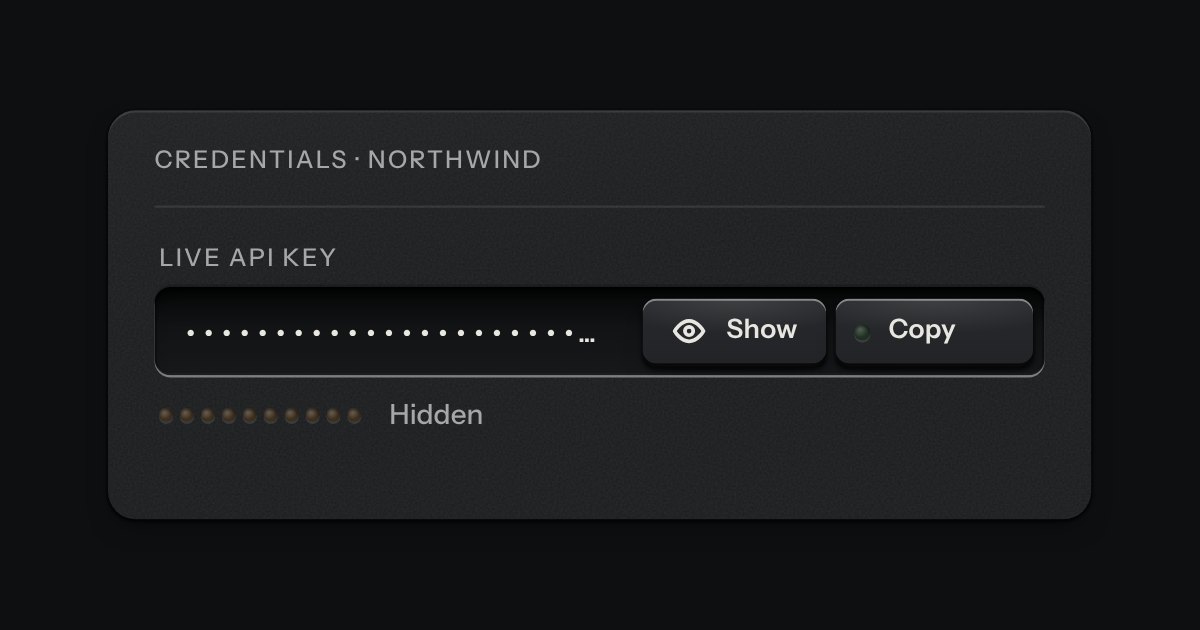
A masked value for an API key or a token, in the field’s well, with a reveal key and the kit’s copy key on its floor. Under it a ladder of ten lamps says how long the value will stay shown: lit end to end the moment it is revealed, putting its lamps out one by one with the seconds beside it, and dark and marked Hidden when the value is masked. It masks itself again when the time is up, when focus leaves the field, when a press lands outside it and when the page is put away. It is the password field’s peek key with a clock.