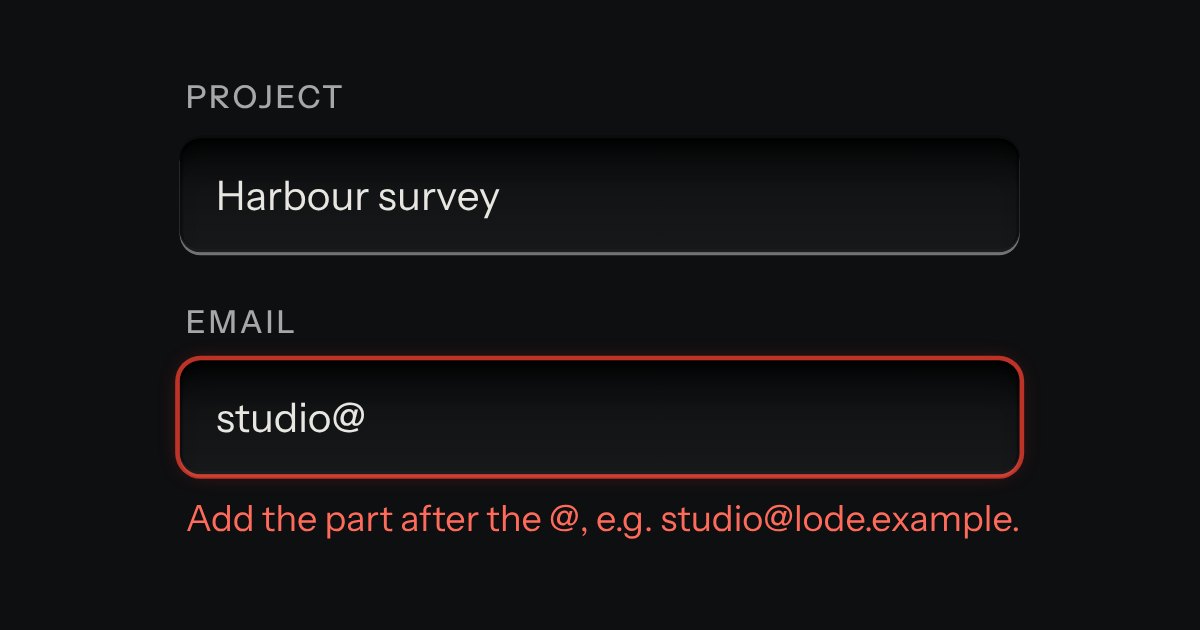
Field
Text entry in a recess, the label printed above it, and a hint that says how to fix an error.
Kit parts
Each segment is a spin button with its unit printed beside it as a small suffix. Type digits and it moves on after two, press Up and Down to step, and it carries the way a clock does. Quick picks can sit under the well as plain keys.
Seats open in 11 days. Want one email that morning?
The field’s well, with a text input for each unit and a small unit suffix; they are plain inputs, so the platform supplies selection, the on-screen number pad (inputmode numeric) and autofill handling. The element holds the length as seconds and splits it across the units, which is why carrying needs no special case: stepping and typing change the total, and the segments are read back from it. It is a form-associated custom element, so it posts, validates, resets and disables like any control. Nothing animates and nothing is blurred.
| Name | Kind | Description |
|---|---|---|
| units | attribute | Which segments to show, biggest first. Any of d, h, m and s; a gap between two is filled in. The value is rounded to the smallest unit shown. |
| step | attribute | How far Up and Down move the smallest segment, in that unit (5 for five-minute steps). It lands on a multiple of step. The other segments move by one. |
| min · max | attribute | The shortest and longest length. Stepping stays inside them; a typed value outside them is marked, with words that say which and how far. |
| presets | attribute | A row of plain keys under the well. Pressing one sets the value; the one that matches is held down. A space or a comma between them. |
| required · disabled · readonly | attribute | Required needs a value before the form posts. Disabled (or a disabled fieldset) greys it and leaves it out of the form. Read only keeps it focusable and unchangeable. |
| error | attribute | A message of your own, such as a server’s. It marks the field and is read as the error until the attribute is removed or setCustomValidity("") is called. |
| value · seconds | property | Both can be set. |
| input · change | event | input fires as the value changes; change fires when a segment is left, a key is pressed or a quick pick is chosen. |
| Enter | keyboard | |
| Backspace · Delete | keyboard | Backspace clears the last digit typed, then the segment. Delete clears the whole segment. |
| parseDuration() · formatISODuration() · durationWords() | function | |
| normaliseDuration() · stepDuration() · durationValidity() | function |
Click the Hours segment and type 2 then 4 5: the hours and the minutes fill in and the focus moves on by itself. Left and Right change segment, PageUp and PageDown take a bigger step, Home and End go to the lowest and highest. Press Save booking to see what the form posts.
Text entry in a recess, the label printed above it, and a hint that says how to fix an error.
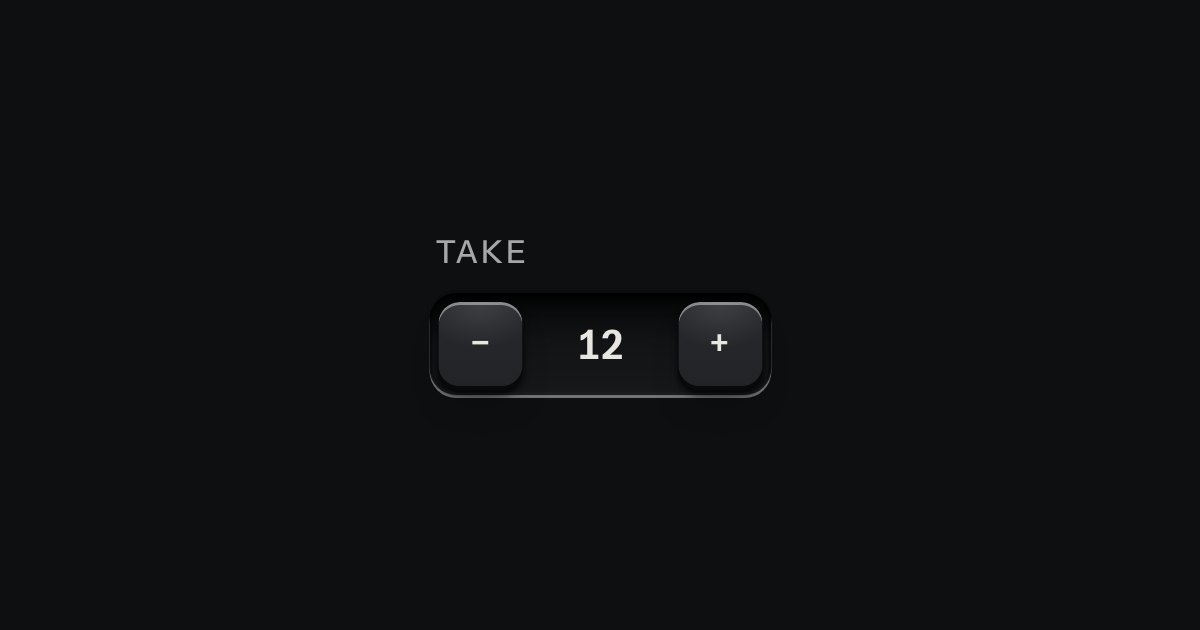
A small integer with − and + keys either side, in one well.
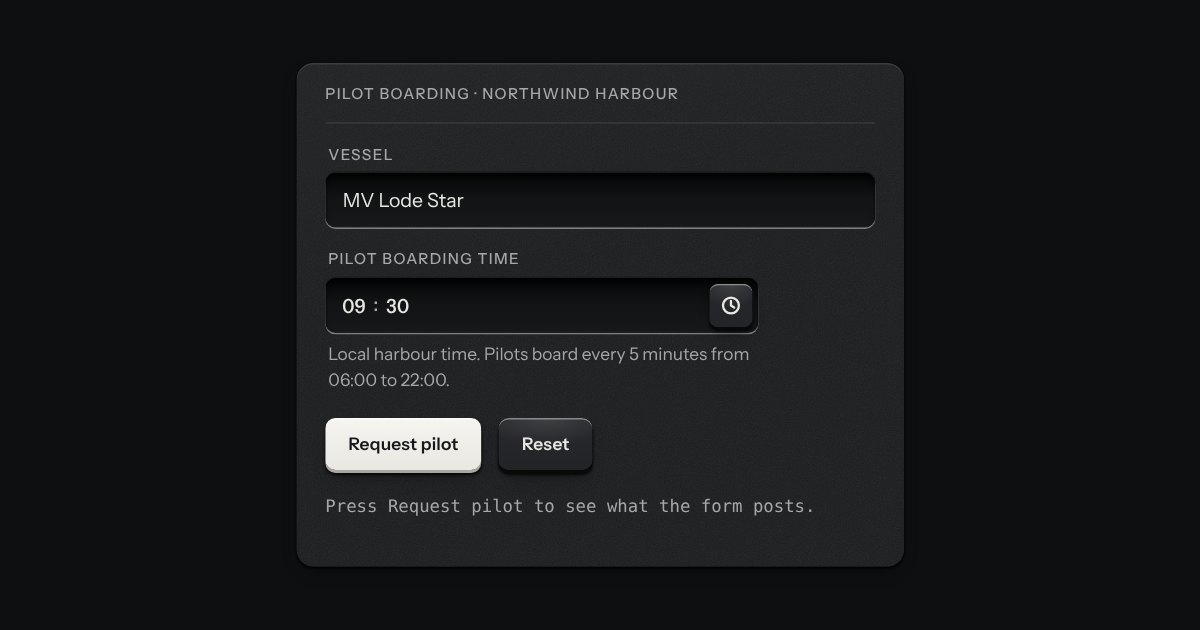
A time of day in the field’s well: hours, minutes and, on a 12 hour clock, AM or PM, each a segment you can type into or step with the arrow keys. A key at the right opens a plain list of times, every few minutes between the earliest and the latest you allow, with the current one in the middle. It posts “HH:MM” on the 24 hour clock whichever clock it shows, says what is wrong in words (empty, half typed, too early, too late, off the step), and works in a native form, with a label, help text, an error, a disabled state and a reset.