Starter prompts as small plates set out under the composer. Each is a real key (the kit’s cap on its skirt) that is allowed to be a line or two of words, left-aligned like a printed legend. Press one and its words are written into the prompt box, with the caret at the end, and the sending is left to you. It fills the composer next to it, or any text area you point it at, and it works on its own as plain buttons with an event when there is no box to fill.
Element
<div class="tui-suggestions">
Needs
kit.css + kit.mjs
Rules
suggestion-chips.rules.md · 5
Finishes
Aluminium · Graphite · Oak · Walnut · Porcelain · Black · Daylight · Night · Paper · Phosphor · E-paper · AMOLED
The group of plates, with a printed label above it.
[data-for]
attribute
a selector
The composer (a form.tui-composer) or text area the plates fill. Without it the first composer or text area beside the group is used.
button.tui-key.tui-key--sm.tui-suggestion
element
a real button
One plate. Its words are the words it writes. May be a line or two; it wraps and stays left-aligned.
[data-suggestion]
attribute
on a plate
The words to write when they are not the plate’s own text, for a plate that shows a short name for a long prompt.
p.tui-suggestions__said[role="status"]
element
optional
Says what was done (“Wrote “Is Studio A free at three?”. Press Enter to send.”), and says so when it replaced words.
tui-suggestion
event
bubbles from the group
Fired after a press, with detail { text, target, replaced }. With no box to fill, target is null and the page decides what the press means.
suggestionText() · suggestionSays()
function
pure
The words a plate writes, and the sentence said after a press.
fillSuggestion(target, text)
function
needs kit.mjs
Write words into a composer or text area as typing does, and return { filled, replaced }.
Markup
<!-- A group of real buttons. data-for points at the composer (or any text area); without it, the first composer beside the group is used. -->
<div class="tui-suggestions" role="group" aria-labelledby="sg-l" data-for="#c1">
  <p class="tui-label tui-suggestions__label" id="sg-l">Try asking</p>
  <ul class="tui-suggestions__list" role="list">
    <li><button class="tui-key tui-key--sm tui-suggestion" type="button">Is Studio A free at three?</button></li>
    <li><button class="tui-key tui-key--sm tui-suggestion" type="button" data-suggestion="Which rooms have a piano?">Rooms with a piano</button></li>
  </ul>
  <p class="tui-suggestions__said" role="status"></p>
</div>
import '/kit/kit.mjs';

document.addEventListener('tui-suggestion', (e) => {
  console.log(e.detail.text, e.detail.target, e.detail.replaced);   // the words, the box that was filled (or null), and whether it held words already
});
Each plate is a real button in a list inside a labelled group, so there is one tab stop for each and the label names the group. The words on the plate are its name; the words a long prompt writes are the same unless data-suggestion says otherwise, and then the plate’s short name is what is read.
A press writes the words as typing does, so the composer counts them, enables its send key and keeps the browser’s undo: if the box held words of the person’s own, they are replaced, it is said so, and Ctrl+Z gives them back. Nothing is ever sent by a press.
After a press the focus is in the text area with the caret at the end, so the next key typed edits the prompt. What happened is said once, politely: “Wrote …. Press Enter to send.”
The plates keep the key’s states (hover, pressed, focus ring, disabled), so none of them is told apart by colour. On a phone each is 44px tall and they wrap onto more lines rather than scrolling.
How it’s built
The kit’s key, small, allowed to wrap, in a list that wraps; there is no new drawing at all. The script is one click handler on the document: it finds the box, selects its words, types the new ones in so the undo history keeps what was there, and puts the caret at the end.
Rules
suggestion-chips.rules.mdIn the brain
Offer a few things worth asking: small plates under the prompt box that write their words into it, and leave the sending to the person.
5 rules in this file, with the foundations they rest on and the anti-patterns that break them. Full rules ship in the brain with the Pass.
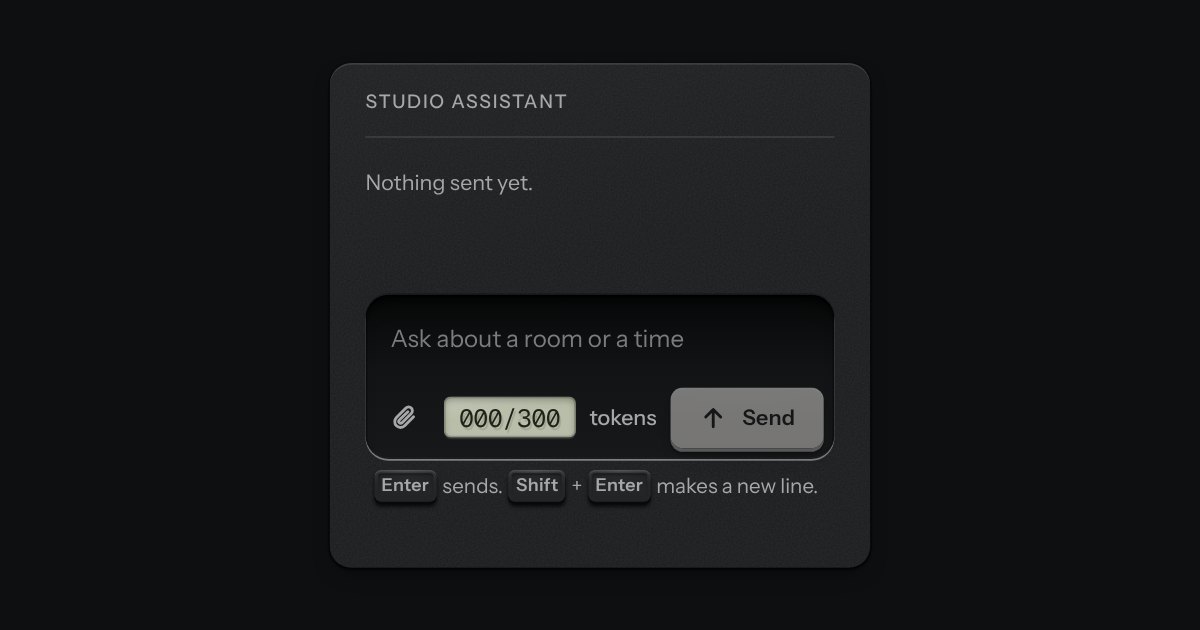
The prompt box. One deep recess holds the text and the keys sit on its floor: attach at one end; at the other a small LCD that counts tokens, amber near the limit and red over it, and the send key, which becomes a stop key while a reply runs. It is a real form with a labelled text area. Enter sends and Shift and Enter make a new line, and the send key is disabled while there is nothing to send. The text grows as you type, up to a height, then scrolls.
Small plates you press on and off, laid in a tray that wraps: the filters over a table, the topics on a form, the sizes on a product. Each chip is a native checkbox, or a radio when only one may be down, drawn as a small cap that sinks below the tray with its lamp lit. A limit may be set on how many go down at once.
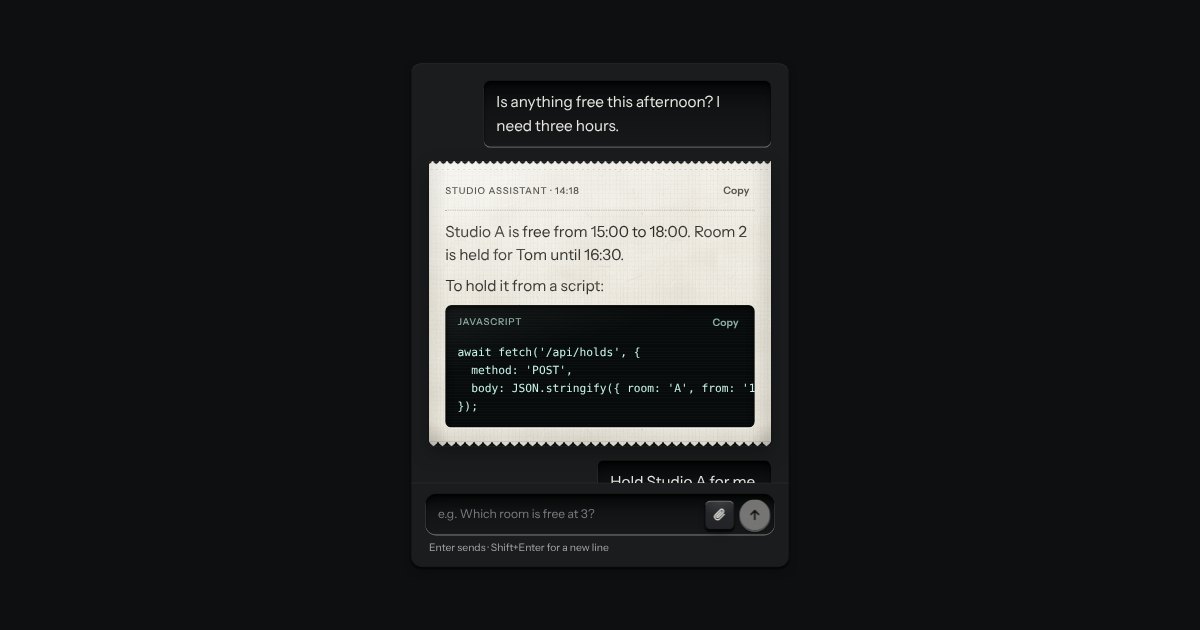
An AI chat as a teleprinter, with restraint: what you type sits in a recess; the answer prints on a perforated slip with an amber lamp at the print head; code comes up on display glass. Composer with attachments and a send key that becomes Stop.