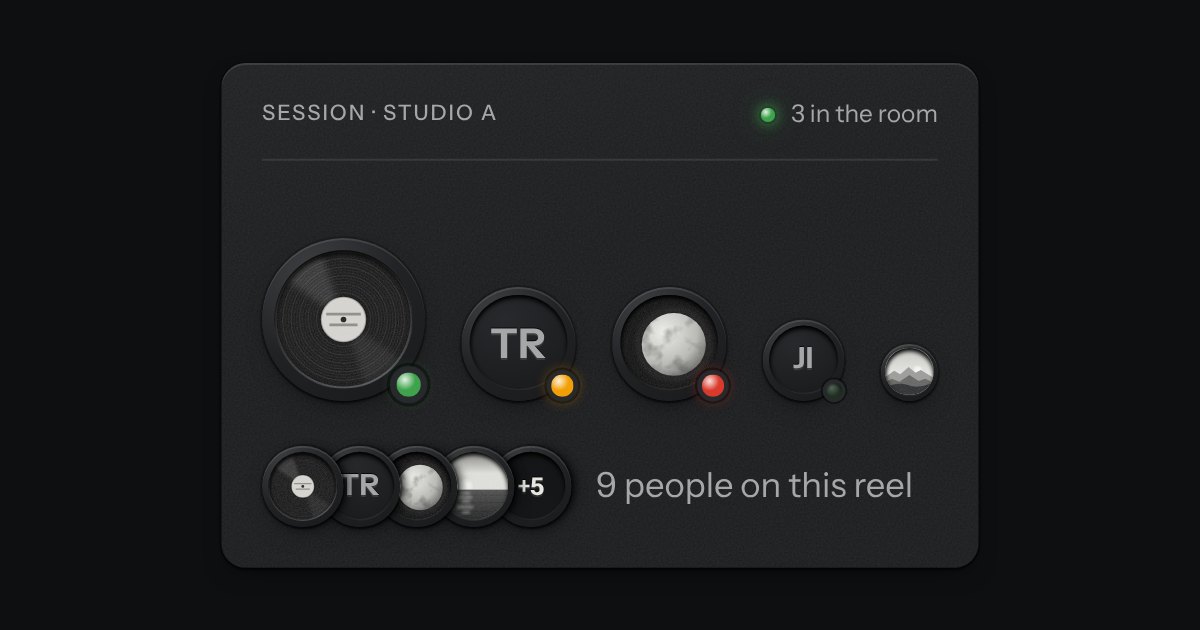
Avatar
A person’s mark, struck like a coin: initials stamped into the field, or a photo set under the rim, with a status lamp mounted at five o’clock. Stacks into a group with a count.
Kit parts
A frame that holds one shape, whatever is put in it. Say the shape (16:9, 4:3, 1:1, 3:2, 21:9, 3:4) and the frame takes its height from its width; a picture, a video or a map inside it is cropped to fit, keeping the middle unless you say which part to keep. Until a picture arrives the frame is a recess, so the page does not jump. An optional hairline round the edge keeps a pale picture from dissolving into a pale page. Plain CSS, with no script.
Seats open in 11 days. Want one email that morning?
There is no script, no wrapper element and no padding trick, and the pictures on this page are small drawings held in the page itself.
| Name | Kind | Description |
|---|---|---|
| img · video · iframe · svg · canvas | element | What fills the frame. Pictures and video are cropped with object-fit. |
Choose a shape: the frame keeps it and the picture is cropped to fit. Move Position to keep a different part of the picture, and choose Contain to see all of it. The picture is the same one each time; only the frame changes.
A person’s mark, struck like a coin: initials stamped into the field, or a photo set under the rim, with a status lamp mounted at five o’clock. Stacks into a group with a count.
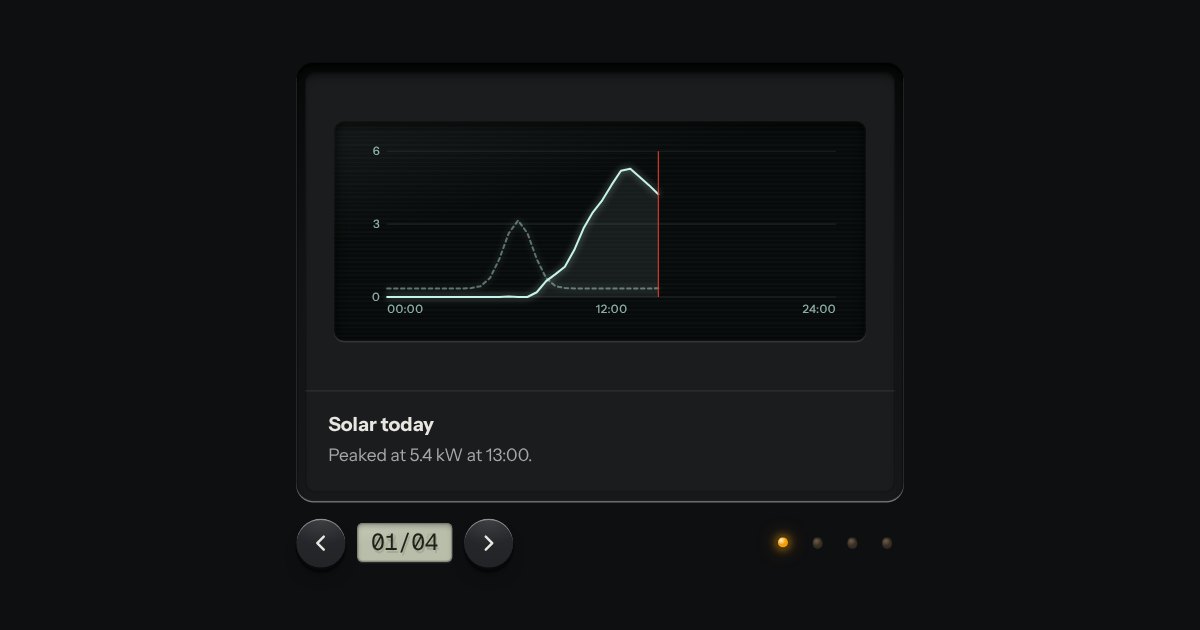
Slides seen one at a time through a viewer’s gate: transport keys either side of a frame counter on an LCD, lamp keys to jump, swipe on touch. Nothing moves on its own unless you ask it to.
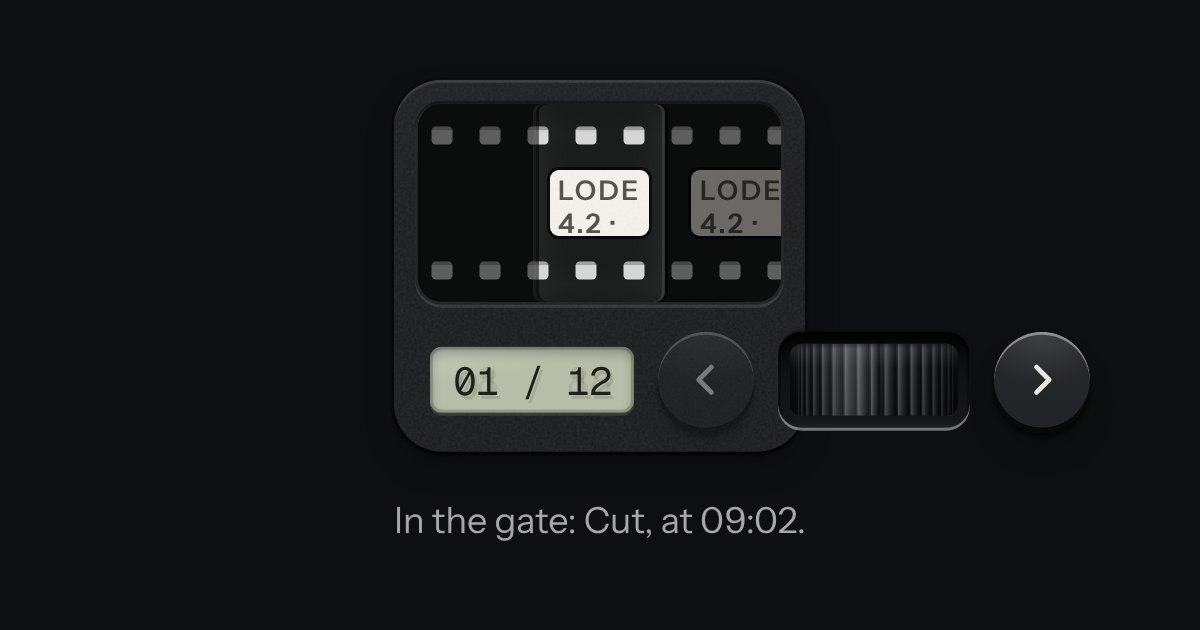
A carousel as a strip of film in a machined viewer. The frames run behind a gate lit from behind, with sprocket holes along both edges, and the frames either side wait under a smoked cover. It moves a frame at a time and settles as each one registers. Turn the thumbwheel, press the keys or swipe the film itself: underneath it is a native scroller with a snap point at every frame.
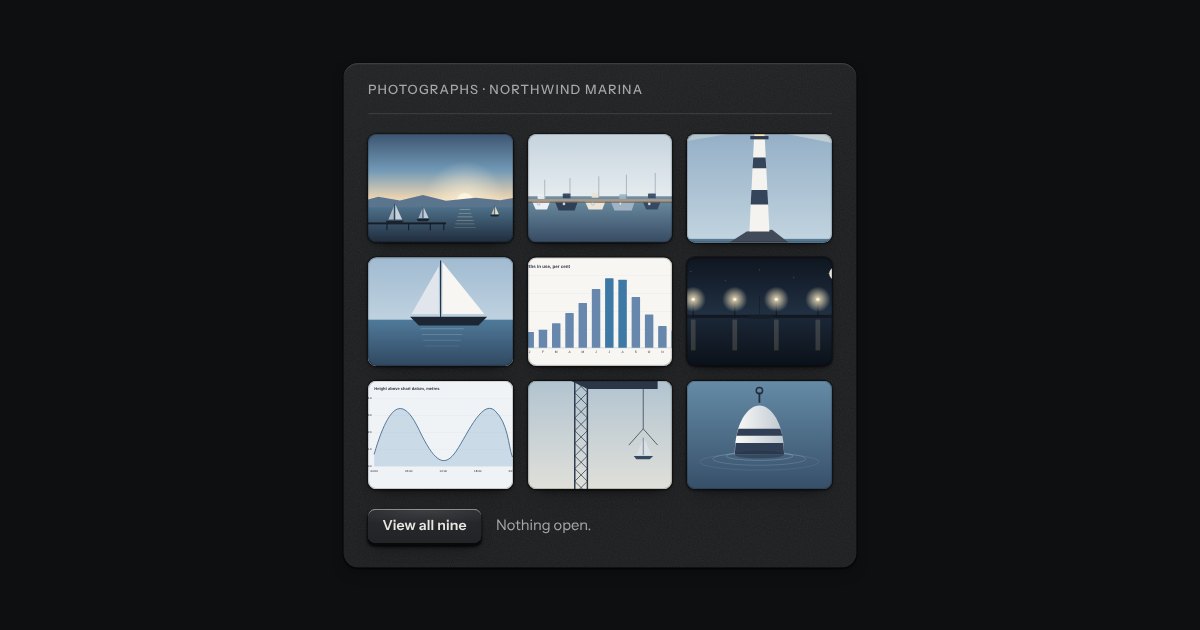
A grid of thumbnails that opens one picture large. Each thumbnail is a plate with the picture set in it, and a real link to the full picture, so the grid works without any script. Press one and the page goes behind a near-black scrim. Left and Right turn the page, Home and End go to the first and the last, Escape puts it away, and on a touch screen a swipe does the same. It is dark in every finish, because a picture is looked at best in a dark room.