A list for thousands of rows that stays quick because it only ever draws the ones you can see, and a few either side. It sits in the listbox’s recess with the same lamps and the same sunk row for what is chosen, scrolls with the browser’s own scrollbar, and holds ten thousand rows in about twenty elements. Rows may all be one height, or differ: each is measured once it is drawn, and the scroll position is corrected so nothing on screen jumps when a row above it turns out taller than guessed. It is a listbox: Up, Down, PageUp, PageDown, Home, End, type-ahead, Space and Shift to choose, Ctrl+A for all. Choose a name and the chosen ids are submitted with the form.
Seats open in 11 days. Want one email that morning?
Anatomy
The listbox’s recess, lamps and sunk cap, drawn for a few rows at a time. With a fixed height the position of a row is arithmetic; otherwise a Fenwick tree keeps the running heights, so finding the row at a position and the position of a row each cost a handful of steps even at a hundred thousand rows, and a ResizeObserver measures each row once. When a row above the window changes height the scroll position is moved by the same amount. The one rule that keeps it honest: the browser’s scroll does the scrolling, and the script only decides which rows exist.
Variants
Default · rows of different heights
With help text
Required · nothing chosen
Error
Disabled
Filled · three chosen
Focused · the third row under the keys
Fixed rows
One choice
Empty · no rows
States
Default
Focused
Filled
Error
Disabled
Empty
Props and options
Name
Kind
Description
row-height
attribute
Every row this tall. Nothing is measured, and a row that is taller than this is cut, not grown.
estimate
attribute
Rows may differ. This is the guess for a row not yet drawn; each is measured once it is, and the total is corrected as you go.
overscan
attribute
How many rows are drawn beyond each edge of the window, so a quick scroll never shows a gap.
selectable
attribute
Whether rows can be chosen. Absent, the list is for reading and moving through.
name · required · readonly · disabled
attribute
With name, the chosen ids are submitted as repeated entries under it. required needs one chosen. disabled, or a disabled fieldset, takes it out of the form and the tab order.
empty
attribute
What is said when there are no rows (“No rows to show”).
data-error
attribute
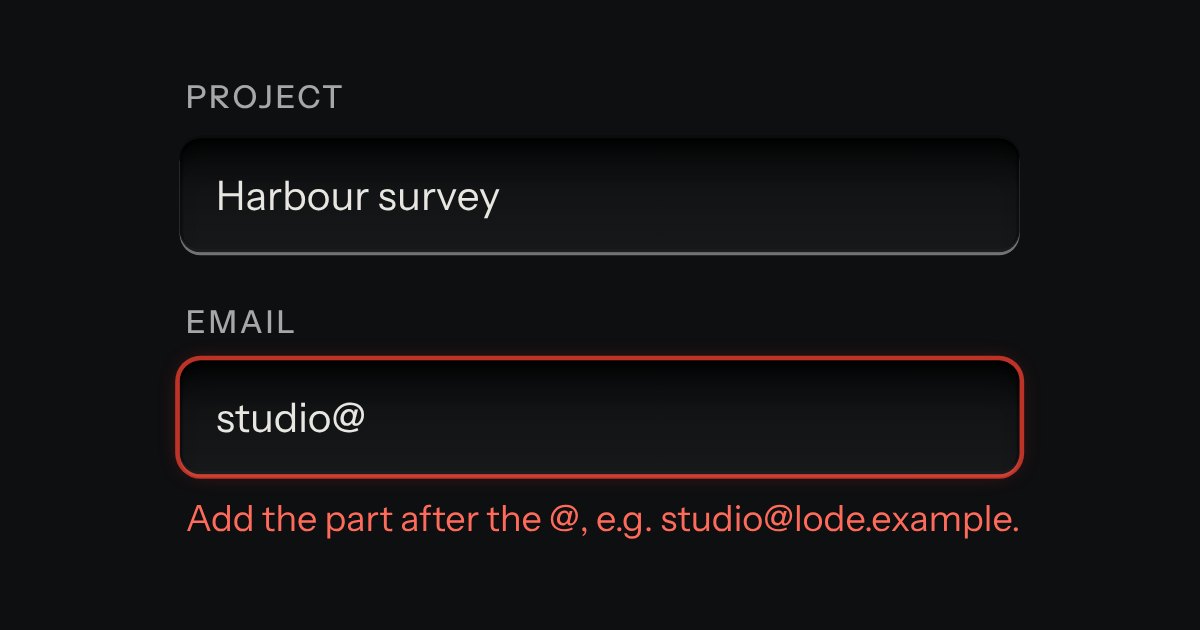
Marks the list invalid: a red ring, and aria-invalid on the listbox, until the attribute is removed.
items · renderRow(item, index)
property
The data, and how a row is drawn. A string is shown as text; return a Node for anything richer. Nothing is ever read as markup.
count · render(index)
property
For rows made up as needed: how many, and what each one shows.
label(index) · idOf(index)
property
The words type-ahead matches (an item’s label, name or text by default), and the id a row submits (an item’s id or value, or its position).
selected · value · active
property
The chosen ids (assigning them is also what a form reset returns to), the first of them, and the row under the arrow keys.
refresh() · selectAll() · clearSelection()
method
Draw the rows again after changing the items in place; choose every row; let go of every row.
The rows between two, the next row that starts with what was typed, where to scroll to show a row, and the words under the list.
Usage notes
Scroll, or press End: the readout names the row and the count, and the page holds about twenty rows however far you go. Tab to the list, press the arrow keys, type a name to jump to it, press Space to choose a row, hold Shift to choose a run, press Ctrl+A for all, then press Reserve and read what the form would send.
Accessibility
The list is one tab stop and a real listbox.
Up and Down, PageUp and PageDown, Home and End move through the rows, and typing finds the next row whose label starts with what was typed. In a single list Enter or Space chooses the row; in a multiple list Space chooses or lets go, Shift with an arrow or Shift with Space chooses a run, and Ctrl+A chooses all. The row under the keys is always scrolled into view.
The count under the list is plain text and is not announced as you move. A separate polite line speaks only when the choice changes: “3 rows selected.”, “Mira Voss selected. 1 row selected.”
Scrolling is the browser’s own, so the wheel, touch, the scrollbar and the keyboard all work and nothing is smoothed; under reduced motion nothing animates at all.
In a form it submits the chosen ids under its name, one entry each, and says “Choose at least one row.” when required and empty. A reset returns it to the default choice, and a disabled fieldset disables it.
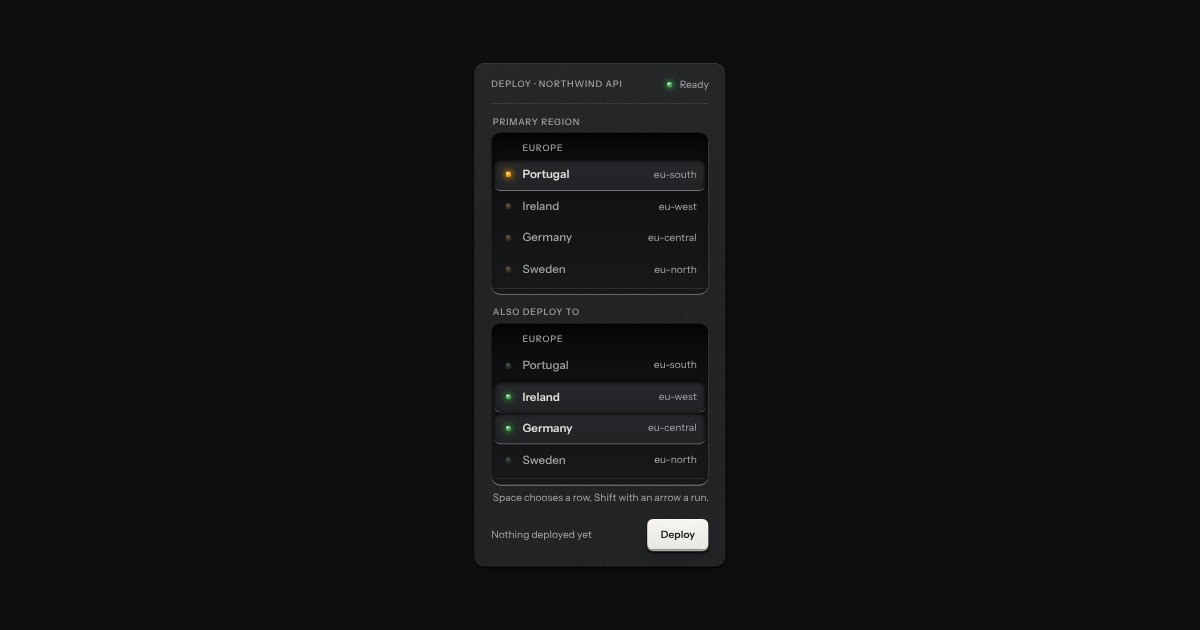
An always-open list let into the plate as a recess. The rows are printed on its floor and a chosen row is a cap let down into it with its lamp lit. One row may be chosen, or several; typing a few letters finds the next row that starts with them. It starts as a native select with a size, so it posts with the form and works without a script.
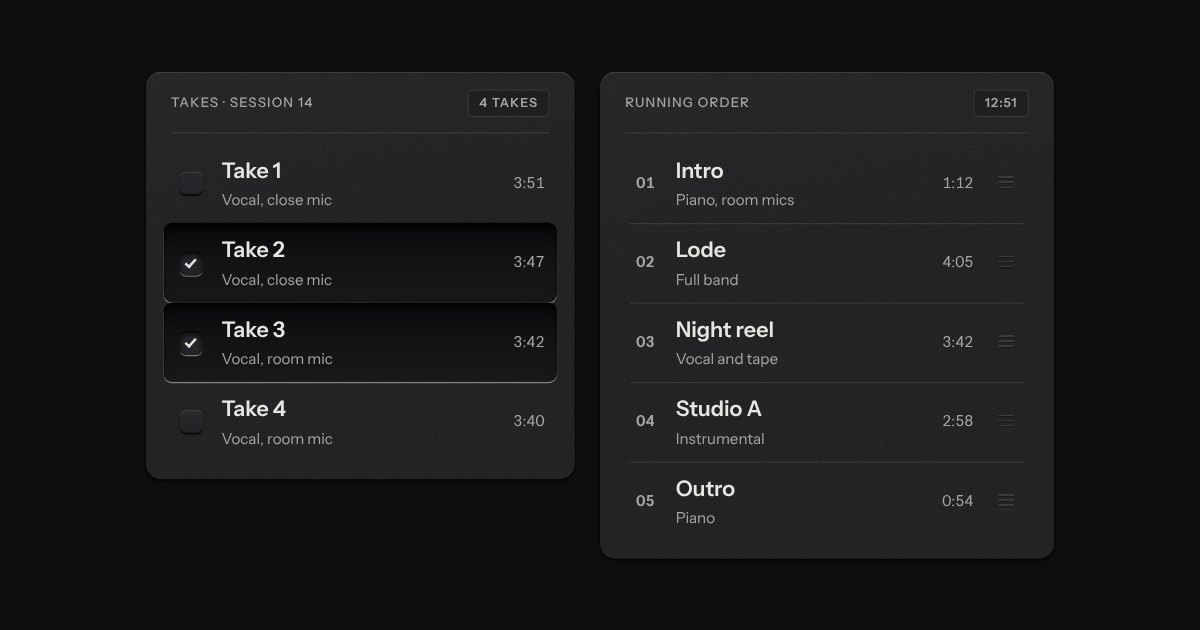
Rows in a rack: a mark, a title, a second line and a fact or a key at the end. Chosen rows sink into a recess with their check key latched; in a running order, a row lifts out of the rack on its skirt and slides past the others, from the keyboard or by its grip.
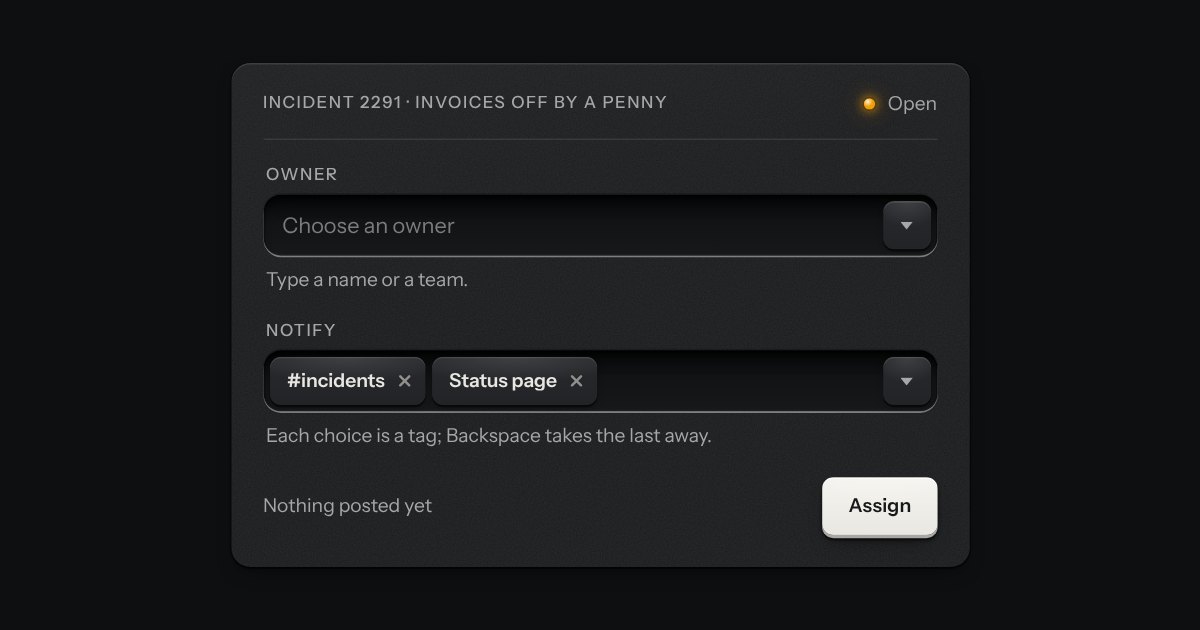
A field that filters a long list as you type. It starts as a plain select, so it posts with the form and works without a script; then the options card slides out of a slot under the well, the letters that match print heavier and the chosen option’s lamp is lit. Several choices sit in the well as tags.