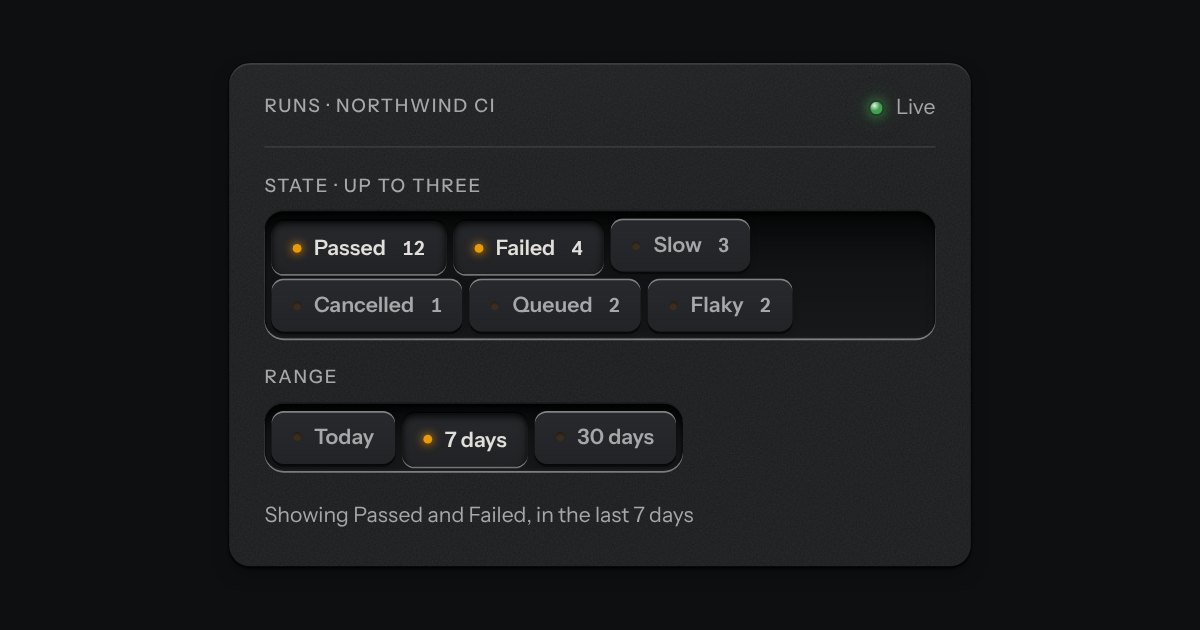
The chip group with a results readout at its start. Press a chip and ink runs along a groove in the tray from the readout to the chip, then wicks into it from the edge nearest the readout, like a glass capsule filling, its front a curved meniscus; the count rolls to its new number, digit by digit. Let the chip go and the ink drains back towards the readout and the count rolls back. The chips stay where they are, and they are still plain checkboxes.
The readout is the kit’s LCD; its digits sit on strips that slide, the ones first and the tens a beat after. Each chip carries a second copy of its face in ink, shown through a mask whose front edge is a meniscus (the corners run ahead of the middle) and moved with a registered custom property; the groove and the line in it are one SVG over the tray, measured from the chips, and they follow a chip onto a lower row when the tray wraps. The ink is one hue in every finish, the kit’s blue taken to the blue-black of the vessel’s ink and lifted in lightness, not in hue, on a dark finish. The groove is one hairline under the first row; only ink travels in it, and a chip on a lower row of a wrapped tray just fills. It is all CSS transitions: nothing runs on a timer.
Variants
None down
One down
Two down
A limit of two
States
None down
One down
Several down
Props and options
Name
Kind
Description
data-count
attribute on each checkbox
How many results the chip lets through. The readout shows the sum of the chips that are down.
total
attribute
What the readout shows when no chip is down.
max
attribute
The chip group’s own limit; chips that are up stand still once it is reached, and its “n of m chosen” line is kept.
inkText(n)
function
inkDigits(n, places)
function
n as digit slots, leading zeros blank (null).
inkHTML(options)
function
The whole tray as markup for a server or a still, with the ink already in the chips that are down.
Usage notes
Press Tennis. Let Tennis go and the ink drains back, and the count rolls to 5.
Accessibility
Keyboard: the chip group’s own. One tab stop, arrows and Home and End move between chips, Space or Enter presses one.
Every chip is a native checkbox that posts with a form and works without the script; the readout is plain text then.
Focus is the kit’s ring on the chip. The ink is never the only sign: a chip that is down is also pressed below the tray, and the count changes.
With reduced motion the ink appears and the count changes at once; nothing is left halfway.
Small plates you press on and off, laid in a tray that wraps: the filters over a table, the topics on a form, the sizes on a product. Each chip is a native checkbox, or a radio when only one may be down, drawn as a small cap that sinks below the tray with its lamp lit. A limit may be set on how many go down at once.
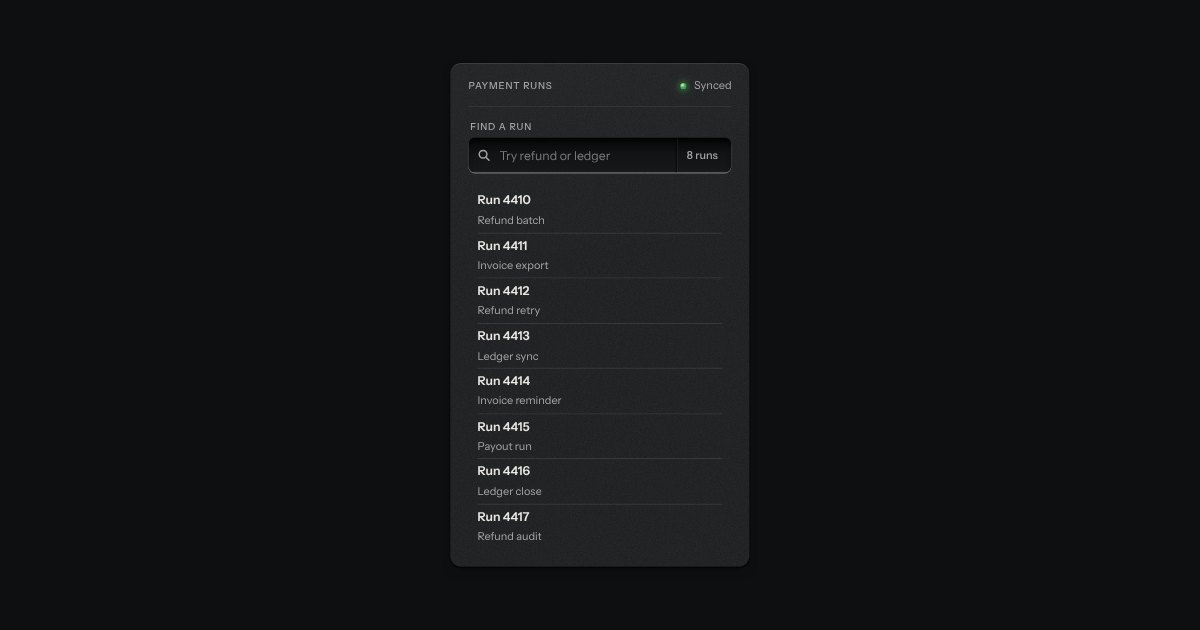
A recess for a question. A glass is printed on its floor at the start, the words run on, an optional count is printed behind an engraved line, and a clear key sits in the far corner while there is something to clear. Escape empties it.
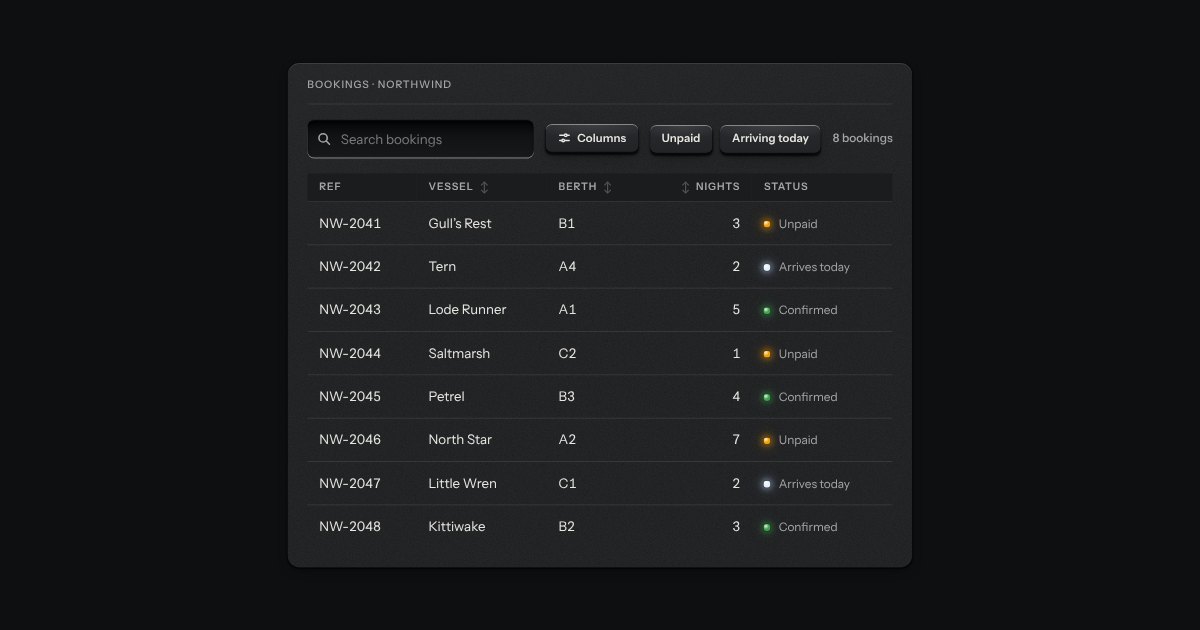
The strip over a table: a search well, filter keys that latch, a menu to choose which columns show, and the count of rows in view (“8 of 8 bookings”). It drives a data table or a data grid through the methods and events they share, so the table and its toolbar stay two parts. It tells the page about every change too, for a table that asks a server.