Plates in a rack that you reorder. Each has a knurled handle: drag it and the plate lifts off the rack on a shadow while the others slide aside, or pick it up from the keyboard and walk it up and down. Every step is spoken.
Seats open in 11 days. Want one email that morning?
Anatomy
A tray cut into the plate with a rack of raised plates in it, each one a key’s cap laid flat. The handle is a slot with vertical ridges cut across it, each a dark line and a lit one. Dragging moves the plate with a transform that follows the pointer; when its middle passes a neighbour’s, that neighbour is moved around it, which keeps the handle’s focus and capture, and every plate that moved is slid from where it was to where it is (a FLIP, with the Web Animations API). Dropping settles the plate from where the pointer left it. The order is the document’s.
Variants
Two lines
Titles only
Picked up · keyboard
Long text keeps to one line
States
At rest
Handle hover
Handle focus
Picked up
Lifted by the pointer
Props and options
Name
Kind
Description
data-picked
attribute
A plate picked up from the keyboard, and one lifted by the pointer. Set them by hand to hold the state.
sortableMove · sortableTarget · sortableSays
function
The rules, pure: an item moved in a list, where a dragged plate belongs, and what to say.
Space · Enter
keyboard
Picks the plate up; pressed again, drops it.
↑ ↓ · Home · End
keyboard
One place up or down, or to an end.
Escape
keyboard
Puts the plate back where it was.
drag
pointer
The plate follows on a shadow and the others slide aside as it passes their middle. Works with a finger.
Usage notes
Drag a handle. Or Tab to one, press Space, use the arrow keys, and press Space again. Escape puts the plate back.
Accessibility
Each handle is a real button with a name (“Move Billing”) and a description that says how to use it. The plate itself is not a drag target, so a tap on its words does nothing surprising.
The keyboard does everything a pointer does. Space picks up, the arrows move, Space drops, Escape puts it back; Home and End go to the ends.
Each step is spoken in an assertive live region with the plate’s name and its place: “Picked up Billing. Position 2 of 5.”
The handle keeps the focus and the pointer capture all the way, because the plates around it are the ones that move.
With reduced motion the others do not slide; they are in their new places at once, and the announcements are the same.
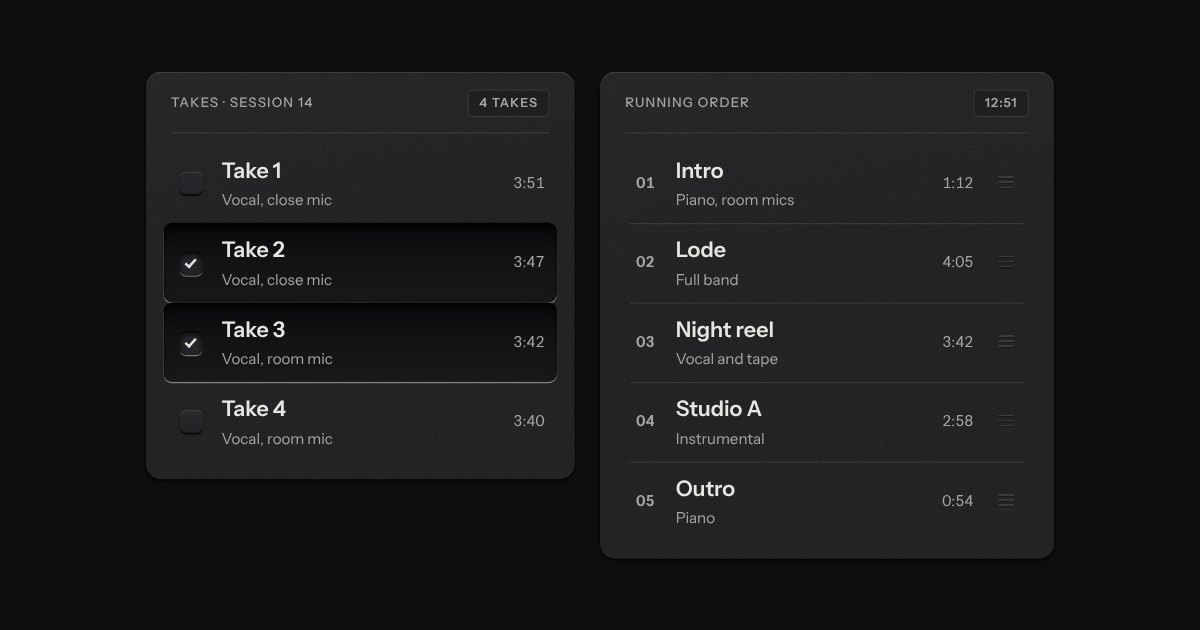
Rows in a rack: a mark, a title, a second line and a fact or a key at the end. Chosen rows sink into a recess with their check key latched; in a running order, a row lifts out of the rack on its skirt and slides past the others, from the keyboard or by its grip.
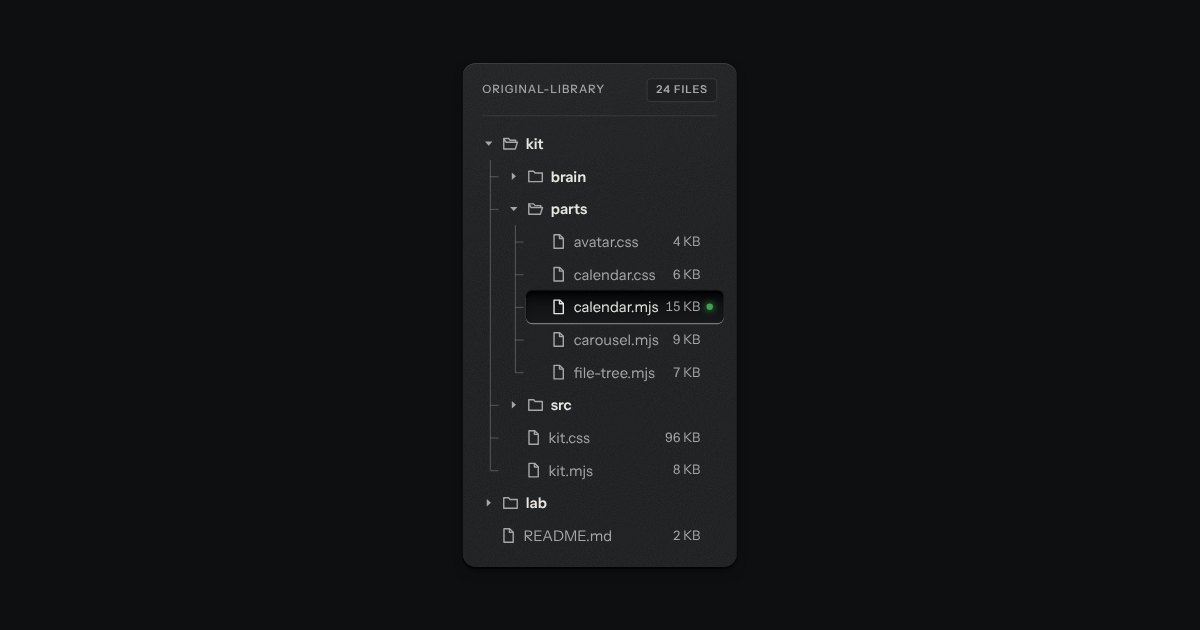
Folders and files as a real tree, printed like a wiring diagram: traces with an elbow into every item, chevrons that turn, and the chosen file set in a recess with its lamp lit. Written as a plain nested list.