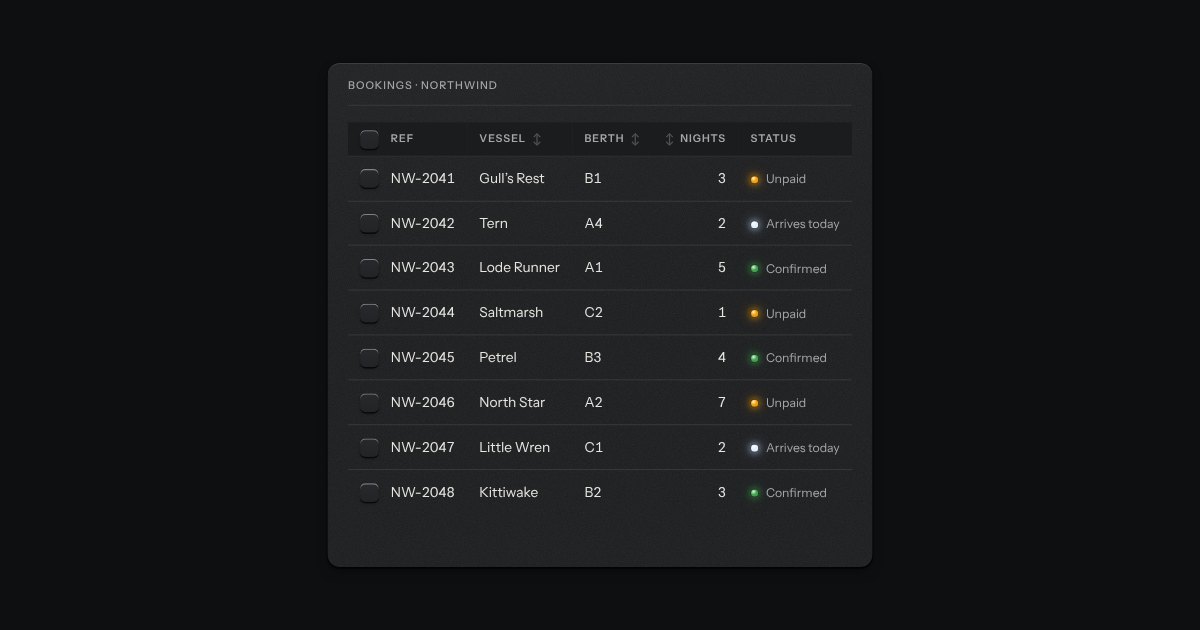
The strip over a table: a search well, filter keys that latch, a menu to choose which columns show, and the count of rows in view (“8 of 8 bookings”). It drives a data table or a data grid through the methods and events they share, so the table and its toolbar stay two parts. It tells the page about every change too, for a table that asks a server.
Seats open in 11 days. Want one email that morning?
Anatomy
The kit’s search well, toggle keys and check keys, and the menu’s native popover. It has no look of its own beyond a flex row that wraps; the work is in what it asks of the table.
Variants
Searching · the count follows
No filter keys
Driving a data grid
Narrow · the search takes the whole line
States
Idle
Filter key down
Searching
Focus
Props and options
Name
Kind
Description
[data-flag]
attribute
A filter key. Pressed, it asks the table to show only rows whose data-flags carry that flag. Several keys narrow together.
state · reset()
property
The query, the active flags and the hidden columns; and a method that lets them all go.
Type in the search well to narrow the rows, press Unpaid or Arriving today to latch a filter, and open Columns to hide a column. The count at the right follows, and Clear filters lets everything go. Escape in the search well clears it.
Accessibility
It is a named group of ordinary controls, in reading order: the search, the filter keys, the Columns key, then the count. Nothing is a custom widget, so every control keeps its own keys. Escape in the search well clears it.
Filter keys are toggle keys. The Columns key opens a native popover of check keys, takes the focus into it and gives it back on Escape. The last visible column’s check key is disabled so the table never has none.
The count is printed for the eye and said once, politely, a moment after the typing stops. A table with nothing to show says what is filtering it instead of showing a blank.
Clear filters appears only while something is filtering, and puts the focus back in the search well.
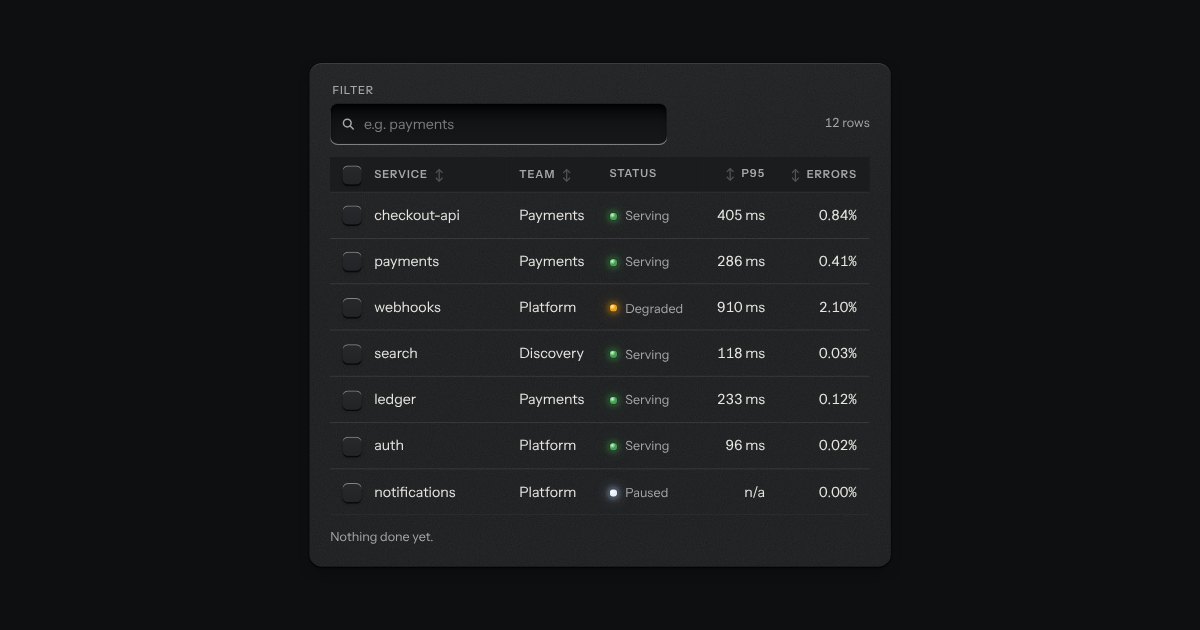
The kit’s table with the tools a working one needs: headers that sort, a filter well, a check key on every row with one in the header that selects them all and sinks half way when only some are chosen, and a header that stays at the top while the rows scroll under it. While rows are chosen a plate slides out of a slot under the tools, its lamp lit, carrying what can be done to them. Without the script it is the plain table.
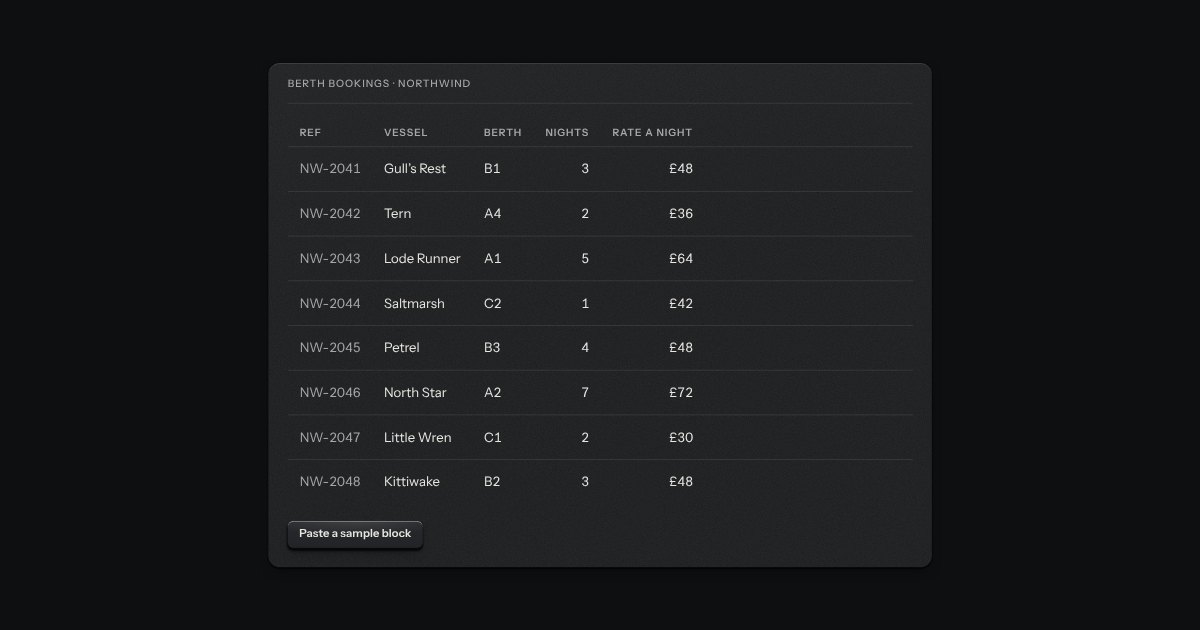
A table you edit in place, the way a spreadsheet is edited. One cell is in focus at a time and the arrow keys move between them; Enter or F2 opens a cell for editing, Escape puts it back, and Tab keeps the edit and moves on. Paste a block of cells from a spreadsheet and it fills a block of the grid. Nothing is saved by typing: a row with changes keeps them as a draft, marks the cells that changed, lights a lamp, says “Edited” and carries its own Save and Discard keys.
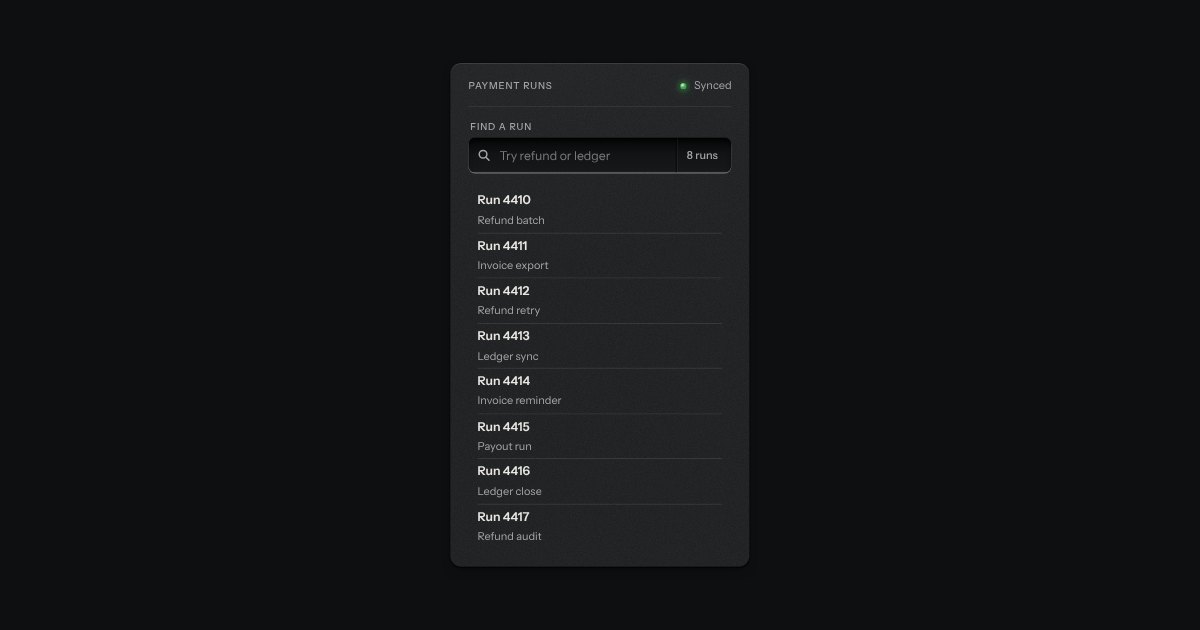
A recess for a question. A glass is printed on its floor at the start, the words run on, an optional count is printed behind an engraved line, and a clear key sits in the far corner while there is something to clear. Escape empties it.
The bar that slides up when rows are checked. It says how many are chosen, offers the actions that apply to all of them (Archive, Assign, Delete) and a Clear key, and goes away again when none are. It follows a data table through the table’s own selection event, so the two share nothing but an id. The slide is a transform and nothing else, and under reduced motion the bar simply appears.