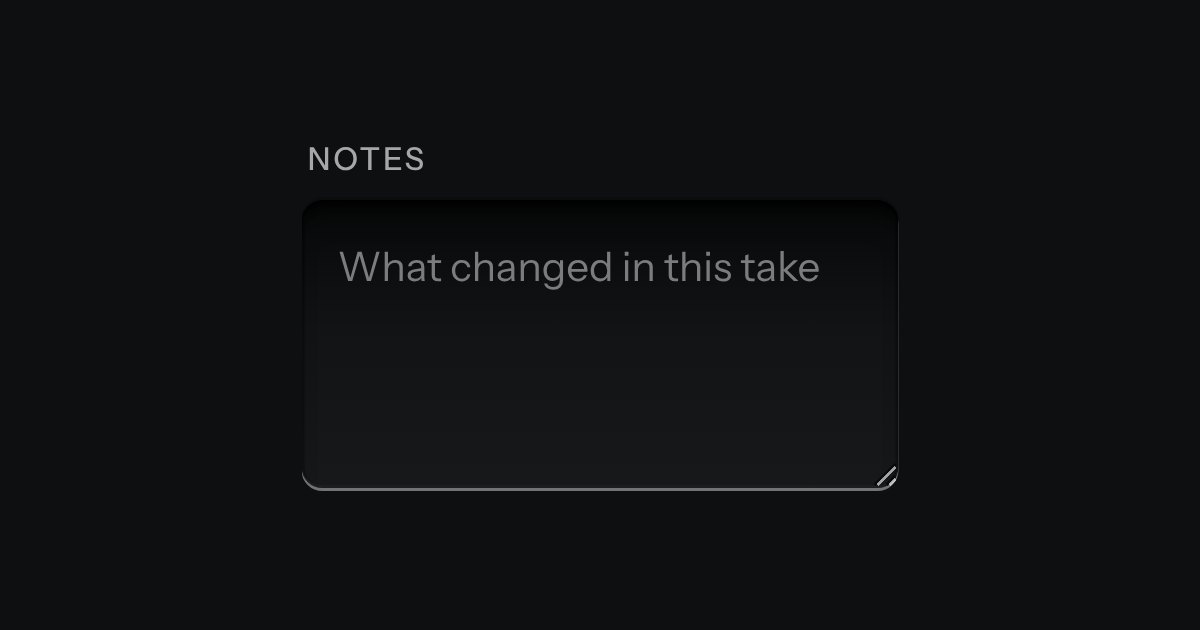
Text area
Longer text in a deeper recess: notes, messages, descriptions. It grows by its corner handle.
Kit parts
The prompt box. One deep recess holds the text and the keys sit on its floor: attach at one end; at the other a small LCD that counts tokens, amber near the limit and red over it, and the send key, which becomes a stop key while a reply runs. It is a real form with a labelled text area. Enter sends and Shift and Enter make a new line, and the send key is disabled while there is nothing to send. The text grows as you type, up to a height, then scrolls.
Seats open in 11 days. Want one email that morning?
The recess is the one the chat uses for what you type, deepened, with the keys on its floor: the corners are the keys’ plus the floor, so they agree. The script is delegated from the document, so a composer added later works, and it does five things: counts, enables the send key, makes Enter send, lists files and switches to Stop.
| Name | Kind | Description |
|---|---|---|
| Enter · Shift+Enter | key | Enter sends (Ctrl or Command with Enter too); Shift and Enter make a new line. Enter does nothing while an input method is composing. |
| submit | event | The page handles it. If the page stops it, the box empties and keeps the focus; if not, the form posts as it is. |
| setComposerRunning(form, on) · syncComposer(form) | function | Start or stop the running state, and bring the count and the send key in line after setting the text from script. |
| composerTokens() · composerState() · composerEnter() · composerCanSend() · composerLimitText() | function | The estimate (about four characters a token), the state, what Enter does, whether send is live and the limit line. |
Type a message: the count steps up and the send key wakes. Press Enter to send and Shift and Enter for a new line. While the reply runs, press Stop. Paste a long text to see the count go amber and then red, and the send key refuse.
Longer text in a deeper recess: notes, messages, descriptions. It grows by its corner handle.
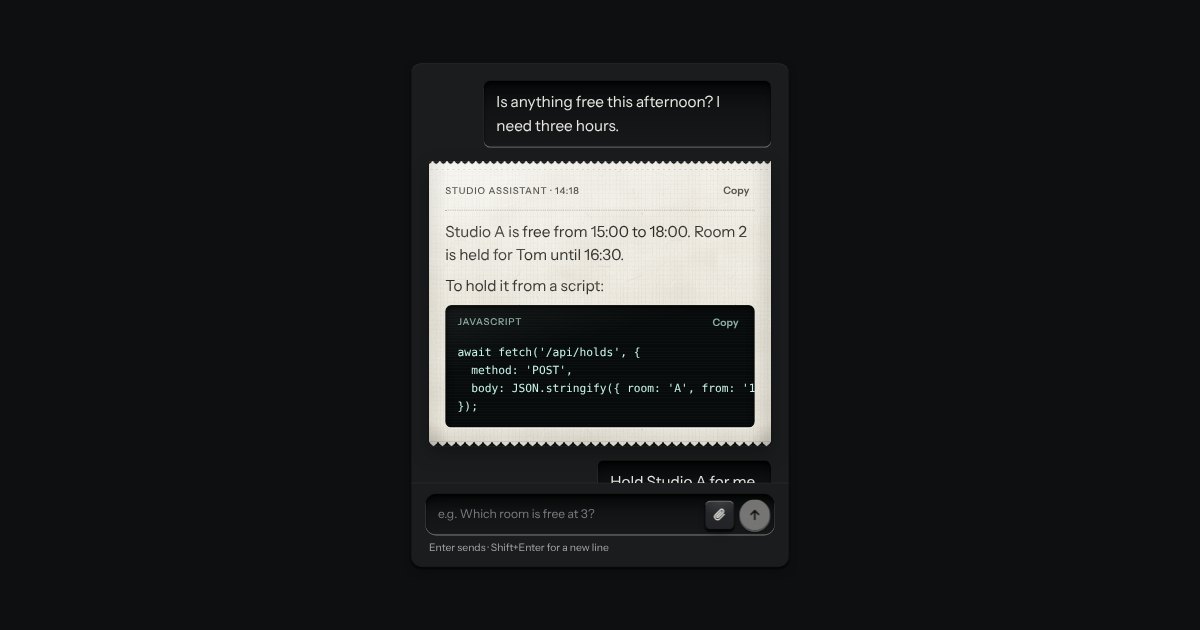
An AI chat as a teleprinter, with restraint: what you type sits in a recess; the answer prints on a perforated slip with an amber lamp at the print head; code comes up on display glass. Composer with attachments and a send key that becomes Stop.
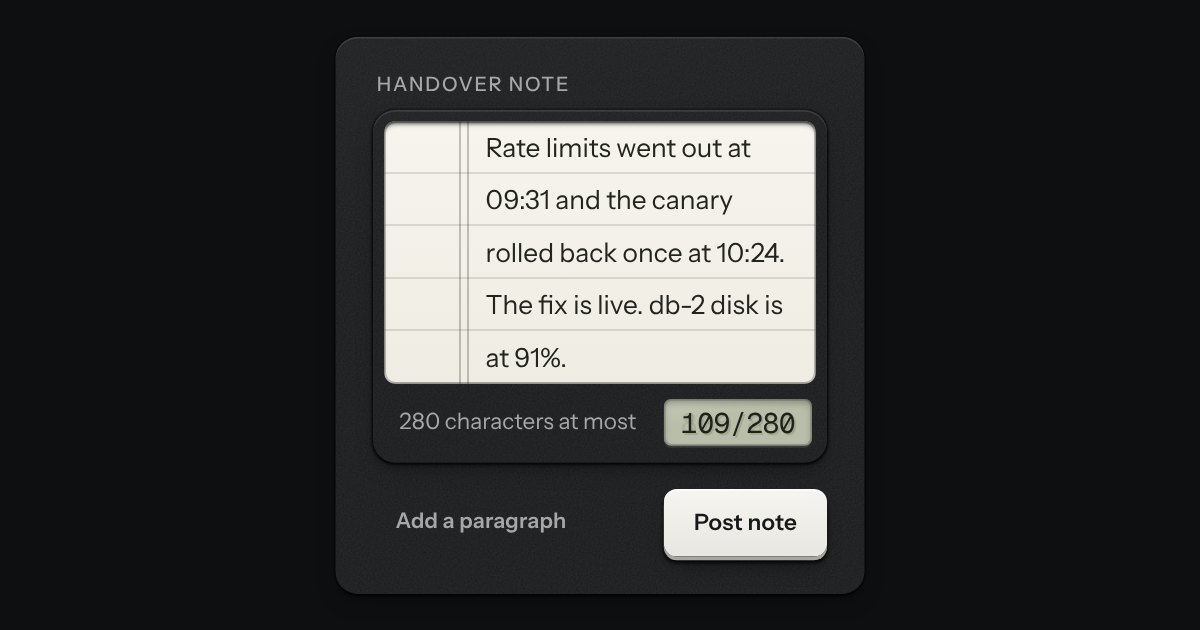
A writing pad that is still a real textarea. A sheet of ruled paper is set into a machined frame, and the rules move with the words. A small LCD in the foot counts characters or words: it lights amber near the limit and red over it, and the limit is said once, in words, when it is crossed. The pad grows with the text up to a height you choose.
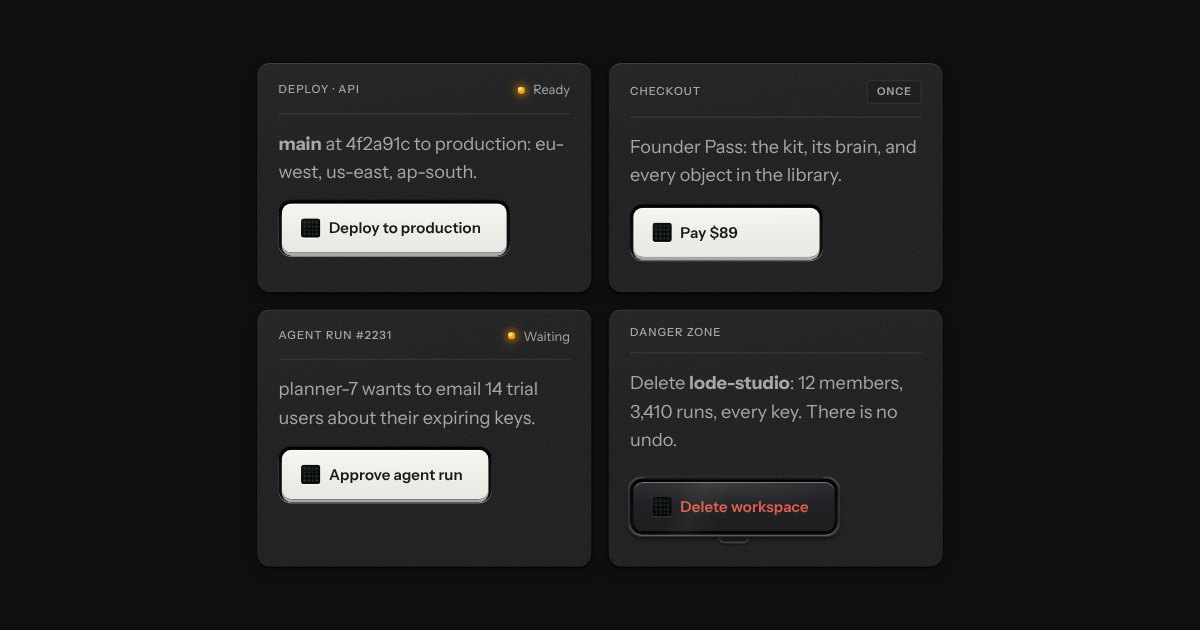
A key for work that takes time and must not run twice. It latches below the plate while the work runs, an LED matrix in its face scanning amber, and says how it ended.