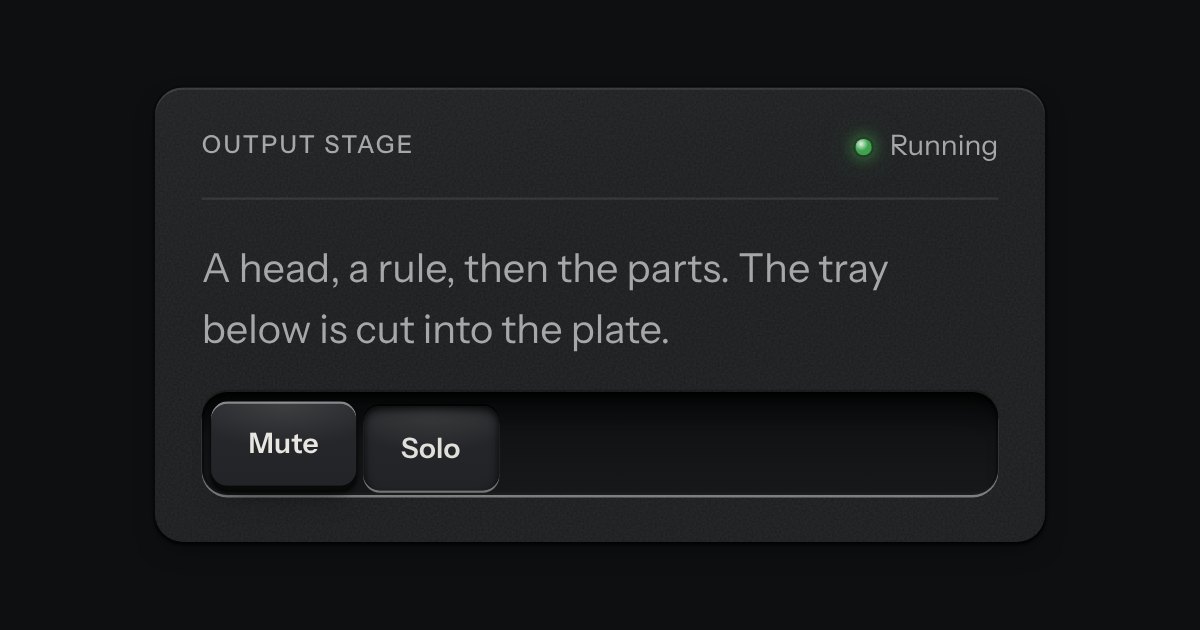
Panel
A face plate that groups what belongs together: a head, a rule, then the parts. Screws only on device-like panels.
Kit parts
A recess cut into the plate that holds other parts: keys, a selector, an empty state waiting for its first thing.
Seats open in 11 days. Want one email that morning?
The recess every well in the kit uses. No images, no script.
The upper wall is in shadow and the lower lip catches the lamp: that is what makes it read as cut in.
A face plate that groups what belongs together: a head, a rule, then the parts. Screws only on device-like panels.
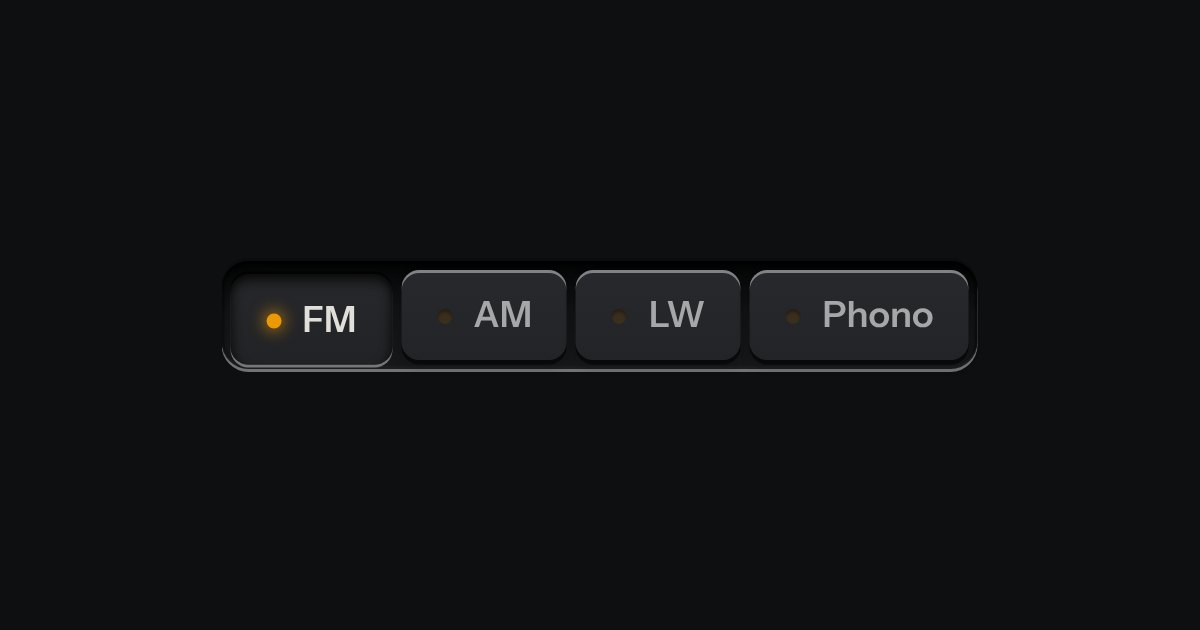
One mode of two to five: latching keys in a tray, one down at a time, each with a lamp that lights when chosen.
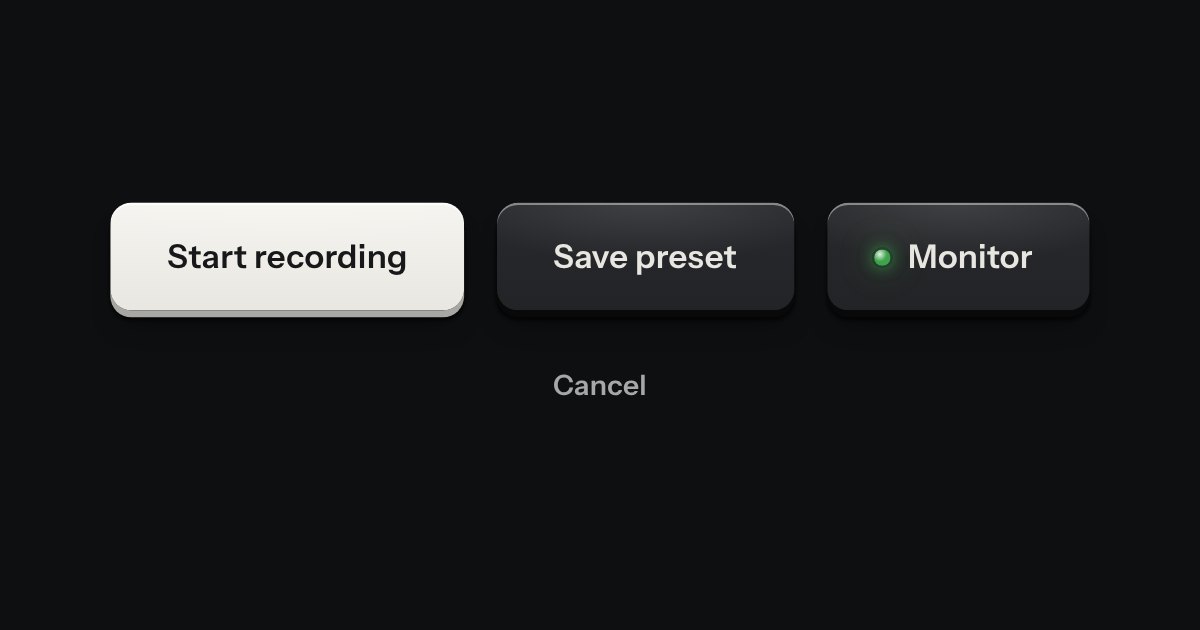
Every button, and every link that acts like one: a cap on a skirt that drops below the plate when pressed.