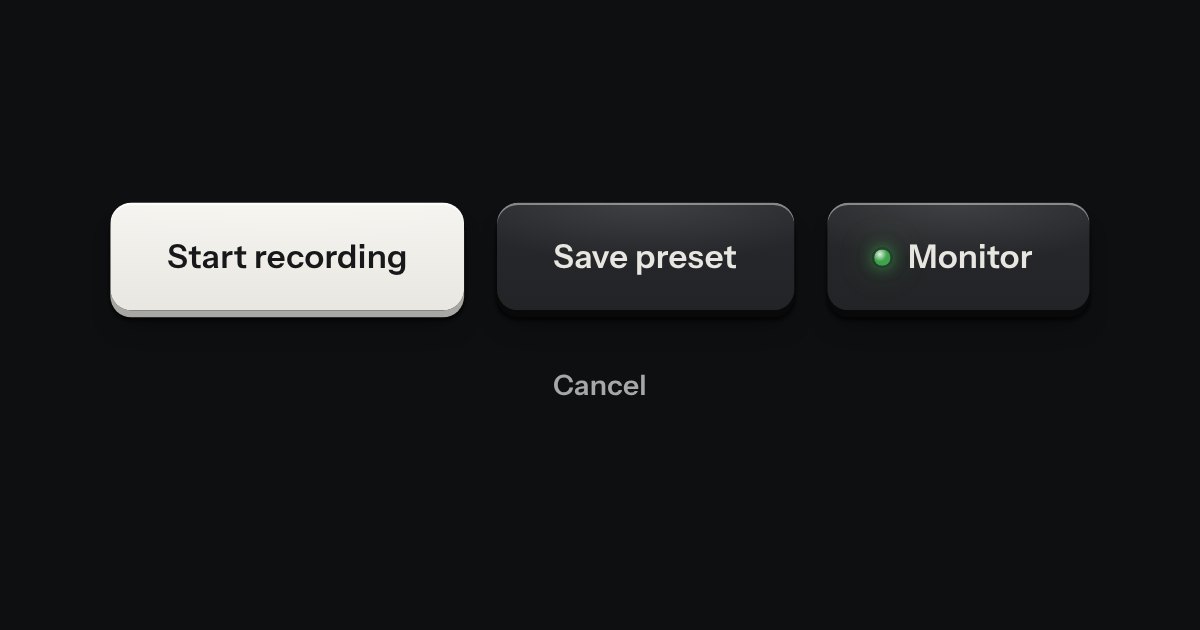
Key
Every button, and every link that acts like one: a cap on a skirt that drops below the plate when pressed.
Kit parts
A floating action button on a sprung arm. A round foot is fixed to the surface; the key sits on a short rod above it, hinged where the rod meets the foot. The page’s own movement, the list scrolling behind it, kicks the arm off level; it wobbles, then the spring pulls it back and it settles level once the page is still. The key underneath never stops being a real button: the tilt is a picture of the mechanism, not a reason to press it differently.
The spring is three pure functions: gimbalNudge turns a scroll delta into a push on the arm’s velocity; gimbalStep moves a damped harmonic oscillator on (angle, velocity) one dt forward, pulled back toward zero by its own stiffness and slowed by its own damping, underdamped enough that a hard push really does wobble before it settles; gimbalSettled says when both are small enough to call it level and still. Under prefers-reduced-motion the loop is never started: a nudge changes nothing, because the mechanism only ever changes a state, never plays a motion of its own.
| Name | Kind | Description |
|---|---|---|
| for | attribute | The box whose scroll drives it. Left off, the window’s own scroll drives it instead. |
| nudge(px) | method | Push the arm as if the page had moved that far. For a box with nothing to scroll, or a test. |
| angle · settled | property | The current tilt in radians, and whether it has come to rest level. |
| data-gimbal-nudge | attribute | |
| gimbalNudge · gimbalStep · gimbalSettled | function | The spring, pure: a push, one step of it settling, and whether it has come to rest. |
Scroll the list of runs: the key tilts on its arm as the list moves and settles level the moment it stops. No room to scroll on a small screen? Press Shake the page for the same push.
Every button, and every link that acts like one: a cap on a skirt that drops below the plate when pressed.
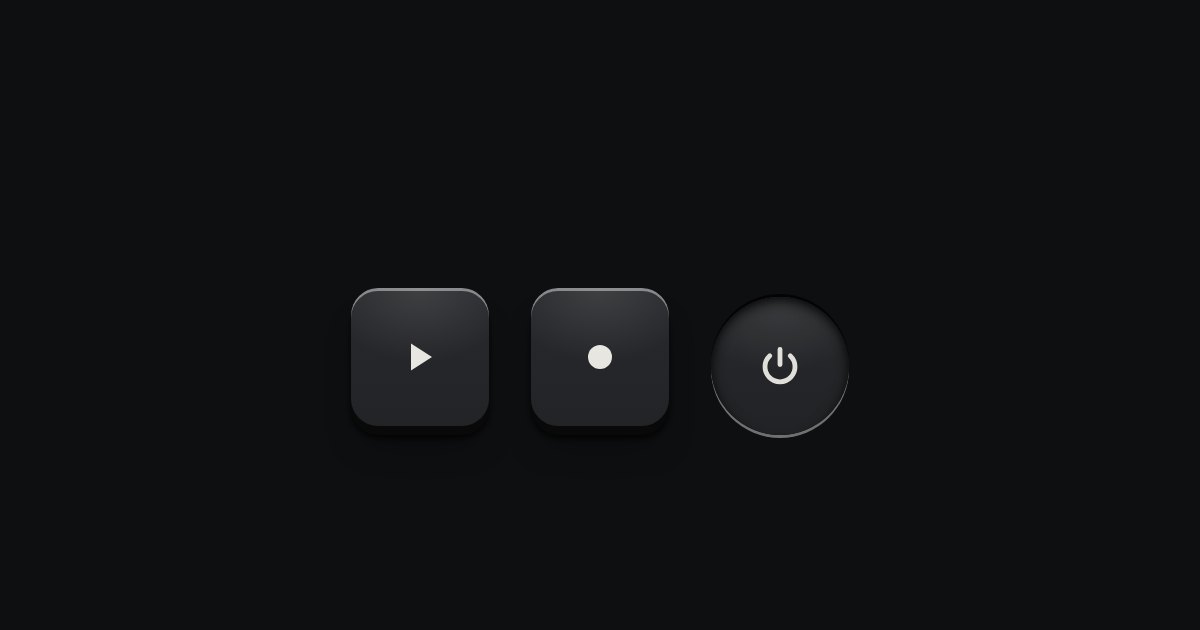
A key with an icon and no words, square or round: transport, power, the small tools. Its aria-label names it; a tip shows the name.
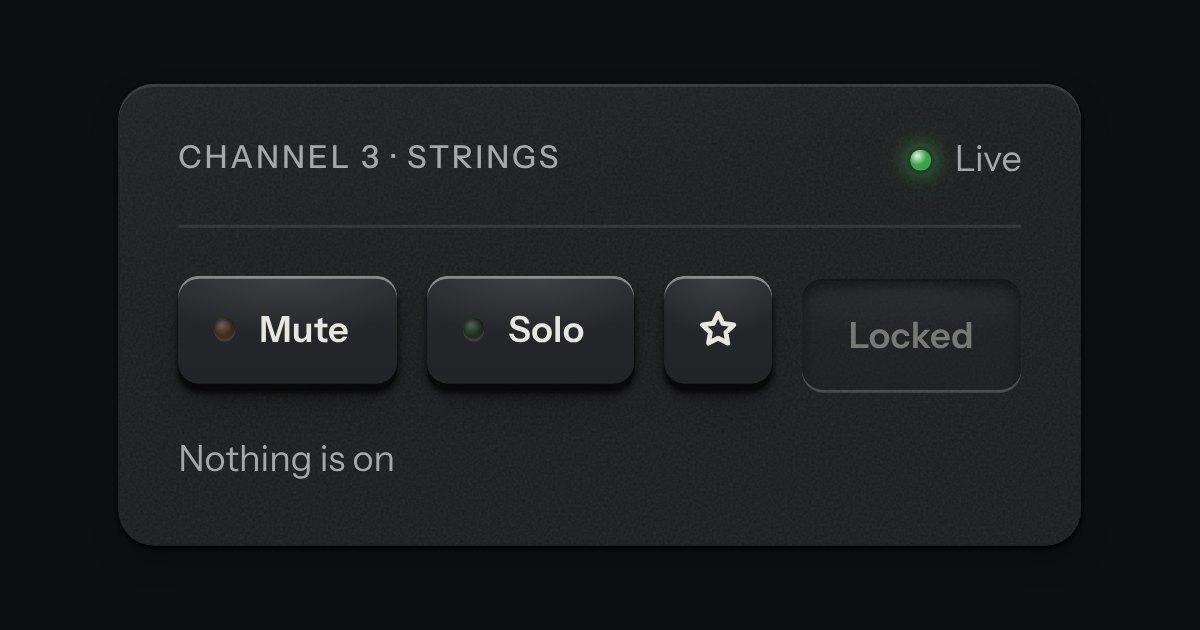
One key that latches below the plate and stays there. It is the kit’s own key with one state to keep, down or up, so it is the way to say mute, pin, bold or armed without the weight of a switch. A lamp in the cap may light while it is down.