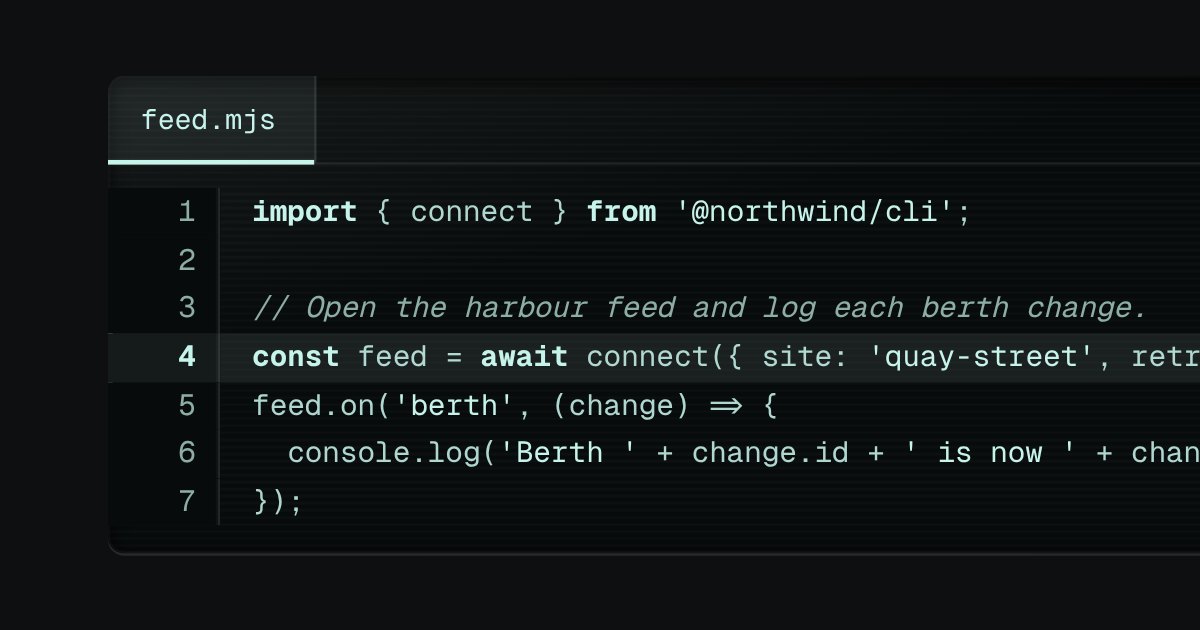
Two versions of a file on display glass, side by side or stacked. A bar along the top names the file, shows a legend (a lit green lamp and a plus for the lines added, a lit red lamp and a minus for the lines removed) and, where there is room, a selector for the layout. A changed line lights its gutter along the edge and takes a sign: added lines a plus on a solid ground, removed lines a minus on a hatched one. The line numbers are drawn by the stylesheet, so they are never selected, never copied and never read aloud, and long unchanged runs fold into one row that says how many lines were left out.
Seats open in 11 days. Want one email that morning?
Anatomy
Display glass with a bar like the code block’s. The comparison is the longest common run of lines, found on a table once the lines the two texts share at both ends are set aside, and a stretch too big to compare is simply all removed and all added. The gutters are one or two sticky plates on each line with their edge lit by the line’s kind; the split view is two panes of rows of the same height, so they line up without a script.
Variants
Side by side
Stacked
Long unchanged runs are folded
Every line kept
A new file · everything added
Nothing changed
A long line scrolls inside its pane
States
A line added
A line removed
Changed
Unchanged
Pane focused
Props and options
Name
Kind
Description
before-label · after-label
attribute
What the two panes are called, for a screen reader (“Before, feed.mjs”).
The change as a list of lines, how many were added and removed, the list with long runs folded, the two aligned columns for a split view and the whole view as markup.
Usage notes
Edit either text below the diff and the comparison follows. Switch between Split and Stacked in the bar. Select a few lines and copy them: the numbers and the signs stay behind. Tab to a pane and scroll a long line sideways with the arrow keys; the gutter stays in place.
Accessibility
Added and removed are never only a colour. Each changed line has a sign (plus or minus), a texture (solid or hatched), a lit gutter and, for a screen reader, the words “Added: ” or “Removed: ” read before the text. The legend in the bar says the same with the counts in words.
The numbers and the signs are drawn by the stylesheet with an empty alternative text, or with the words above, so they are never selected, never copied and never read as figures. Copying lines gives the code and nothing else; the gaps and the folds are not part of it.
In a split view the two panes are named Before and After with the file’s name.
The layout selector is a native radio group and its choice is kept when the page is resized.
Code on display glass. A bar along the top holds the file name on a tab, with a lit edge under it, and the copy key at the far end. Under it the lines run, each with its number engraved in a gutter that stays where it is when a long line scrolls sideways. The numbers are drawn by the stylesheet, so they are never selected, never copied and never read aloud. Highlighting is optional and small: a few strengths of the display’s own light, told apart by weight and italic, never a colour of its own.
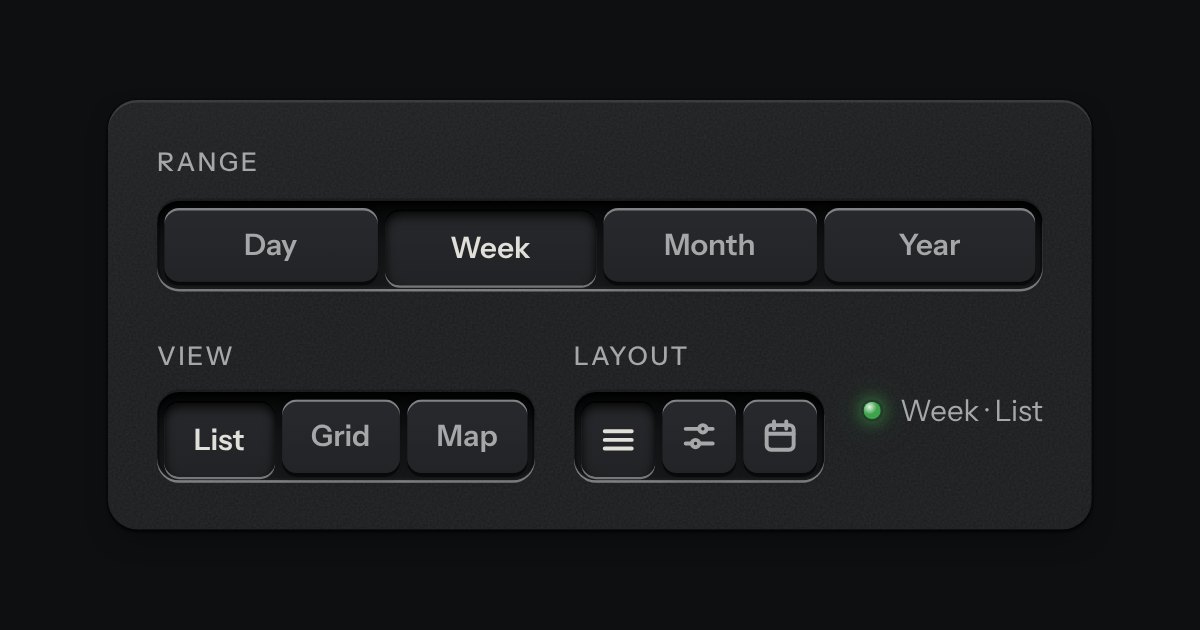
A row of keys in a tray with one pressed down: pick a view, a range or a mode and it applies at once. It is the kit’s selector without the lamps, with sizes, a full-width row and icon segments.