Key
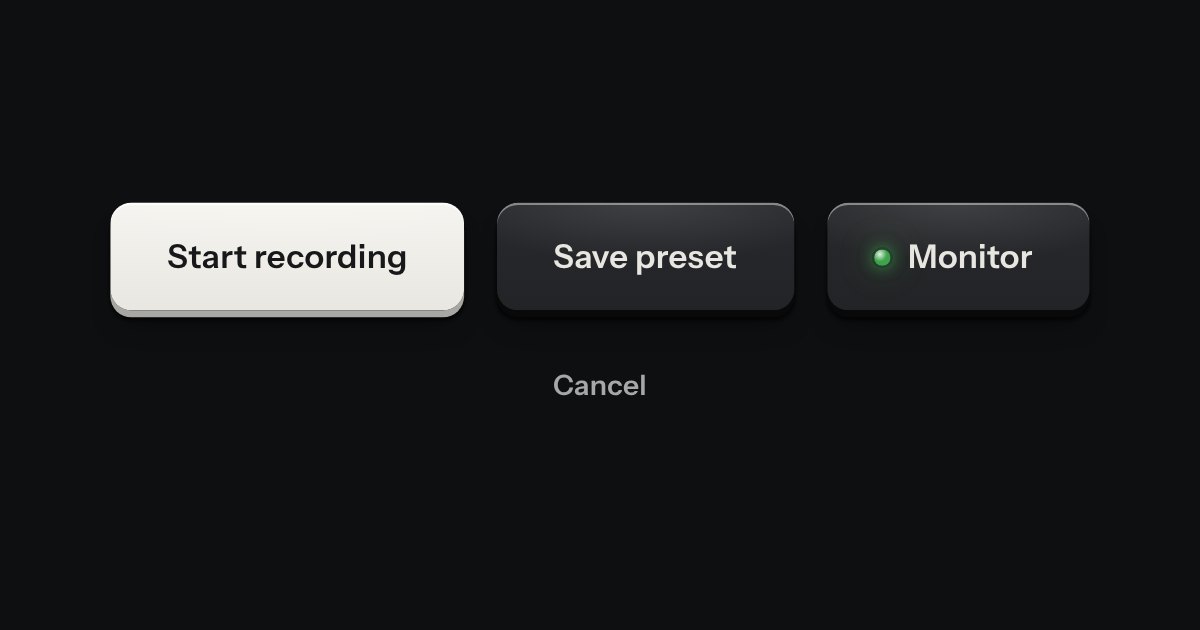
Every button, and every link that acts like one: a cap on a skirt that drops below the plate when pressed.
Kit parts
The key to press, drawn as the key: a small cap on a skirt with a dish worked into its top. Shortcuts come as combos and follow the platform, so ⌘ K on a Mac is Ctrl K elsewhere.
Seats open in 11 days. Want one email that morning?
A cap is the key’s own anatomy scaled down: a face gradient with the catch-light along its top edge, a skirt of the darker metal one or two pixels below, and a shadow under that. Held, the cap drops by the height of its skirt and takes the pressed light, exactly as a key does.
| Name | Kind | Description |
|---|---|---|
| data-kbd · data-kbd-size · data-kbd-plus | attribute | On any element: kit.mjs fills it with the caps for the visitor’s platform. |
| Mod | key name | The platform’s main modifier. Others: Cmd (or Meta), Ctrl, Alt (or Option), Shift, Enter, Esc, Tab, Space, Backspace, Delete, Up, Down, Left, Right, Home, End, PageUp, PageDown. Any other name is printed as it is written; a single character is upper-cased. |
| data-kbd-live | attribute | The caps inside sink while their real keys are held. |
| kbdHTML(shortcut, options) | function | The parts of a shortcut, and its markup. Pure: the platform is an argument. |
| wireKbd(root) | function | Fill every [data-kbd] under root. Runs once on load; call it for markup you add later. |
Press keys on your own keyboard: a cap sinks while its key is down. Try ⌘ or Ctrl, Shift, K, Esc, Enter and Space.
Every button, and every link that acts like one: a cap on a skirt that drops below the plate when pressed.
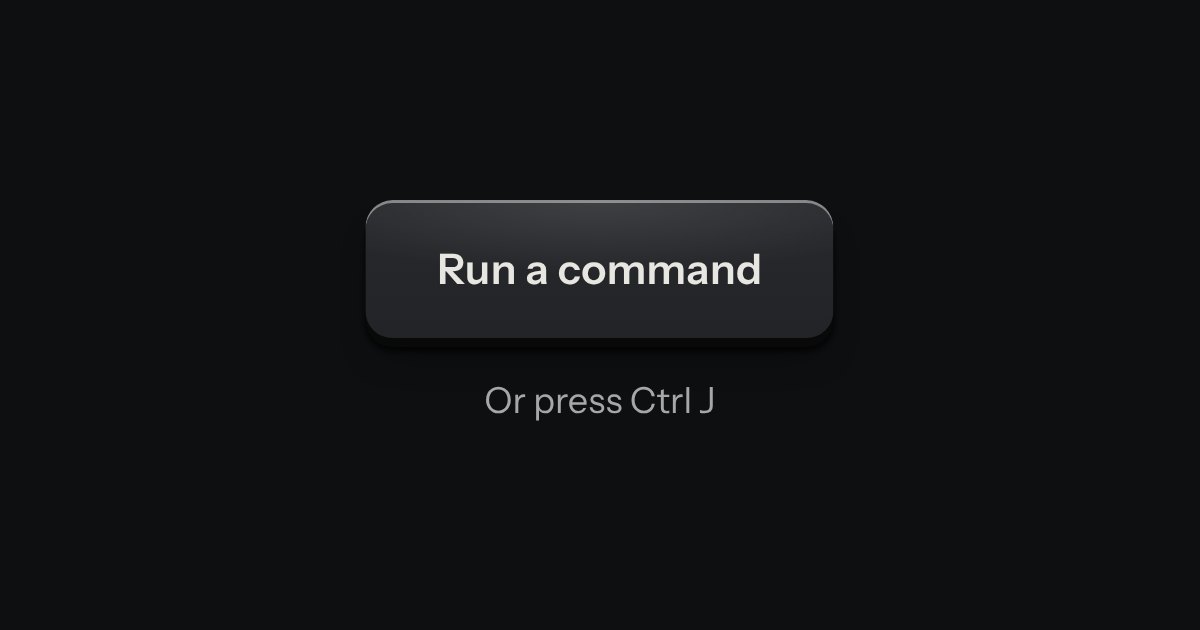
Every action and page behind one key: a modal plate whose entry line is a lit display, with the results printed below and the chosen one pressed in.
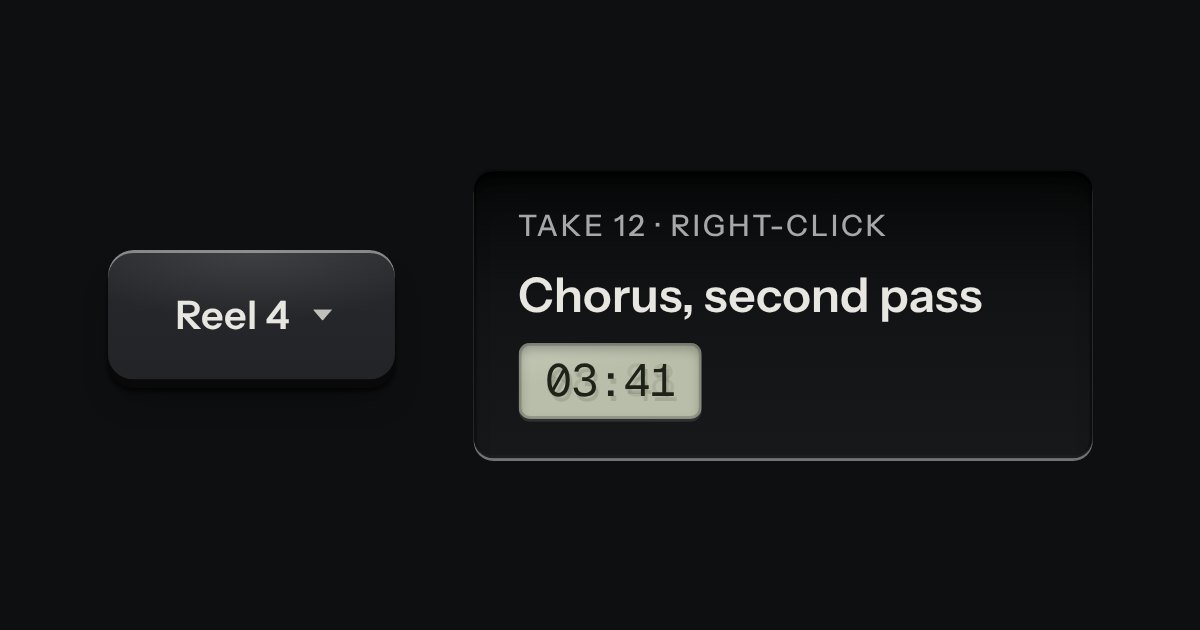
A card of actions and options that slides out from under its key. The key stays down while the card is out; an option that is on lights its lamp.