Field
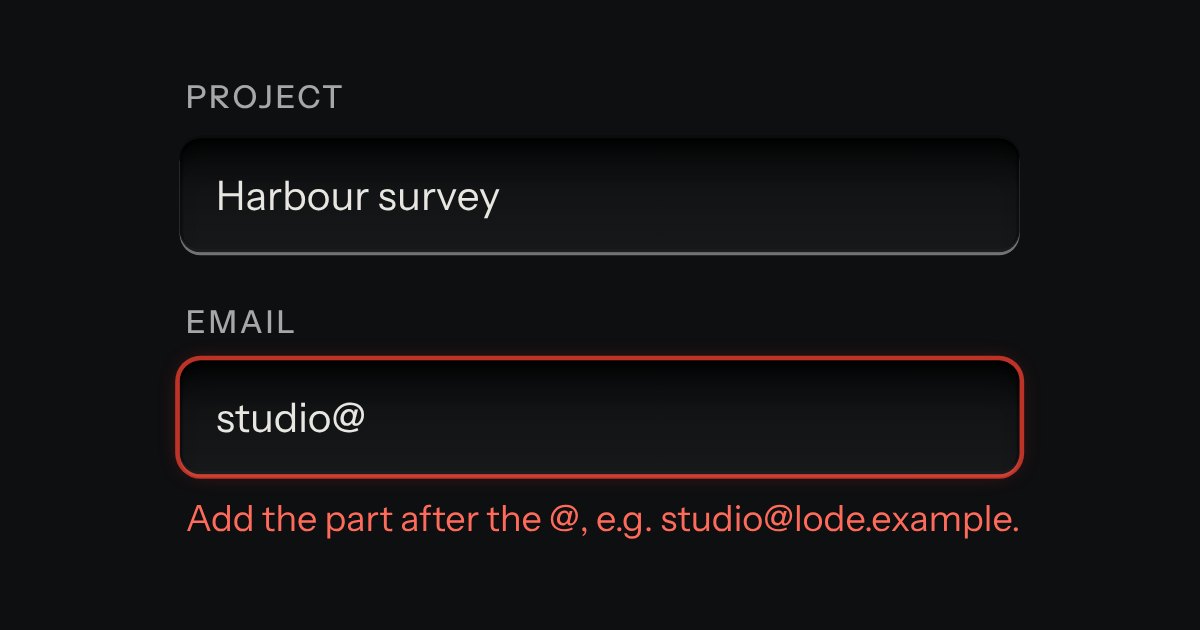
Text entry in a recess, the label printed above it, and a hint that says how to fix an error.
Kit parts
A field that filters a long list as you type. It starts as a plain select, so it posts with the form and works without a script; then the options card slides out of a slot under the well, the letters that match print heavier and the chosen option’s lamp is lit. Several choices sit in the well as tags.
Seats open in 11 days. Want one email that morning?
The select stays in the page, hidden, and keeps the value. The well is the kit’s recess with the text and a small cap at its end, printed with the arrow, which latches while the card is out. Lines are drawn like the menu’s: a lamp, the words, a hint; the line the keys are on is pressed into the card.
| Name | Kind | Description |
|---|---|---|
| data-hint | attribute | A second line printed at the right: a team, a size. Typing matches it too, and the group’s name. |
| value · values · select | property | The choice, the choices, and the select itself (listen for change on it). |
| setOptions(list) | method | Replace the options, keeping any choice that is still there. |
| ↓ · Alt+↓ · ↑ | key | Open (Alt keeps the active line where it is); then move through the options. |
| Enter · Escape · Tab | key | Choose; close, and a second Escape clears; leave without choosing. |
| Backspace · ← | key | Remove the last tag; move to the tags. |
| ← → · Backspace · Delete | key | Left and Right move between the tags, and Right from the last goes back to the text. Backspace or Delete removes the tag. |
| filterOptions(options, query) · markMatch(label, query) | function | Every word must appear in the label, hint or group; the label in segments with the matches marked, escaped. |
Type a few letters of a name or a team: “pla”, “refunds”, “ma vo”. Down opens it, Enter chooses, Escape closes and then clears. Assign it to see what the form posts.
Text entry in a recess, the label printed above it, and a hint that says how to fix an error.
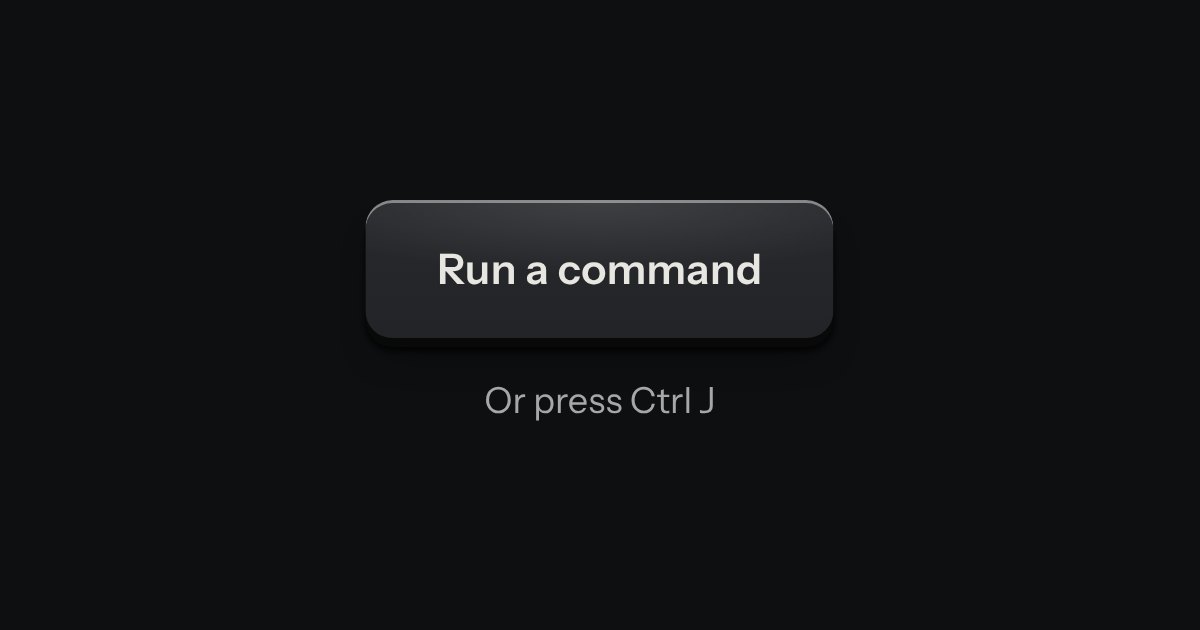
Every action and page behind one key: a modal plate whose entry line is a lit display, with the results printed below and the chosen one pressed in.
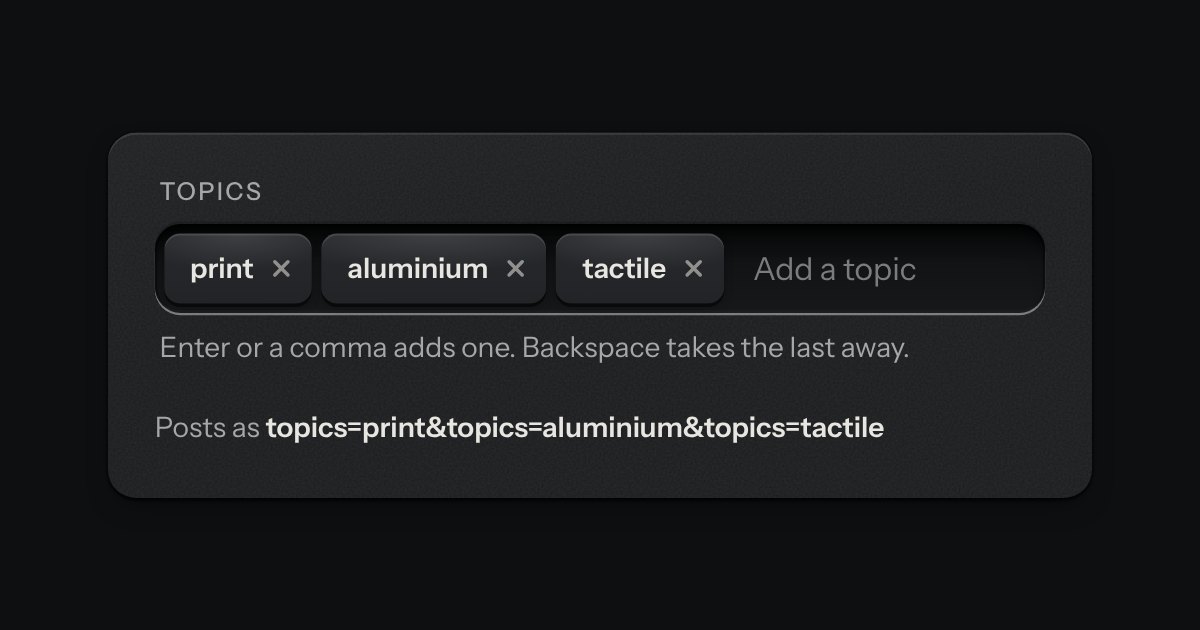
A text input that turns what you type into printed tags. Enter or a comma sets one down in the well; each tag is a key that takes itself away, and every change is spoken.