A whole approval flow for an agent console, made of the kit’s own parts: the chat, a tool call that waits for a person, the reasoning and the sources, with one status lamp and a walkthrough tray. It goes through every state: waiting for you, denied with a reason, approved and running, an error you can retry, the result, and the answer with its sources.
Seats open in 11 days. Want one email that morning?
Anatomy
Nothing here is new to the kit but three small things on two parts. They sit on the plate between the slips, not on the paper, so a ticket keeps its own plate and keys in every finish. What the agent says is printed on a slip that ends, and puts its print lamp out, as soon as it is said, so the only blinking lamp on the screen is the ticket that needs you. The status line above the chat is the kit’s status with one lamp, and the walkthrough is a tray of three keys beside an LCD that counts the states. The walkthrough presses the same keys a person would (Deny, the guarded Approve twice, Retry), so the scripted run and a real one go down the same path.
Variants
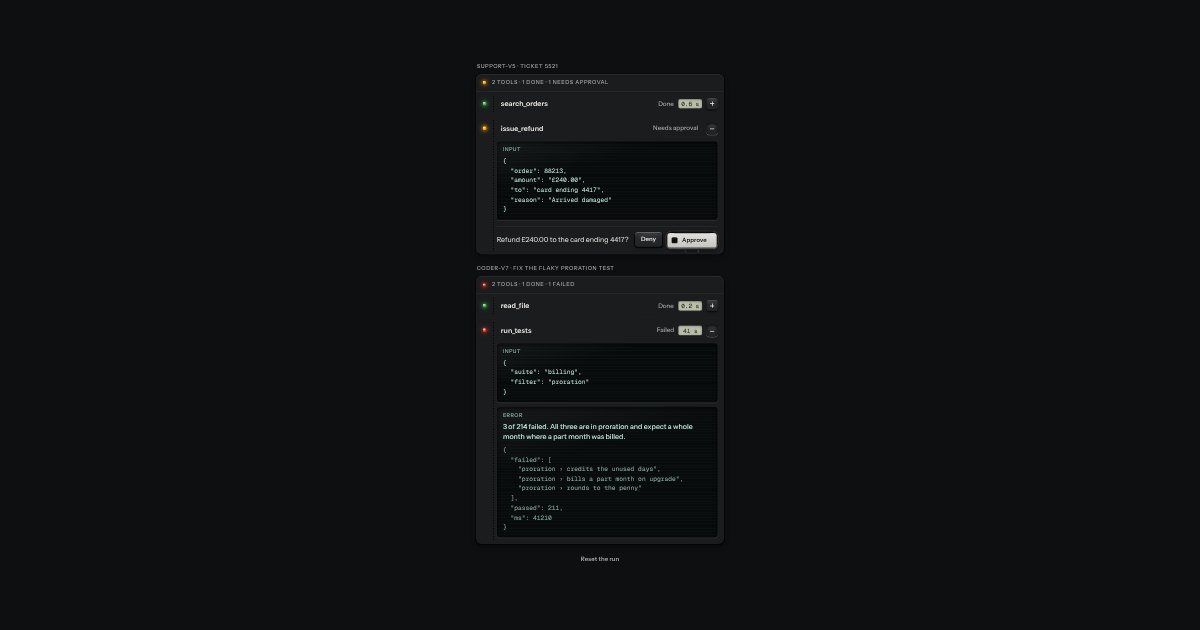
Waiting for you · guarded, asks why on Deny
Denied · the reason on the ticket
Error · in words, then Retry
Result · the output on glass
The answer · cited, sources at its foot
States
Waiting for you
Denied, with a reason
Approved, running
Error, with retry
Result
Answered, with sources
Props and options
Name
Kind
Description
[data-approval-flow]
markup
The console: a status line, one , an optional walkthrough tray, and one polite status line.
[data-flow-status]
markup
The run’s state in one place: amber waiting or running, red error, green done, words beside it.
chat.reply()
method
A slip for what the agent says. End it as soon as it is said, so a waiting ticket is the only thing that blinks.
chat.add(node)
method
Sets a part into the thread as its own row beside the slips. New with this flow.
printer.cite(n) · printer.sources(list)
method
The answer’s citations as it prints, and the references plate at its foot.
ask-reason
attribute
Deny asks why first: one line, then Back and Deny. Escape goes back. New with this flow.
retry
attribute
A failed call shows Retry at its foot; focus moves to it from the Approve key. New with this flow.
reason
attribute
Step · Autoplay · Start again
key
For a demo: Step does what the person or the agent would do next; Autoplay steps by itself; Start again resets.
deniedSays(name, reason)
function
“issue_refund denied: Ask for a photo of the damage first”, the line a screen reader hears.
Usage notes
Press Step to move it on one state at a time, or Autoplay to watch it all. You can also do the person’s part yourself: Deny on the ticket asks why, Approve lifts its cover first, and Retry follows an error. Everything here is example data.
Accessibility
Keyboard only, end to end: Tab reaches Step, Autoplay and Start again, and inside the chat each ticket’s head, its glass, Deny, Approve and Retry. Nothing needs a pointer.
Deny comes before Approve.
When a ticket’s keys go away, focus is never dropped: it moves to Retry after a failure, otherwise to the ticket’s head.
State changes are said politely and once: the console’s line says the step (“Step 3 of 10: Waiting for you”), each ticket says its own (“issue_refund needs approval”), and the reasoning says only when it starts and how long it took.
The status lamp always has words beside it, so amber, green and red are never the only signal.
Autoplay never starts by itself. Under reduced motion it holds each state twice as long, prints whole sentences at once and nothing slides; Step works the same either way.
A job ticket for each tool an agent runs: the tool’s name printed as a legend, a lamp on the stub, the state in words and the time on a small LCD. Its input and output sit on display glass behind a hinge, and when the tool needs your say, Deny and Approve stand at its foot.
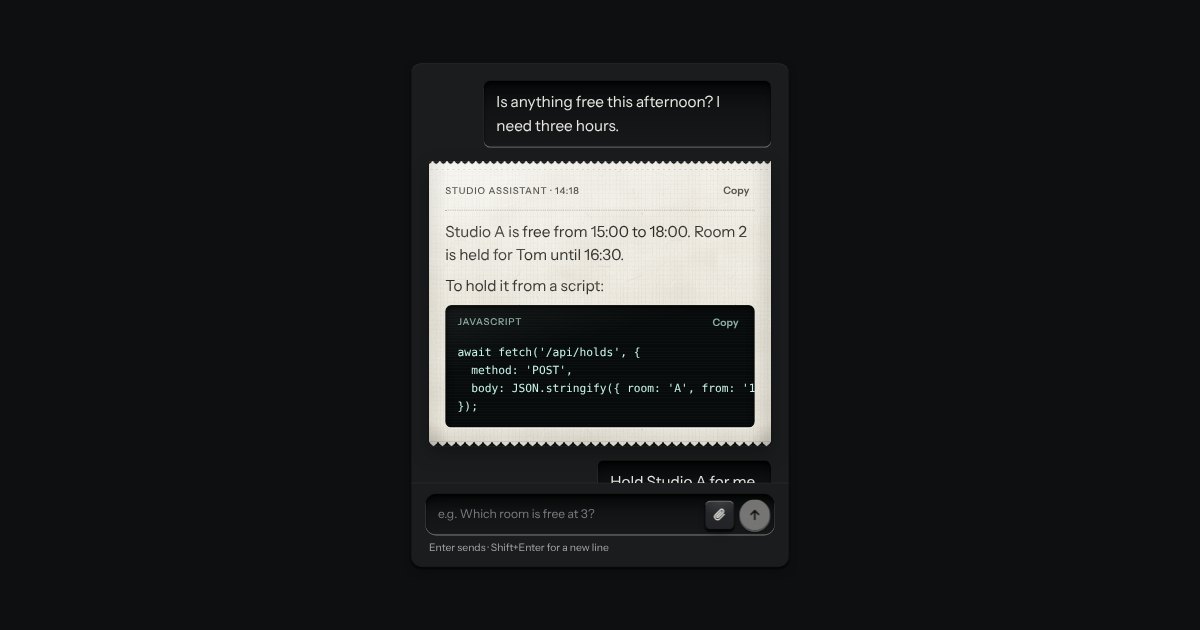
An AI chat as a teleprinter, with restraint: what you type sits in a recess; the answer prints on a perforated slip with an amber lamp at the print head; code comes up on display glass. Composer with attachments and a send key that becomes Stop.
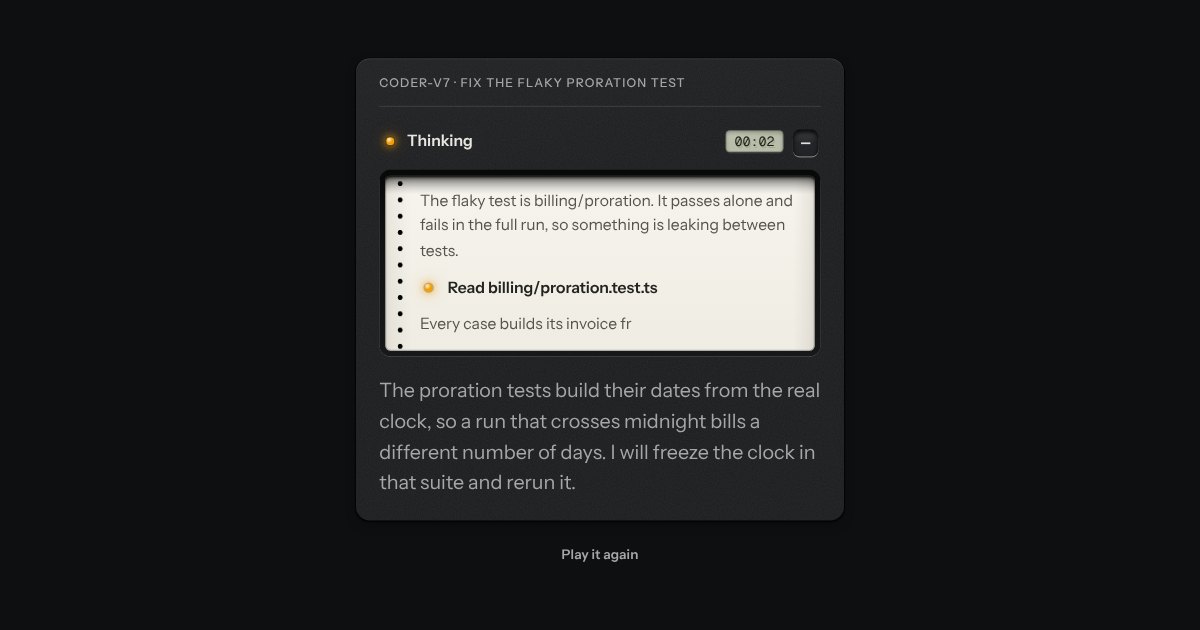
The model’s working, printed on a paper tape that feeds behind a smoked window. While it thinks, an amber lamp is lit beside “Thinking” and an LCD counts the seconds.