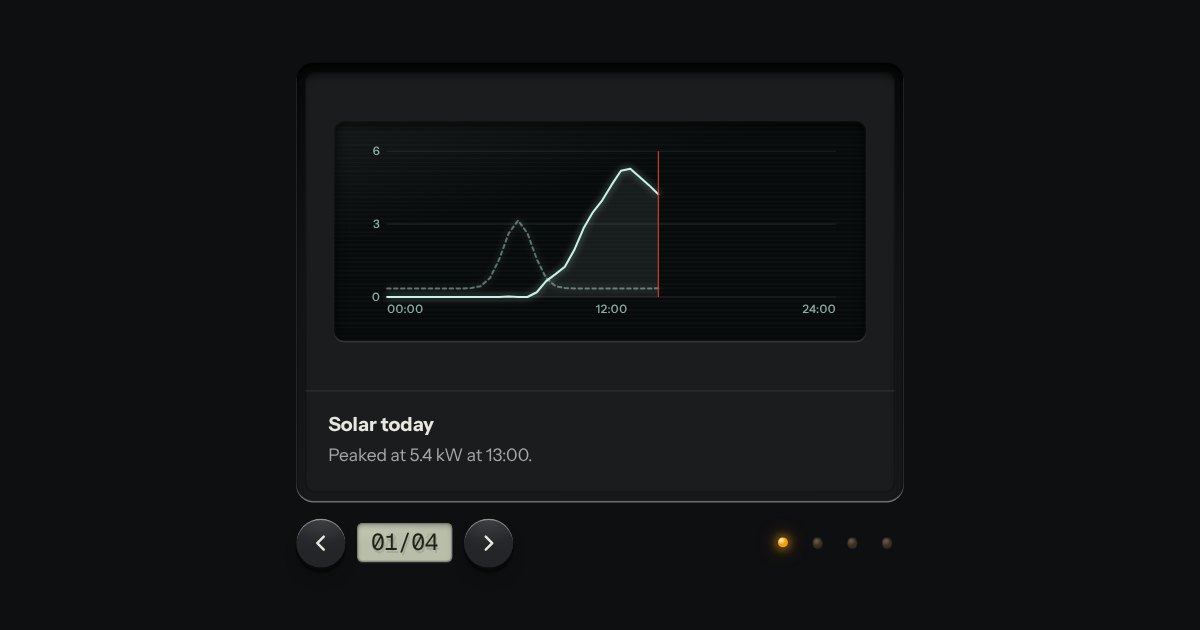
Carousel
Slides seen one at a time through a viewer’s gate: transport keys either side of a frame counter on an LCD, lamp keys to jump, swipe on touch. Nothing moves on its own unless you ask it to.
Kit parts
A carousel built as the real object: a magic lantern in a dark room throws the slide in its gate on the wall as one soft-edged circle. The strip of pictures below is the control. Drag it, or press a picture, and the strip and the circle move together, the wall the other way because the lens flips the image.
Each slide is mounted in a pane of the circle's film, with a decorative copy in front of it, and the panes read right to left, the way a lens throws them; the film and the strip are two views of one position, so one transform pair keeps them locked while a drag moves them. A step animates both with the Web Animations API and settles on the new index; a longer run or a wrap first covers the circle with the dark glass between two pictures, then runs the strip to its place, then uncovers the new picture. Only the slide in the gate keeps its real figure live; every other pane shows its aria-hidden copy, and the reduced-motion cross-fade lays a copy of the old picture over the new one for a moment. The object itself is an inline SVG in the part, drawn in kit tokens, and the scenes are fixed-colour SVG so the picture does not change with the page finish.
| Name | Kind | Description |
|---|---|---|
| label | attribute | Names the lantern. |
| index | attribute · property | The slide in the gate at the start, or read and set at any time. Setting it runs that picture into the gate. |
| go(i) | method | Run slide i into the gate. One step slides the strip; a longer run or a wrap covers the wall with the dark glass while the strip travels. |
| change | event | A different slide settled in the gate. |
| lanternLabel(i, n, name) | function | Pure: the words for slide i of n, e.g. "2 of 3: Harbour lights". |
| lanternWrap(i, n) | function | Pure: keeps a target index inside 0..n-1 by wrapping at either end. |
Drag the strip to run a picture into the gate, or press one of its small pictures; the arrow keys, Home and End do the same from the keyboard, and the circle keeps up with the strip at every step.
Slides seen one at a time through a viewer’s gate: transport keys either side of a frame counter on an LCD, lamp keys to jump, swipe on touch. Nothing moves on its own unless you ask it to.
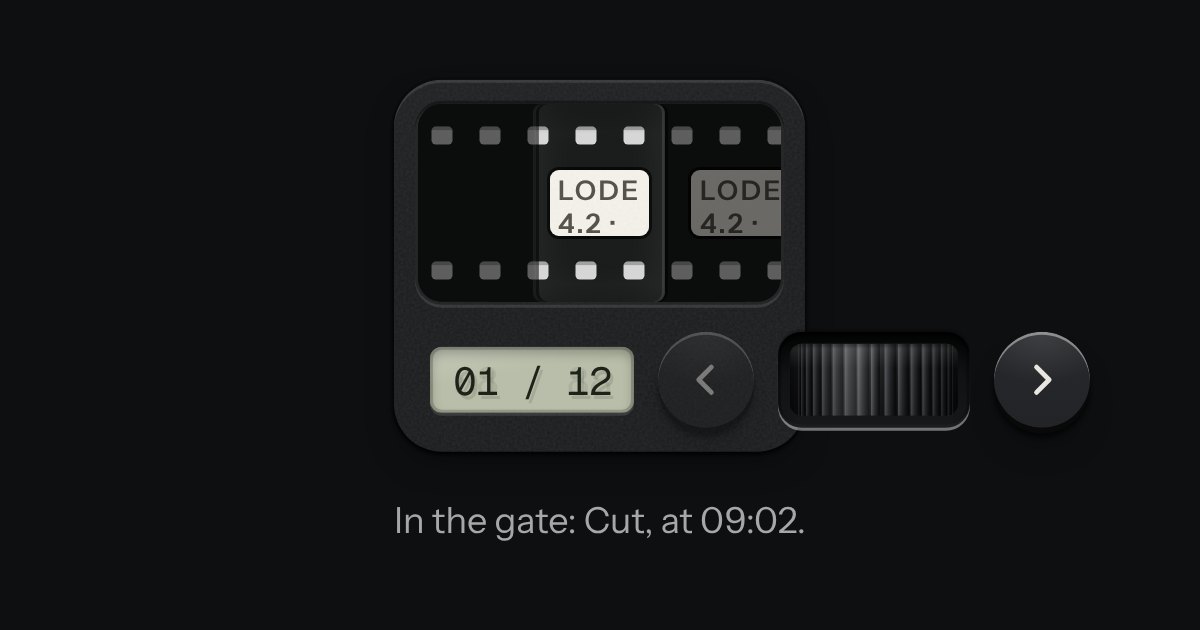
A carousel as a strip of film in a machined viewer. The frames run behind a gate lit from behind, with sprocket holes along both edges, and the frames either side wait under a smoked cover. It moves a frame at a time and settles as each one registers. Turn the thumbwheel, press the keys or swipe the film itself: underneath it is a native scroller with a snap point at every frame.
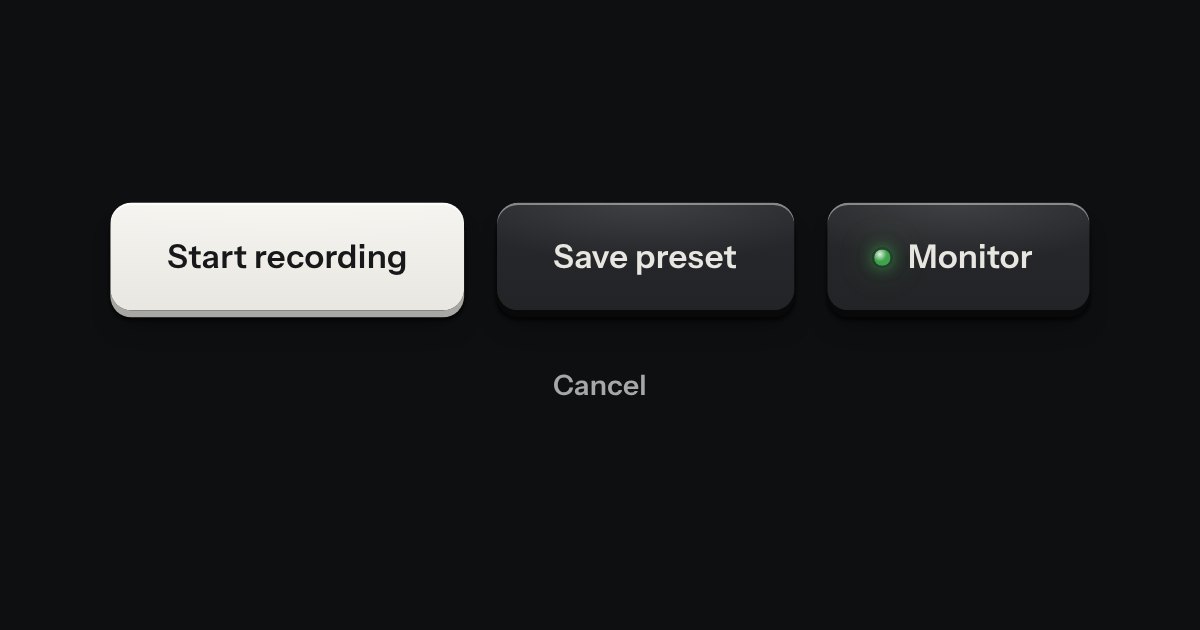
Every button, and every link that acts like one: a cap on a skirt that drops below the plate when pressed.