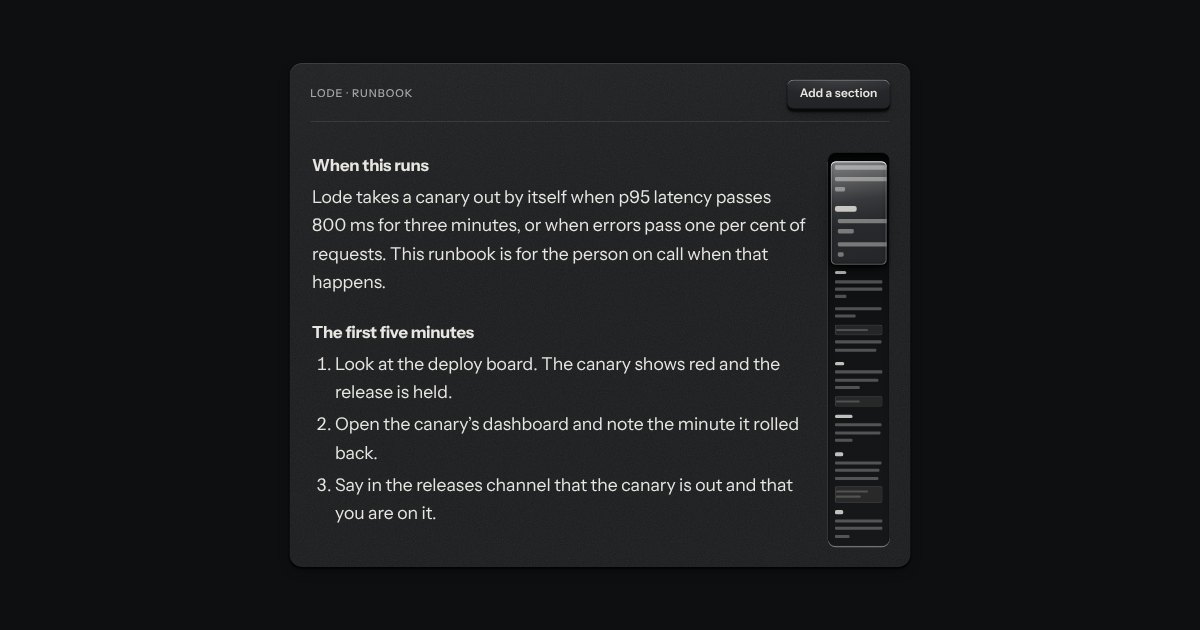
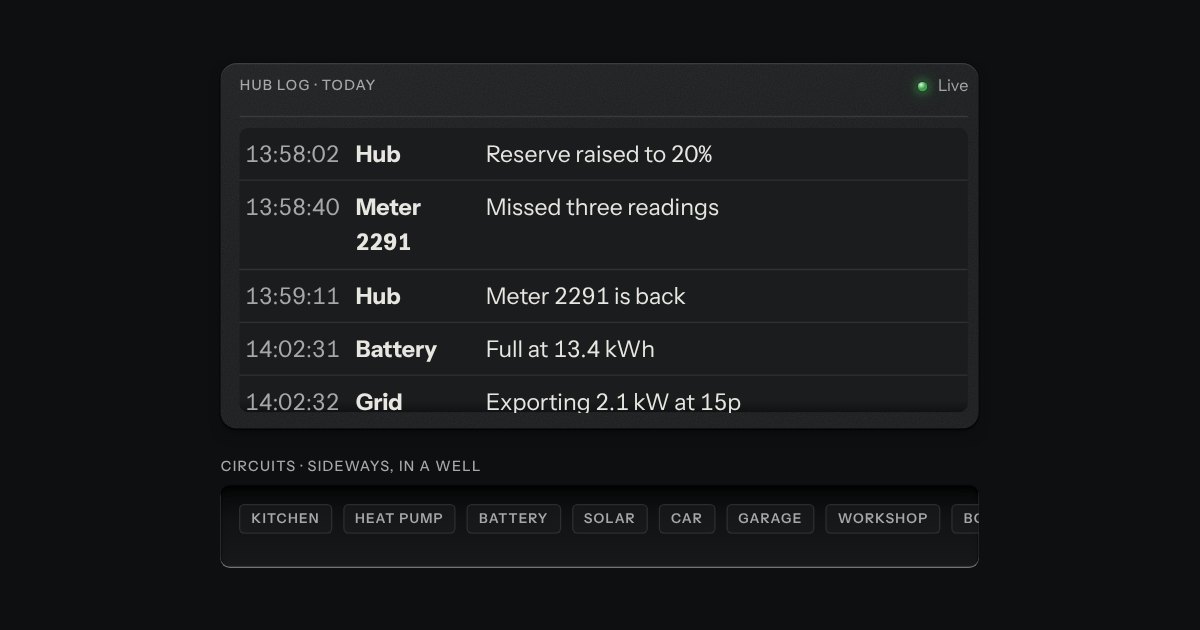
A map of the whole page, for the corner beside it. A machined groove holds the page drawn small, a glass loupe rides over the part in the window, and the page’s section headings are printed beside the groove at their own height, the one you are reading lit. Drag the loupe or press the groove to move; the headings are links.
Seats open in 11 days. Want one email that morning?
Anatomy
It is the Loupe scroll’s rail, pointed outwards. The map is the page’s own line boxes.
Variants
Release notes
A narrow groove
States
At the top
Halfway
At the end
Held
Props and options
Name
Kind
Description
for
attribute
What it maps. An article that scrolls with the window, or a box that scrolls on its own, which it then follows instead.
label
attribute
Printed over the groove and given to the list of headings. On this page, by default.
offset
attribute
The height of a bar that sticks over the page, so the loupe covers what is really in view.
media
attribute
What else to draw as a box, besides code and pictures: a demo, a table, a card.
heads
attribute
Which headings name the sections. Every h2 with an id, by default, but not one in a dialog.
refresh()
method
Draw the map again now. It does so by itself whenever the page or the corner changes size.
pageLoupeMarks · pageLoupeAt · pageLoupeCurrent
function
The rules, pure: where each heading’s label goes, how far through the page the window is, and which section is being read. The groove and the loupe use the Loupe scroll’s own.
Usage notes
Scroll the runbook: the loupe follows it and the heading of the section you are in lights. Drag the loupe, press the groove, or Tab to a heading and press Enter. On a wide screen this page has one in its corner, mapping the page itself.
Accessibility
The headings are a list of links, named by the label, so the keyboard and a screen reader reach every section from the corner.
The groove and the loupe are a picture and a pointer’s shortcut, as a scrollbar is: hidden from assistive technology and out of the tab order, and there is nothing on them that scrolling does not reach.
The percentage beside the label is for the eye only; the page’s own scrolling already tells a screen reader where it is.
A press on the groove glides to its place; with reduced motion it jumps.
Without the script there is no corner; the docs keep a list of sections in the page itself for that, and for narrow screens.
A scroll area whose scrollbar is a map of what it holds. A narrow machined rail runs beside the text with every line drawn small on its floor, headings darker and code as a box. A glass loupe rides over the part in view and shows it a little magnified. Drag the loupe to scroll, or press the rail to jump there; underneath it is a native scroll container.
A region that scrolls, with its scrollbar made as a machined rail: a groove cut into the plate and a thumb like a fader cap riding in it. Scrolling itself is the browser’s own.
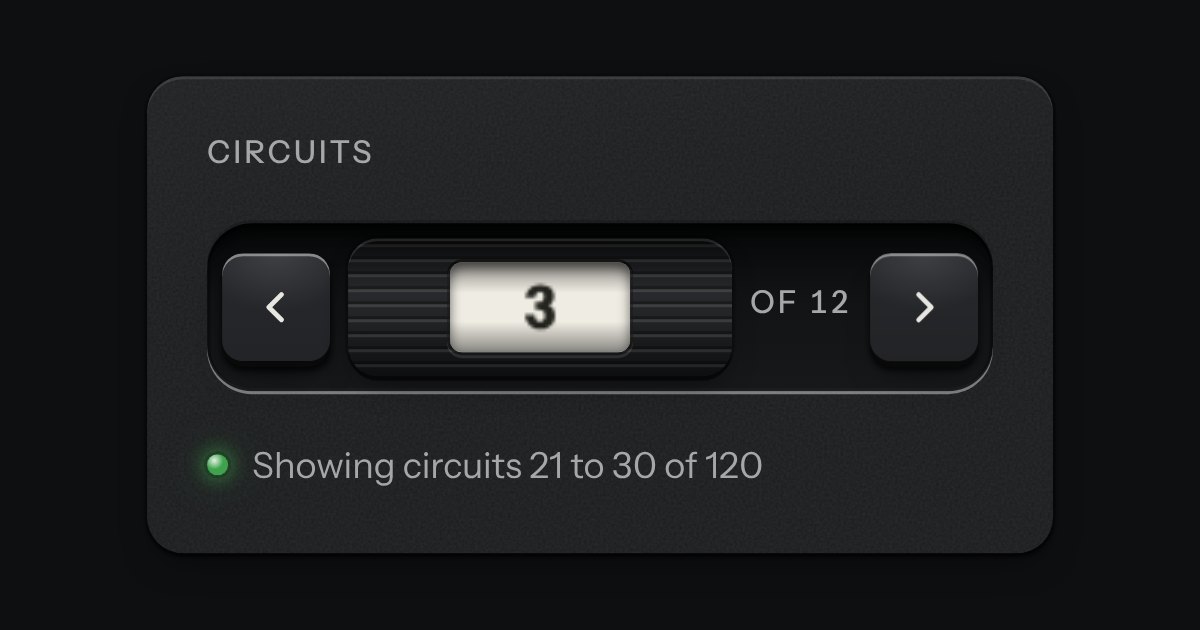
Pagination as a thumbwheel. A knurled wheel stands in a recess with a window in its face, and the page number rolls past it on a paper tape. A key either side steps by one. The keys are plain links, so it pages without any script; the wheel is what a script adds.