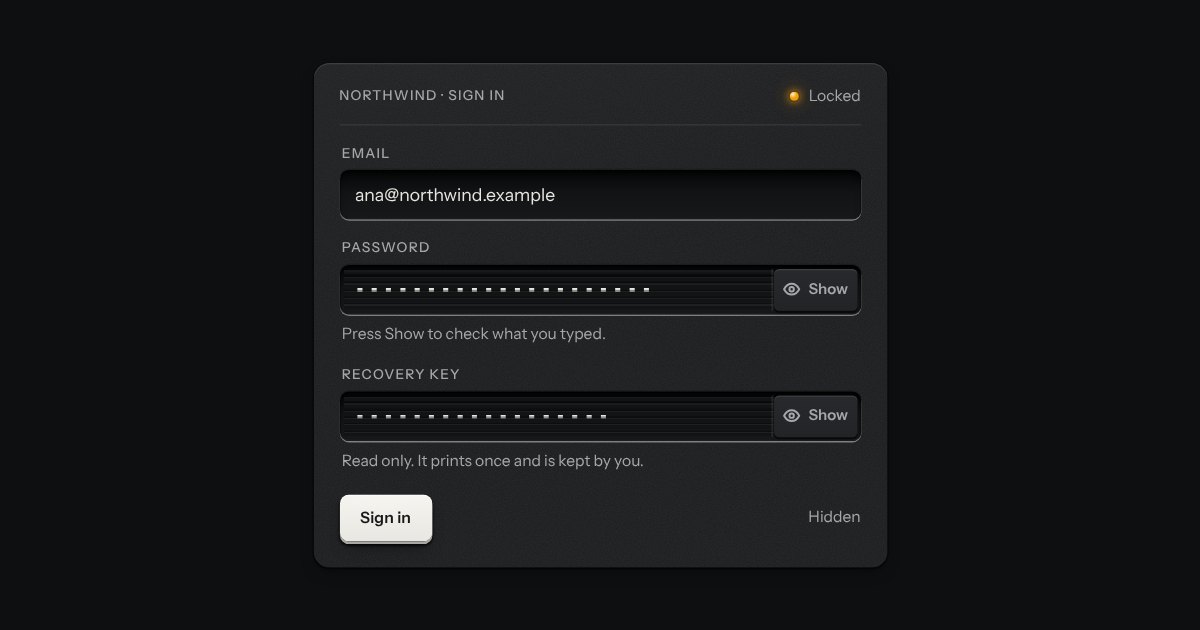
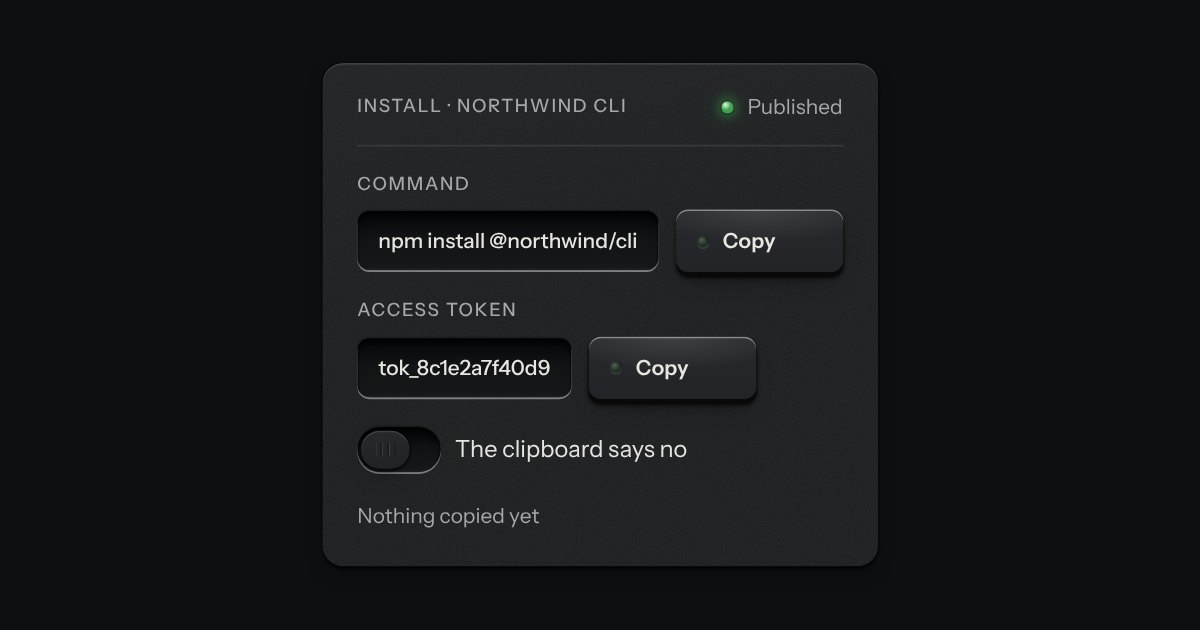
A masked value for an API key or a token, in the field’s well, with a reveal key and the kit’s copy key on its floor. Under it a ladder of ten lamps says how long the value will stay shown: lit end to end the moment it is revealed, putting its lamps out one by one with the seconds beside it, and dark and marked Hidden when the value is masked. It masks itself again when the time is up, when focus leaves the field, when a press lands outside it and when the page is put away. It is the password field’s peek key with a clock.
Seats open in 11 days. Want one email that morning?
Anatomy
The password field’s well and peek key, with the kit’s copy key beside it and a row of the kit’s lamps below. The clock is a quarter-second timer that runs only while the value is shown and is stopped the moment it is masked; the ladder is ten lamps switched on and off, so nothing animates and nothing is blurred. Under reduced motion it behaves exactly the same, since it is information, not movement.
Variants
Hidden
Shown · all ten lamps lit
Shown · halfway down
Shown · the last lamp
No copy key · data-no-copy
A token, editable · no readonly
A short clock
States
Hidden
Shown, half
Shown, last lamp
Field focused
Reveal focused
Props and options
Name
Kind
Description
shown
property
Whether the value is showing. Setting it to true starts the clock.
hide(reason)
method
Masks the value again.
secretCells() · secretWords() · secretSays()
function
How many lamps are lit with so many seconds left, the words beside the ladder, and what is said aloud.
Usage notes
Press Show: the value appears, the ladder lights and begins to put its lamps out, and the seconds count down. Press Copy: the whole key is on the clipboard whether it is shown or not. Click elsewhere, Tab away or wait for the ladder to empty: the value is masked again and the page says why.
Accessibility
Without the script it is a masked read-only field, so nothing is shown by accident.
The reveal key says what it will do in words, both in its name (“Show API key”, then “Hide API key”) and on its face. Showing and hiding are said aloud once in a polite status region, with the reason when the page did it (“The time was up”, “You left the field”).
How long is left is never only the lamps. The lamps and their words are hidden from a screen reader, which is told the timeout once, when the value is shown, instead of a count every second.
The value is masked again on time, on blur, on a press outside the field, and when the page is hidden, so a key left on screen is the exception. Pressing the reveal key with a pointer does not take the focus from the field, and from the keyboard the focus stays on the key.
The field’s well with a louvred shutter drawn across its characters and a peek key at the end. Press the key and the shutter slides off to the right, the characters stand open, and the key stays down; press it again and the shutter closes. The key says Show or Hide, and the caret never leaves where it was.
A key that copies a value and says so. Its lamp sits dark in the cap; when the text is on the clipboard the lamp lights, winks once, and the legend says Copied before it goes back to Copy. If the browser refuses the clipboard, the text is selected for the keyboard and the lamp lights amber.
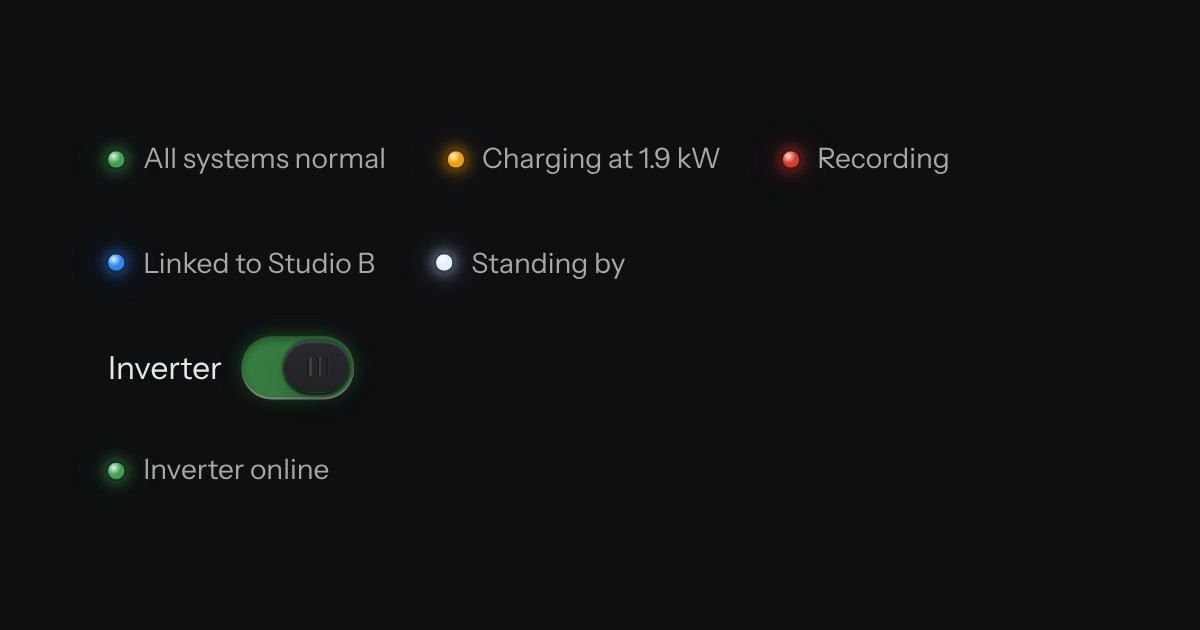
The only colour in the kit: a lamp that is on. Green is on, amber is waiting, red is recording or failing, blue is linked, white is standing by. Always next to words.