A QR code drawn as ink on the panel face, the value printed under it in mono and a key that copies it. Four modules of quiet zone are kept round the code, so a phone camera can find it.
The panel is the kit’s face. The code is one inline SVG path of dark modules on that face, with four modules of quiet zone left clear, and the value and the kit’s Copy key sit under it. The encoder is in the part.
Variants
A short link
A pairing code
A longer value
Copied
No value yet
States
Short link
Long value
Copied
No value
Props and options
Name
Kind
Description
value
attribute
What the code says. The element’s own text is the fallback when the attribute is absent.
size
attribute
The width and height of the code with its quiet zone. The code shrinks to fit a narrow parent.
label
attribute
Names the code for a screen reader: “QR code for Pair this device: https://…”
qrHTML(options)
function
The whole element as markup for a server or a still: value, size, label, copied and static.
Copy
key
The Copy key is a native button: Tab reaches it, Enter or Space copies the value, and its lamp and the word Copied say what happened.
Usage notes
Point a phone at the code to open the link, or press Copy to take the value. The value is printed under the code, so it can be read aloud or typed by hand.
Accessibility
Keyboard: Tab reaches the Copy key; Enter or Space presses it and copies the value; the value is printed under the code in mono, so it can also be selected and copied by hand.
The printed value under it is hidden from the reader, so it is not said twice.
The Copy key is a native button named “Copy link” or “Copy value”, and a polite status line says “Copied” when the clipboard takes the value.
The code is ink on the panel face, with four modules of quiet zone, and it follows the finish and the Quiet volume; the value and the Copy key are always there, so the code is never the only way to get it.
The panel has no animation of its own; the Copy key keeps the kit’s wink, and its own reduced-motion rule removes it.
A working QR code woven as a cloth swatch. Where the code is dark, the dark warp floats on top; where it is light, the light weft does, the way a jacquard loom draws a figure. From arm’s length a phone reads it; up close it is cloth, with a hemmed top, a selvedge, a woven label and frayed sides. A thin line of light passes down it like a till reader, the raised threads catch it, and a lamp comes on when it is read.
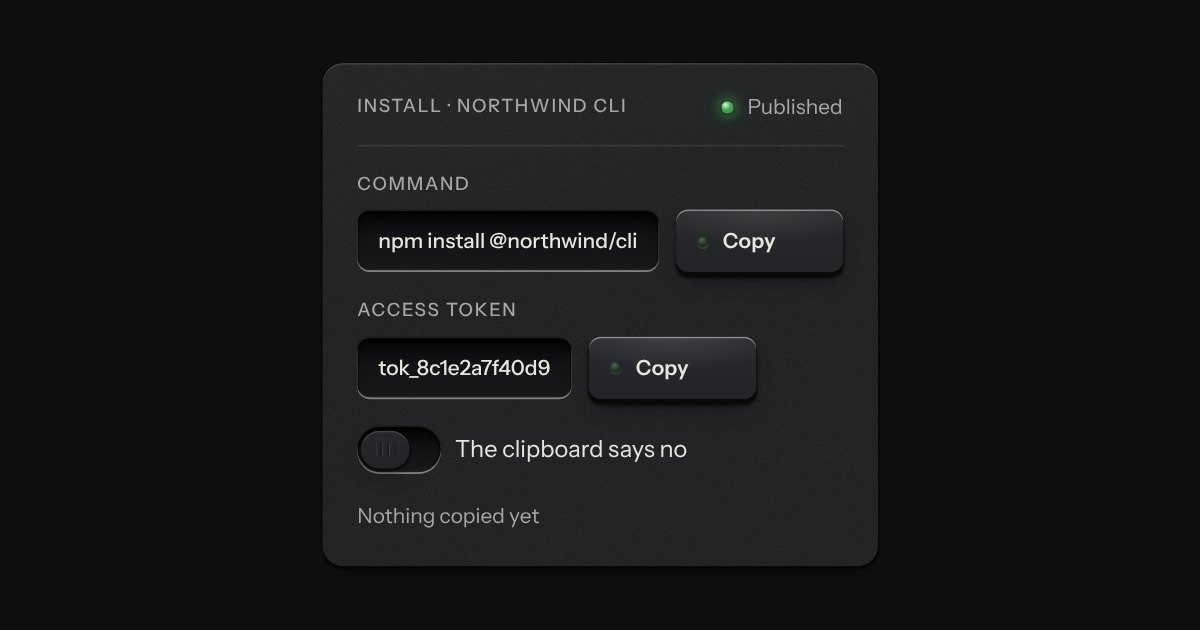
A key that copies a value and says so. Its lamp sits dark in the cap; when the text is on the clipboard the lamp lights, winks once, and the legend says Copied before it goes back to Copy. If the browser refuses the clipboard, the text is selected for the keyboard and the lamp lights amber.
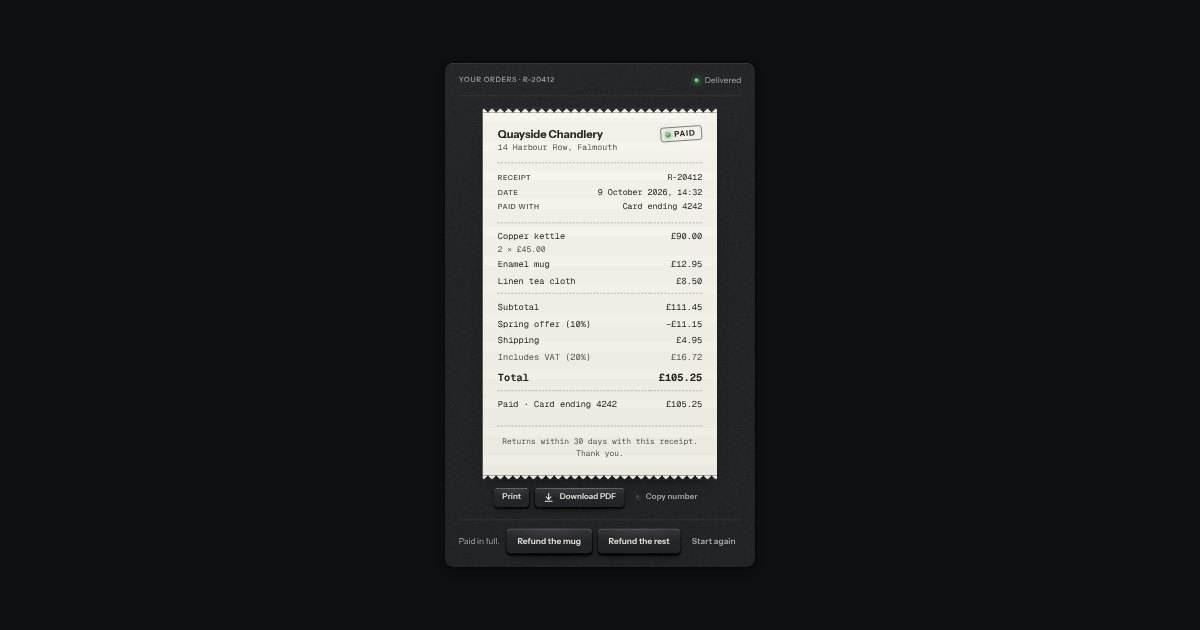
The record of a payment, printed on a slip of thermal paper: who was paid, the receipt number, when and with what, the lines and the sums, any refunds, and a rubber stamp that says where it stands, Paid, Part refunded, Refunded, Due or Void, with a lamp beside the word. It is what an order page, a billing history or the screen after checkout keeps; the order summary prices an order before it is paid. Under the slip are Print (only the slip goes to the printer), Download when there is a file, and Copy number. The sums are the order summary’s own, in whole minor units, never floating point.
Printed type that goes somewhere. The words stay in ink and the rule under them is engraved into the plate: cut darker when you hover, deeper when you press.