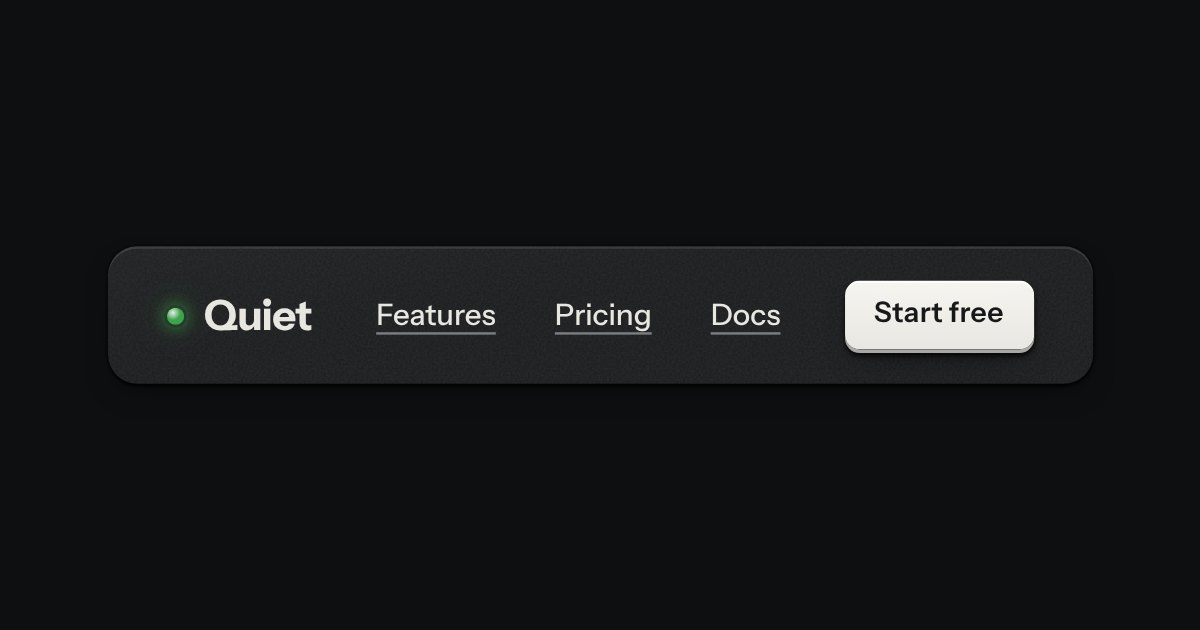
Bar
The top of a page: a wordmark with a lamp, printed links, and one contrast key at most.
Templates
A plain writing app with a typewriter for its hero, on a Quiet page. The sheet feeds up out of a rubber platen, and a glass typeball rides its carrier in front of the line, lit from inside: a hood over it makes its glow a lamp, a warm cone that falls on the line being typed and the paper round it and fades up the sheet, worked out in the page rather than painted. The carriage steps one character a key in a typewriter face, rings a short bell near the margin and glides back at the end of a line, with sound off by a switch and silent until the first key. Three faders on the machine set the light: Light, Spread and Beam. Around it, the ordinary things: sheets kept in this browser and saved as you type (and it says so), a title, the day’s words against a goal, focus, and export as Markdown or plain text. Light and dark rooms, twelve finishes, both volumes, phone and desktop. Loading, empty, error and storage-full states included.
The top of a page: a wordmark with a lamp, printed links, and one contrast key at most.
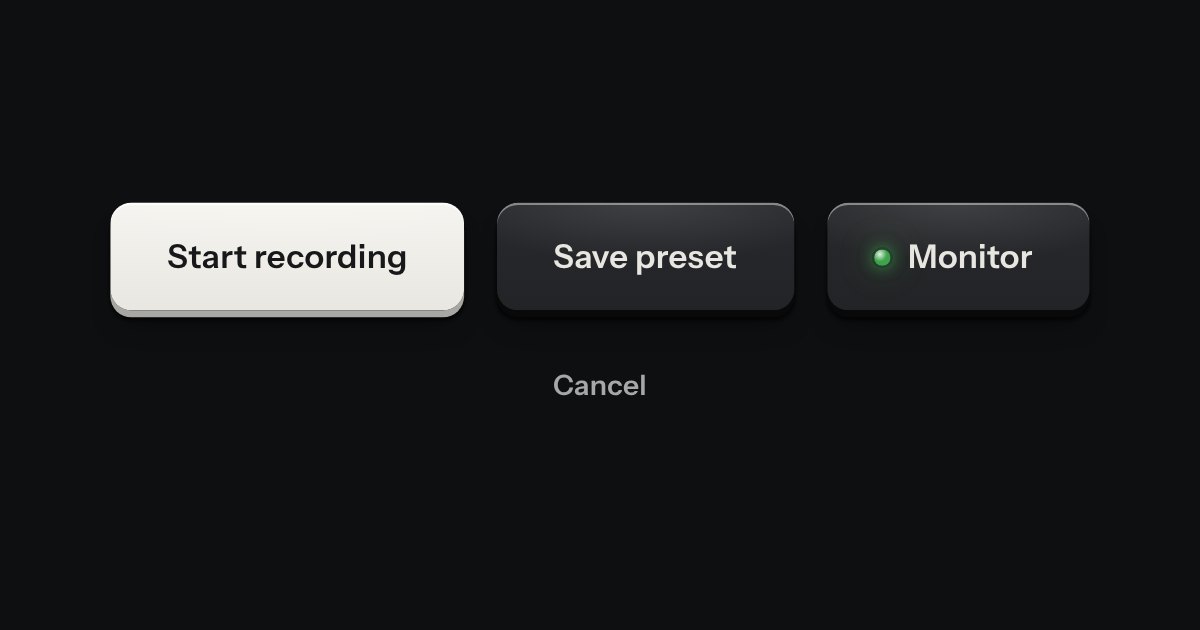
Every button, and every link that acts like one: a cap on a skirt that drops below the plate when pressed.
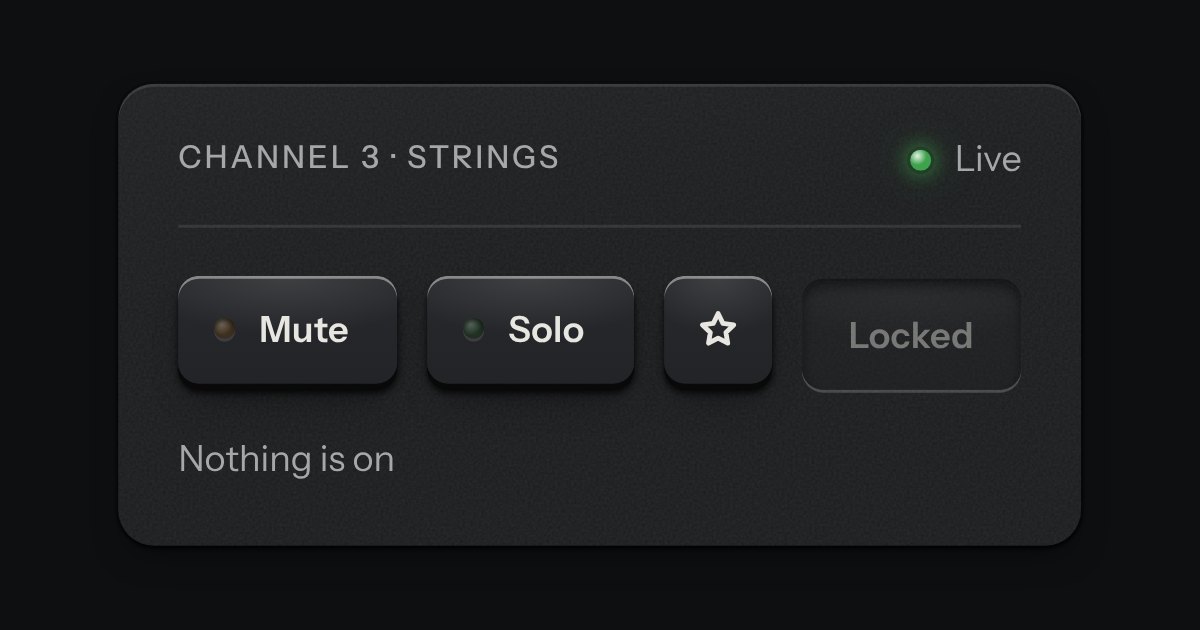
One key that latches below the plate and stays there. It is the kit’s own key with one state to keep, down or up, so it is the way to say mute, pin, bold or armed without the weight of a switch. A lamp in the cap may light while it is down.
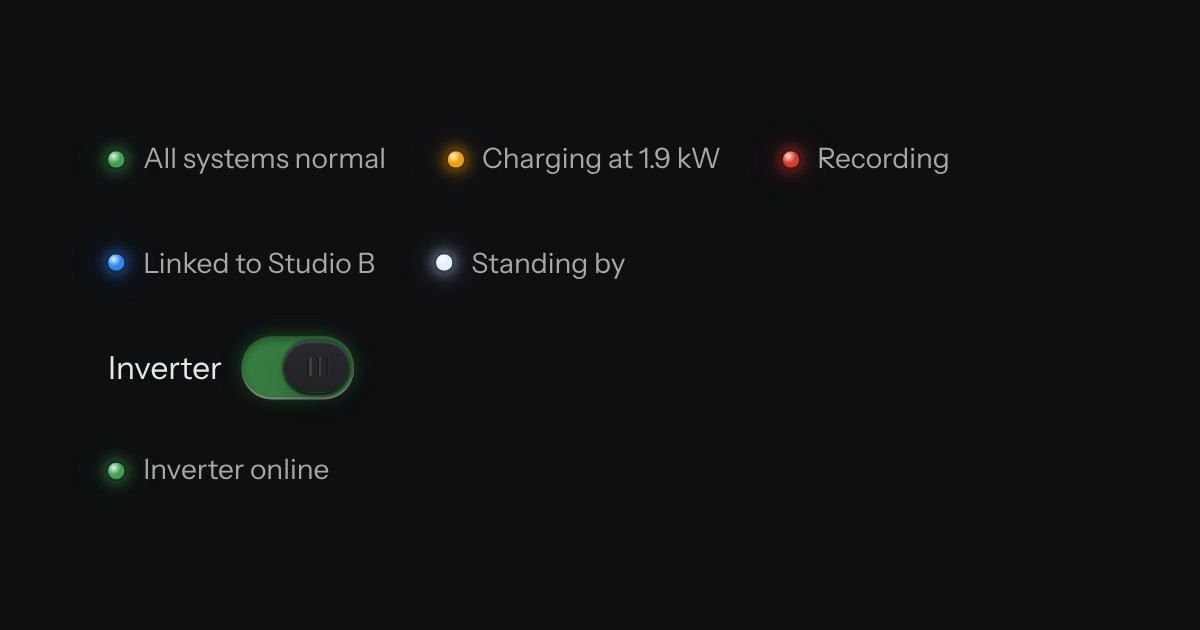
The only colour in the kit: a lamp that is on. Green is on, amber is waiting, red is recording or failing, blue is linked, white is standing by. Always next to words.
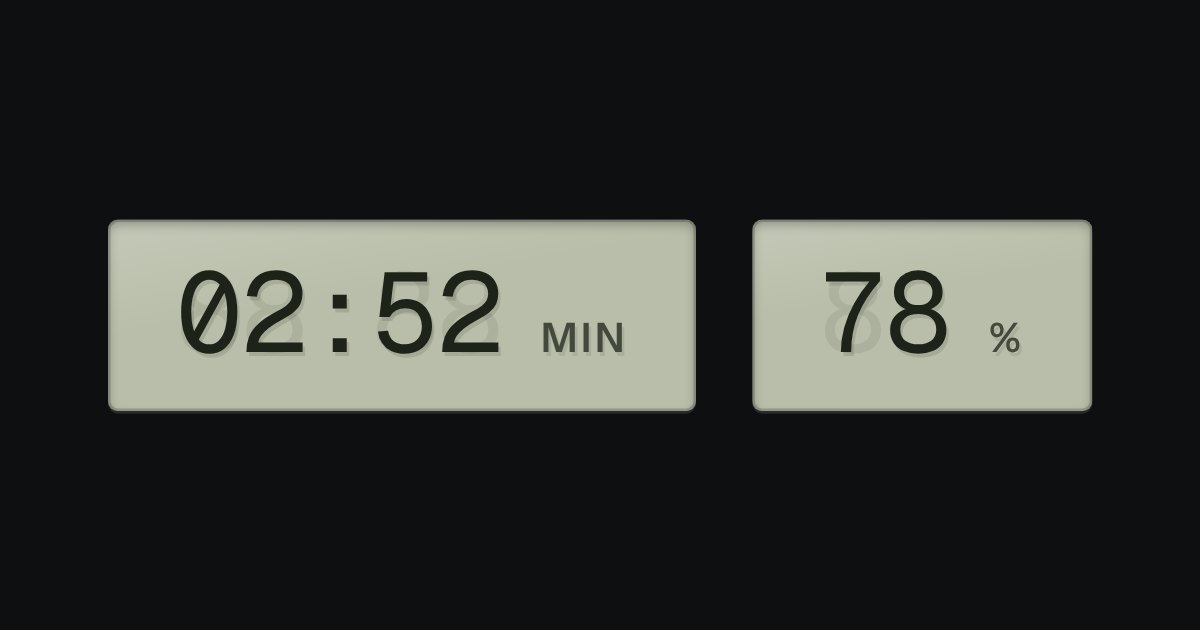
A value that changes, on grey-green liquid crystal, with a ghost of the unlit segments behind it: clocks, battery, counters.
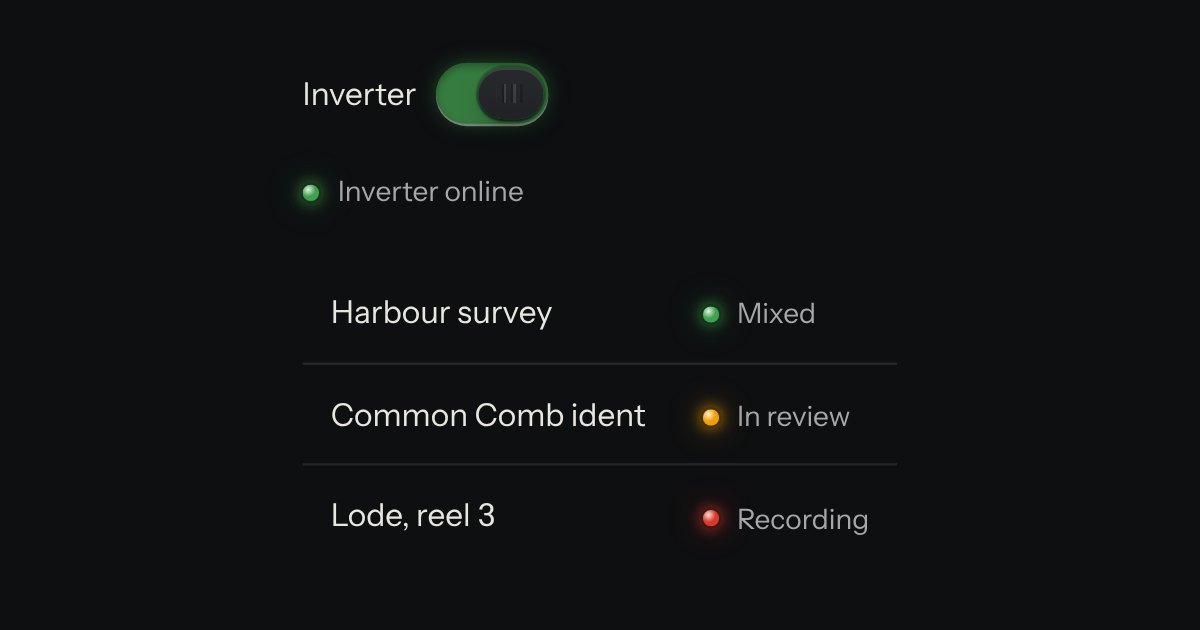
A lamp with words: the state line in tables, panel heads and lists. The words carry the meaning; the lamp is the glance.
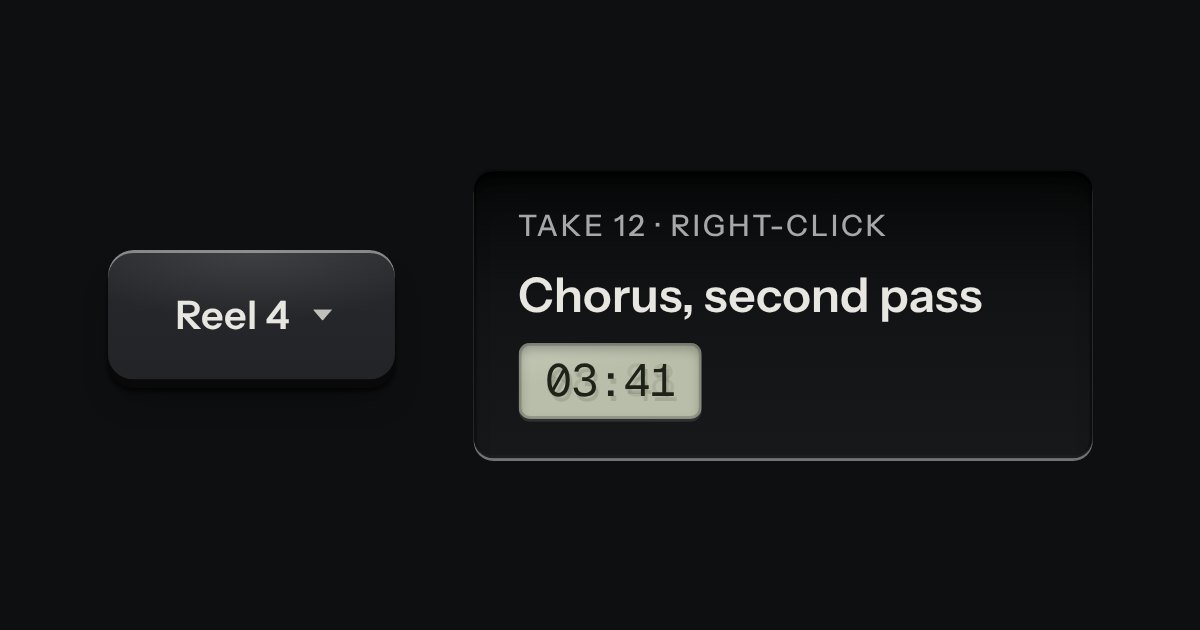
A card of actions and options that slides out from under its key. The key stays down while the card is out; an option that is on lights its lamp.
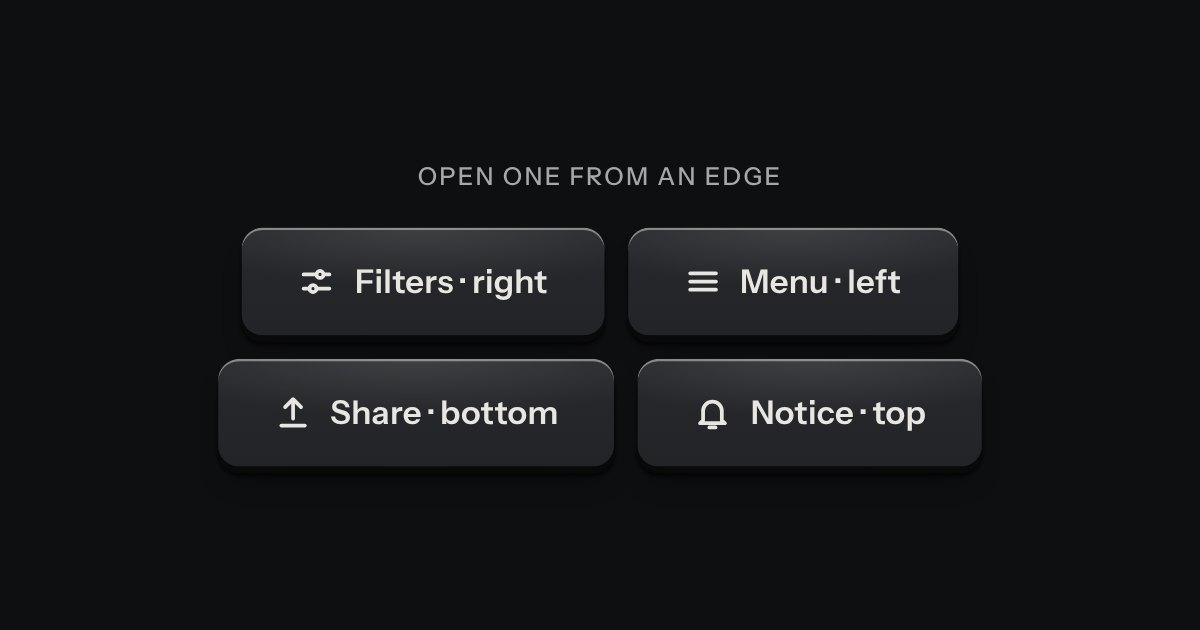
A panel that slides in from any edge of the window, on the native dialog. A face plate bolted to the frame, with a machined grip let into its inner edge to pull it shut by.
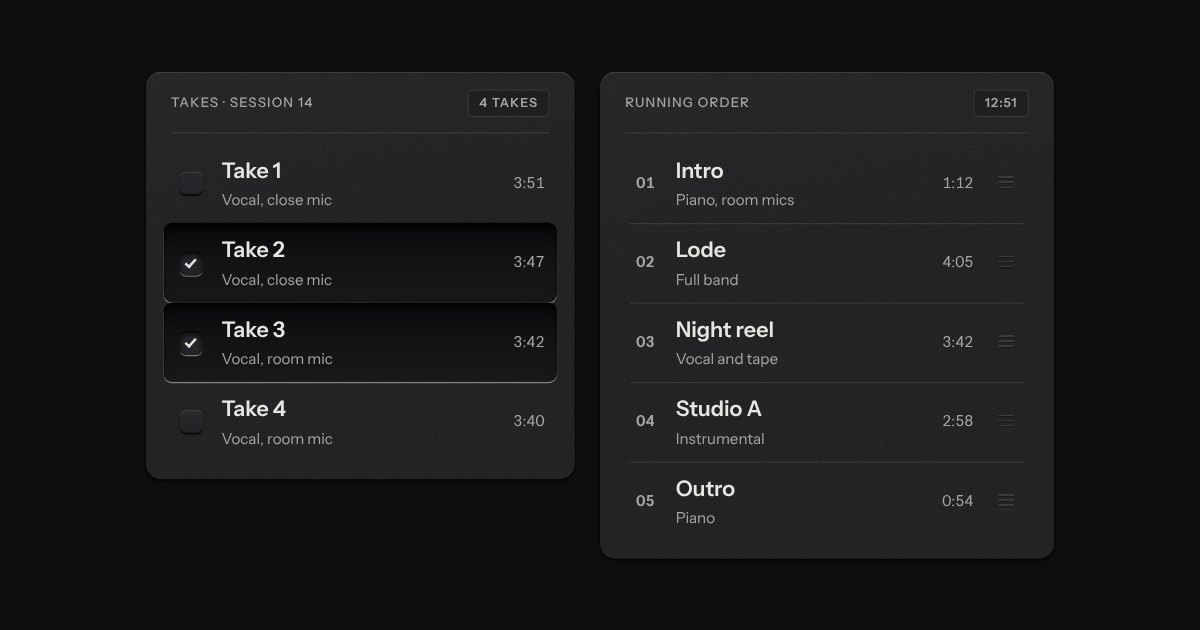
Rows in a rack: a mark, a title, a second line and a fact or a key at the end. Chosen rows sink into a recess with their check key latched; in a running order, a row lifts out of the rack on its skirt and slides past the others, from the keyboard or by its grip.
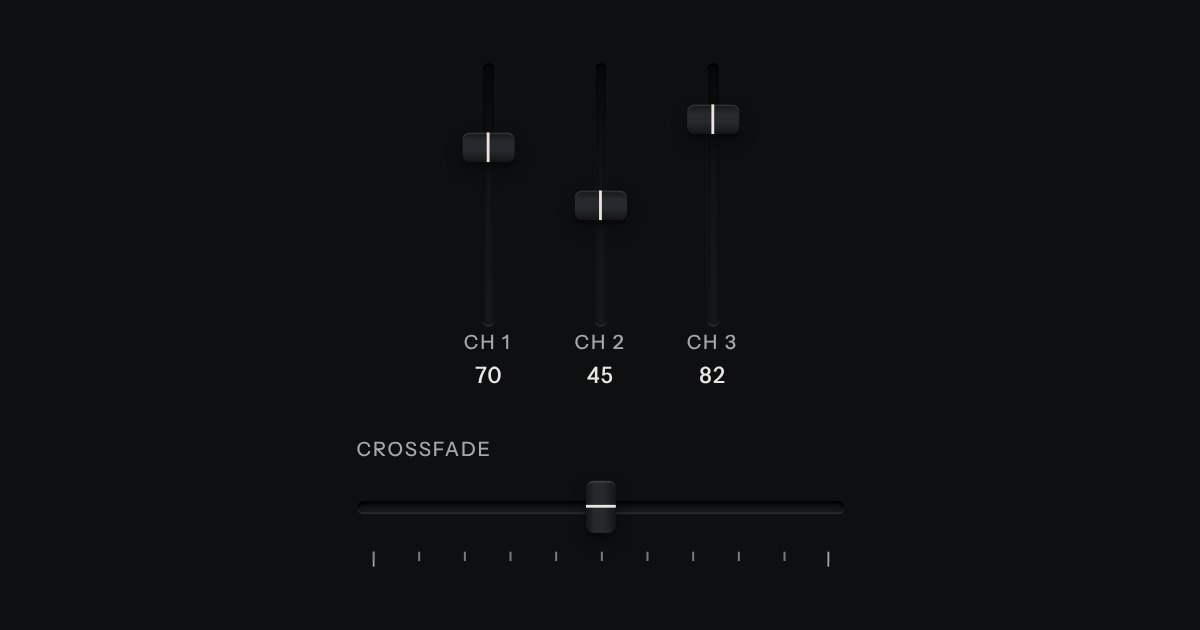
A continuous value along a line: a native range whose cap rides in a slot cut into the plate, with a printed scale.
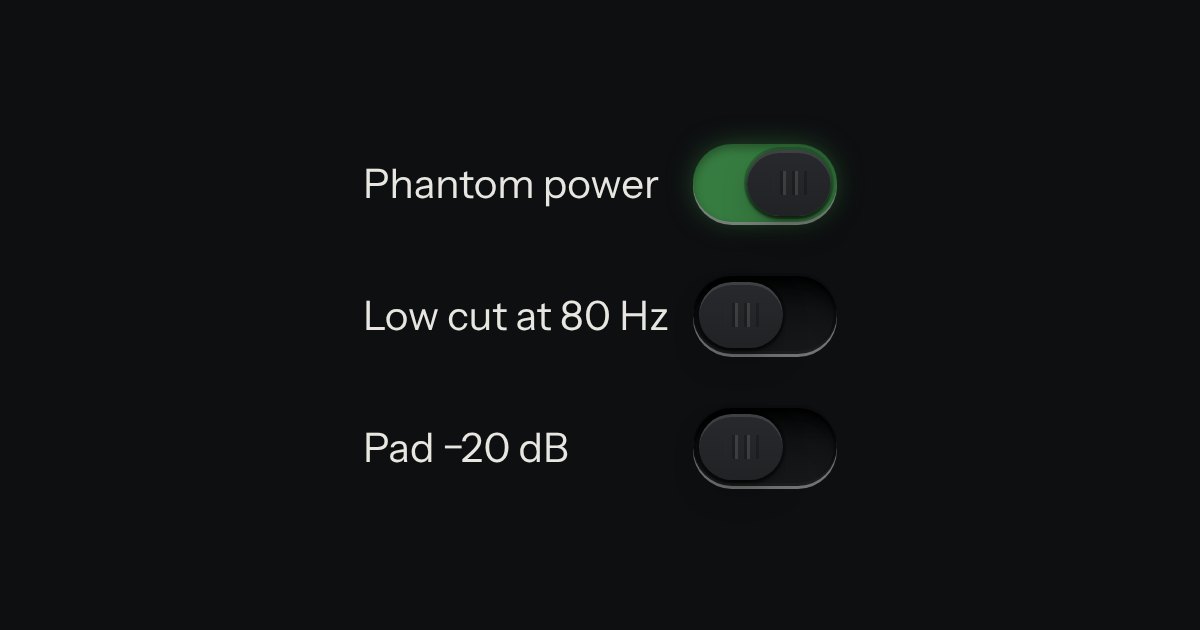
On or off, applied the moment it moves. A native checkbox with a ridged thumb in a slot that lights green when on.
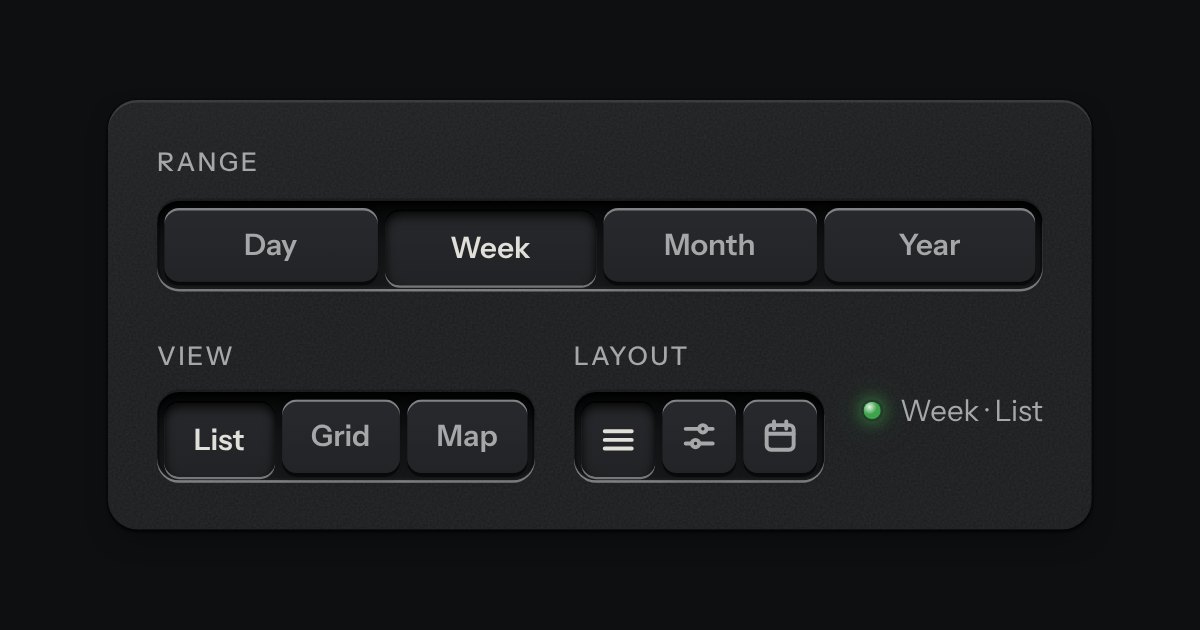
A row of keys in a tray with one pressed down: pick a view, a range or a mode and it applies at once. It is the kit’s selector without the lamps, with sizes, a full-width row and icon segments.
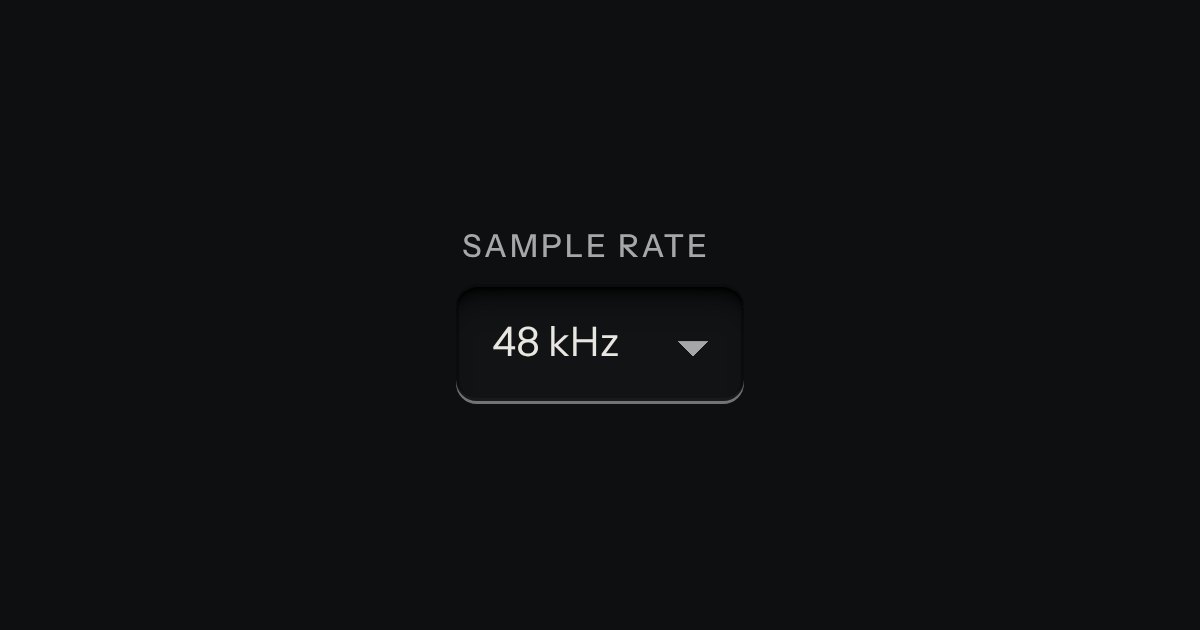
A choice from a longer list, in the same recess as a field, with a printed chevron. The browser’s own menu opens it.
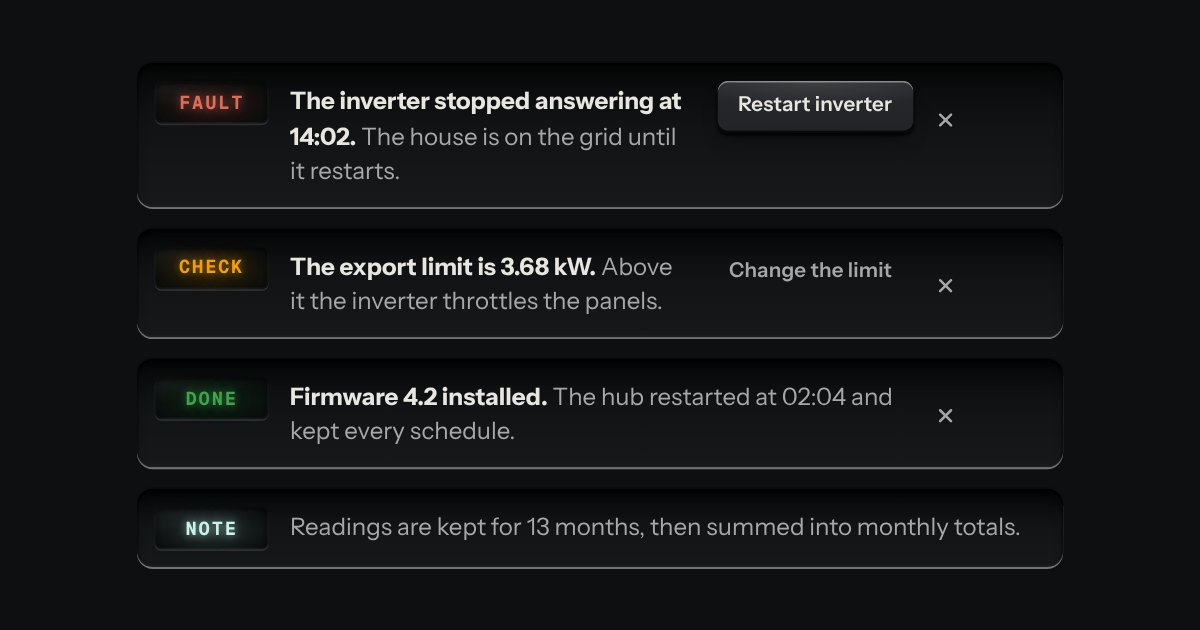
A message let into the surface, with an annunciator: a small lit legend (Note, Done, Check, Fault) beside the words that say what happened.
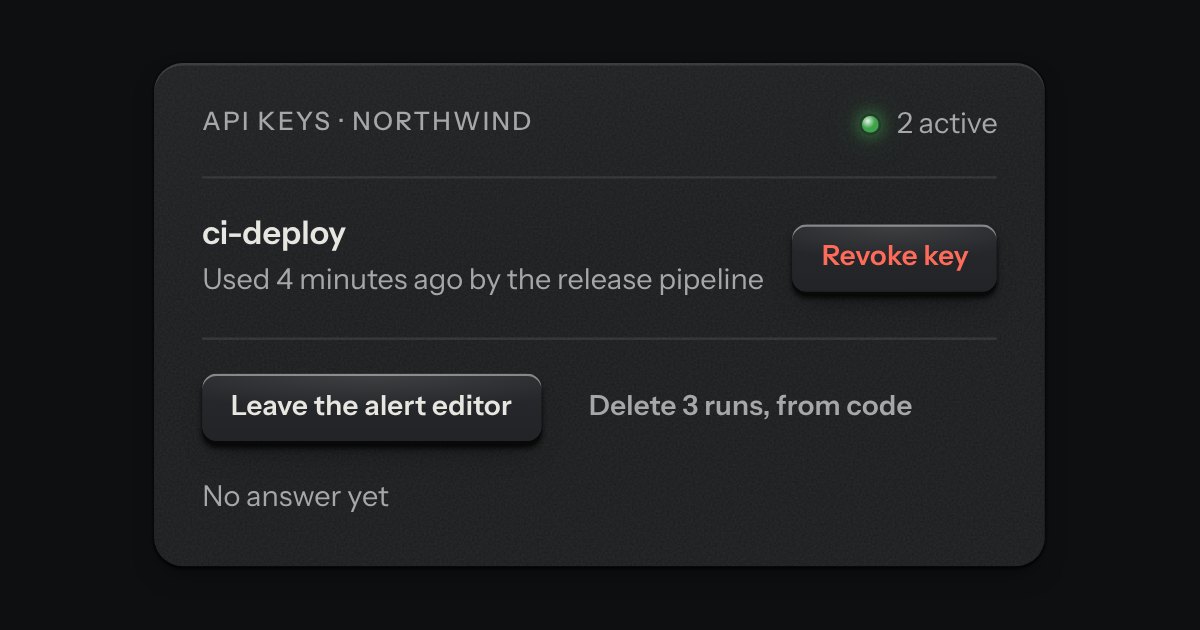
The dialog plate for a question that must be answered before an act that matters. A caution strip is set across its head with one lamp in it, red when the act cannot be undone and amber when it can. The question is the title, one sentence says what will happen, and a grave act can ask for its name to be typed first.
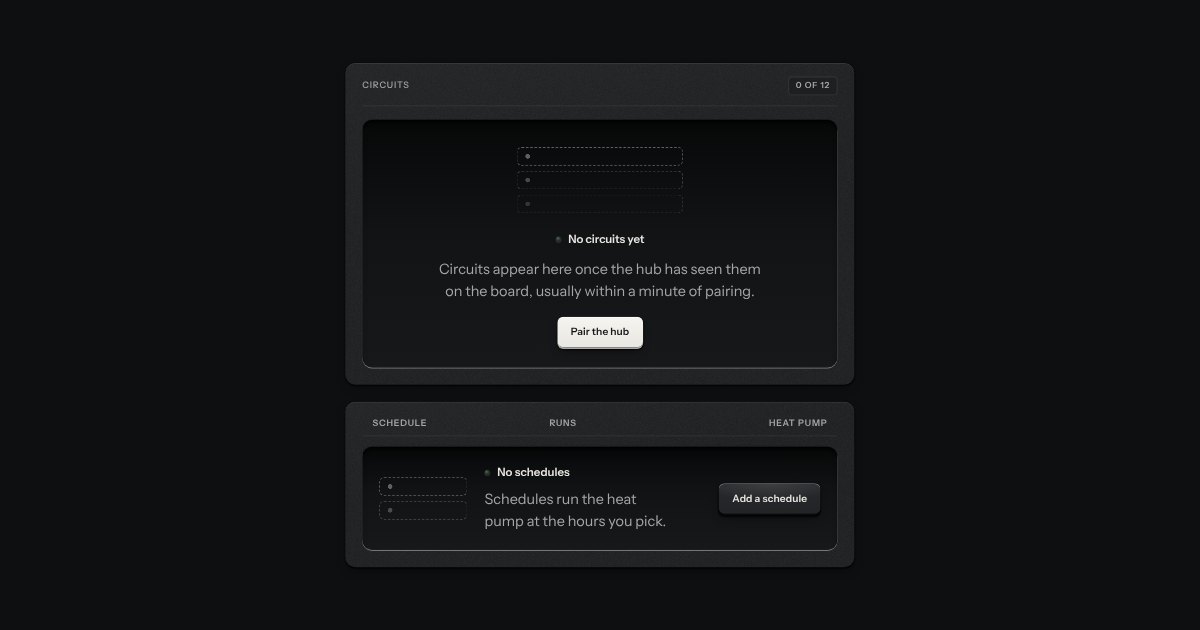
What a view shows before it has anything: an empty tray with the outline of what goes in it printed on its floor, one sentence and one key.
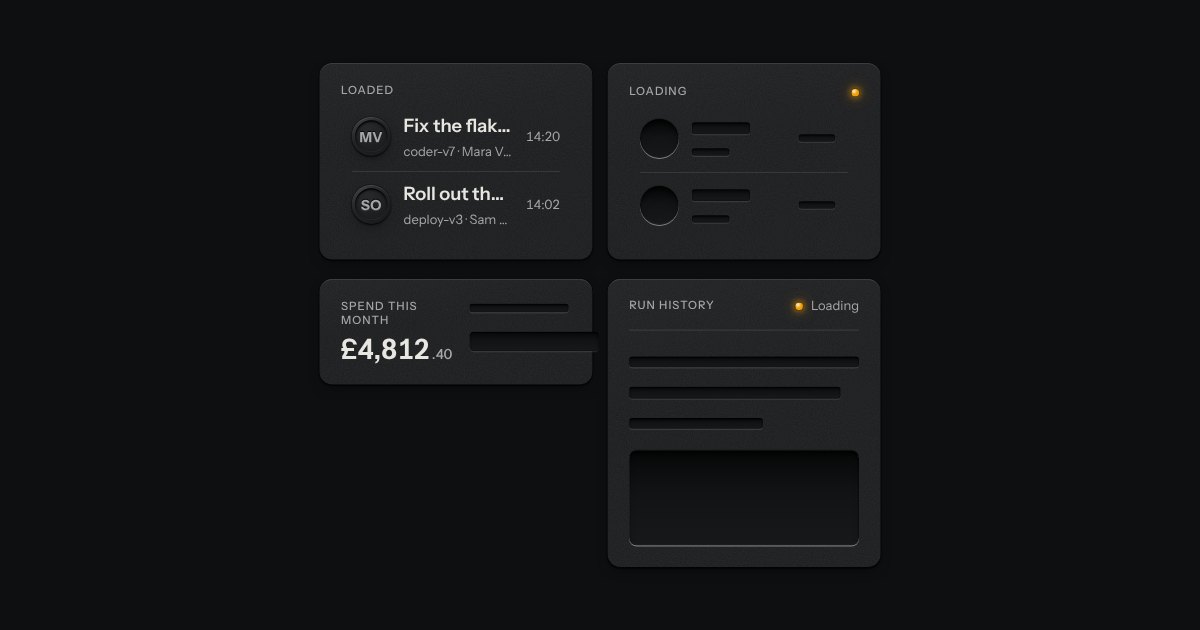
The shape of a page before its data arrives, drawn as the unprinted plate: blank engraved bars where the words will print. Nothing on it moves. One amber lamp beside “Loading” is the only sign of work.
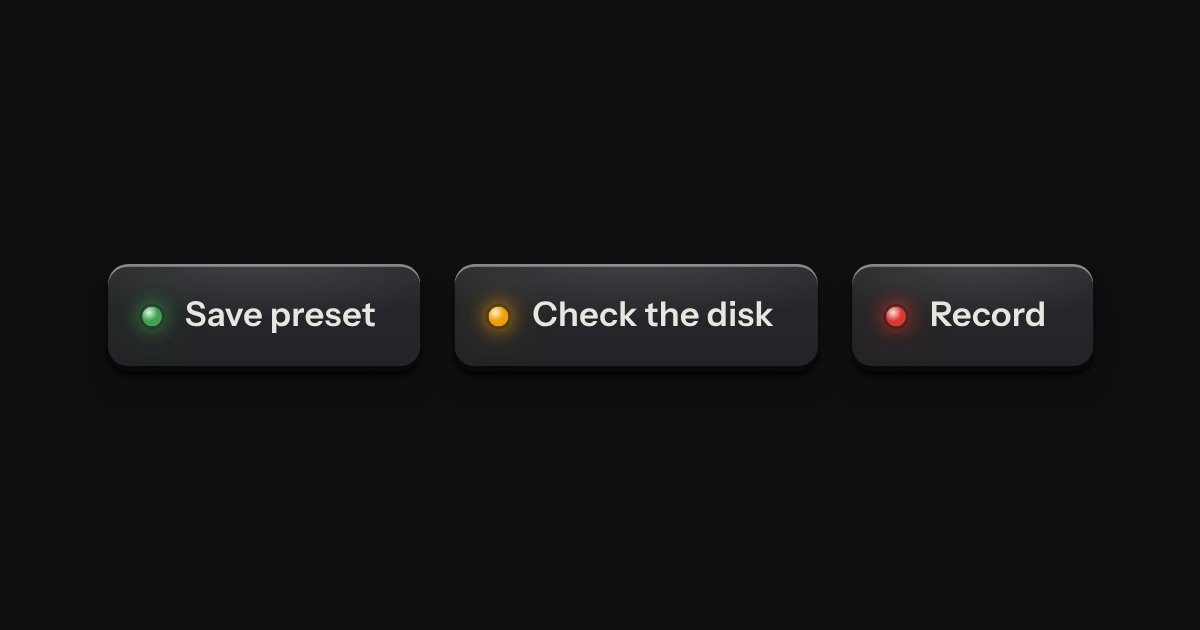
A confirmation after an action.
Bar with the name, Sheets, the title (it renames the sheet), a saved status that says on this device, the day’s words on an LCD over the goal with a lamp that lights when it is met, Focus as a toggle key and a menu (Focus, Light room or Dark room, Export as Markdown, Export as plain text, Settings) · the machine: a platen roller with the sheet feeding up from it, the line being typed just above it, a glass typeball on its carrier under a spun hood, a carriage block on the cover with a Saved lamp and a Bell lamp, and knurled knobs (the right one rolls the sheet back to read, by drag, wheel or arrow keys) · the light: one spot lamp at the hood, falling on the paper with the inverse square and the angle it lands at, the fibre of the sheet in relief, the beam in the air in a dark room and on the cover’s metal, and never so dim that black type falls under 7:1 · the control plate cast with the cover: Light, Spread and Beam faders and a Sound switch · Sheets in a drawer: open, new, delete behind an alert dialog, and a note that they stay in this browser · Settings in a drawer: daily goal, sound, Volume and Finish · a key at the foot that shows the other states (?state=).