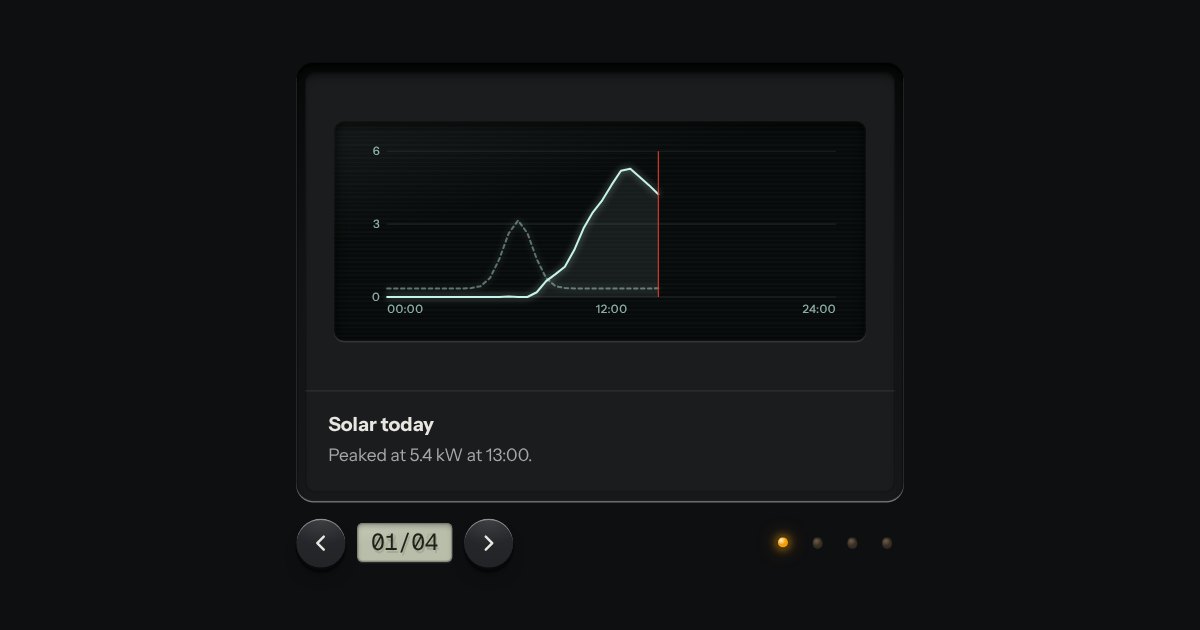
Carousel
Slides seen one at a time through a viewer’s gate: transport keys either side of a frame counter on an LCD, lamp keys to jump, swipe on touch. Nothing moves on its own unless you ask it to.
Kit parts
A grid of thumbnails that opens one picture large. Each thumbnail is a plate with the picture set in it, and a real link to the full picture, so the grid works without any script. Press one and the page goes behind a near-black scrim. Left and Right turn the page, Home and End go to the first and the last, Escape puts it away, and on a touch screen a swipe does the same. It is dark in every finish, because a picture is looked at best in a dark room.
Seats open in 11 days. Want one email that morning?
The thumbnails are plates, as the kit draws them: the picture set in the plate with a hairline over its edge, so a pale picture on a pale page still has one. The viewer is the same native dialog as the drawer, full window, over a scrim made from the finish’s own shadow colour. The script is one dialog for each gallery, a dozen lines of keys, and a pointer handler for the swipe.
| Name | Kind | Description |
|---|---|---|
| [data-caption] | attribute | The caption printed under the large picture. Without one the alt text is what is said and the picture stands alone. |
| [data-src] | attribute | The large picture, when it is not the link’s address: on a button, or a link to a page. |
| openLightbox(gallery, index, opener) · closeLightbox() | function | Open a gallery at a picture, or put the viewer away, from your own code. |
| lightboxGridHTML() · lightboxHTML() | function | The gallery from a list of pictures, and the viewer showing one of them (as a dialog, or as a picture of it in a page). |
| lightboxKey() · lightboxSwipe() · lightboxSays() · lightboxCount() · lightboxItem() · lightboxClamp() | function | The picture a key goes to, what a swipe meant, the sentence said and the counter printed, a thumbnail’s picture, and the index kept in range. |
Press a thumbnail: the viewer opens on it. Use Left and Right (or the keys either side) to turn the page, Home and End to go to the ends, and Escape to close; focus goes back to the thumbnail you opened it from. On a touch screen swipe sideways to turn the page, or down to close. The arrow at either end is dimmed and stays where it is: the pictures do not wrap round.
Slides seen one at a time through a viewer’s gate: transport keys either side of a frame counter on an LCD, lamp keys to jump, swipe on touch. Nothing moves on its own unless you ask it to.
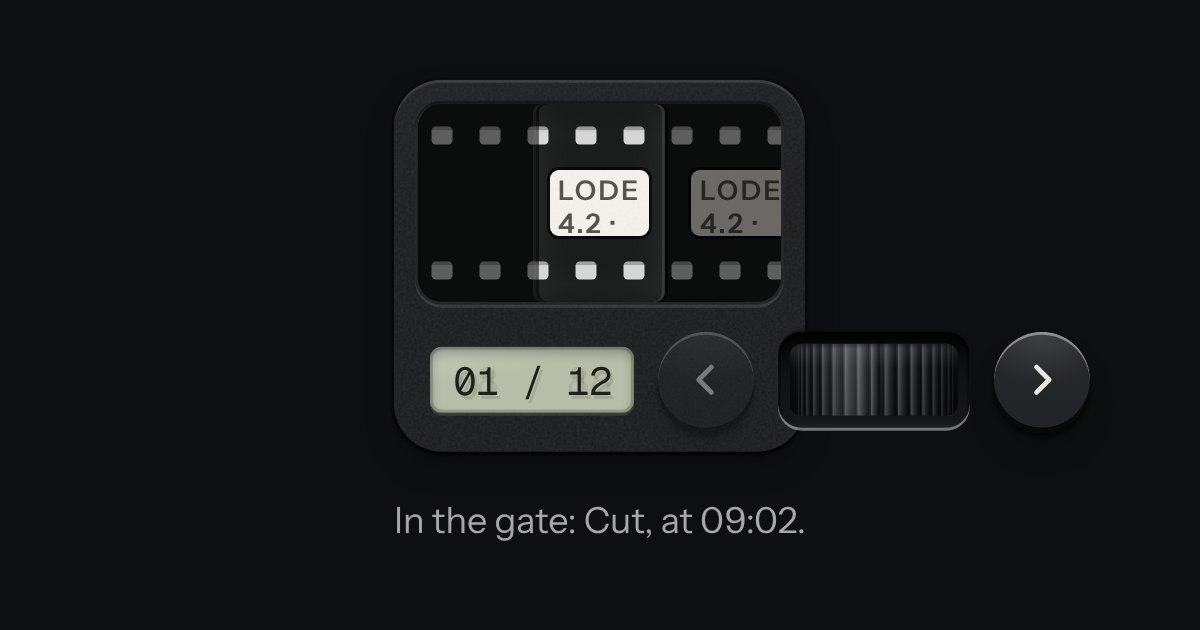
A carousel as a strip of film in a machined viewer. The frames run behind a gate lit from behind, with sprocket holes along both edges, and the frames either side wait under a smoked cover. It moves a frame at a time and settles as each one registers. Turn the thumbwheel, press the keys or swipe the film itself: underneath it is a native scroller with a snap point at every frame.

A panel that slides in from any edge of the window, on the native dialog. A face plate bolted to the frame, with a machined grip let into its inner edge to pull it shut by.
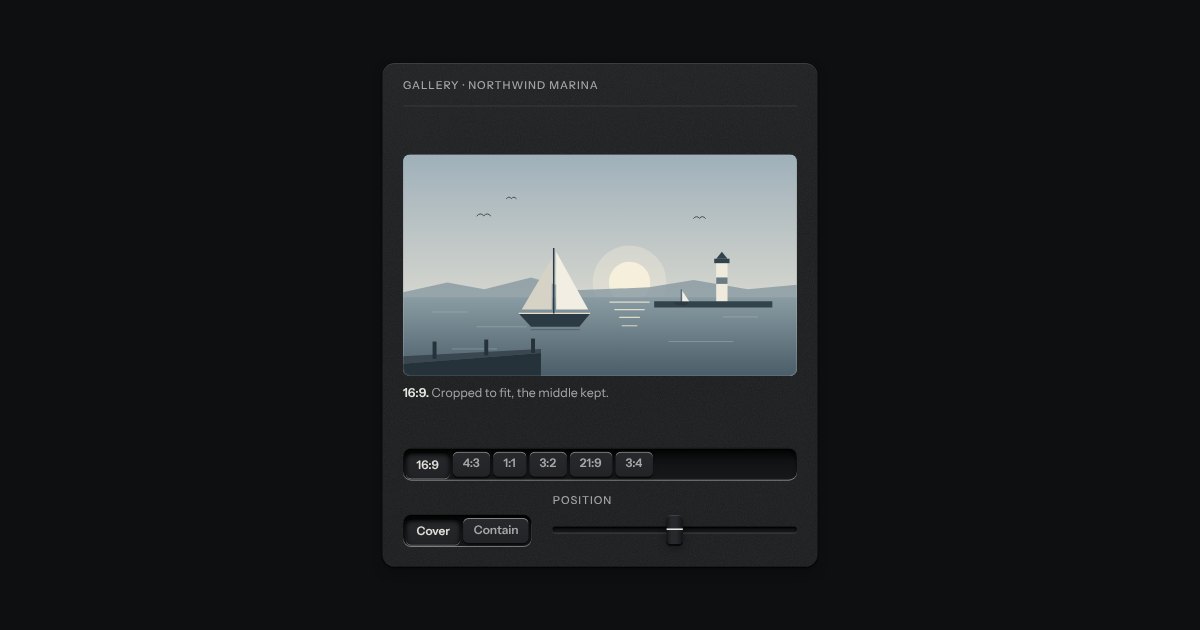
A frame that holds one shape, whatever is put in it. Say the shape (16:9, 4:3, 1:1, 3:2, 21:9, 3:4) and the frame takes its height from its width; a picture, a video or a map inside it is cropped to fit, keeping the middle unless you say which part to keep. Until a picture arrives the frame is a recess, so the page does not jump. An optional hairline round the edge keeps a pale picture from dissolving into a pale page. Plain CSS, with no script.