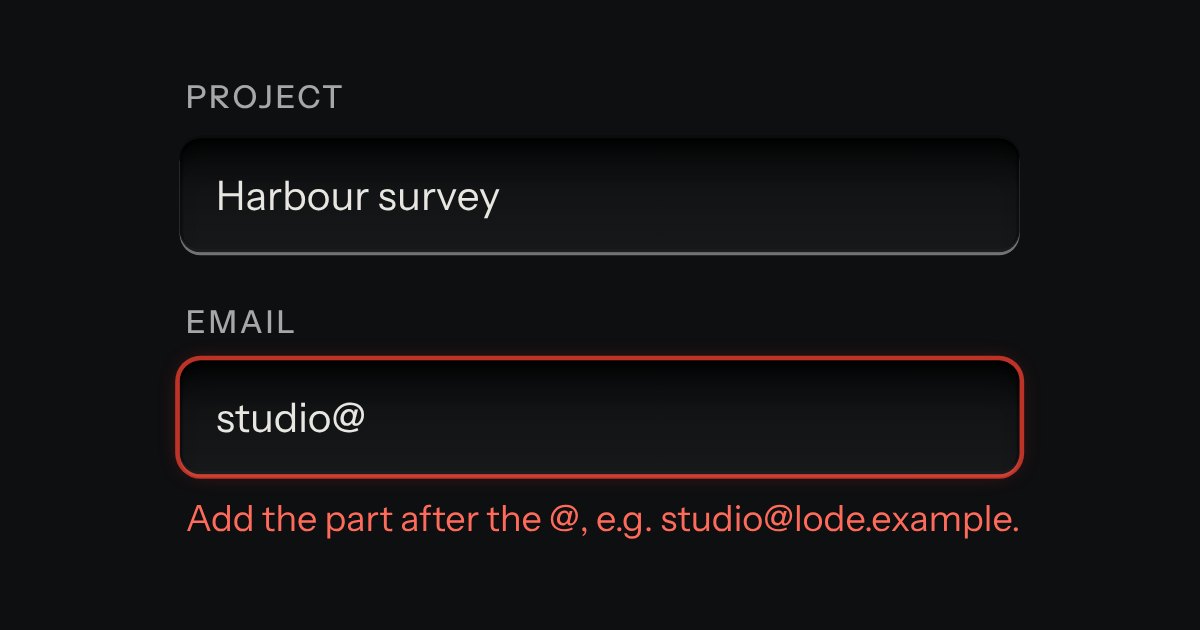
Field
Text entry in a recess, the label printed above it, and a hint that says how to fix an error.
Kit parts
Sign in and sign up on one plate: Google and GitHub keys with their marks stamped in monochrome, an email route underneath, a two-way selector that re-prints the plate, and errors that say how to fix them.
Seats open in 11 days. Want one email that morning?
Kit parts and one delegated module. The plate is a panel. Checking and hints run from listeners on the document, so a form added after load needs no call.
| Name | Kind | Description |
|---|---|---|
| [data-in] · [data-up] | attribute | Shown only when signing in, or only when making an account: titles, fields, the go key’s words, the foot. |
| data-missing · data-invalid | attribute | Your own words for an empty or a wrong field. |
| data-min-up | attribute | A minimum password length, applied only when making an account. |
| data-done | attribute | Printed in the status line when nothing else handles the form: for static pages and demos. |
| aria-busy | attribute | On the form while it waits; the go key shows its amber lamp. |
Switch to New account and the plate asks for a name. Send it empty to see the errors, then fill it in.
Text entry in a recess, the label printed above it, and a hint that says how to fix an error.
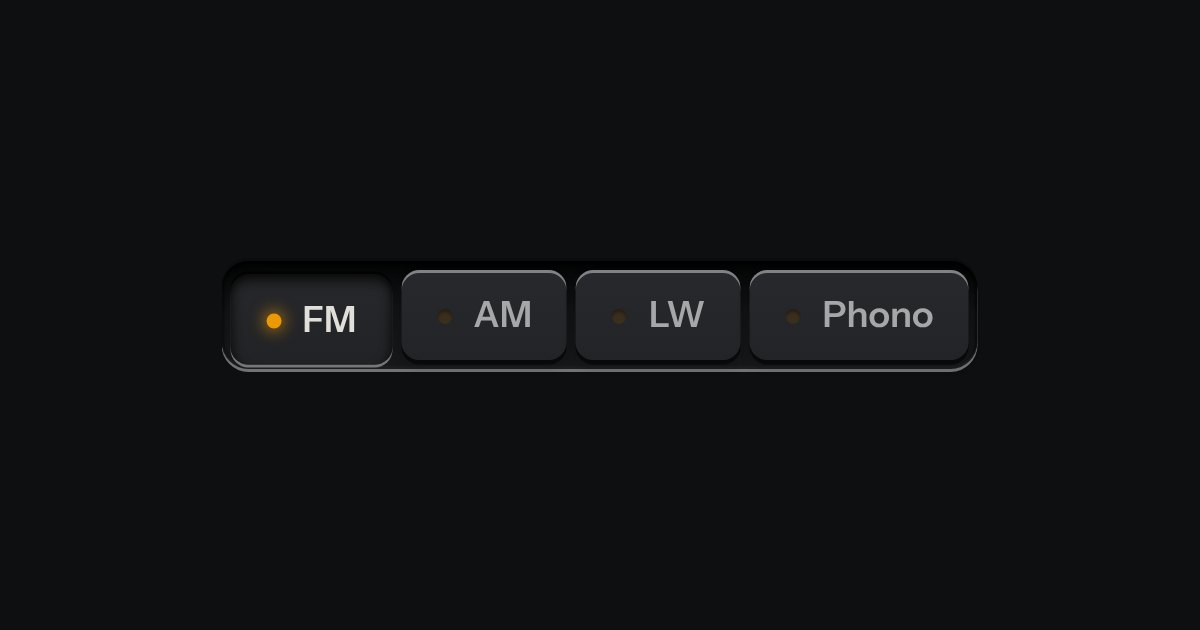
One mode of two to five: latching keys in a tray, one down at a time, each with a lamp that lights when chosen.
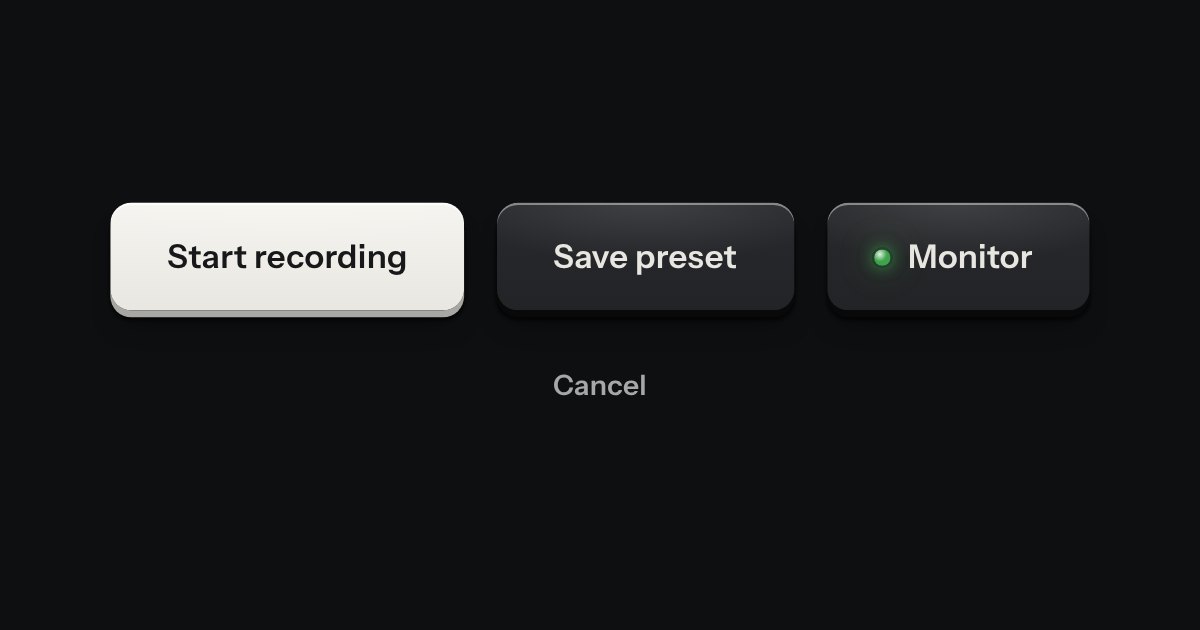
Every button, and every link that acts like one: a cap on a skirt that drops below the plate when pressed.